Minema Resurrection 2
A frametime-based camera pathing and video capture tool.
截图


介绍

This is a mod about a camera named Stanley… wait, no… that’s not right.
Let’s try that again. How about a description of a mod?
Yes, that sounds right.
Ok, here it is!

As of version 2.0, Minema is a cinematic frametime-based video capture and camera pathing tool. Create perfectly fluid video at a locked framerate and even oversampled video resolution with shaders and preloaded chunks. Minema includes shadersync to ensure the shader animations are locked to the captured framerate and includes options for engine time scaling.
Back in 2016, a camera mod was created to perfectly complement Minema. That mod was called BauerCam. BauerCam set out to work seamlessly alongside Minema and provide all the tools necessary for anyone with (almost) any GPU to capture smooth, cinematic video within Minecraft. Many camera mods have tried to take its place but there just wasn’t anything like it. Now, BauerCam has been merged into Minema Resurrection to reunite these two mods as they were meant to be. Destined to create cinematic greatness, hand in hand, as one.

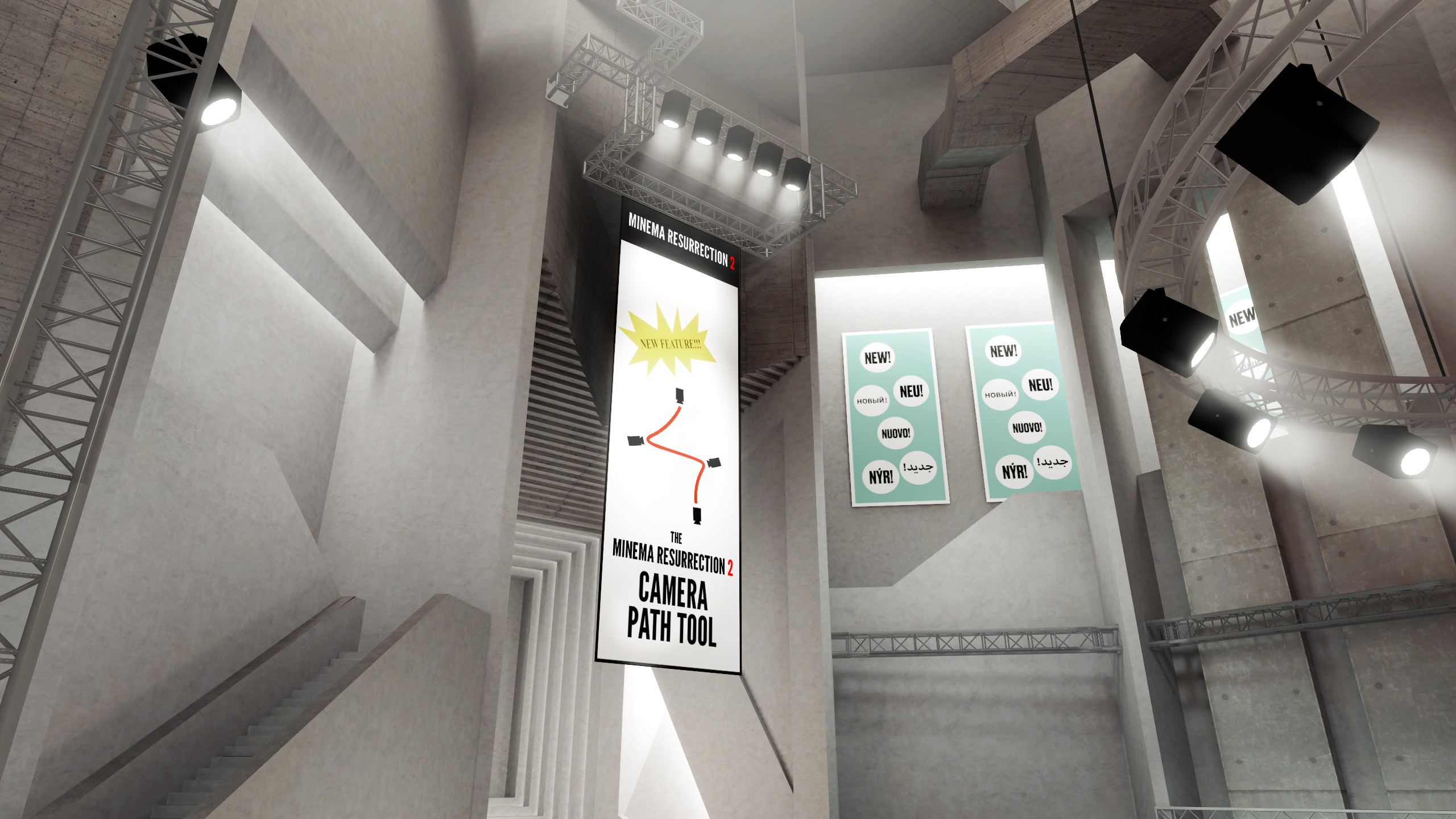
NEW for version 2.0: camera and path tools!
Use the ‘p’ key to add a camera point. To start a recording you must have at least two camera points, which creates a camera path. The path is interpolated between these points with a cubic interpolation by default and can be changes via commands.
Tip: Use the ‘J’ and ‘L’ buttons to tilt the camera axis. Use ‘K’ to reset the axis.
Use the ‘/minema cam’ command and get familiar with the commands. It should be obvious what everything does.
Use ‘/minema cam start X Y’ to run the camera path where X is the number of frames to run and Y is record (either true or false).
Example: You want an asynchronously shot video to last for 10 seconds with a synchronous frame rate of 60fps and you wish to record that camera path, enter: ‘/minema cam start 600 true’.


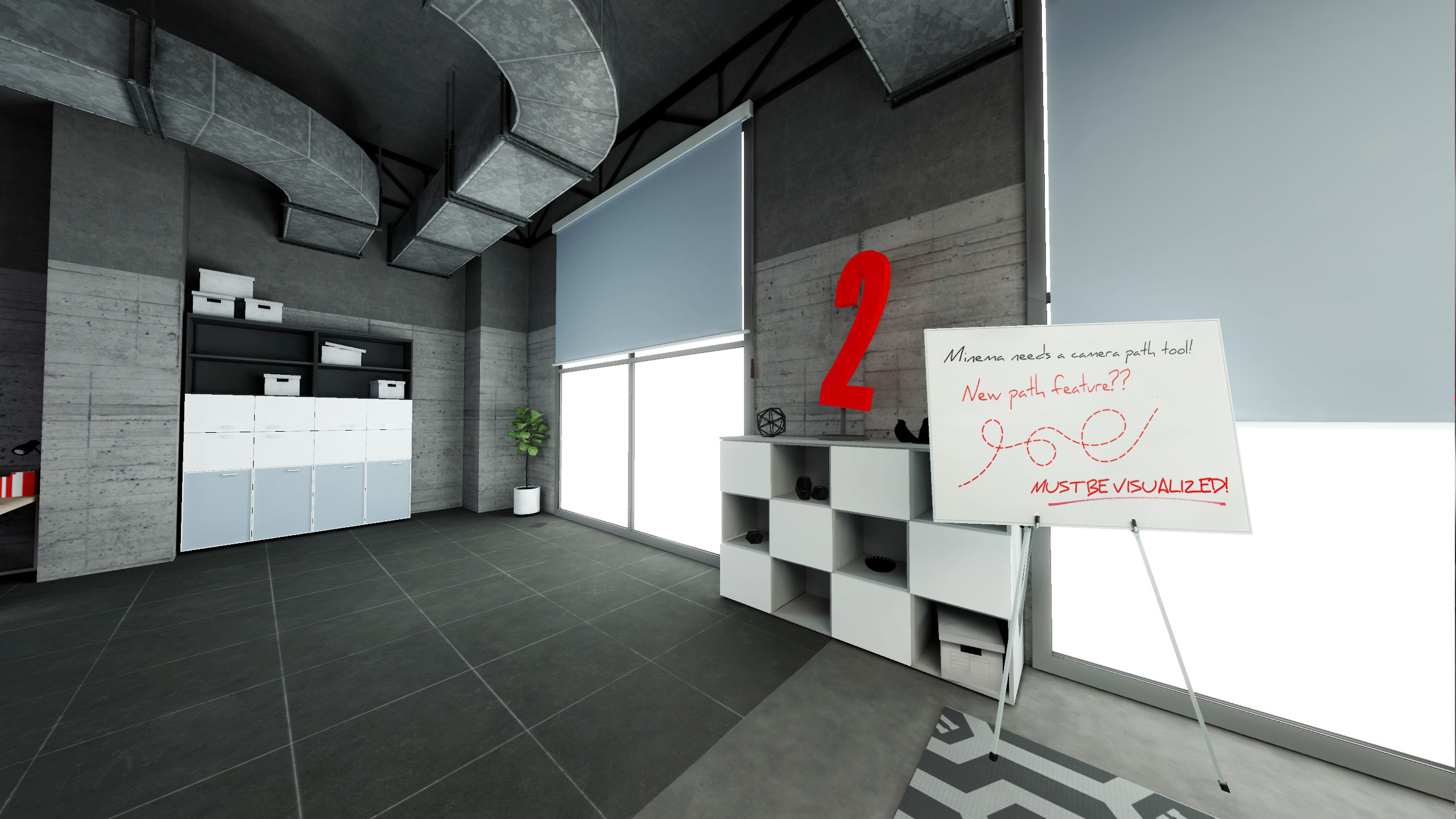
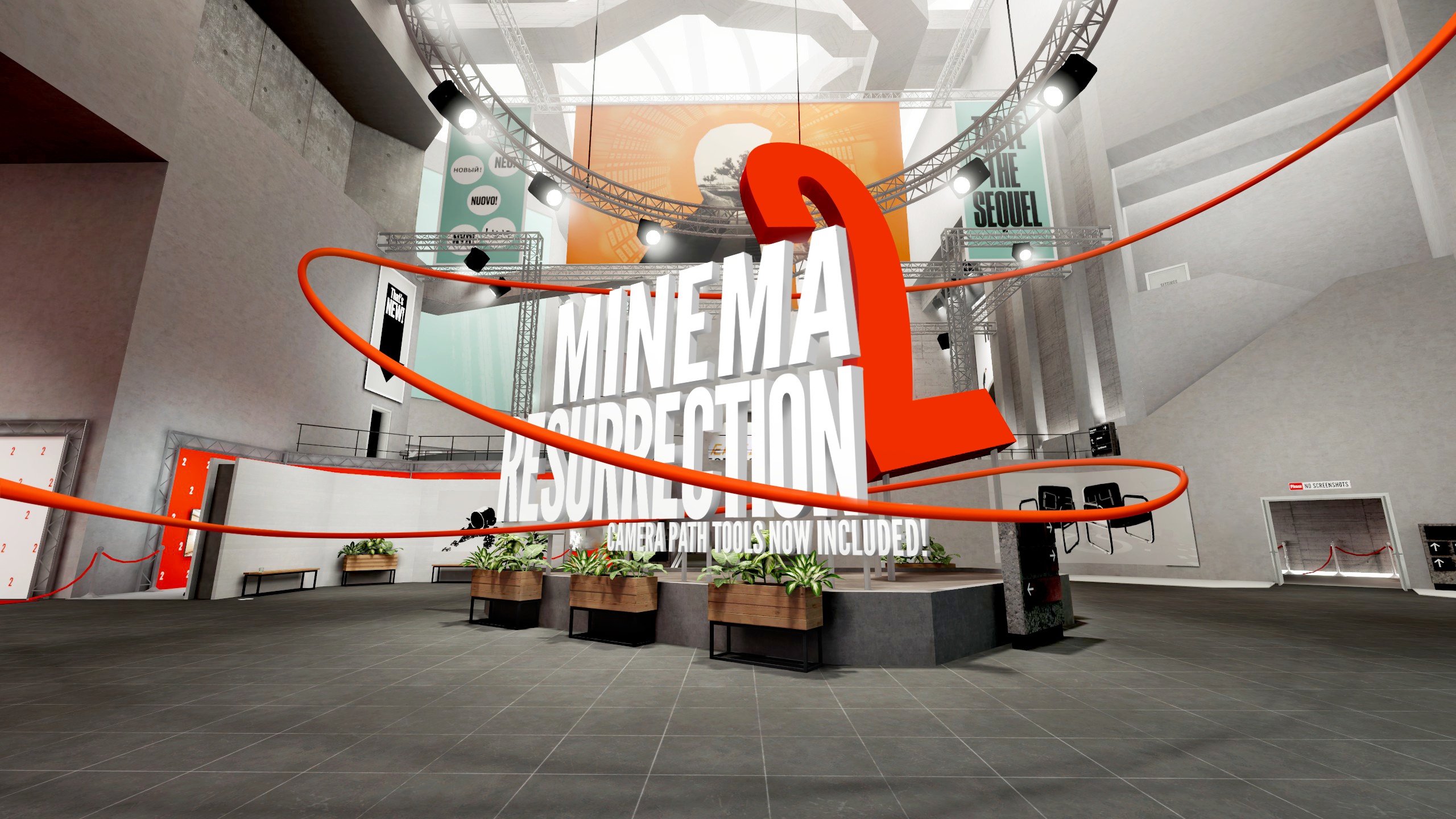
Possibly the best feature of Minema 2.0 is the new camera pathing tools. You can see your set points and path in-game with the glorious red line! The red line can be toggled via command but, who are we kidding, the line is probably your best friend.
Use the Minema cam commands to goto specific points along the path.
Unlike other mods, Minema’s camera and path tools will create a camera shot guaranteed to last for a specified amount of frames at your specified framerate output.

- Records the game, both color and, optionally, depth.
- Exports frames as TGA or encodes to a single MP4 file using FFMpeg (download & configuration required).
- Synchronizes the game engine and shader pipeline to the video recording framerate.
- Set any resolution for recording, even higher than your screen resolution!
- Brings two techniques to heavily accelerate chunk loading during recording.
- Efficiently record with automatic start and stop linked to path and frame limit.

Download the mod and load it with Forge. While in game, you can start/stop recording by pressing F4 (you can also press Shift + F4 for advanced configuration) or using “/minema enable” and “/minema disable”. Minema can also be configured via config file.

FFMpeg MUST be installed if you want to record MP4 files.
Linux users should already be able to install FFMpeg using their favourite package manager. Otherwise you will find builds on the FFMpeg website*.
Windows users can get builds on the BtnB GitHub repo*. Unpack ffmpeg.exe (it is in bin/ in this archive) and move it to the root minecraft install folder. (where you would also find options.txt) You can also move it to somewhere else and change the encoder path (via config file) if you prefer it that way. Make sure to enable ‘Use video encoder’.

Issues may be reported but do not expect them to be fixed in a timely matter, if at all. This download is provided as a fan service to users that have been waiting for a Minema update, allowing for easier access to downloads rather than requiring manual compilation, and not as a commitment to full time maintenance. Downloads will ONLY be provided for the version(s) shown in the files tab. Any requests to port Minema to other versions will be ignored. You get what you get and don’t be upset.

Mekanism V10 teaser trailer created using Minema:

FFMpeg Builds Download Here BtnB Github Repo (Windows FFMpeg Builds)


常见问题
Minema Resurrection 2 支持哪些 Minecraft 版本?
Minema Resurrection 2 支持 Minecraft Java 版 1.18.2–1.20.1,共 6 个版本,可用的加载器:Forge / NeoForge。下载时注意选择和你游戏版本一致的文件。
Minema Resurrection 2 怎么安装?
先用 PCL2 或 HMCL 启动器安装对应版本的 Forge / NeoForge,再把下载的 .jar 文件放进游戏目录的 mods 文件夹,重新启动游戏即可。开启了版本隔离的,mods 文件夹在 versions/版本名 下面。
pupnewfster 的其他作品
查看全部 →
通用机械 Mekanism
高科技机械、强大的能源生成、炫酷的小工具等等。现已登陆 Curse!

Mekanism Generators
通用机械的高级能源生成。

Mekanism Tools
通用机械的强大工具和盔甲。

Mekanism Additions
Mekanism 的附加模块,包含一些不太适合归入其他模块的内容。
评论
登录后评论和评分