
截图

介绍
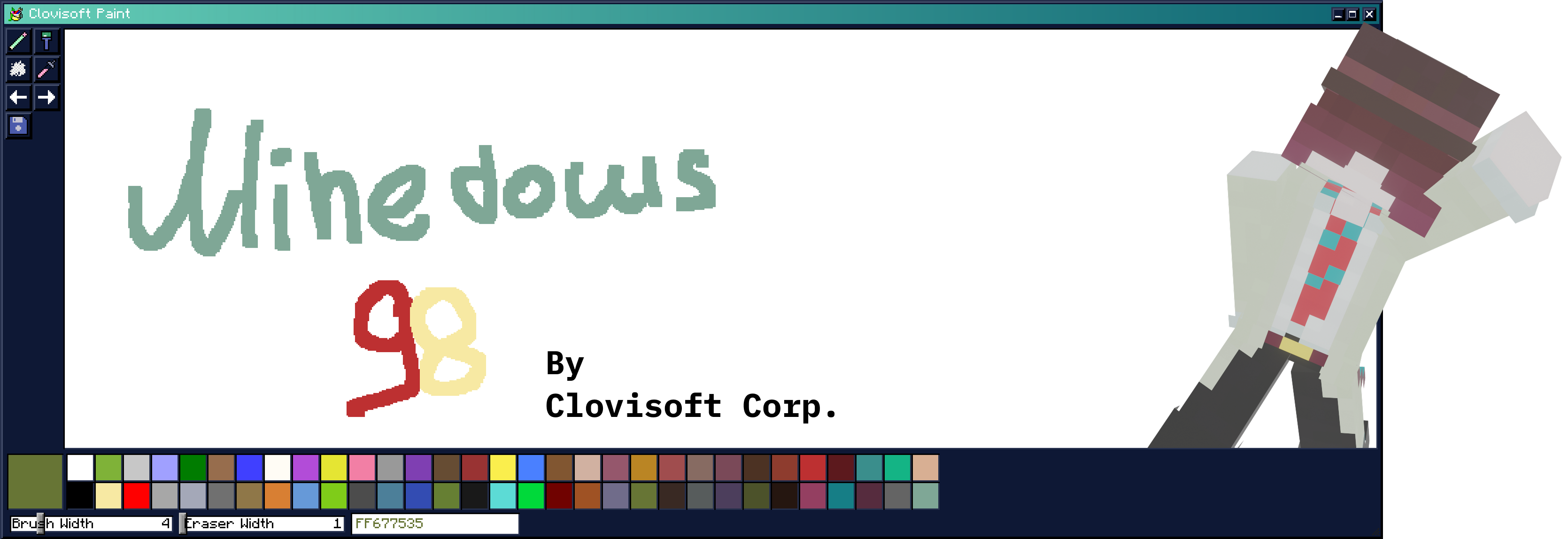
Introducing Minedows 98!
Feel like you’re back in the old days with the modern video game Minecraft. You can do anything you want with windows, your surroundings, and even create!
Let’s take a closer look at the features.
This is your desktop:
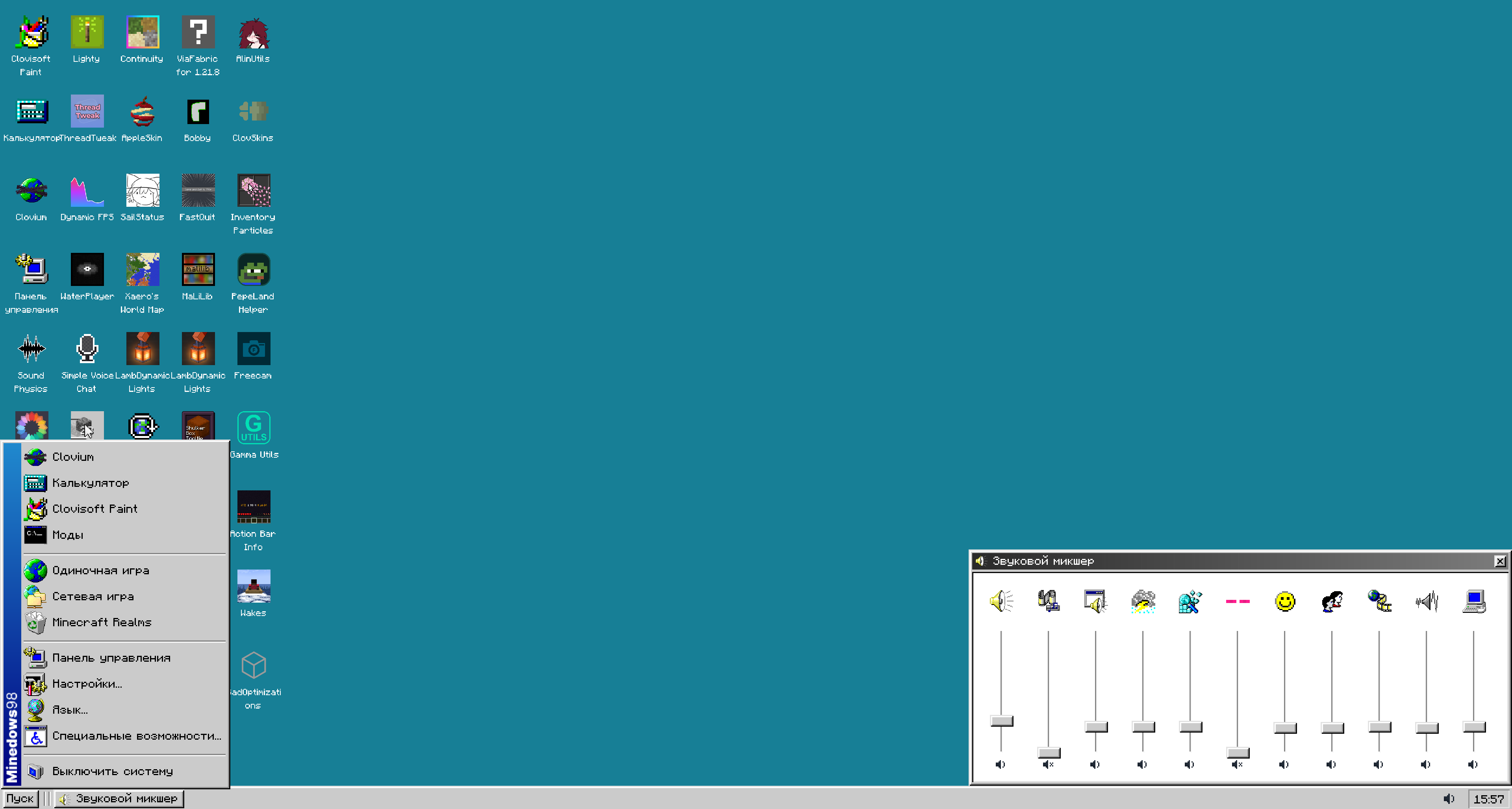
You can customize the shortcuts, wallpapers, and color palette of your environment.
Now let’s take a look at a couple of programs that come with the “Operating System.”
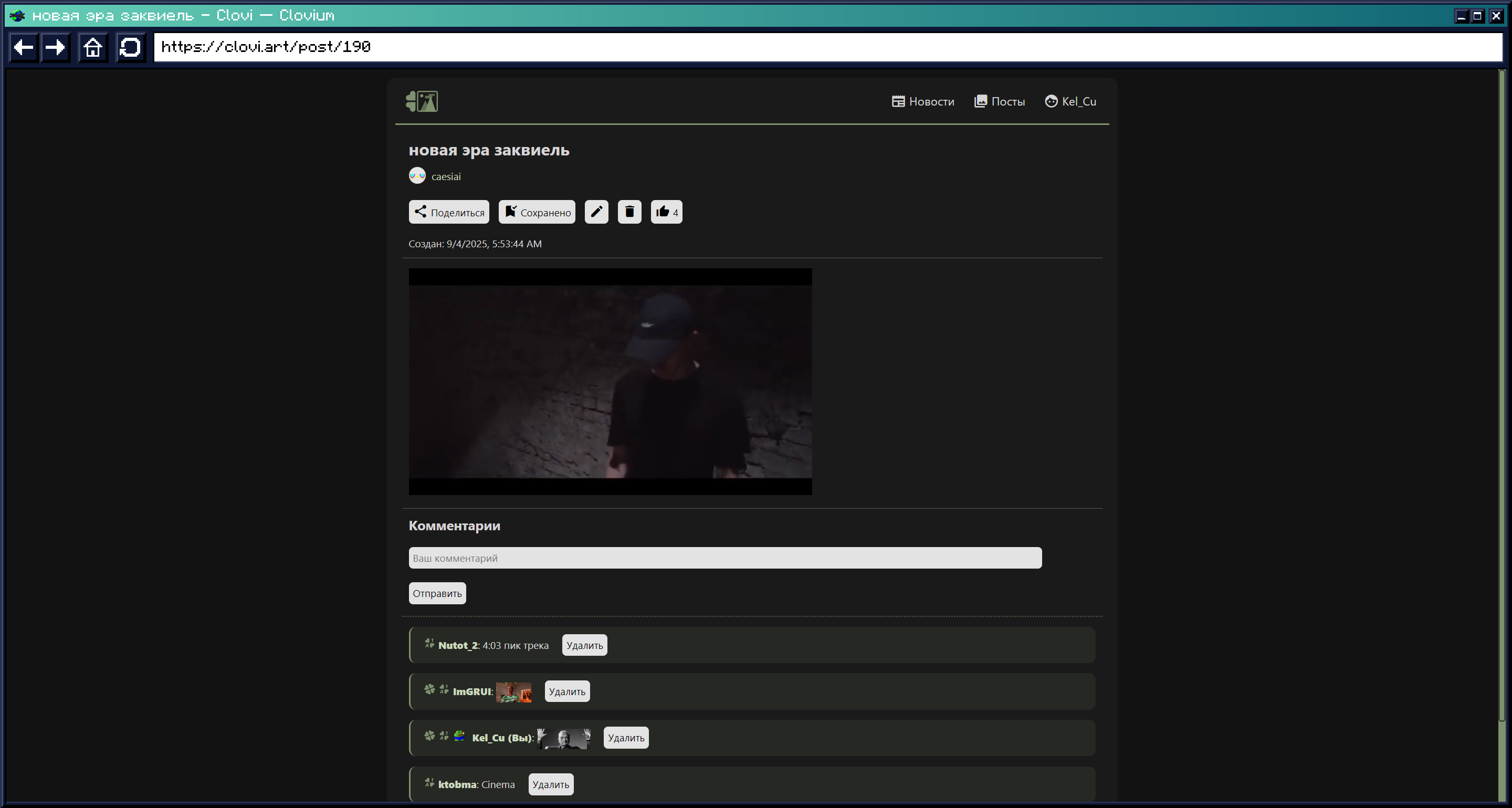
Clovium
Here you can go anywhere on the World Wide Web, except vk.ru
Important: in order for the browser to work and be available, you need to install MCEF for 1.21.8 and above!
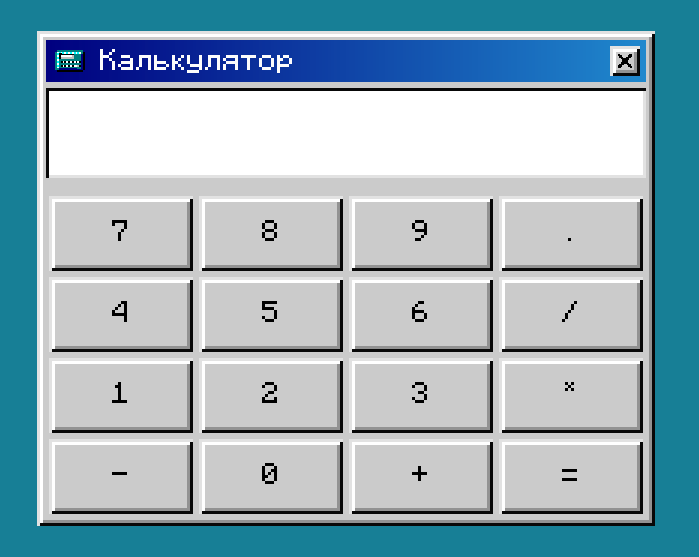
Calculator
A simple calculator where you can calculate your diamonds on your favorite server.
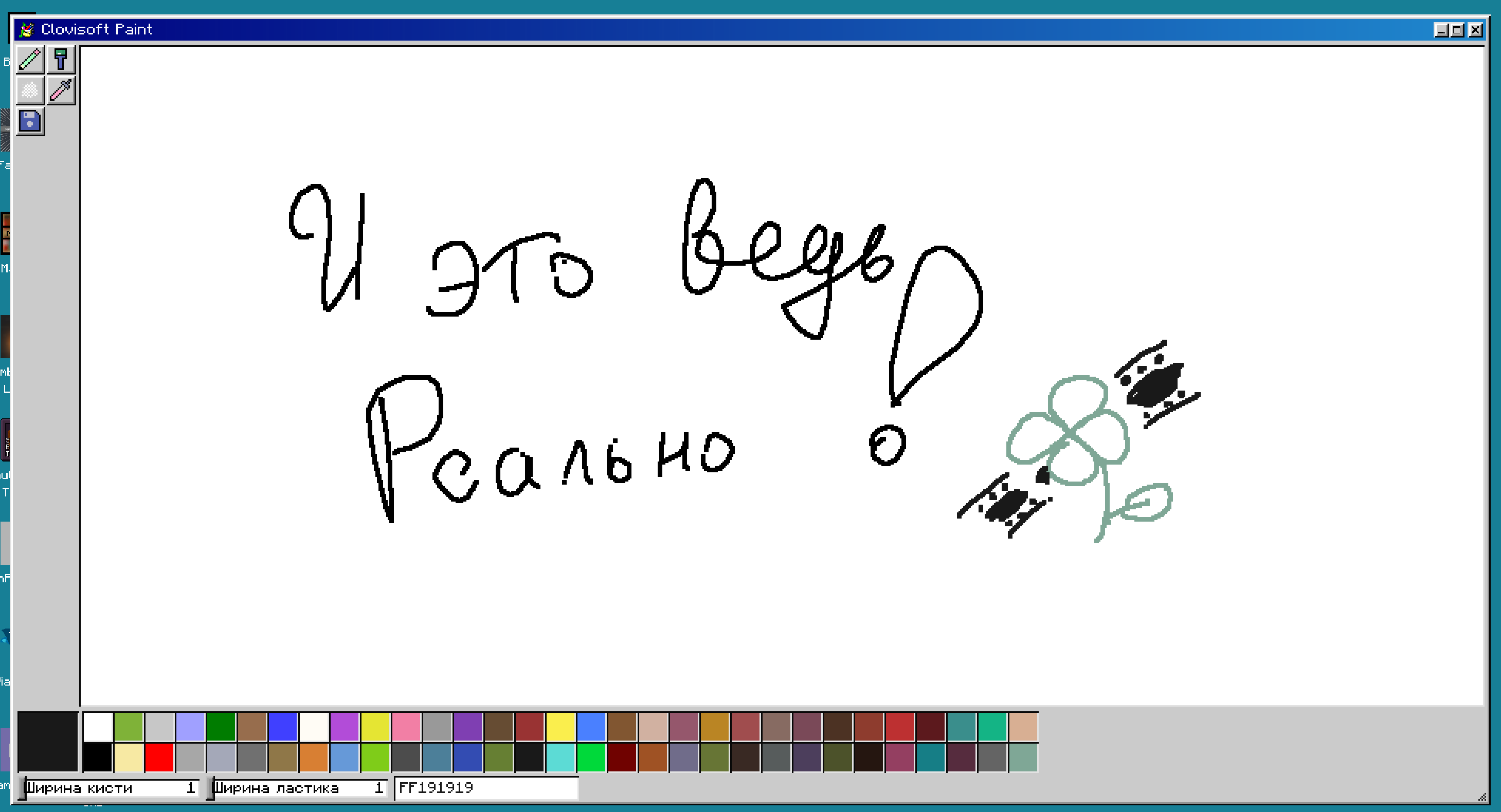
Clovisoft Paint
You got it right, we made our own version of Microsoft Paint 1998 in Minecraft, where you can draw anything you want!
Now that we’ve discussed the apps, let’s talk about
Customization
You can set any wallpaper you like, for example: Perlin Noise with its colors, a boring solid color, or a familiar panorama. But that’s not all! You can set your own wallpaper using your images in the world machine.
As mentioned earlier, you can customize the color palette of your theme or use ready-made ones in the “system.” Here is an example of a desktop in the “Urban environment” style:

Now that you’re interested, we look forward to seeing you in the Minedows 98 family!
With love,
Clovisoft Corp.!
常见问题
Minedows 98 支持哪些 Minecraft 版本?
Minedows 98 支持 Minecraft Java 版 1.21.6–1.21.10,共 5 个版本,可用的加载器:Fabric / Quilt。下载时注意选择和你游戏版本一致的文件。
Minedows 98 怎么安装?
先用 PCL2 或 HMCL 启动器安装对应版本的 Fabric / Quilt,再把下载的 .jar 文件放进游戏目录的 mods 文件夹,重新启动游戏即可。开启了版本隔离的,mods 文件夹在 versions/版本名 下面。运行环境:仅客户端。
Kel_Cleverov 的其他作品
查看全部 →
AlinLib
A library to facilitate mod development by Kel Cuprum

SailStatus (SimplyStatus)
Simple, customizable Discord game status

WaterPlayer
Internet music player built into the client

Action Bar Info
Display info in action bar
评论
登录后评论和评分