MineDoom
作者:WobbleSquid
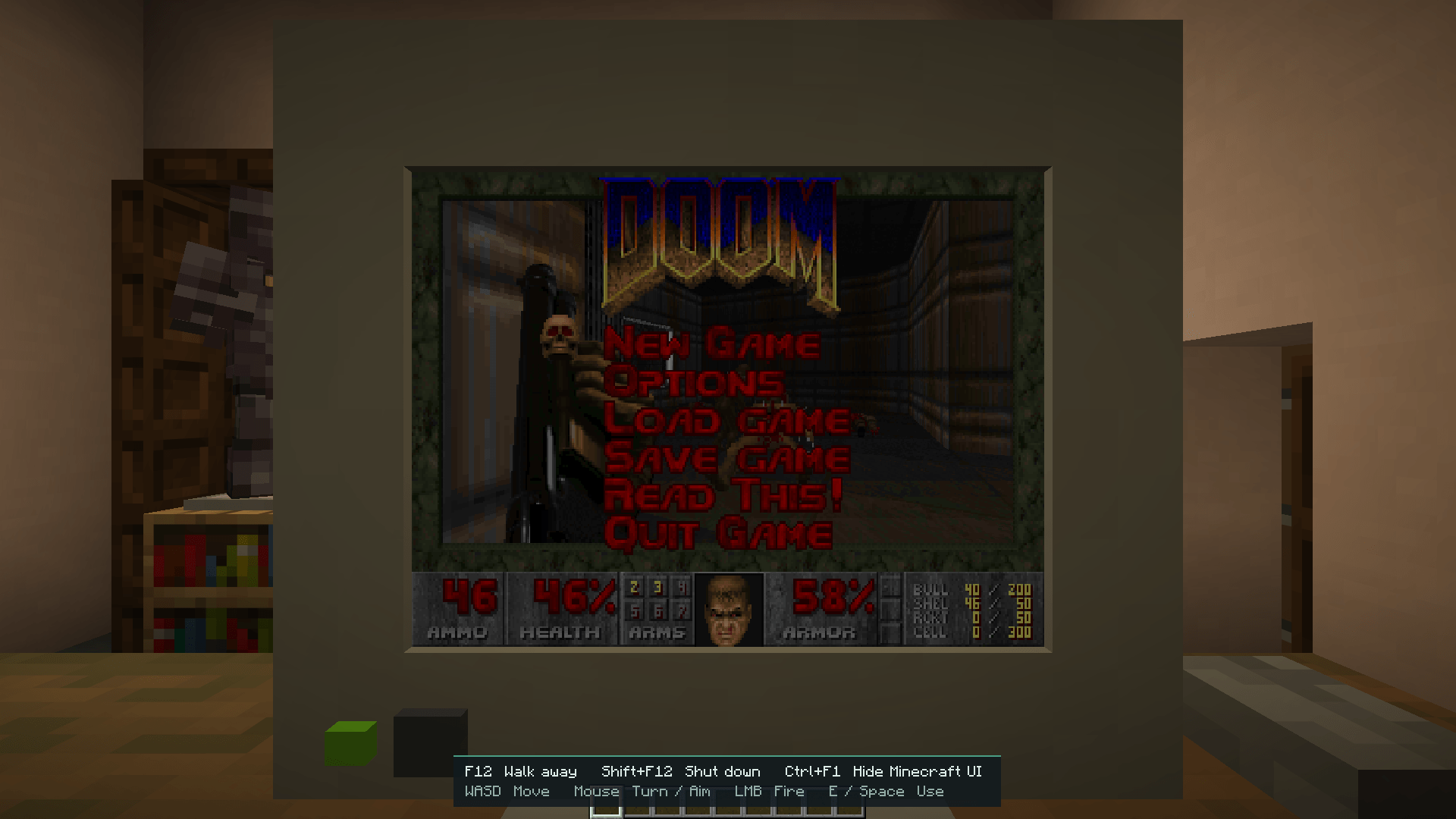
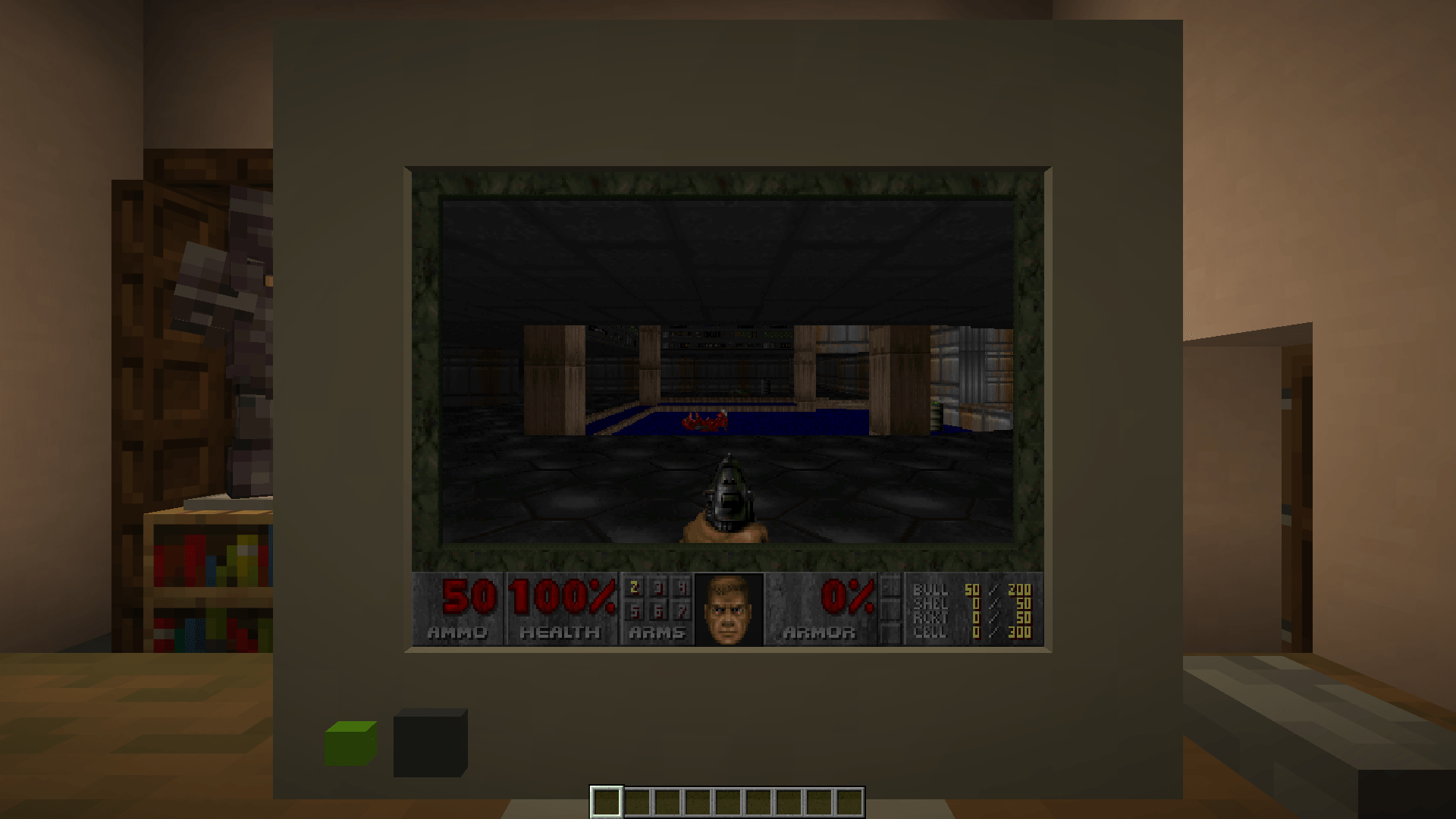
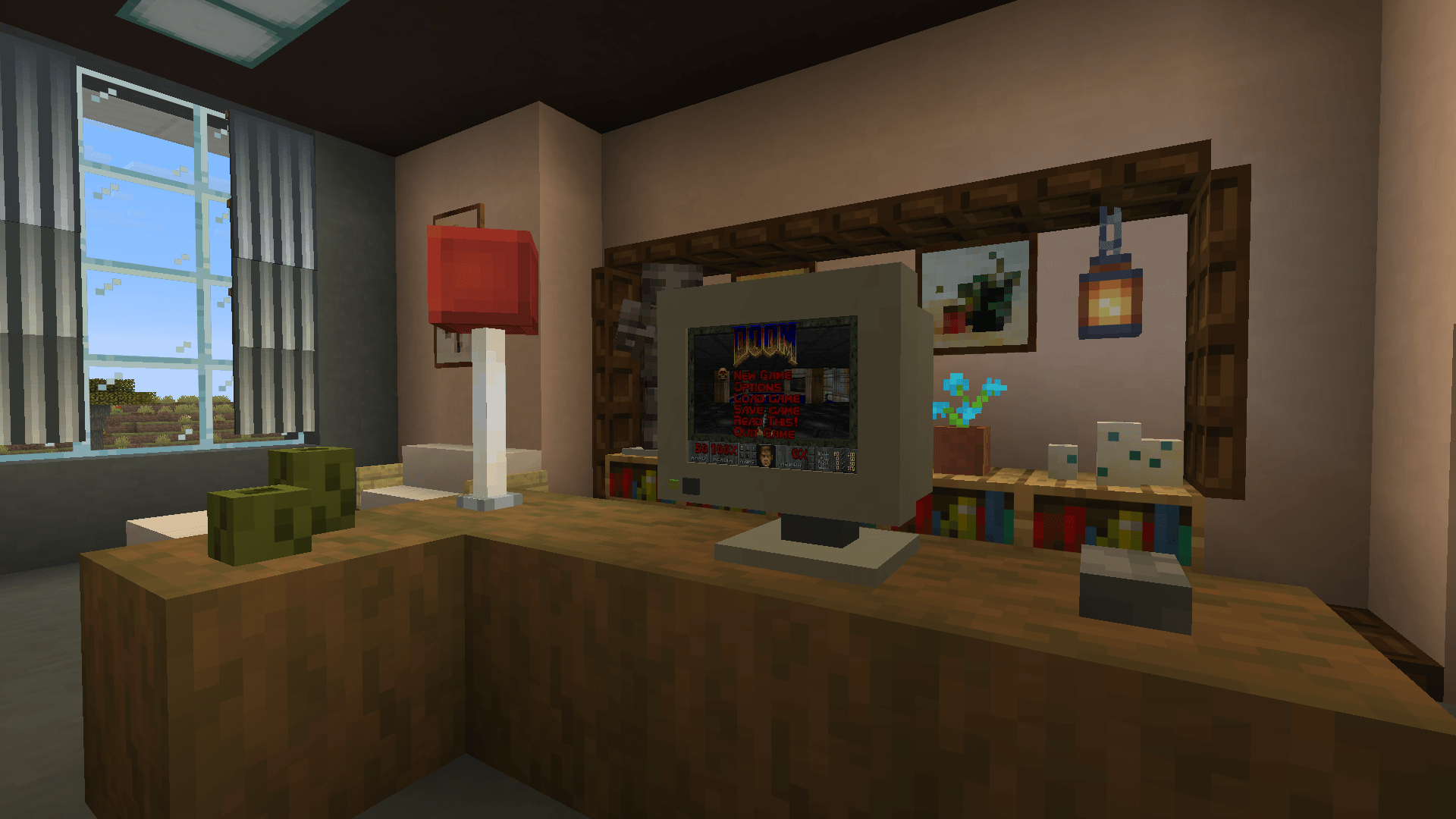
Play Doom on an in-world Minecraft monitor, entirely in-process and pure Java.
截图
介绍
中文介绍正在准备中,下面暂时显示原文。

You can find the computer monitor block in the creative menu by searching “Monitor”.
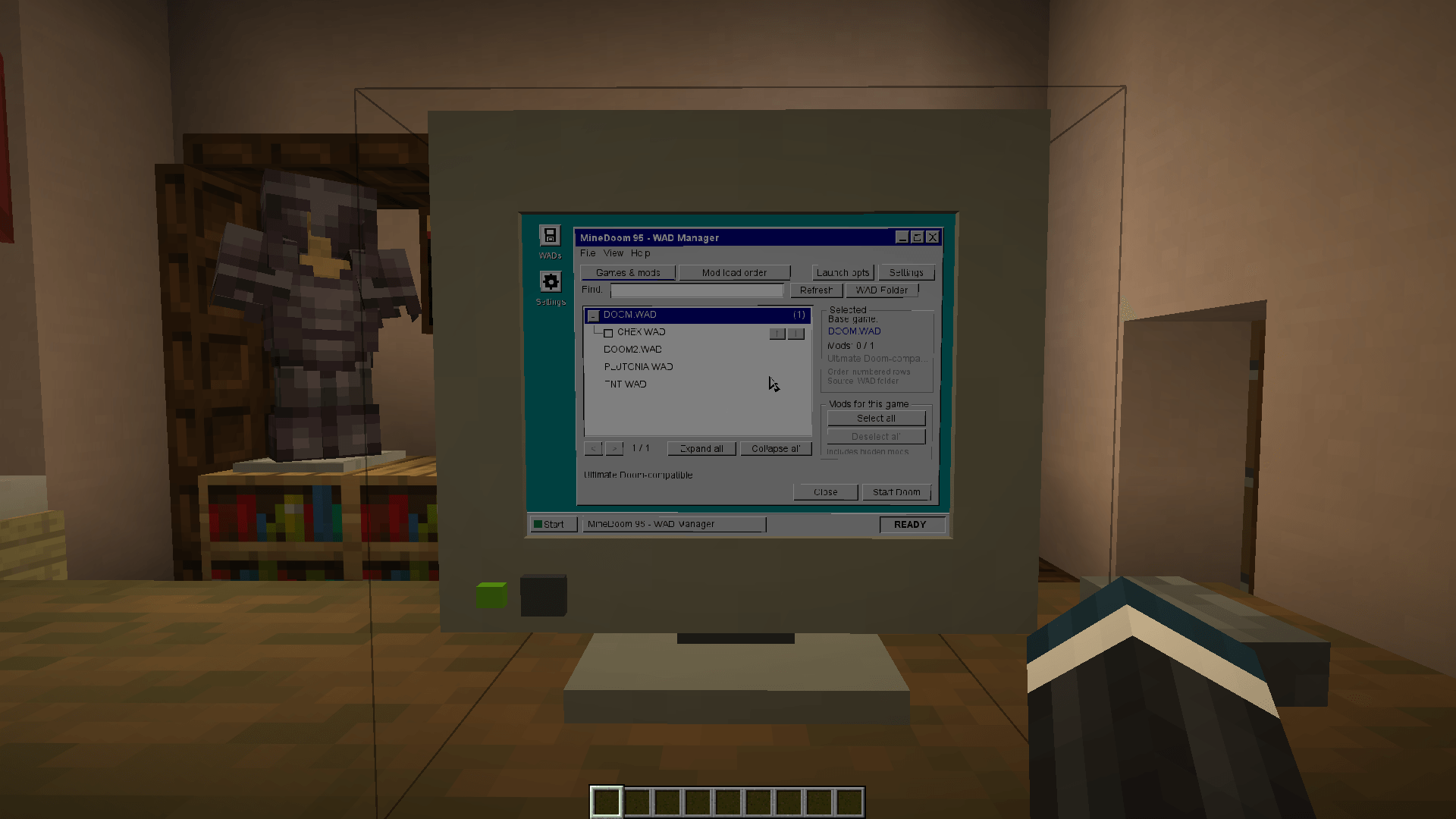
MineDoom does not ship commercial WAD data. Put IWAD/PWAD resources in the instance’s wad directory, for example:
.minecraft/
  wad/
    DOOM2.WAD
    my-mod.wad
MineDoom also detects installed classic IWADs automatically at startup and when you click Refresh.
Data locations
MineDoom stores its own state under .minecraft/minedoom/:
saves/— Doom savegamesscreenshots/— Doom screenshotsdemos/— demo playback/recording filesconfig/doom.cfg— Doom configurationconfig/minedoom.properties— monitor/UI settingsconfig/key-bindings.properties— Keyboard bindings
MineDoom embeds https://github.com/AXDOOMER/mochadoom.
常见问题
MineDoom 支持哪些 Minecraft 版本?
MineDoom 支持 Minecraft Java 版 26.3,可用的加载器:Fabric。下载时注意选择和你游戏版本一致的文件。
MineDoom 怎么安装?
先用 PCL2 或 HMCL 启动器安装对应版本的 Fabric,再把下载的 .jar 文件放进游戏目录的 mods 文件夹,重新启动游戏即可。开启了版本隔离的,mods 文件夹在 versions/版本名 下面。
评论
登录后评论和评分