
WikiMod
A Minecraft mod that gives additional info about blocks, entities, items, and more!
截图
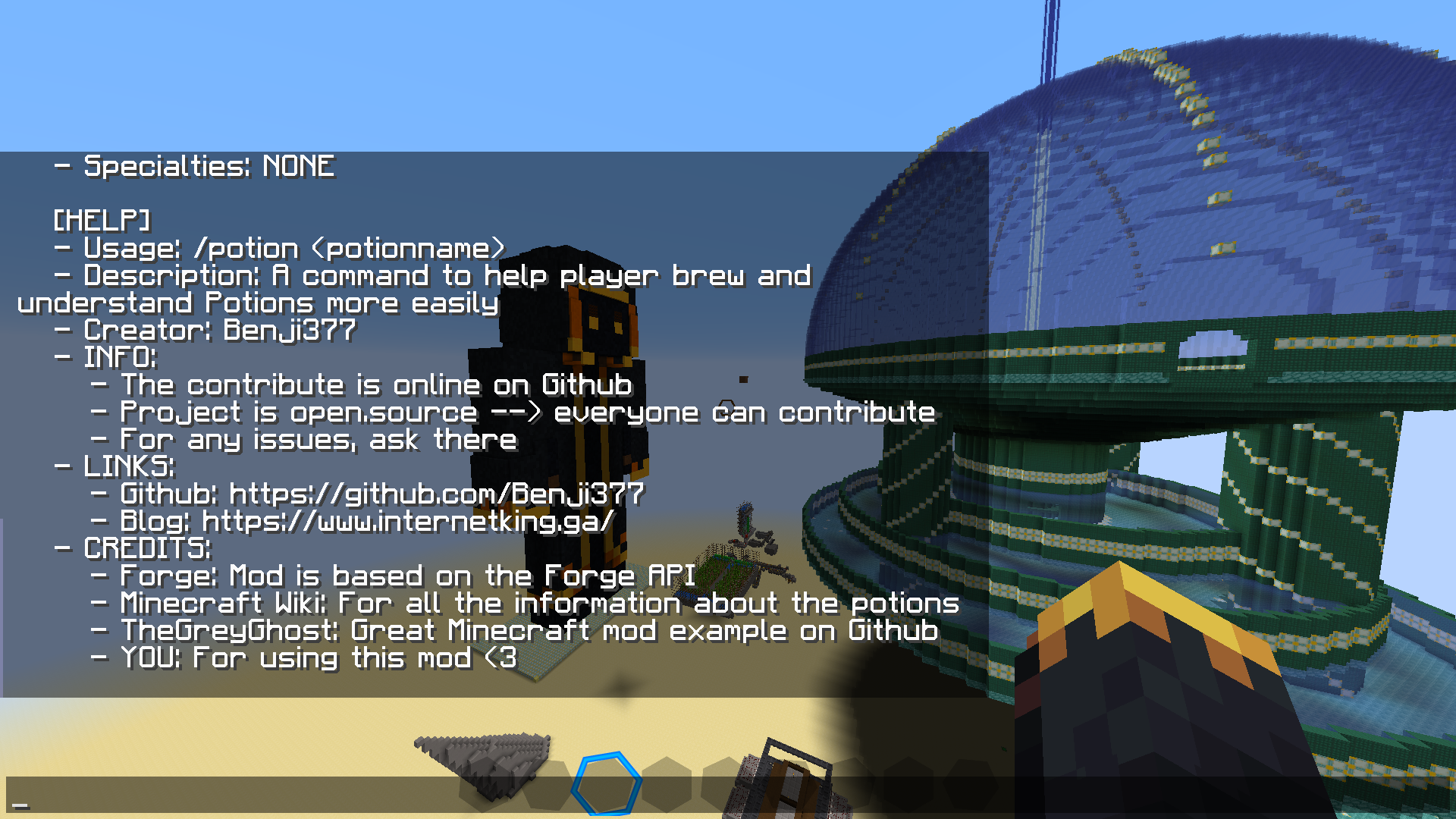
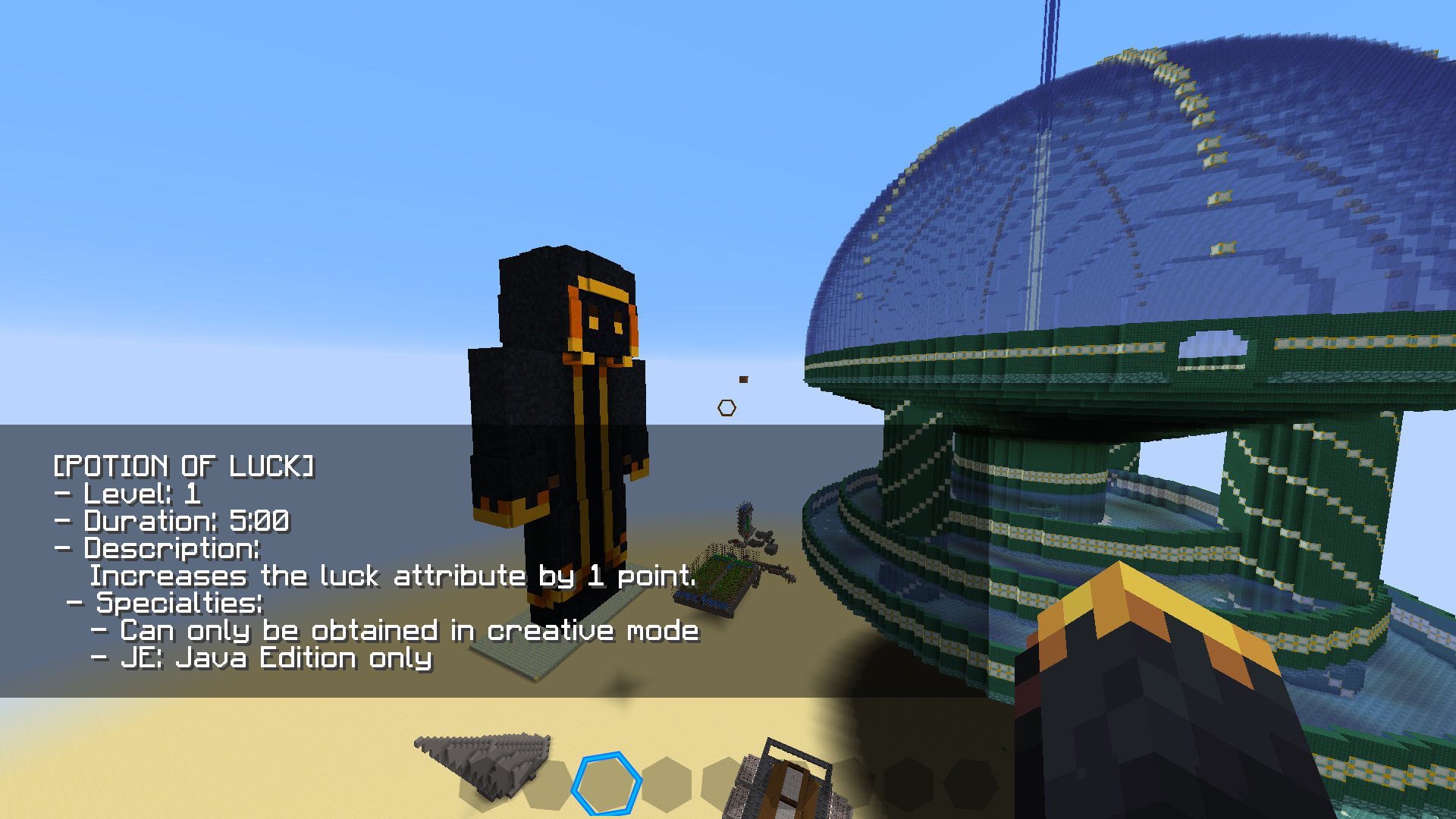
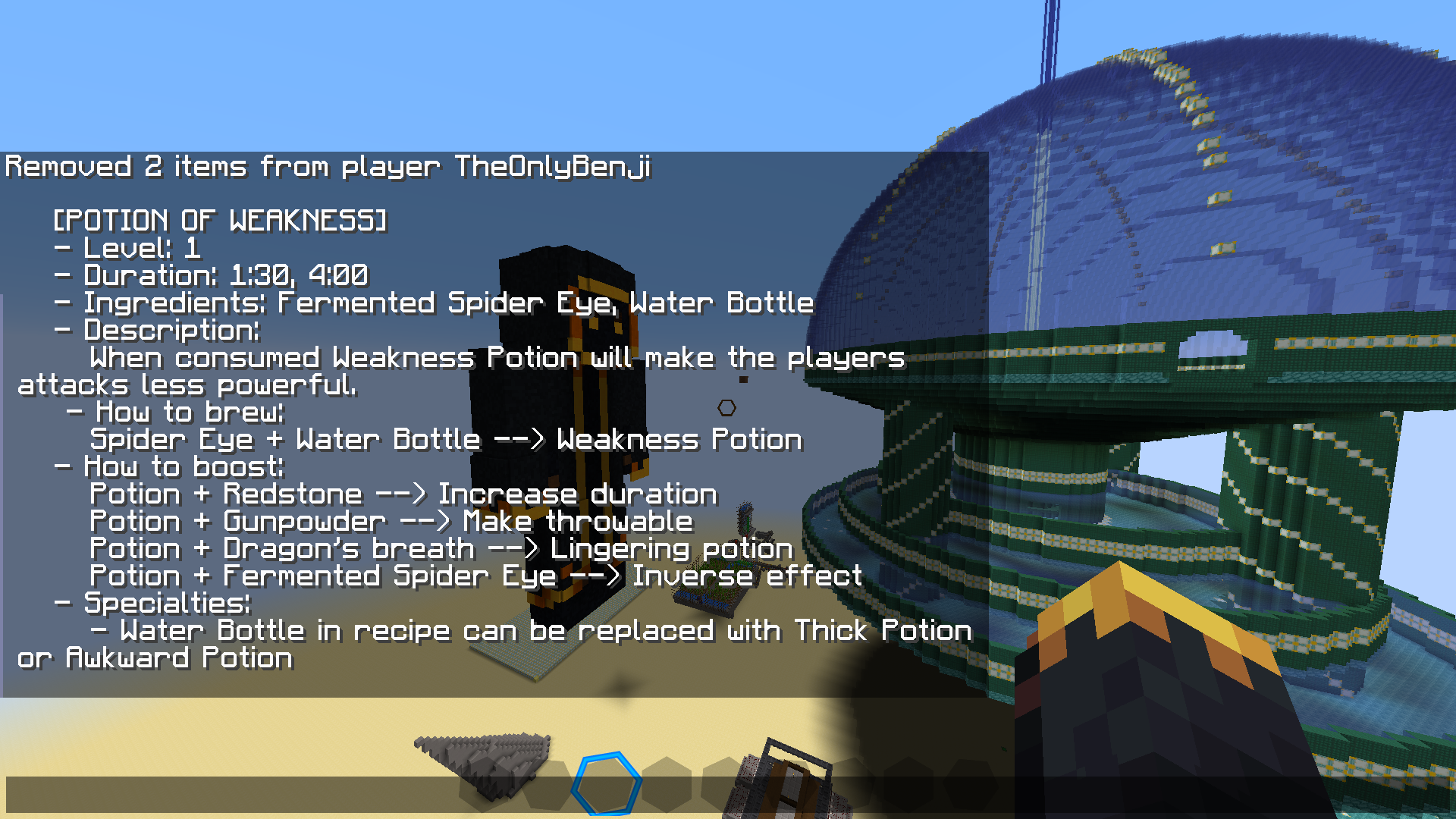
介绍
MinecraftWikiMod
A Minecraft mod that gives additional info about blocks, entities, items, and more!
Download
1. Download the release that most suits you. It’s always a .jar file
2. Open the .minecraft folder, you can do so by pressing the ‘R’ and Windows-key at the same time and type into the dialog box ‘%AppData%’
3. Copy the downloaded .jar file into the mods folder
4. Download forge for the version of the Mod (Right now it’s 1.16.1)
5. Start the Minecraft launcher and select Forge from the versions options
6. Click play and enjoy your mod!
Usage
The mod is basically a very simplified Wikipedia for certain game mechanics. Every part of the game will eventually be in the mod, but for now, you will need to look at the release you just downloaded to see what you can and can’t do with the mod.
For every part of the game, there is a command for it.
For Example: `/potion`
If you type help after command it will explain the command to you. For example `/potion help` will tell you how to use it.
Contribution
As always this project is fully open-source. Everyone is allowed to fork it and add their own idea and magic. Please do remember what the project is about, it’s about integrating the Minecraft Wikipedia in Minecraft to help especially new players to understand what everything is.
Also, don’t forget to look in the Projects tab and see if you can do any of the things listed there first.
One thing which is not allowed is stealing. Copying the project and republishing it is severely prohibited. It’s not like I am making money out of this, but I just find it unfair to steal others’ ideas without even giving credit sometimes.
Credits
– Special thanks to TheGreyGhost which gave me a huge help by publishing his mods on Github which gave me the inspiration to build mine.
– Thanks to Forge for giving me an API to work with, I have no idea how I would have done it without it.
常见问题
WikiMod 支持哪些 Minecraft 版本?
WikiMod 支持 Minecraft Java 版 1.16–1.16.5,共 6 个版本,可用的加载器:Forge。下载时注意选择和你游戏版本一致的文件。
WikiMod 怎么安装?
先用 PCL2 或 HMCL 启动器安装对应版本的 Forge,再把下载的 .jar 文件放进游戏目录的 mods 文件夹,重新启动游戏即可。开启了版本隔离的,mods 文件夹在 versions/版本名 下面。
评论
登录后评论和评分