
Minecraft But Backwards
Minecraft But Backwards completely reverses progression; you begin in the End and slowly work your way back to the Overworld.
截图
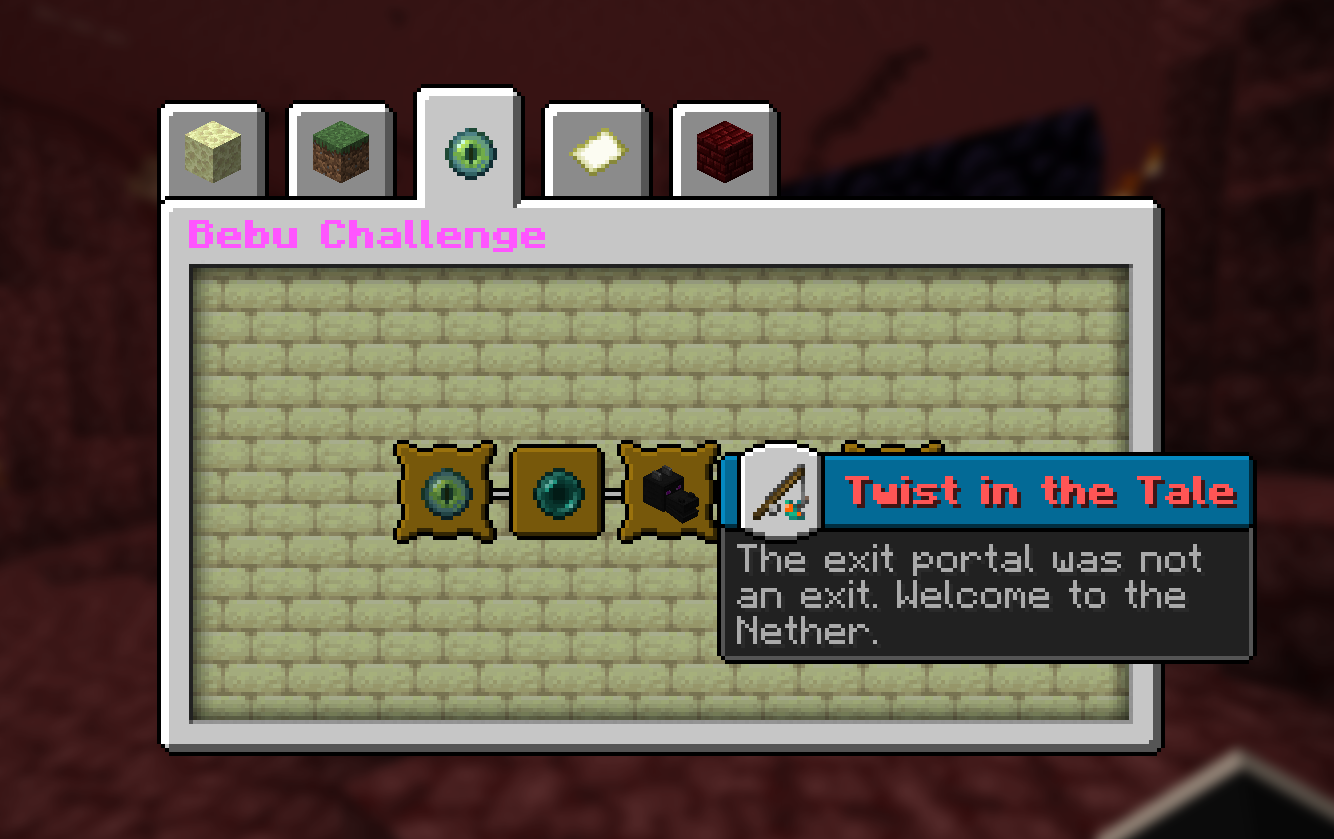


介绍
Minecraft But Backwards
Minecraft But Backwards completely reverses Minecraft’s normal progression; you begin stranded in the End, defeat the Ender Dragon to escape, survive through the Nether, and finally reach the Overworld.
Every step of the journey is flipped upside down, turning simple milestones into major achievements, where even getting your first wood block becomes the true end goal.
Features
- You Spawn in the End Dimension
- Goal: Wood Log.
- Multiplayer support.
- Custom Objective advancement tab.
📦 Installation
This is a Datapack – no mods required.
- Download the .zip file
- Open Minecraft and navigate to your world’s folder
- %appdata%\.minecraft\saves\\ on Windows
- ~/Library/Application Support/minecraft/saves// on macOS
- Drop the .zip directly into the datapacks folder (do not unzip it)
- Launch your world and run /reload if the world is already open
- Watch for the Bebu load message in chat, you’re live!
❓ FAQ
Q: Does this work with Fabric or Forge mods?
A: Yes. It’s a vanilla datapack and runs alongside any mods without conflict.
Q: Can I use this on a server?
A: Absolutely. It’s designed with multiplayer in mind.
Q: Does it work on existing worlds?
A: Not tested. Recommended on a Fresh World
常见问题
Minecraft But Backwards 支持哪些 Minecraft 版本?
Minecraft But Backwards 支持 Minecraft Java 版 26.1–26.3,共 5 个版本,可用的加载器:Fabric / Forge / NeoForge。下载时注意选择和你游戏版本一致的文件。
Minecraft But Backwards 怎么安装?
先用 PCL2 或 HMCL 启动器安装对应版本的 Fabric / Forge / NeoForge,再把下载的 .jar 文件放进游戏目录的 mods 文件夹,重新启动游戏即可。开启了版本隔离的,mods 文件夹在 versions/版本名 下面。运行环境:客户端 / 服务端。
Bebu 的其他作品
查看全部 →
Minecraft But Jumping Enchants
Every jump randomly enchants a random item in your inventory. Survive the chaos and defeat the Ender Dragon. A Bebu datapack for Minecraft 26.1+.

Chests Are OP
Chests are now OP, giving you ridiculously powerful loot from the moment you start playing.
Chests Are OP
Chests are now OP, giving you ridiculously powerful loot from the moment you start playing.

Minecraft But Mining Enchants
Every mined block randomly enchants a random item in your inventory. Survive the chaos and defeat the Ender Dragon. A Bebu datapack for Minecraft 26.1+
评论
登录后评论和评分