
截图


介绍
MinecartSpeedDisplay


Functions and Features
Hot Keys
- Toggle : Turn on or off the mod (Default:
P) - Track Start : Start to track a minecart. Aim the minecart with the crosshair to choose the minecart to track. (Default:
\) - Track Stop : Stop tracking the minecart. (Default:
[) - Clear Track Points : Clear all the track points.
Display
The mod will display the speed of the minecart and track the speed of the minecart during the minecart is moving.
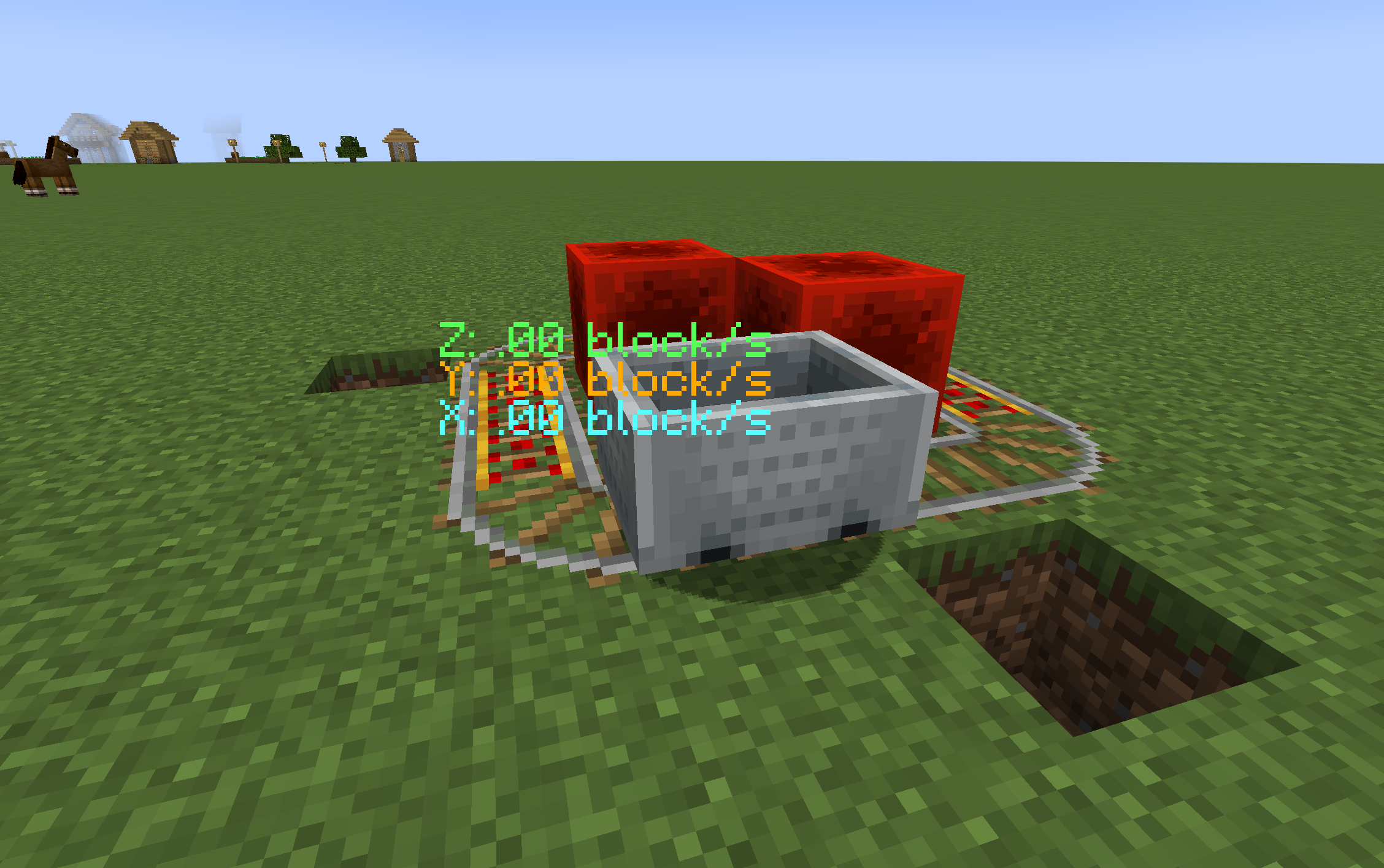


Maximum number of tracking points: 1000
Tracking point recording rate: 1 point per 2Tick
The tracking feature is only available in 1.21.11 (mod version 0.2).
Why make it?
Mojang made a number of changes to the snapshot version 24w33a (including changes for minecarts). The mod will help players know the speed of the minecart and design machines.
Future plans
- The mod will continue to provide support for new mc versions(not snapshots).
- The mod will not have support for the Forge loader.
Requirements
|Item | Version |
|—–|———|
|Minecarft| 1.21.1 1.21.4 1.21.11 |
|Fabric | 0.16+ |
|Fabric API | Recommand for latest version |
Acknowledgement
常见问题
MinecartSpeedDisplay 支持哪些 Minecraft 版本?
MinecartSpeedDisplay 支持 Minecraft Java 版 1.21.1–1.21.11,共 3 个版本,可用的加载器:Fabric。下载时注意选择和你游戏版本一致的文件。
MinecartSpeedDisplay 怎么安装?
先用 PCL2 或 HMCL 启动器安装对应版本的 Fabric,再把下载的 .jar 文件放进游戏目录的 mods 文件夹,重新启动游戏即可。开启了版本隔离的,mods 文件夹在 versions/版本名 下面。运行环境:仅客户端。

评论
登录后评论和评分