Minebourne
Vanilla Minecraft with timed dodge rolls, parries and ripostes. Mobs stay vanilla.
截图
介绍
Minebourne
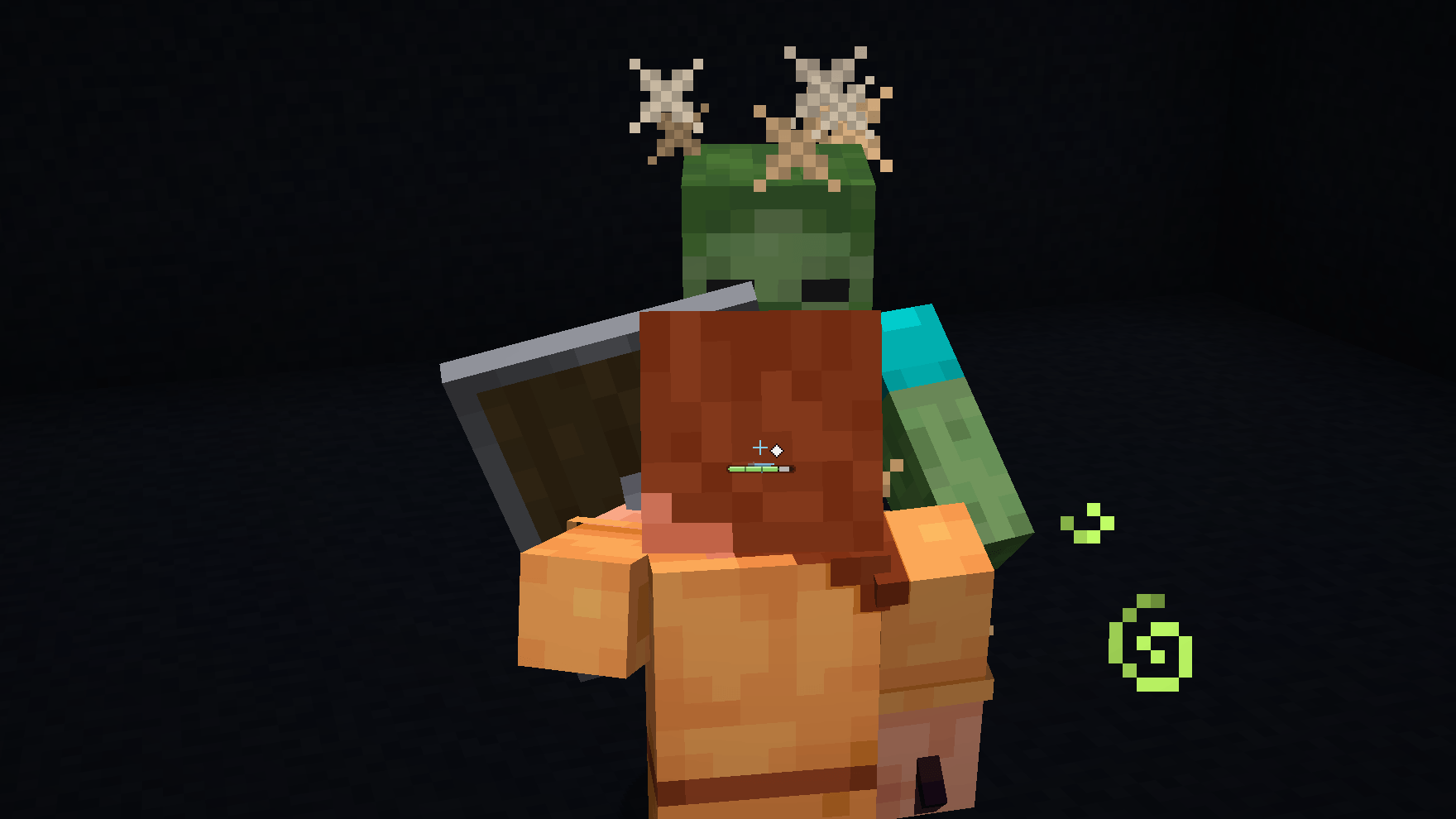
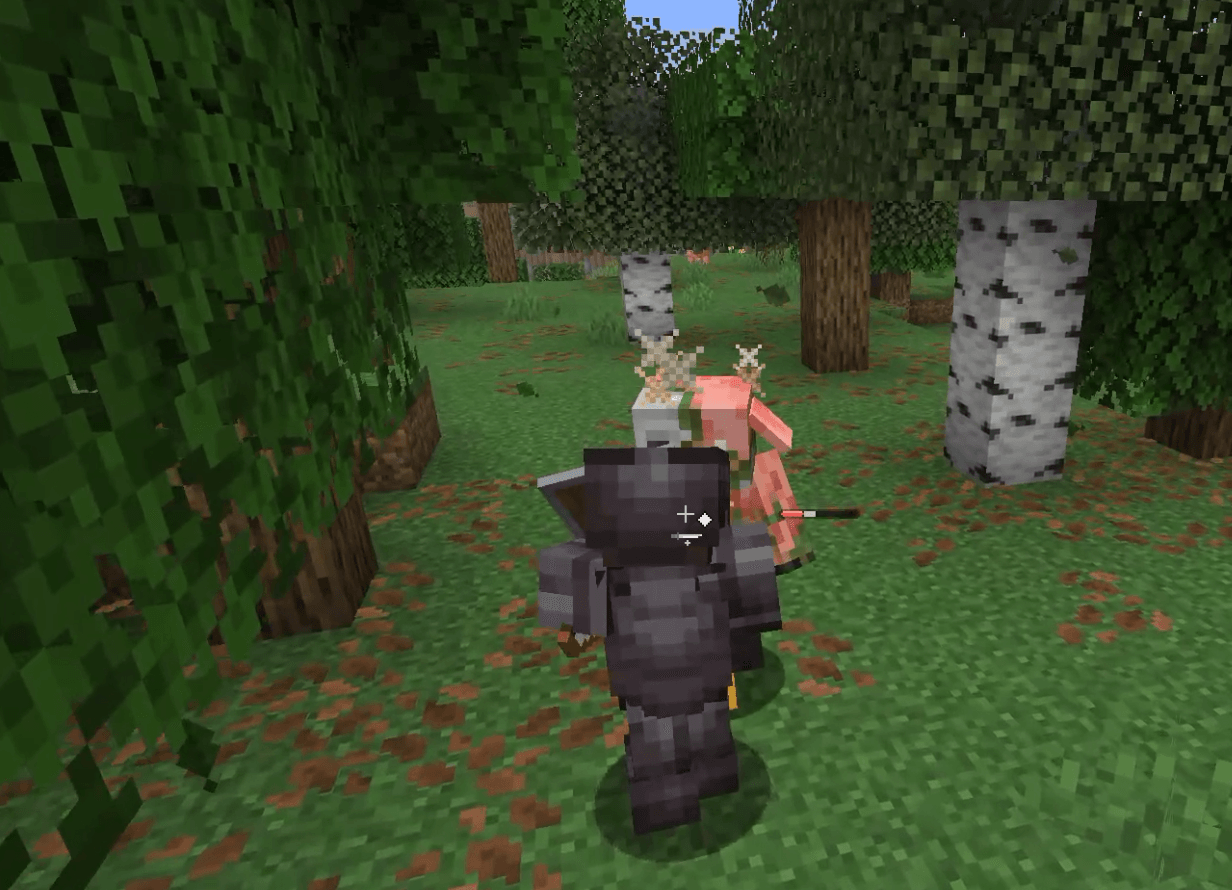
Vanilla Minecraft, with a better way to fight. Mobs, items, and progression stay exactly as you know them. The only thing that changes is how you handle combat: now it’s about timing, dodging, and parrying.
What it does
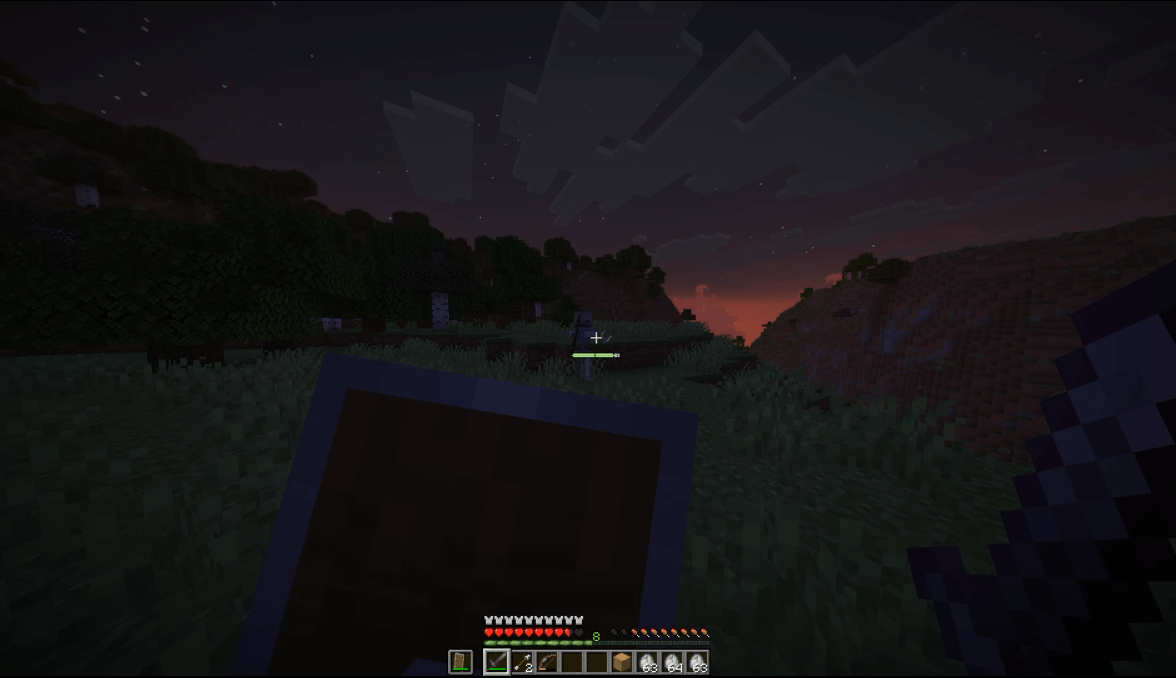
Stamina: Rolling, parrying, and blocking all pull from a single stamina bar, so every choice in a fight has a cost.
Dodge roll: Roll in any direction and you’re briefly invulnerable. Heavier armor makes rolling cost more stamina and cuts the roll short. If you roll through an attack at the very last moment, that’s a perfect dodge, and you get stamina back.
Parry: Time it right with a shield, sword, axe, spear, trident, or mace and you’ll deflect the hit and stagger whatever attacked you. Each weapon has its own parry motion and sound. You can even swat arrows out of the air with a shield. Mistime it, though, and you’ll be left wide open.
Riposte: Strike a staggered enemy for double damage. Swords give some stamina back, while spears and tridents knock the enemy away from you.
Blocking costs stamina: Hold your shield up too long and your guard breaks.
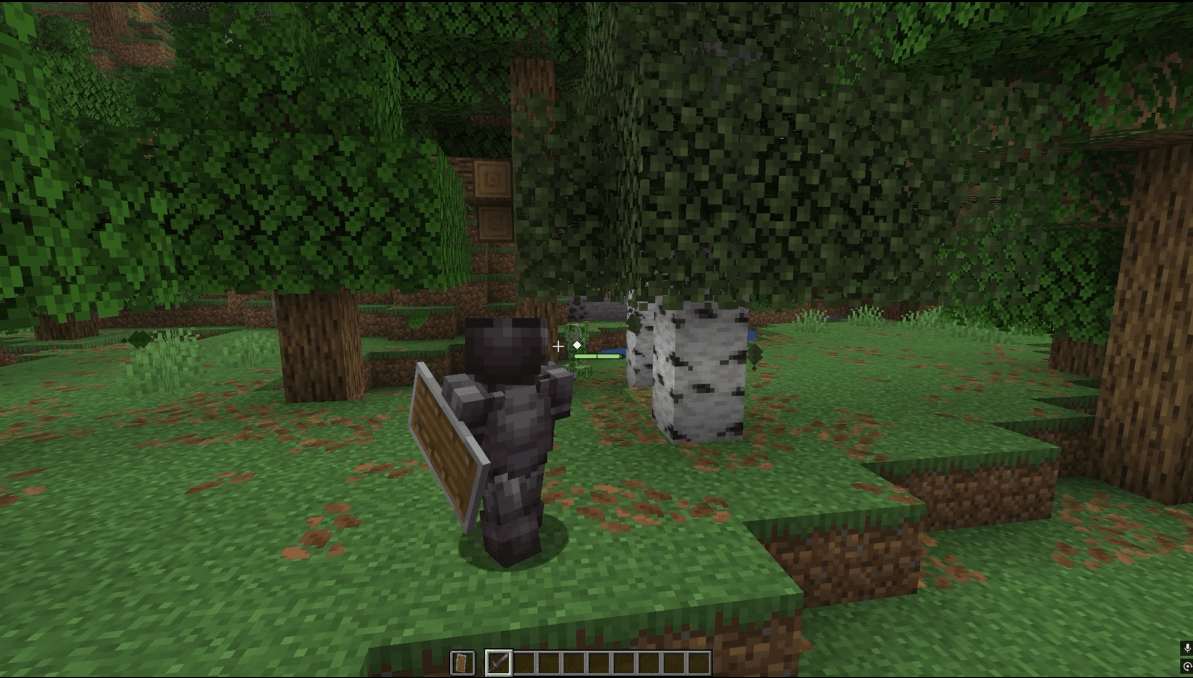
Works great in third person: You get an over-the-shoulder camera, an accurate crosshair, and lock-on. Your armor, held items, and elytra all follow along with every roll and parry.
Multiplayer ready: Everyone sees everyone else’s rolls and parries, and the server controls the balance.
Controls
Action Default key
Roll C
Parry V
Lock On (third person) R
Switch Shoulder (third person) O
You can rebind any of these under Options > Controls > Key Binds > Minebourne. The first time you join a world, your current keys will pop up in chat.
Configuration
config/minebourne.json holds the combat balance: stamina, costs, timing windows, and damage. On a server, the server’s file applies to every player.
config/minebourne-client.json is just for you. It covers display preferences like where the stamina bar sits.
Supported versions
Minecraft Loader Also needs
26.3 Fabric Fabric API
26.1.2 Fabric Fabric API
1.20.1 Fabric Fabric API
1.20.1 Forge Forge 47.4.10 or newer
Spears and maces aren’t in 1.20.1, so on that version you’ll parry with shields, swords, axes, and tridents.
Installing
Download the file that matches your Minecraft version and loader.
Put it on your client to play. For multiplayer, the server needs it as well.
Modpacks
Go ahead and add Minebourne to your modpack on Modrinth or CurseForge. We’d love to see it there.
Get in touch
Found a bug, have a question, or need to ask permission for something? Email us at [email protected].
常见问题
Minebourne 支持哪些 Minecraft 版本?
Minebourne 支持 Minecraft Java 版 1.20.1–26.3,共 3 个版本,可用的加载器:Fabric / Forge。下载时注意选择和你游戏版本一致的文件。
Minebourne 怎么安装?
先用 PCL2 或 HMCL 启动器安装对应版本的 Fabric / Forge,再把下载的 .jar 文件放进游戏目录的 mods 文件夹,重新启动游戏即可。开启了版本隔离的,mods 文件夹在 versions/版本名 下面。
NecessaryMods 的其他作品
查看全部 →
Season Studio
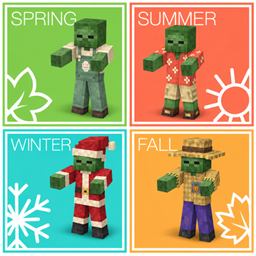
Switch between four seasonal themes with festive mobs, scenery, items, and music—all from one menu.
Seasonal Studio
Switch between four seasonal themes with festive mobs, scenery, items, and music—all from one menu.
评论
登录后评论和评分