
介绍
If you enjoy this mod, consider supporting development!



A comprehensive client-side quality-of-life mod for the Minebound Minecraft server. Track your earnings, monitor prestige progression, locate collectibles with waypoints, and streamline your chat — all from a sleek in-game overlay.
Everything is accessible through an in-game interface, toggled with INSERT or the /mbqol command.
✅ Features
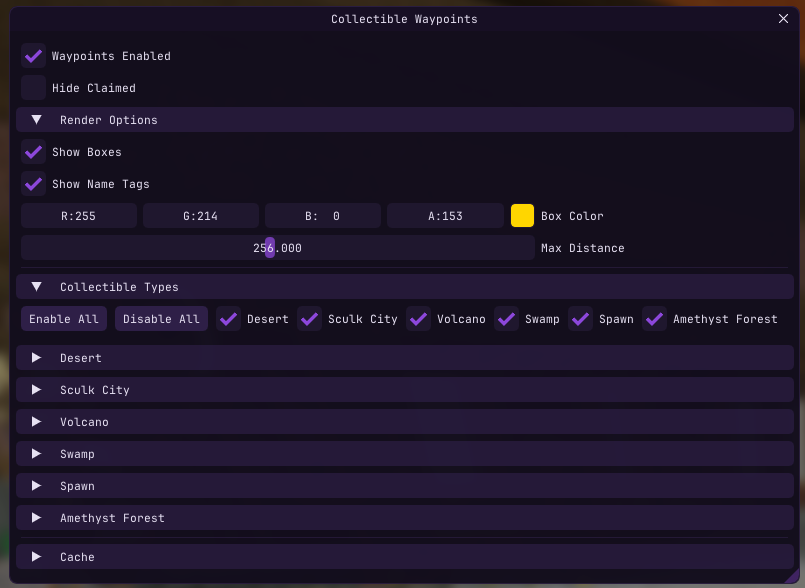
Collectible Waypoints
Find every collectible across the server with visual indicators rendered through walls.
- Box outlines on collectible locations
- Name tags with live distance display
- 28+ collectible types across 6 locations — Desert, Sculk City, Volcano, Swamp, Spawn, and Amethyst Forest
- Remembers discovered positions across sessions
- Automatically tracks which collectibles you’ve already claimed
- Per-type and per-location filtering with bulk enable/disable
- Configurable colors, render distance (16–512m), and hide-claimed toggle
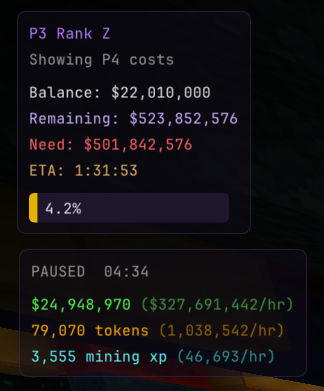
Earnings Tracker
Know exactly how much you’re making per hour.
- Tracks money, tokens, and mining XP from chat messages in real-time
- Displays totals and per-hour rates in a compact HUD overlay
- Smart pause/resume — auto-pauses after inactivity, resumes on new earnings
- Configurable pause timeout, auto-reset timeout, and manual reset button
Prestige Progression Overlay
Always know how far you are from your next rank or prestige.
- Shows current prestige level, rank (A–Z), and balance
- Calculates remaining cost to next rank or prestige
- Progress bar with percentage to next prestige
- ETA based on your current earnings rate
Chat QOL
Small improvements that add up.
- Chat Binds — bind any key to send a message or command
- Auto-Sell — automatically runs
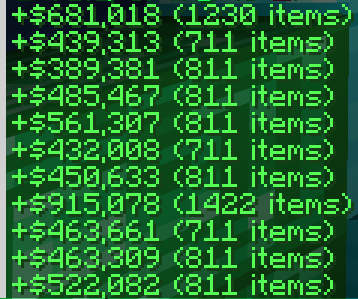
/sellwhen your inventory hits a configurable threshold - Minimal Sell Messages — condenses sell confirmations to
+$Y (X items) - Action Bar to Chat — redirects action bar messages into chat so you never miss them
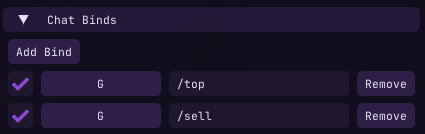
- Before
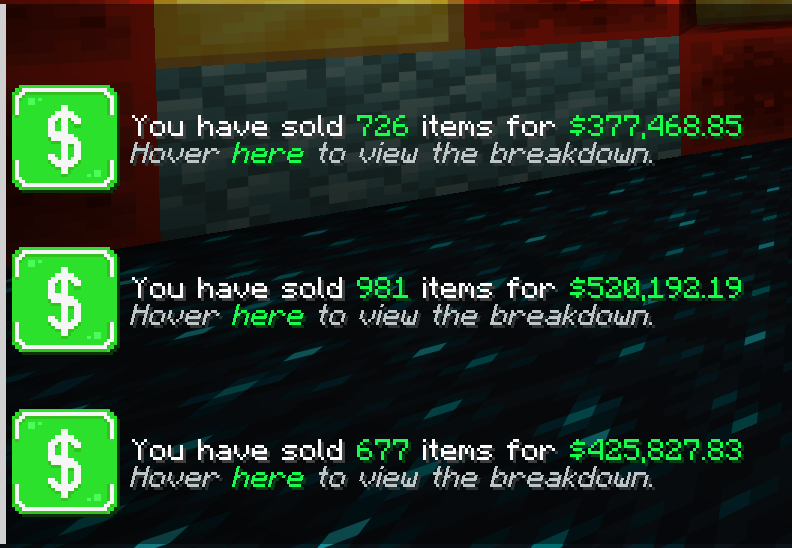
- After
Fullbright
Toggle fullbright from the Overlays menu.
📥 Installation
- Install Fabric Loader for Minecraft 1.21.11
- Install Fabric API and Fabric Language Kotlin
- Drop the jar into your
modsfolder
⌨️ Controls
| Control | Action |
|—|—|
| INSERT | Open/close the configuration GUI |
| /mbqol | Open/close the configuration GUI |
| Custom chat binds | Send configured messages or commands |
All settings are saved automatically.
⚠️ Disclaimer
This mod is designed for use on the Minebound server. Features like scoreboard parsing, prestige calculations, and collectible detection are tailored to Minebound’s specific systems and may not function on other servers.
常见问题
MineboundsQOL 支持哪些 Minecraft 版本?
MineboundsQOL 支持 Minecraft Java 版 1.21.11,可用的加载器:Fabric。下载时注意选择和你游戏版本一致的文件。
MineboundsQOL 怎么安装?
先用 PCL2 或 HMCL 启动器安装对应版本的 Fabric,再把下载的 .jar 文件放进游戏目录的 mods 文件夹,重新启动游戏即可。开启了版本隔离的,mods 文件夹在 versions/版本名 下面。运行环境:仅客户端。
评论
登录后评论和评分