
Mine Mod Translator
Automatically extract keys that need translation and consolidate them into a JSON file containing AI prompt words; automatically recognize the translated JSON file and generate a resource pack.
介绍
Features:
- Automatically extract keys that need translation and consolidate them into a JSON file containing AI prompt words.
- Automatically recognize the translated JSON file and generate a resource pack.
How to use?
1) Launch the game after adding this mod.
2) In the version folder/mmt, find [date][language code][MMT].json.
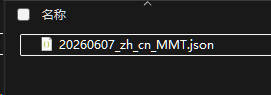
3) Send this file to an AI (it contains built‑in AI prompt words).
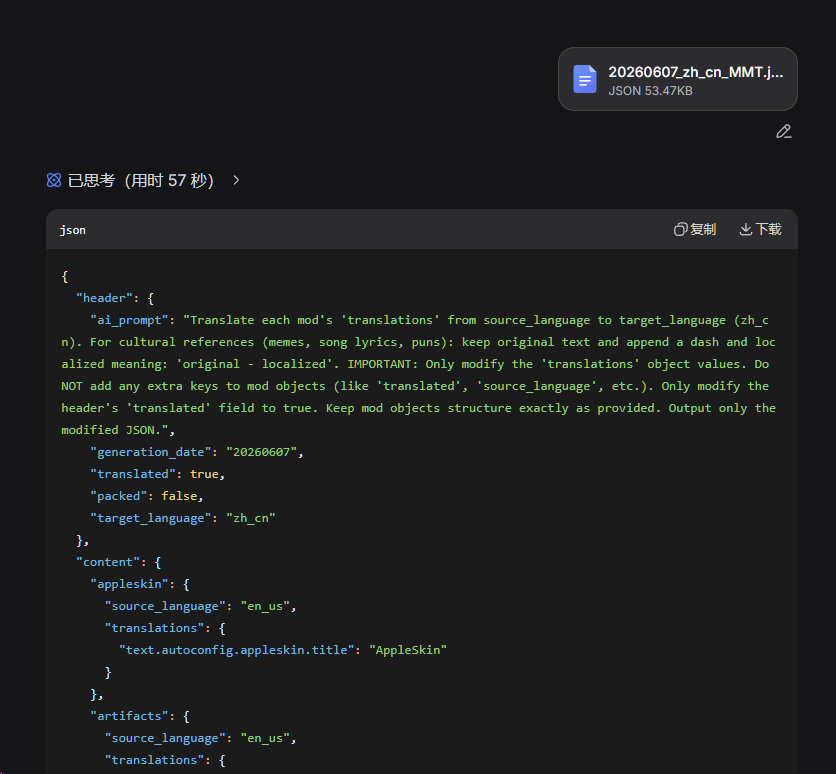
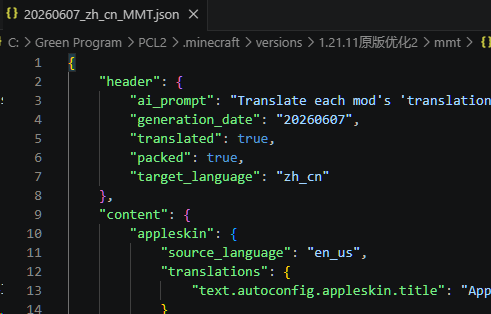
4) Copy the AI’s output, replace the original file with it, and restart the game.
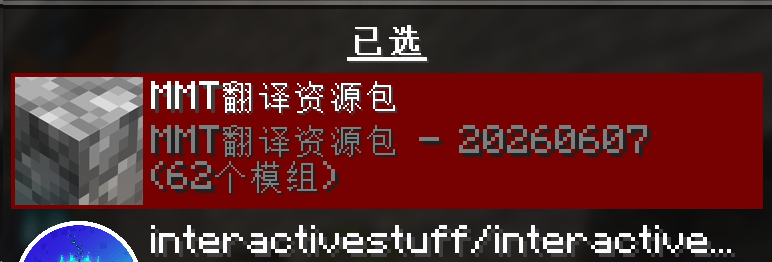
5) Enable the resource pack generated by MMT.
Known bugs:
- After generating the resource pack, the game language may change to English – just switch it back.
Author’s note:
- Future plans: bug fixes, feature additions, support for more versions and mod loaders. After the basic version is completed, the mod will be open‑sourced.
Disclaimer:
- AI generation rate: 100% (including the cover image, hhh).
- (No content is modified, only extraction and addition are performed. However, it is still recommended to back up your data.)
- The mod is still under development – there may be instabilities. It is advisable to back up your version and then copy the generated resource pack back in.
常见问题
Mine Mod Translator 支持哪些 Minecraft 版本?
Mine Mod Translator 支持 Minecraft Java 版 1.12.2–1.21.11,共 21 个版本,可用的加载器:Fabric。下载时注意选择和你游戏版本一致的文件。
Mine Mod Translator 怎么安装?
先用 PCL2 或 HMCL 启动器安装对应版本的 Fabric,再把下载的 .jar 文件放进游戏目录的 mods 文件夹,重新启动游戏即可。开启了版本隔离的,mods 文件夹在 versions/版本名 下面。
评论
登录后评论和评分