
MiguelCrates
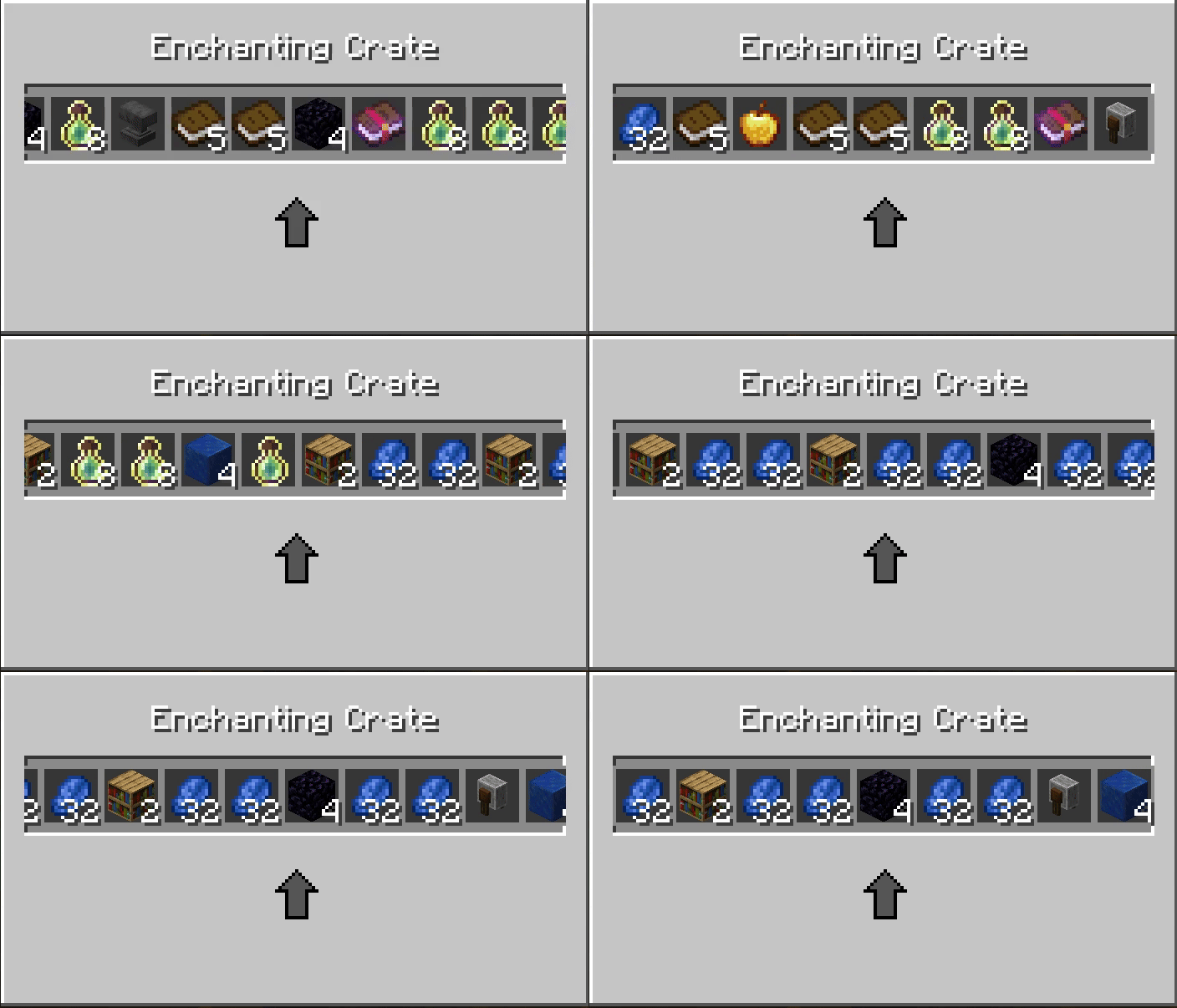
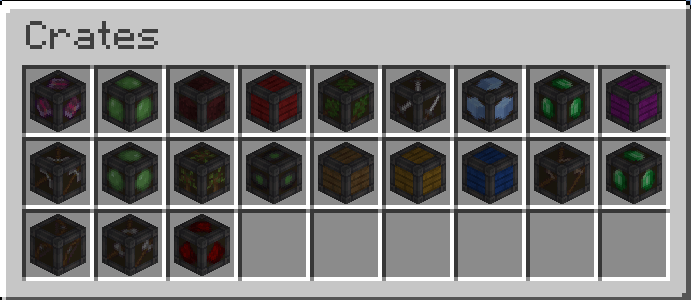
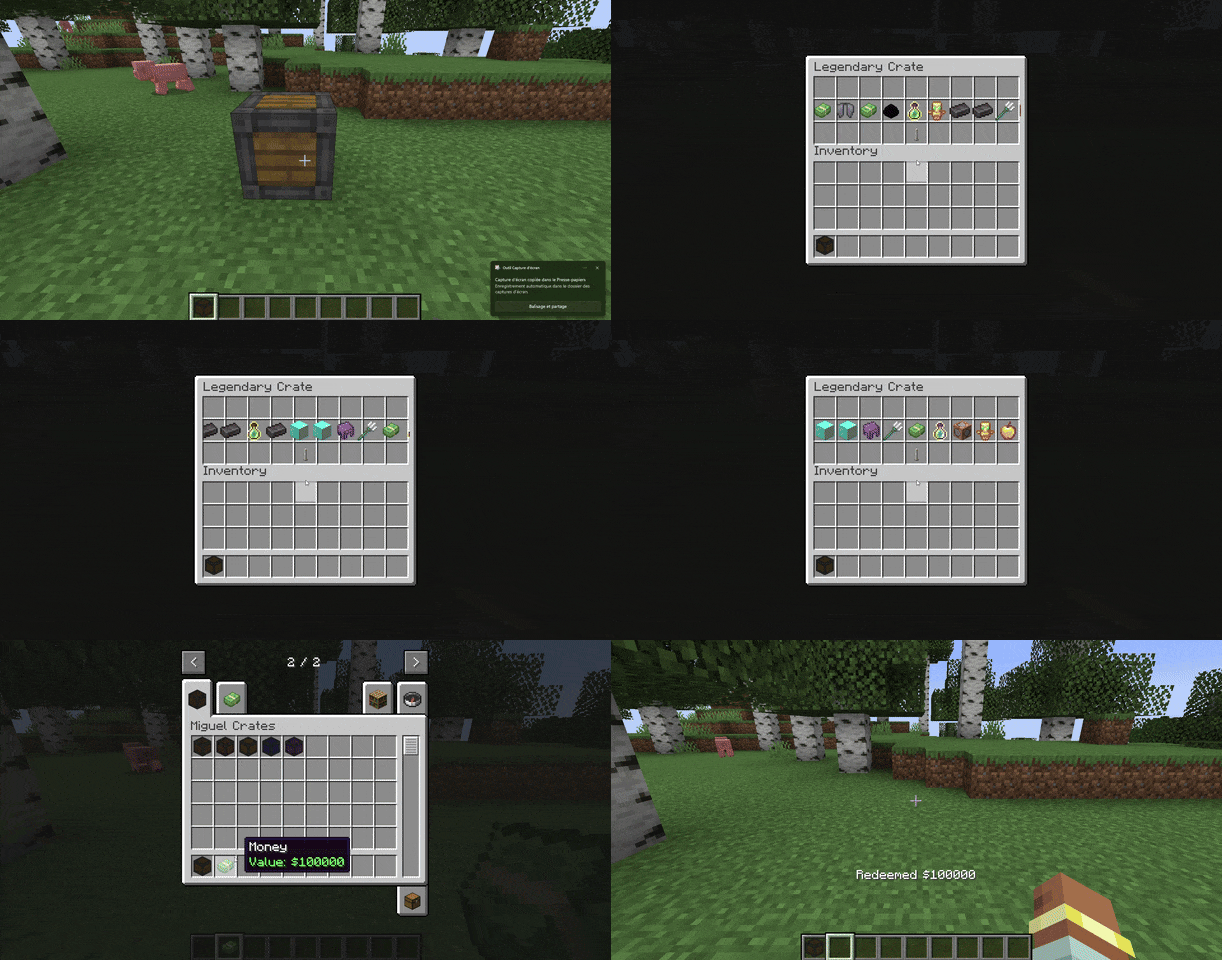
MiguelCrates turns simple item giving into an event. It adds fully animated, exciting lootboxes to your world that hook into your economy and keep players coming back for "just one more spin."
截图
介绍
MiguelCrates
MiguelCrates turns simple item giving into an event. It adds fully animated, exciting lootboxes to your world that hook into your economy and keep players coming back for “just one more spin.”
How to Create Your Own Custom Crate
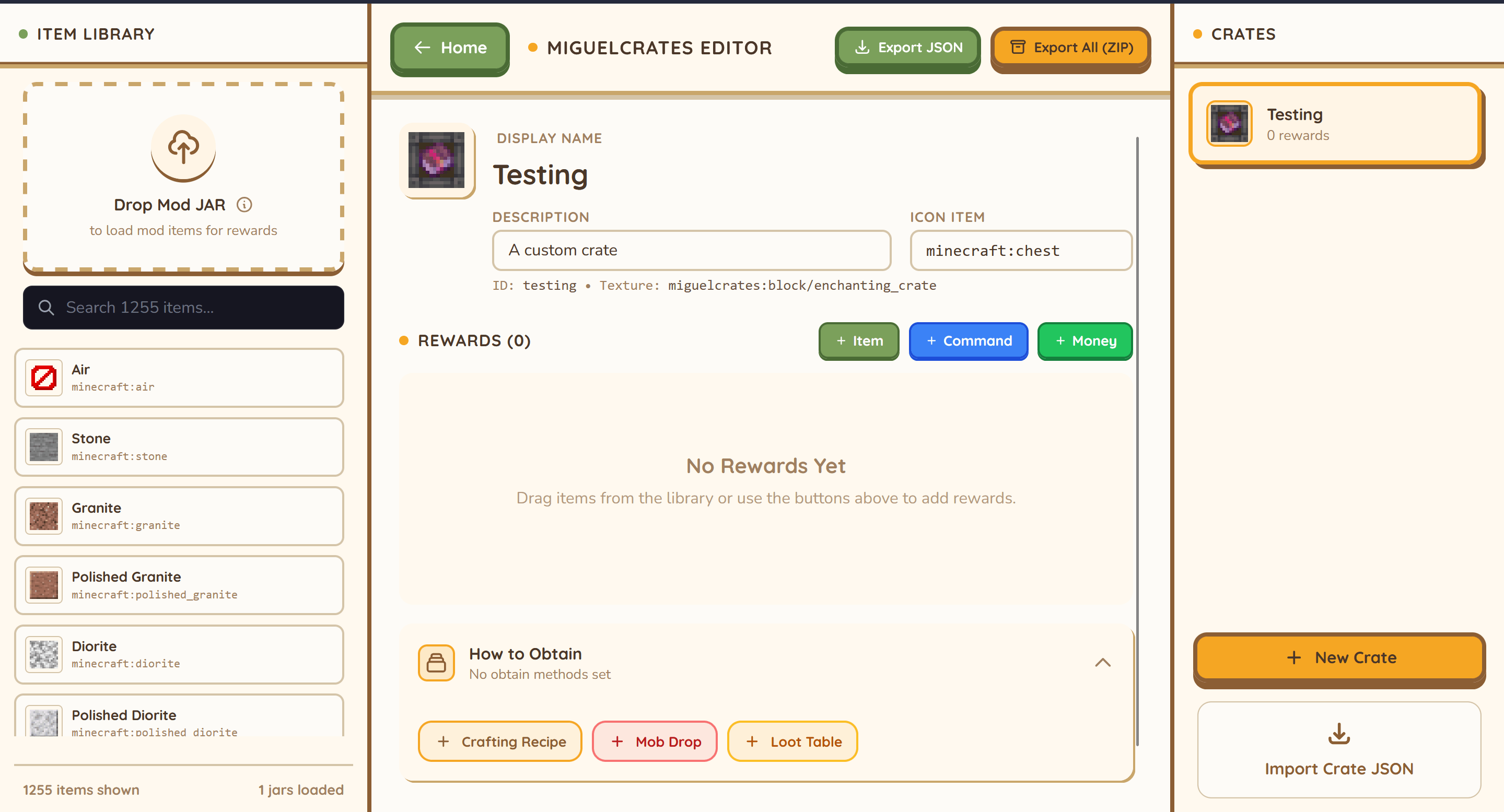
User the crate builder : https://miguel-economy-builder.vercel.app/crate-builder
OR
- Find the Folder: Go to your server’s config folder (
config/migueleconomy/crates). - Copy & Paste: Take an existing file (like
common.json) and copy it. Rename it to something likevip_crate.json. - Edit the Details: Open it with any text editor (like Notepad).
- Change the Name to “VIP Crate”.
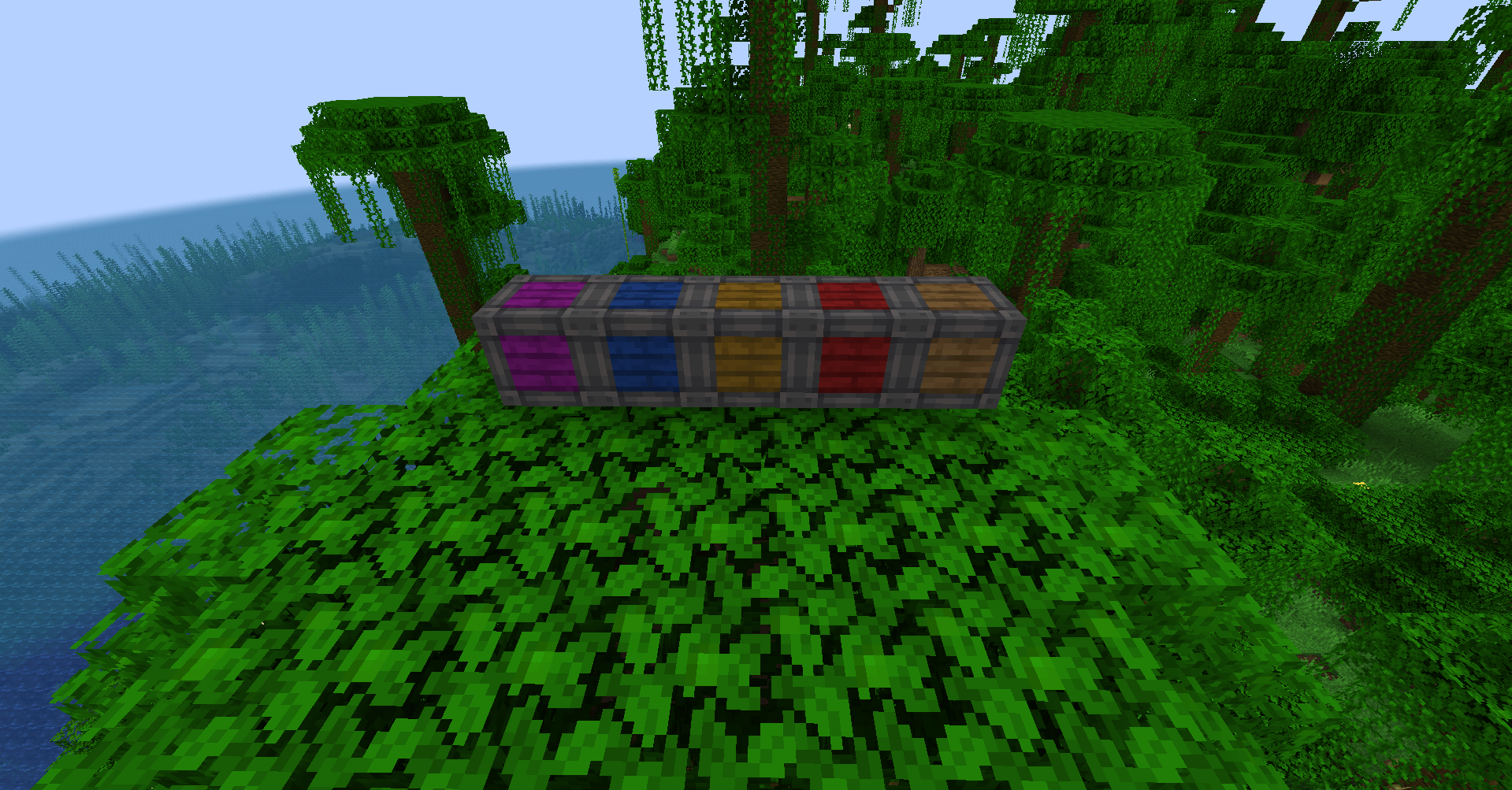
- Pick a Texture (color) for how it looks.
- List your Rewards: Simply type in the items you want (e.g.,
"minecraft:diamond"), how many to give, and how rare they should be. - Tip: You can even make it run commands or give money!
- Restart: Restart your server, and your new crate is ready to be placed!
{
  "display_name": "My Custom Crate",
  "description": "A description of what's inside.",
  "icon": "minecraft:chest",
  "texture": "miguelcrates:block/common_crate",
  "rewards": [
    ...
  ],
  "obtain": {
    "sources": [
      ...
    ]
  }
}
### Fields | Field | Type | Description | | :— | :— | :— | | `display_name` | String | The name shown in GUIs and items. | | `description` | String | Description text shown in tooltips. | | `icon` | String | The Item ID used to represent the crate (e.g., `minecraft:chest`). | | `texture` | String | Path to the texture for the custom renderer (usually `miguelcrates:block/<name>`). | | `rewards` | List | A list of possible rewards (see below). | | `obtain` | Object | (Optional) Defines how players can get this crate (see below). | ### Simplified Enchantments (Recommended) Instead of using complex NBT strings, you can use the `enchantments` block to add enchantments to an item. This works for both books and tools.
{
    "item": "minecraft:enchanted_book",
    "quantity": 1,
    "enchantments": {
        "minecraft:sharpness": 5,
        "minecraft:unbreaking": 3
    },
    "weight": 10
}
### Advanced NBT For more complex data (attributes, names, etc.), you can still use the `nbt` field.
{
    "item": "minecraft:diamond_sword",
    "nbt": "{display:{Name:'{\"text\":\"Excalibur\"}'}}",
    "weight": 5
}
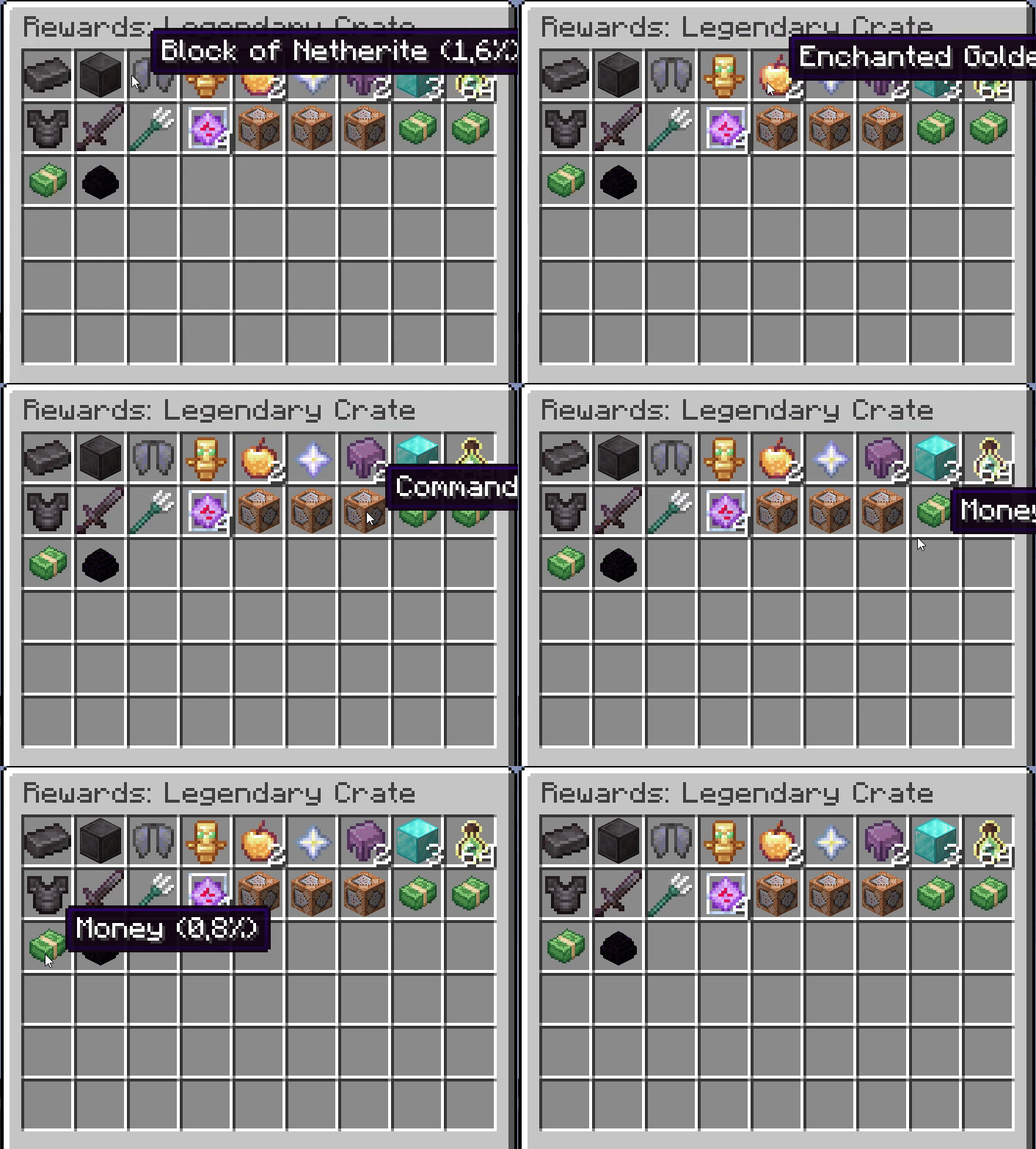
## Rewards The `rewards` list contains objects defining what players can win.
"rewards": [
  {
    "item": "minecraft:diamond",
    "quantity": 2,
    "weight": 10
  },
  {
    "command": "give @p minecraft:stone 64",
    "weight": 50
  },
  {
    "item": "minecraft:experience_bottle",
    "command": "xp add @p 5 levels",
    "weight": 10
  },
  {
    "item": "migueleconomy:money",
    "nbt": "{MoneyValue:100L}",
    "weight": 20
  }
]
– **`item`**: Resource location of the item (e.g., `minecraft:iron_sword`). If used with `command`, it acts as the icon. – **`command`**: Command to execute. Use `@p` for the player opening the crate. – **`name`**: (Optional) Custom display name for the reward (e.g. “5 Levels of XP”). – **`quantity`**: (Optional, default 1) Number of items to give. – **`nbt`**: (Optional) NBT data string for the item. – **`weight`**: The chance weight. Higher weight = higher chance. – Probability = `weight / total_weight_of_all_rewards` ## Obtain Methods The `obtain` section defines how crates are generated in the world. It contains a list of `sources`. ### 1. Crafting (`craft`) Allows players to craft the crate in a crafting table.
{
  "type": "craft",
  "recipe": {
    "type": "minecraft:crafting_shaped",
    "category": "misc",
    "pattern": [
      "AAA",
      "ABA",
      "AAA"
    ],
    "key": {
      "A": { "item": "minecraft:planks" },
      "B": { "item": "minecraft:chest" }
    },
    "result": {
      "id": "miguelcrates:crate",
      "count": 1,
      "components": {
        "minecraft:custom_data": { "CrateId": "your_crate_id" }
      }
    }
  }
}
### 2. Mob Drops (`kill`) Drops when a specific entity is killed.
{
  "type": "kill",
  "entity": "minecraft:zombie",
  "chance": 0.05
}
– **`entity`**: Entity ID (e.g., `minecraft:creeper`, `minecraft:ender_dragon`). – **`chance`**: Probability from 0.0 to 1.0 (0.05 = 5%). ### 3. Loot Tables (`loot_table`) Injects the crate into vanilla loot tables (chests).
{
  "type": "loot_table",
  "id": "minecraft:chests/simple_dungeon",
  "chance": 0.1
}
– **`id`**: The Loot Table ID to inject into. – **`chance`**: Probability the crate will appear in the chest. ## Example File (`example.json`)
{
  "display_name": "Example Crate",
  "description": "An example configuration.",
  "icon": "minecraft:barrel",
  "texture": "miguelcrates:block/common_crate",
  "rewards": [
    {
      "item": "minecraft:apple",
      "quantity": 5,
      "weight": 50
    },
    {
      "item": "minecraft:golden_apple",
      "weight": 10
    }
  ],
  "obtain": {
    "sources": [
      {
        "type": "kill",
        "entity": "minecraft:skeleton",
        "chance": 0.02
      }
    ]
  }
}
In-Game Commands (Admin)
Use these commands to give crates to yourself or other players.
Give a Crate
/miguelcrate give <player> <crate_id> [amount]
- Example 1 (Give yourself a Rare Crate):
/miguelcrate give @p rare - Example 2 (Give a player 5 Common Crates):
/miguelcrate give PlayerName common 5
Reload Config
/miguelcrate reload
- Refreshes the mod if you edited the JSON files while the server was running.
Open Menu (Shortcuts)
/crates, /crate, or /box

常见问题
MiguelCrates 支持哪些 Minecraft 版本?
MiguelCrates 支持 Minecraft Java 版 1.20.1–1.21.1,共 3 个版本,可用的加载器:Forge / NeoForge。下载时注意选择和你游戏版本一致的文件。
MiguelCrates 怎么安装?
先用 PCL2 或 HMCL 启动器安装对应版本的 Forge / NeoForge,再把下载的 .jar 文件放进游戏目录的 mods 文件夹,重新启动游戏即可。开启了版本隔离的,mods 文件夹在 versions/版本名 下面。
MiguelCastro 的其他作品
查看全部 →
MiguelEconomy
Server-friendly economy with an Auction House and player shops. Easy to set up and highly configurable.

MiguelEconomy MAX
A full economy mod : market, player balances, a dynamic-pricing shop, buy orders, money items, and a web dashboard.
MiguelEconomy X EasyNPC
This mod is an addon that bridges two popular mods: EasyNPC (which lets you place and customize NPC characters) and MiguelEconomy
评论
登录后评论和评分