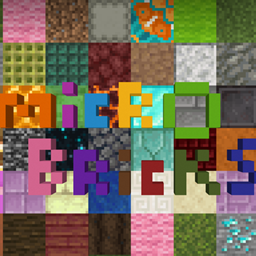
Micro Bricks
MicroBlocks lets you build with small, brick sized pieces instead of full blocks
截图
介绍
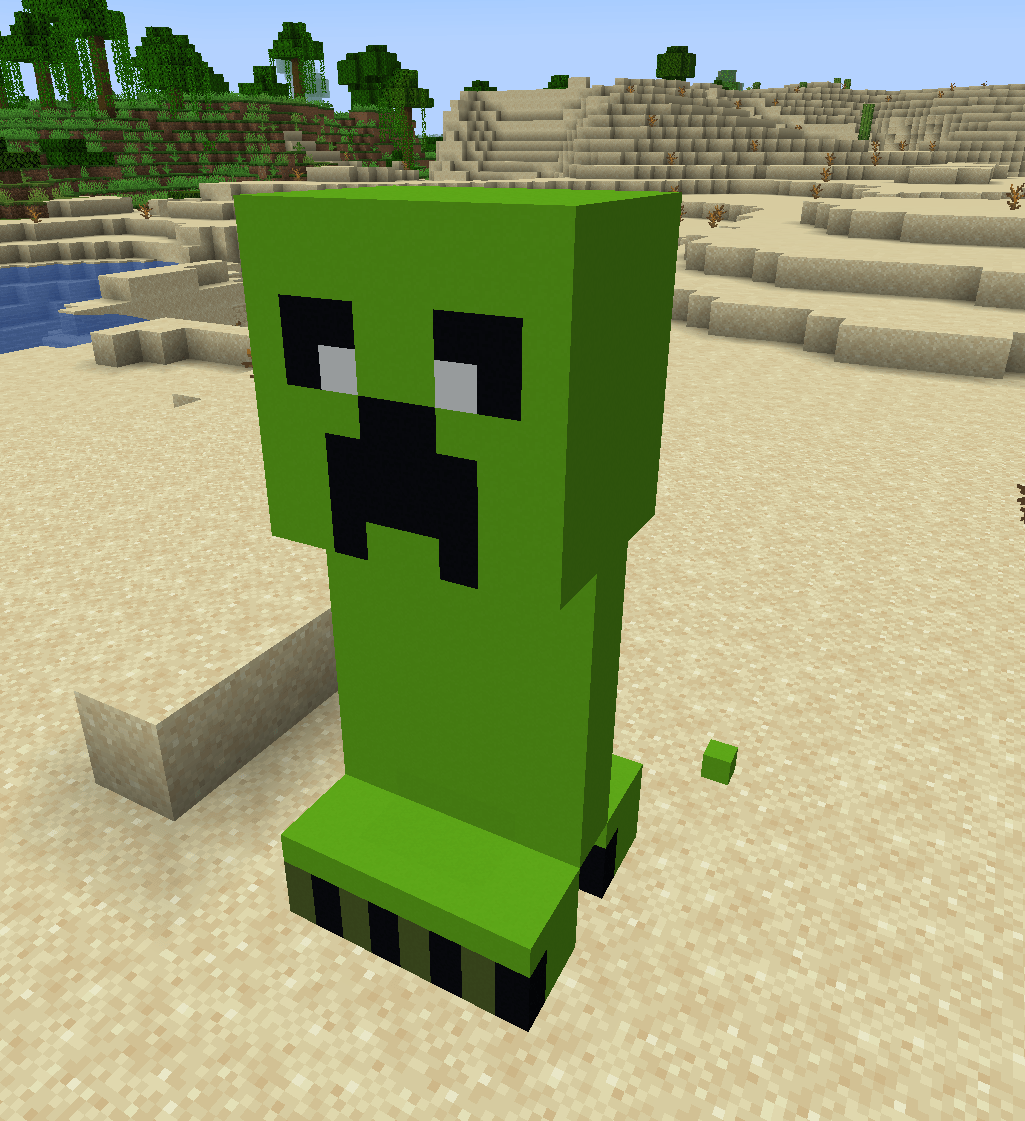
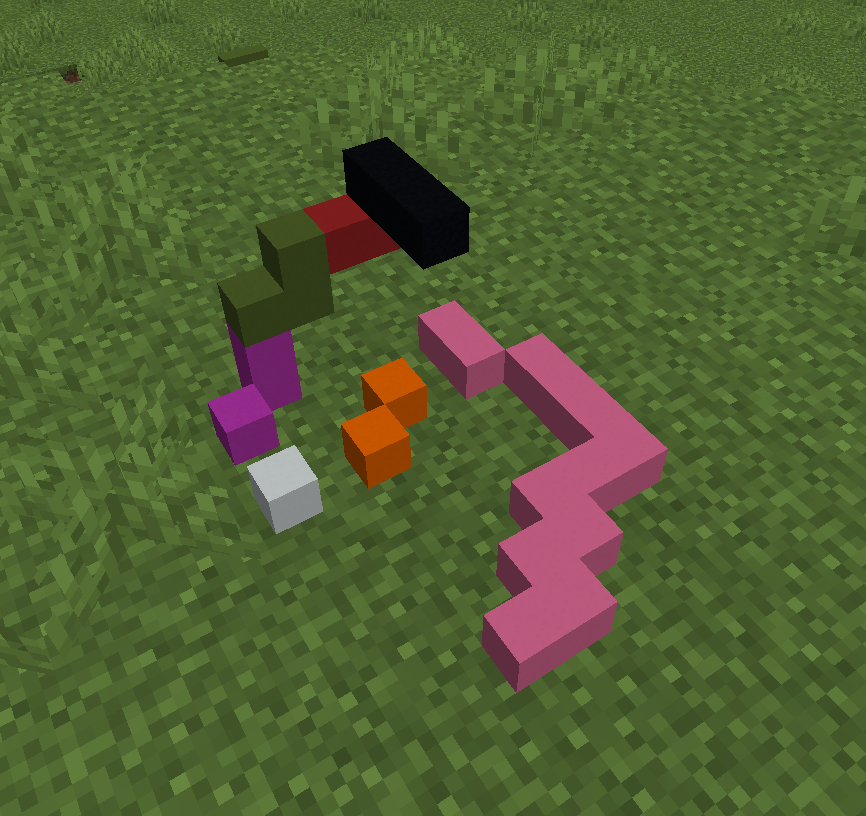
I got tired of fullsize blocks being the only option when building small details meanwhile mods like chisels & bits perfomance isnt the best, so I made this. MicroBlocks adds small stud sized bricks that fit inside a normal block space instead of replacing it. Each block is basically a 4x4x4 grid you can fill in with individual studs, so you can get way more detail into a build than vanilla blocks allow.
Grab a brick, right click to place it, left click to pop a single stud back out. That’s really the whole idea.
Features
– 16 colors and 4 sizes: 1×1, 1×2, 2×2, and 2×4. The non square ones automatically face whichever direction you’re looking when you place them, so you don’t need separate items for rotation.
– Bricks are placed on a small grid inside one block, so multiple studs (even different colors) can share the same space, kind of like how real studs stack.
– Left click removes just the one stud you’re aiming at, not the whole cluster.
– Brick Hammer right click a build with it and it clears the whole block’s worth of studs at once instead of making you click through them one by one.
– Everything is craftable, not locked to creative mode.
How it works
Right click a block (or an existing brick) to place one. Left click a placed brick to pull it back out. If you’re clearing out something bigger, switch to the hammer and right click it once.
Crafting
1×1 brick – 1 dye + 1 clay ball
1×2 brick – 1 dye + 2 clay balls
2×2 brick – 1 dye + 4 clay balls
2×4 brick – 1 dye + 8 clay balls
Brick Hammer – 2 iron ingots + 1 stick
常见问题
Micro Bricks 支持哪些 Minecraft 版本?
Micro Bricks 支持 Minecraft Java 版 1.21.1,可用的加载器:NeoForge。下载时注意选择和你游戏版本一致的文件。
Micro Bricks 怎么安装?
先用 PCL2 或 HMCL 启动器安装对应版本的 NeoForge,再把下载的 .jar 文件放进游戏目录的 mods 文件夹,重新启动游戏即可。开启了版本隔离的,mods 文件夹在 versions/版本名 下面。
konrados 的其他作品
查看全部 →
LoaderOptimization
一款从核心层面优化 NeoForge 性能的模组
RAMization
RAMization 专注于优化内存占用,在大型整合包中效果尤为明显!

MineBeast [MCREATOR/OLD]
一个 RPG 模组,以原创方式带回旧版 orespawn 和 AoA 的感觉

Bigger and Smaller
一个添加射线枪的模组,可以让你和其他实体变大或变小!
评论
登录后评论和评分