
micro-bloat
作者:admin-else
Utility mod that removes buttons and features to make the experience a little less bloated.
截图


介绍
中文介绍正在准备中,下面暂时显示原文。
Utility mod that removes buttons and features to make the experience a little less bloated.
Features:
Buttons
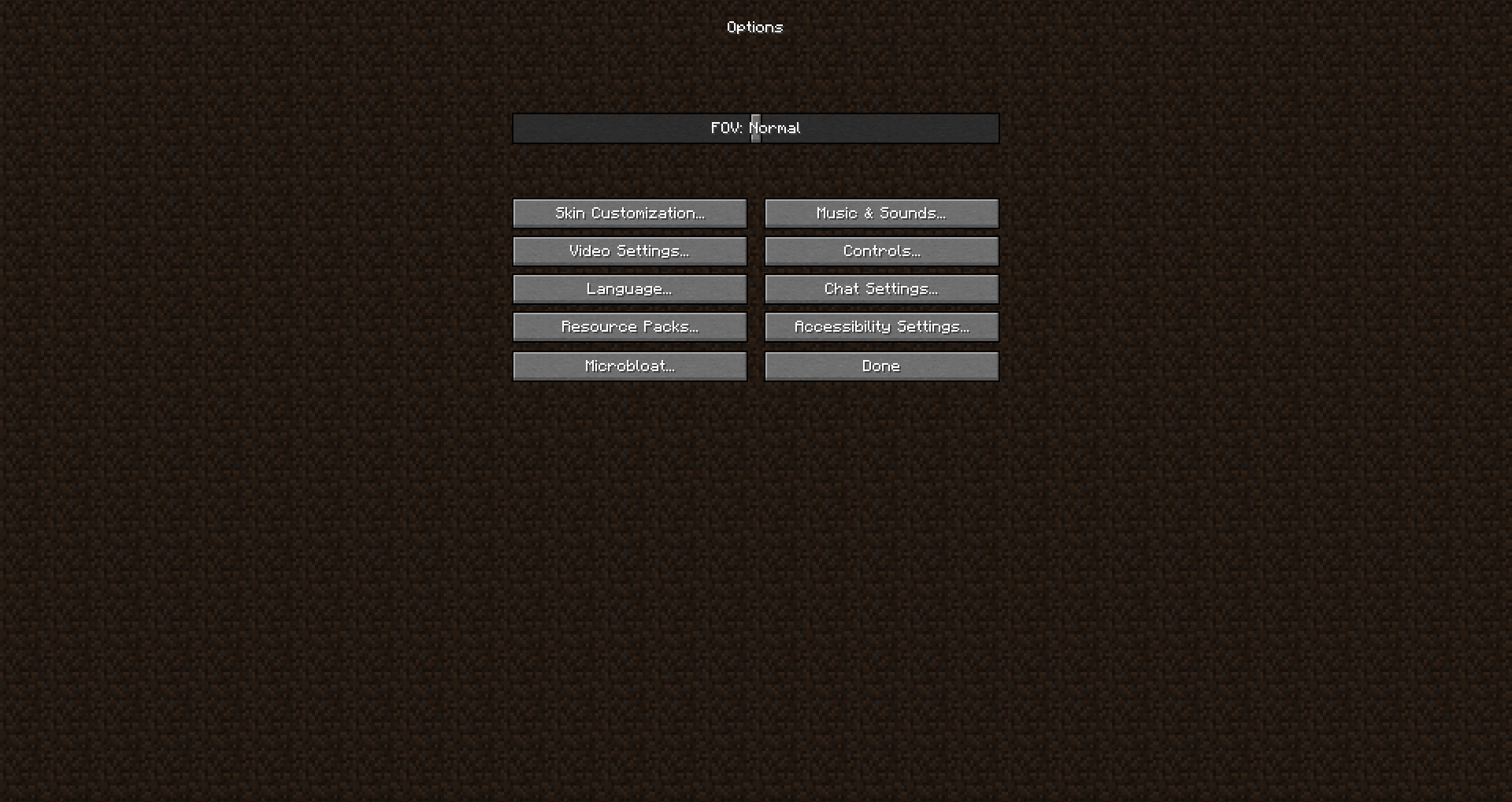
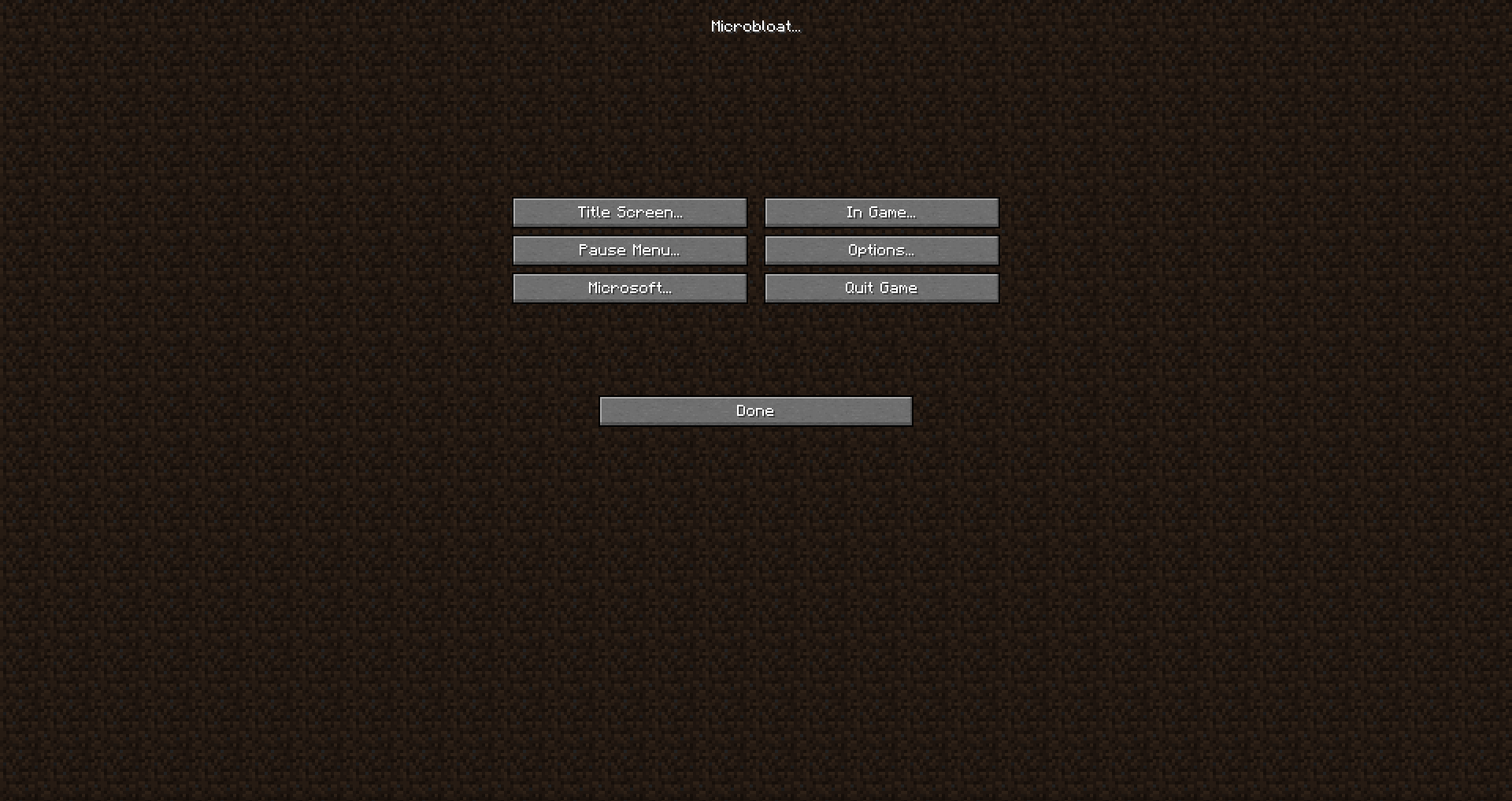
This mod primarily hides buttons this can be toggled in Options -> Microbloat (like all other features)
Title Screen
- Realms Button
- Quit Button
- Language Button
- Accessibility Button
- Copyright text(toggle to hide it)
- Edition (toggle to hide it)
- Splash Text (toggle to hide it)
- Background(two Options: No Spin(Makes the Background stop spinning), Dirt(makes the old School title screen))
Options
- Difficulty Lock (toggle to hide it)
- Online Settings (toggle to hide it)
- Difficulty (toggle to hide it)
- Accessibility Guide (toggle to hide it)
- Auto Jump (toggle to disable it)
- Mouse Settings (toggle to hide it)
Pause Screen
- Advancements (toggle to hide it)
- Stats (toggle to hide it)
- Send Feedback (toggle to hide it)
- Report Bugs (toggle to hide it)
- Share to LAN (toggle to hide it)
In Game
- Death Score (toggle to hide it)
Microsoft
- Snooper (toggle to disable it)
- Chat Reporting Button (toggle to hide it)
常见问题
micro-bloat 支持哪些 Minecraft 版本?
micro-bloat 支持 Minecraft Java 版 1.19–1.19.2,共 2 个版本,可用的加载器:Fabric。下载时注意选择和你游戏版本一致的文件。
micro-bloat 怎么安装?
先用 PCL2 或 HMCL 启动器安装对应版本的 Fabric,再把下载的 .jar 文件放进游戏目录的 mods 文件夹,重新启动游戏即可。开启了版本隔离的,mods 文件夹在 versions/版本名 下面。运行环境:仅客户端。
评论
登录后评论和评分