
截图

介绍
中文介绍正在准备中,下面暂时显示原文。
Mic Indicator
Addon for Simple Voice Chat adding customizable speaking indicators above and on players that are talking
Some servers modify player nametags or disable the default speaker icon, making it difficult to tell who’s talking. Mic Indicator provides customizable alternatives that work independently and fully client sided.
Features
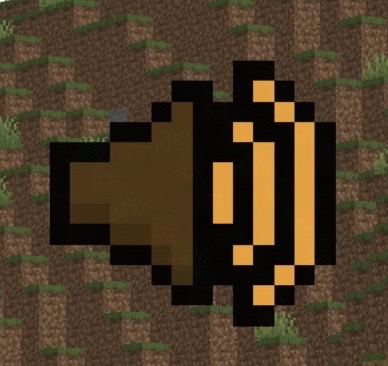
- Speaker Icon – Display a speaker icon above a player’s head when they are talking.
- Glowing Players – Highlight players with the glowing effect when they are talking.
- Customizable Keybinds – Toggle them on and off with a customizable keybind for both.
- Dynamic Colors – Icon & Glow color change based on how loud a player is talking.
Dependencies
- Fabric Loader (Required)
- Fabric API (Required)
- Simple Voice Chat (Required)
- Cloth Config API (Required)
- Mod Menu (Optional)
Installation
- Download all of the required dependencies above.
- Download
MicIndicator.jarand put it into your.minecraft/mods/folder. - Launch the game, All the configuration files will be generated automatically.
Configuration
_Note: Using this configuration menu REQUIRES you to have Cloth Config API and Mod Menu and installed._
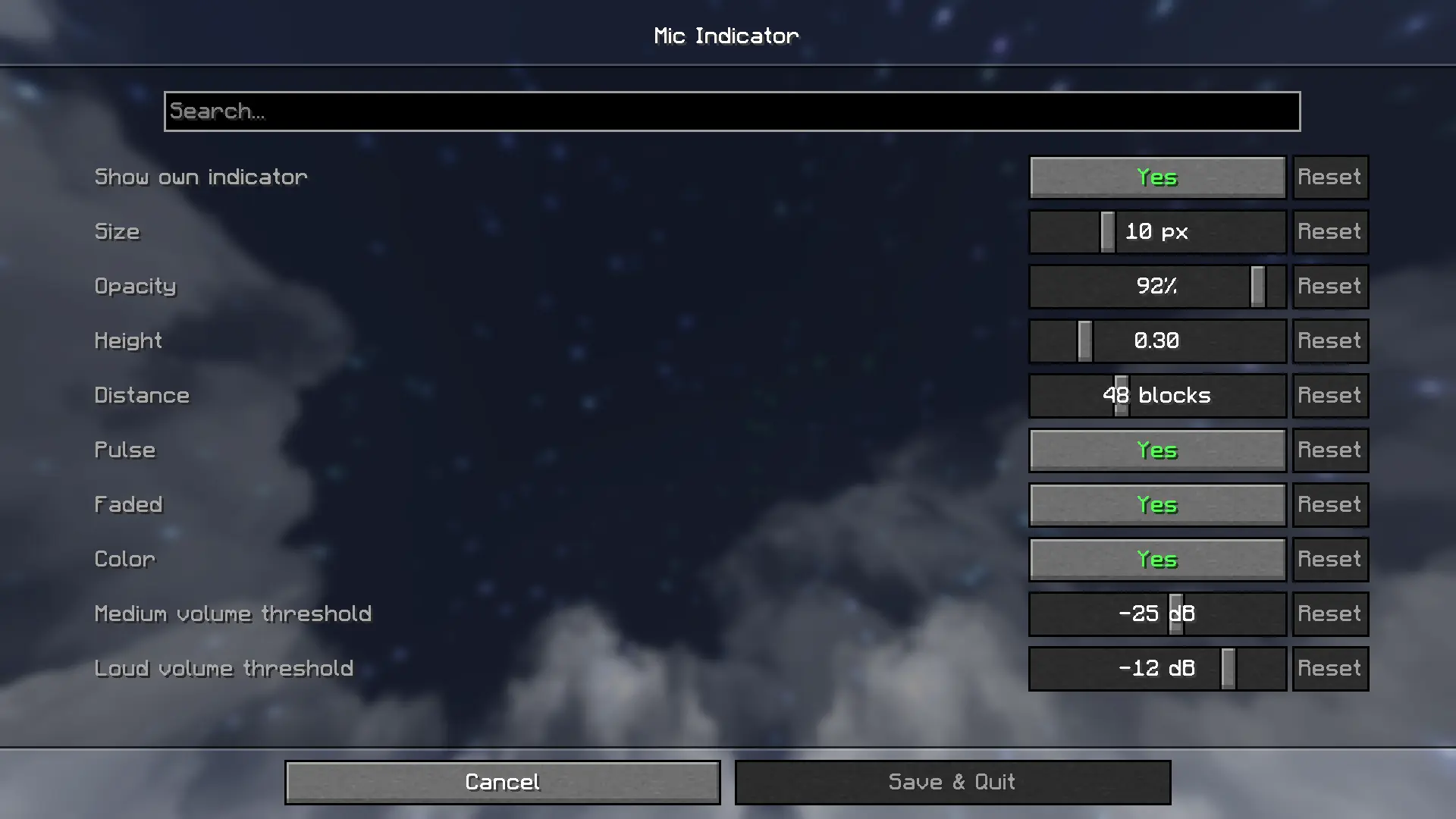
Default keybinds
- Toggle Icon:
[ - Toggle Glow:
]
Customize them in Options > Controls > Key Binds > Mic Indicator
_Licensed under MIT_
常见问题
Mic Indicator 支持哪些 Minecraft 版本?
Mic Indicator 支持 Minecraft Java 版 1.21.11,可用的加载器:Fabric。下载时注意选择和你游戏版本一致的文件。
Mic Indicator 怎么安装?
先用 PCL2 或 HMCL 启动器安装对应版本的 Fabric,再把下载的 .jar 文件放进游戏目录的 mods 文件夹,重新启动游戏即可。开启了版本隔离的,mods 文件夹在 versions/版本名 下面。运行环境:仅客户端。

评论
登录后评论和评分