[MGRR] Mine Gear Rising: Revengeance
Metal Gear Rising: Revengeance gear & weapons in Minecraft
截图
介绍
I highly recommend using the TheMemeSmeller‘s Epic Fight datapack: Weapons of Metal Gear
Datapack installation guide:
⚠️ IMPORTANT ⚠️
(READ THIS SECTION BEFORE DOWNLOADING)
(This is for Minecraft version 1.20.1)
The latest Epic Fight version is incompatible with the latest public WOM version.
Use Epic Fight 20.9.7 with Weapons of Miracles 20.1.8.5.6.
1. Go to the Datapack page: Weapons of Metal Gear.
2. Download it and its dependencies, listed at the bottom of the page.
(Make sure to download the correct versions of said mods, mentioned above)
3. Put it all together and enjoy
Recreating some tools & armors from the popular game Metal Gear Rising: Revengeance in Minecraft!
Use the command “/mgrr help” for user configuration commands.
The mod is still in a very early state of development so not everything is done just yet but expect more armors & weapons and maybe even bosses in the future! It currently contains:
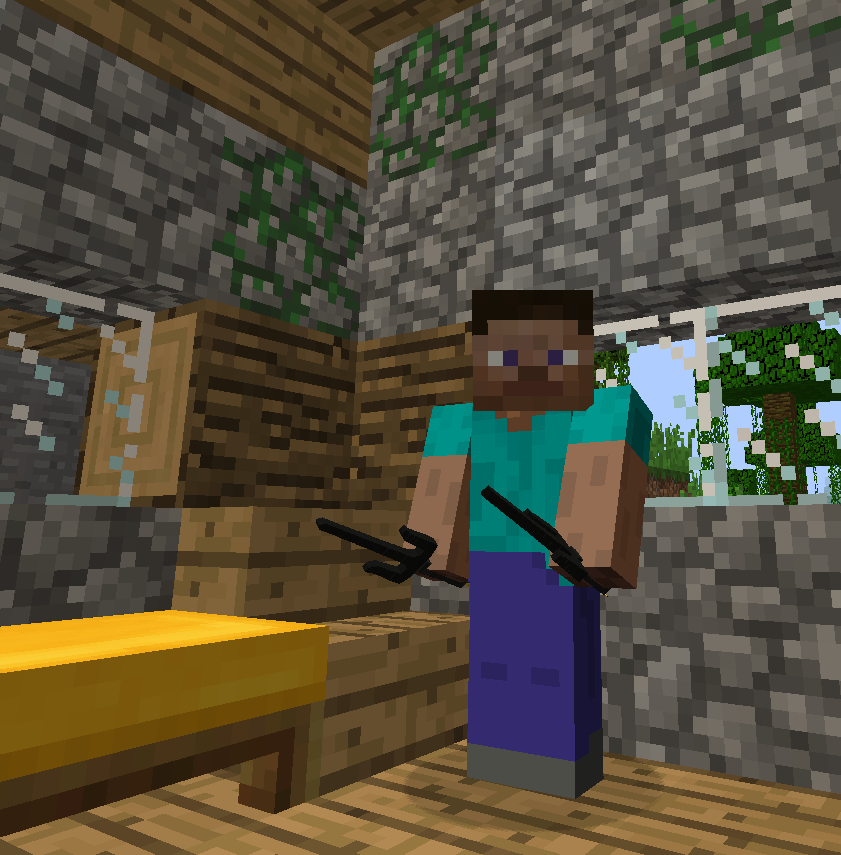
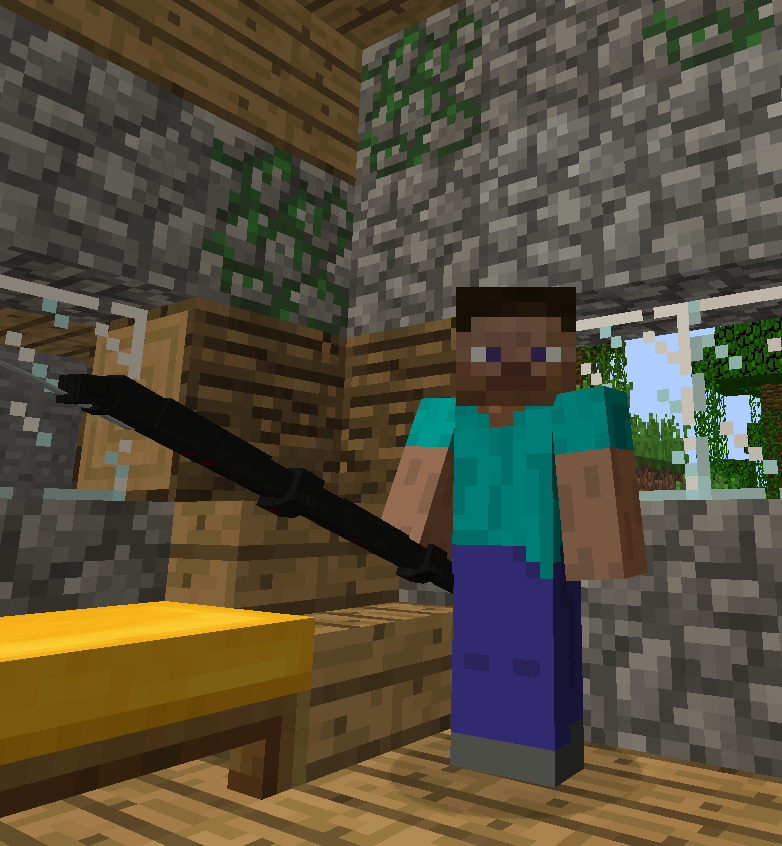
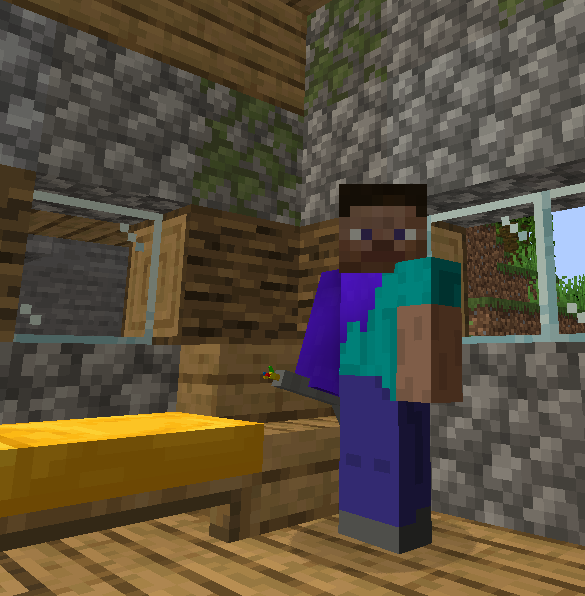
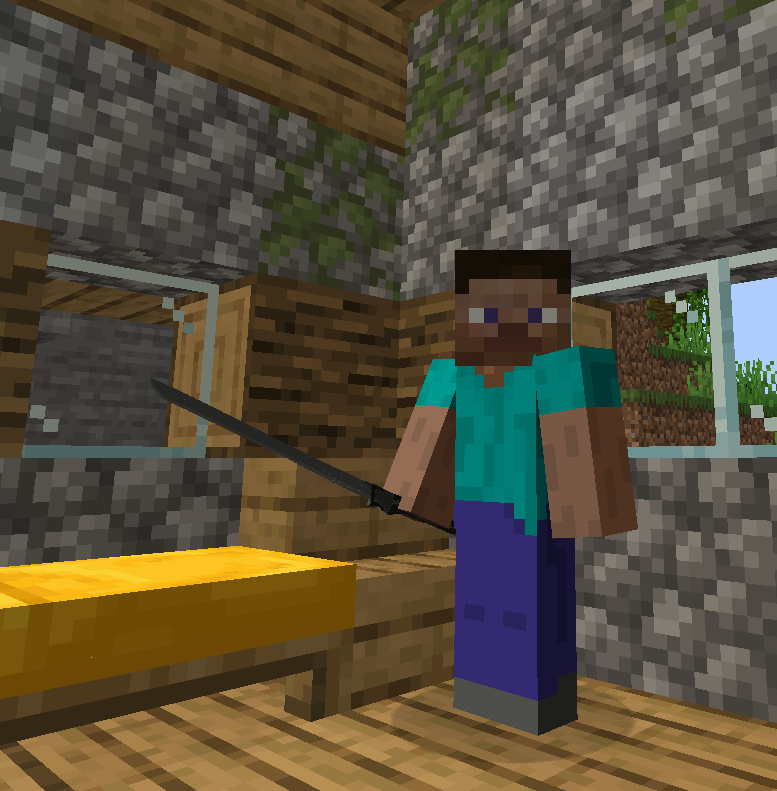
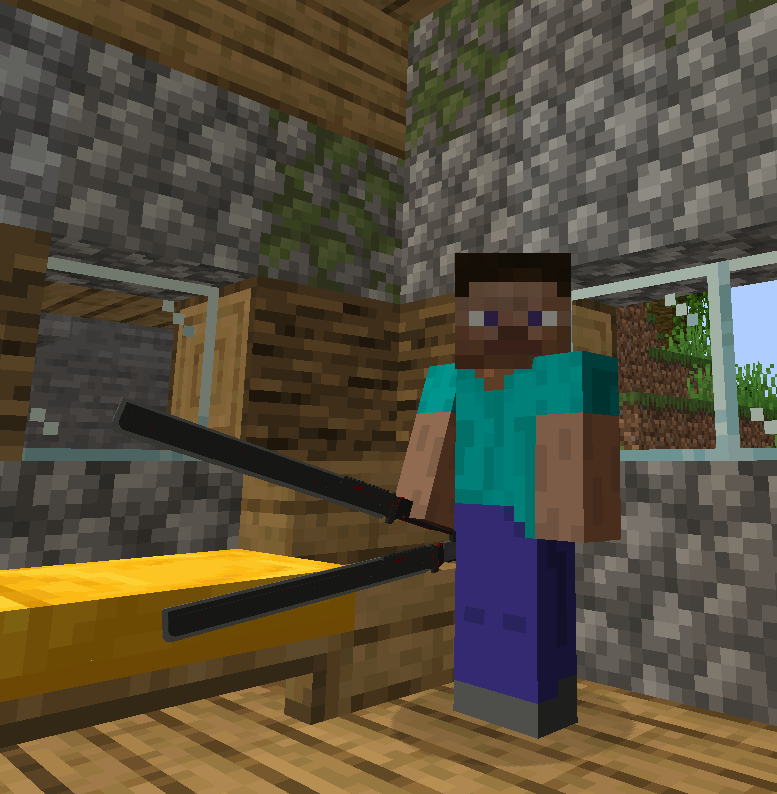
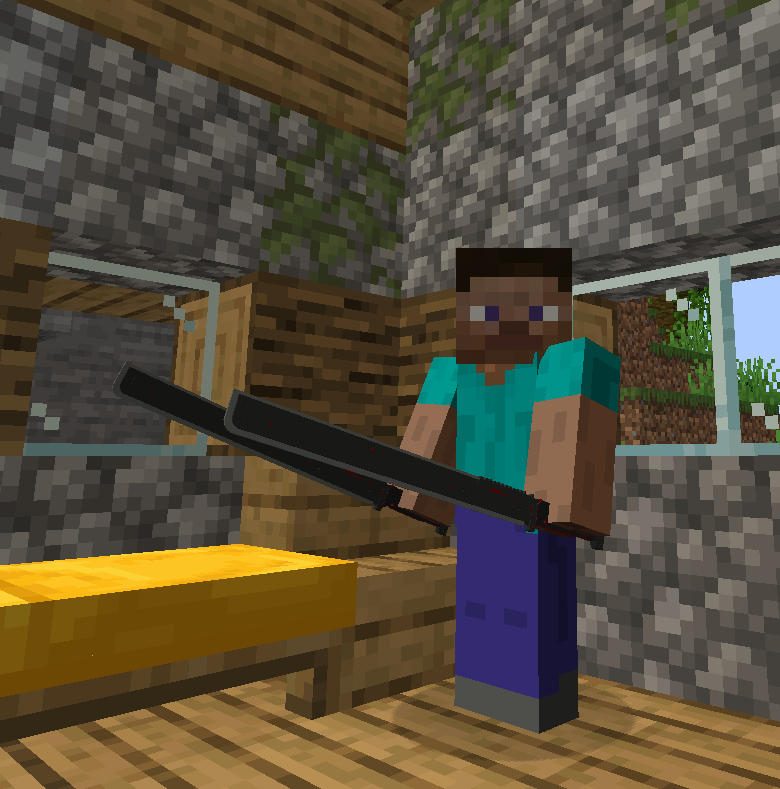
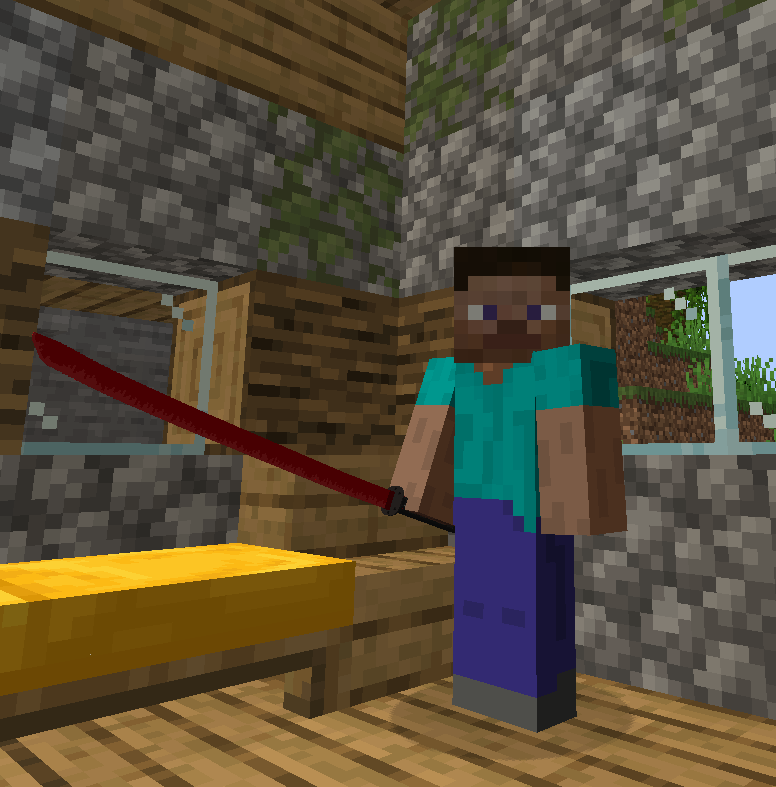
- Working Murasama (with theme music, new model in b1.3.2+)
- Working Bloodlust (with theme music)
- Working HF Blade (with theme music in b1.0.1+)
- Working Dystopia (with theme music in b1.2+)
- Working L’Etranger (with theme music in b1.2+)
- Working Nano Machines (with theme music in b1.0.2+)
- Support for Better Combat (b1.1.2+)
Fabric is probably not going to be supported except any rouge versions I might release just because.




(I highly recommend using the Epic Fight datapack below for a better experience!)
Epic Fight datapack: (Showcase)
Videos:
A few videos of TheMemeSmeller showcasing amazing fighting gameplay using datapacks and mods like MGRR & Epic Fight. Show them some love by heading over to their channel!
Known bugs:
If you deactivate the Murasama with Better Combat installed it will delete whatever there is in your off-hand slot as Better Combat somewhat hides the secondary slot while holding a 2 handed weapon meaning the Murasama thinks that there is just air in the off-hand.
Supported Versions:
1.7.10: N/A: None
1.12.2: N/A: None
1.14.4: N/A: None
1.15.2: AWS: “Abandonware Support”
1.16.5: AWS: “Abandonware Support”
1.17.1: AWS: “Abandonware Support”
1.18.2: AWS: “Abandonware Support”
1.19.2: ADS: “Active Dev Support”
1.19.4: ADS: “Active Dev Support”
1.20.1: ADS: “Active Dev Support”
1.20.4: ADS: “Active Dev Support”
1.20.6: ADS: “Active Dev Support”
1.21.1: ADS: “Active Dev Support”
Do note that this is the plan but things may change overtime!
Credits:
Developer:
Models:
Blade models made by the wonderful Kazharz at: High Frequency Blades on Planetminecraft
Music:
The Metal Gear Rising: Revengeance OST was composed by: Jamie Christopher
Sound:
Metal Gear Rising: Revengeance was developed by Kojima Productions & PlatinumGames
Discord server: (CreRaces)

Made by: mc_jojo3
常见问题
[MGRR] Mine Gear Rising: Revengeance 支持哪些 Minecraft 版本?
[MGRR] Mine Gear Rising: Revengeance 支持 Minecraft Java 版 1.16.5–1.21.1,共 9 个版本,可用的加载器:Forge / NeoForge。下载时注意选择和你游戏版本一致的文件。
[MGRR] Mine Gear Rising: Revengeance 怎么安装?
先用 PCL2 或 HMCL 启动器安装对应版本的 Forge / NeoForge,再把下载的 .jar 文件放进游戏目录的 mods 文件夹,重新启动游戏即可。开启了版本隔离的,mods 文件夹在 versions/版本名 下面。
mc_jojo3 的其他作品
查看全部 →
CreRaces Classic
Ever wanted to be more than just a human? Explore new races in CreRaces!

Twilight Lib
A library mod for mc_jojo3's mods

Luna’s Addon – Overgrown Flowery GUI
Adds mod support for some mods for the Overgrown Flowery GUI resource pack!

EnviroMine Lite
EnviroMine is all about environmental realism whether it be clean air or even keeping a sane mind in Mincraft’s labyrinth of dark caves, it will test your survival skills and endurance.
评论
登录后评论和评分