
Mewsic-Bridge
Bridges the Mewsic desktop music player with Minecraft via a local WebSocket server. Displays the currently playing track on the Game Menu Screen.
截图
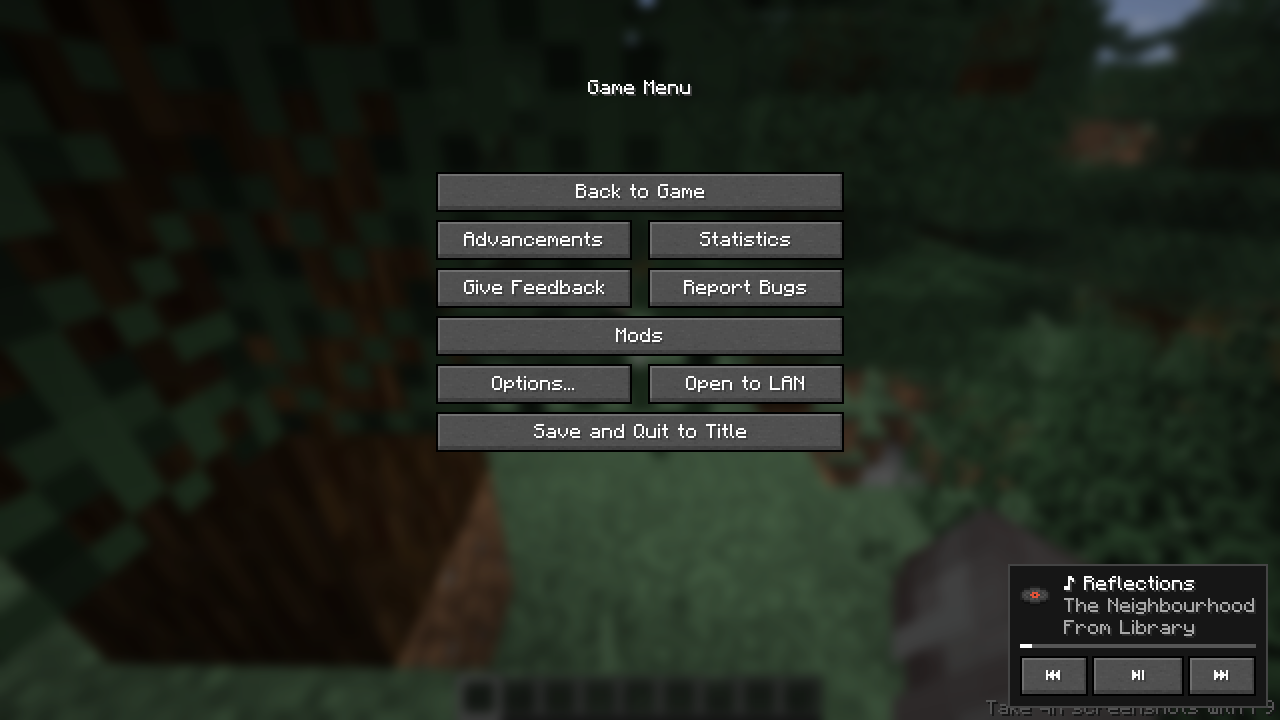
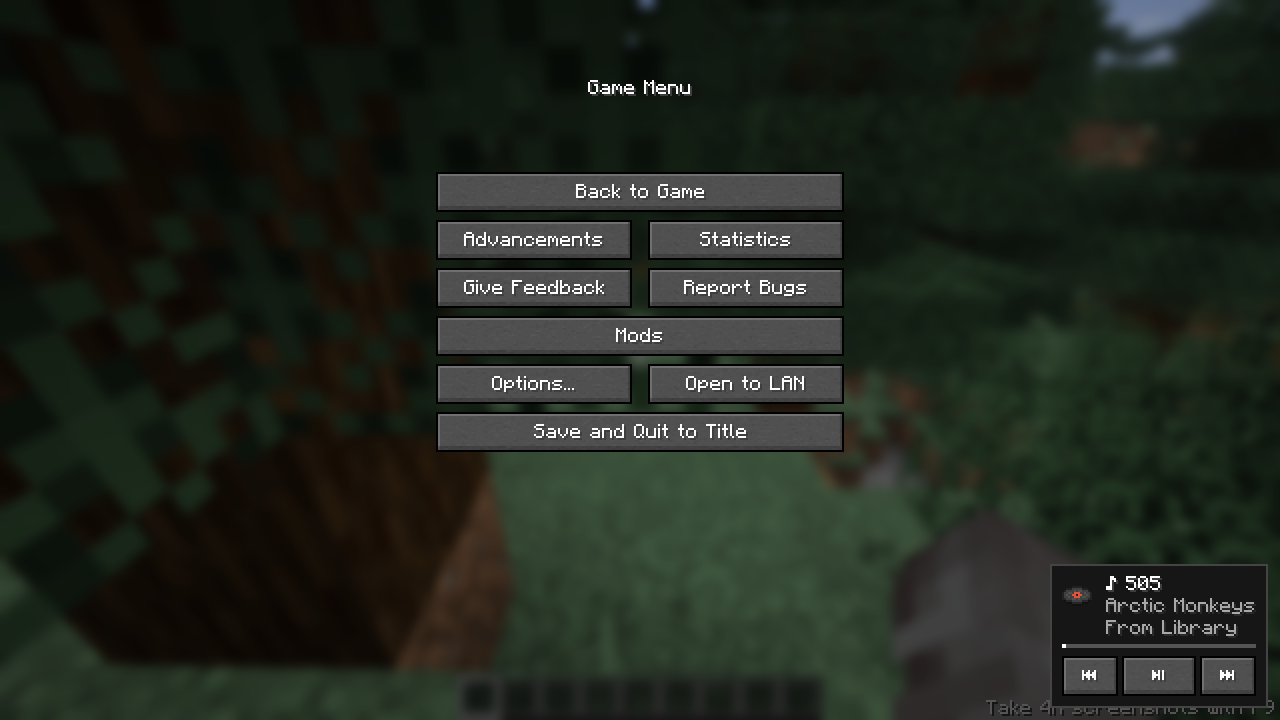
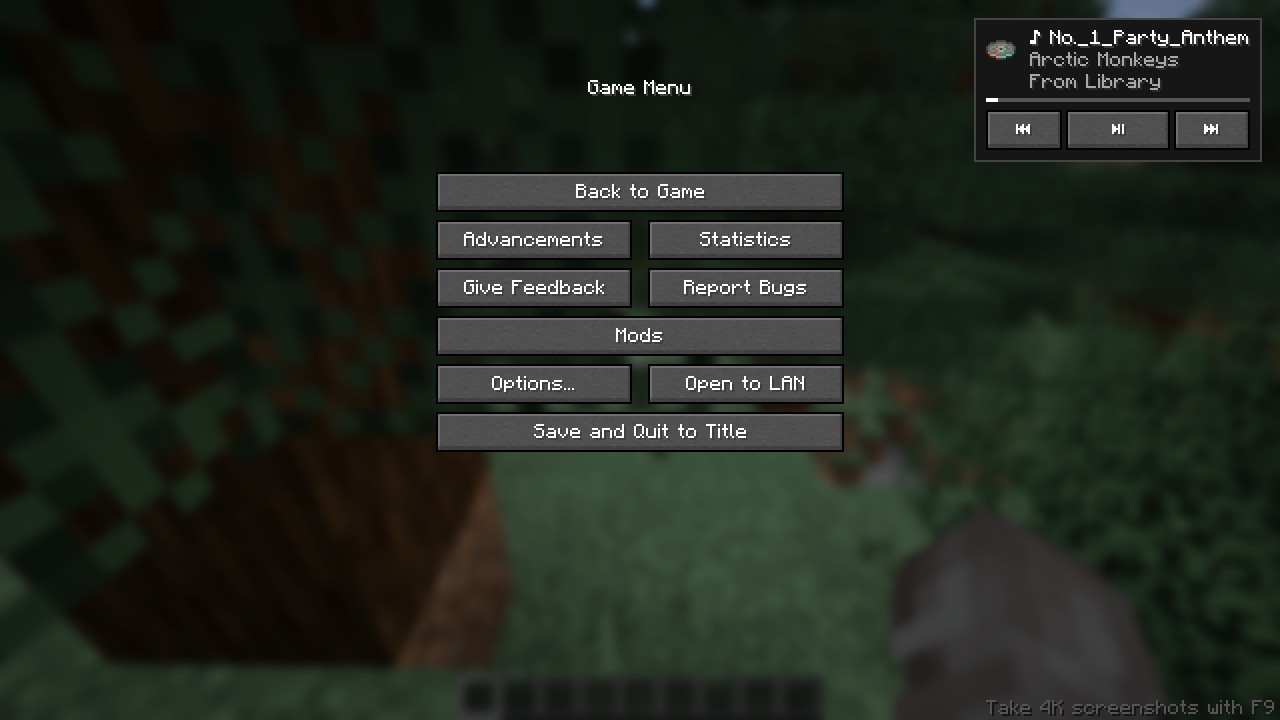
介绍
Bridges the Mewsic desktop music player with Minecraft via a local WebSocket server. Displays the currently playing track on the Game Menu Screen.
This mod is made to schowcase the plugin functionality of the Mewsic App by using a plugin and a minecraft mod to connect and control the mewsic app within minecraft itself. This can be useful if you’re just chilling and dont want to switch apps to change mewsic or if you’re recording and dont want to reveal your desktop to viewers.
Installation
Mewsic App >=v0.9.4 is REQUIRED for this mod to work.
Download Mewsic here.
- In mewsic go to the Plugins tab.
- Enable The Minecraft Bridge built-in Plugin.
- Open Minecraft with this mod installed.
- It Should automatically connect. if not, click reconnect in the plugin manager.
Screenshots
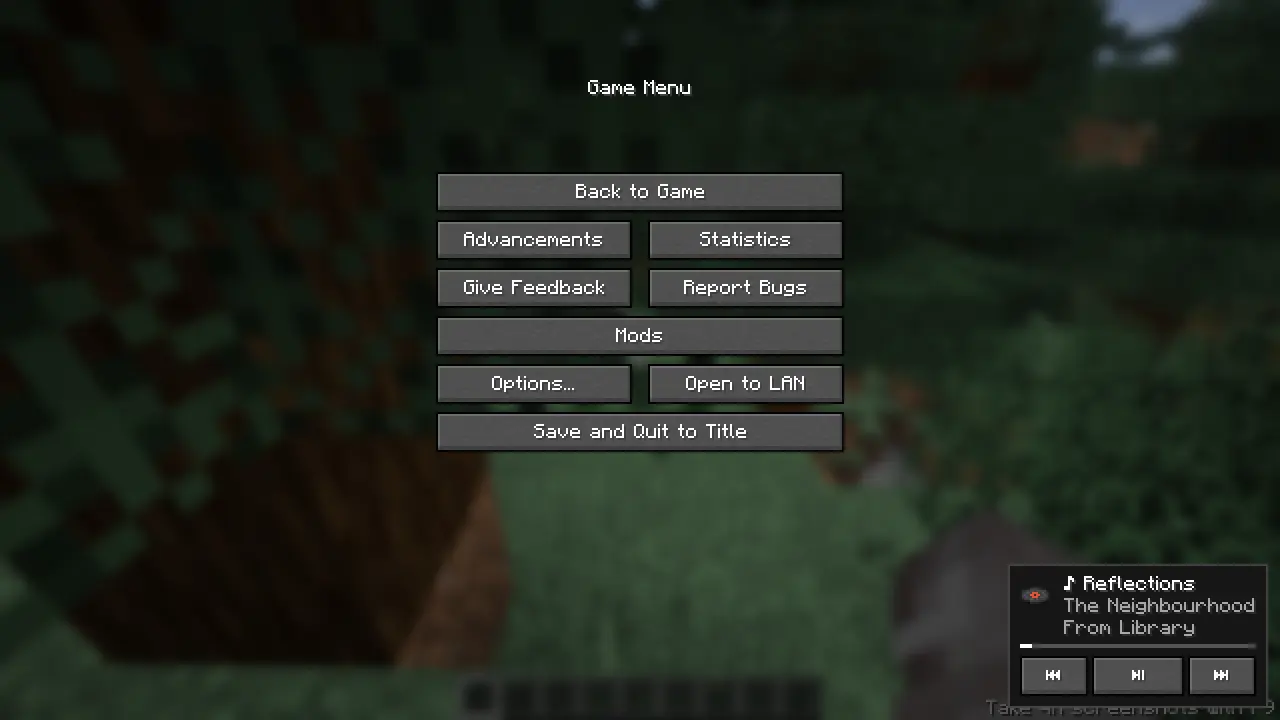
Auto-Adjusting control UI based on track details.
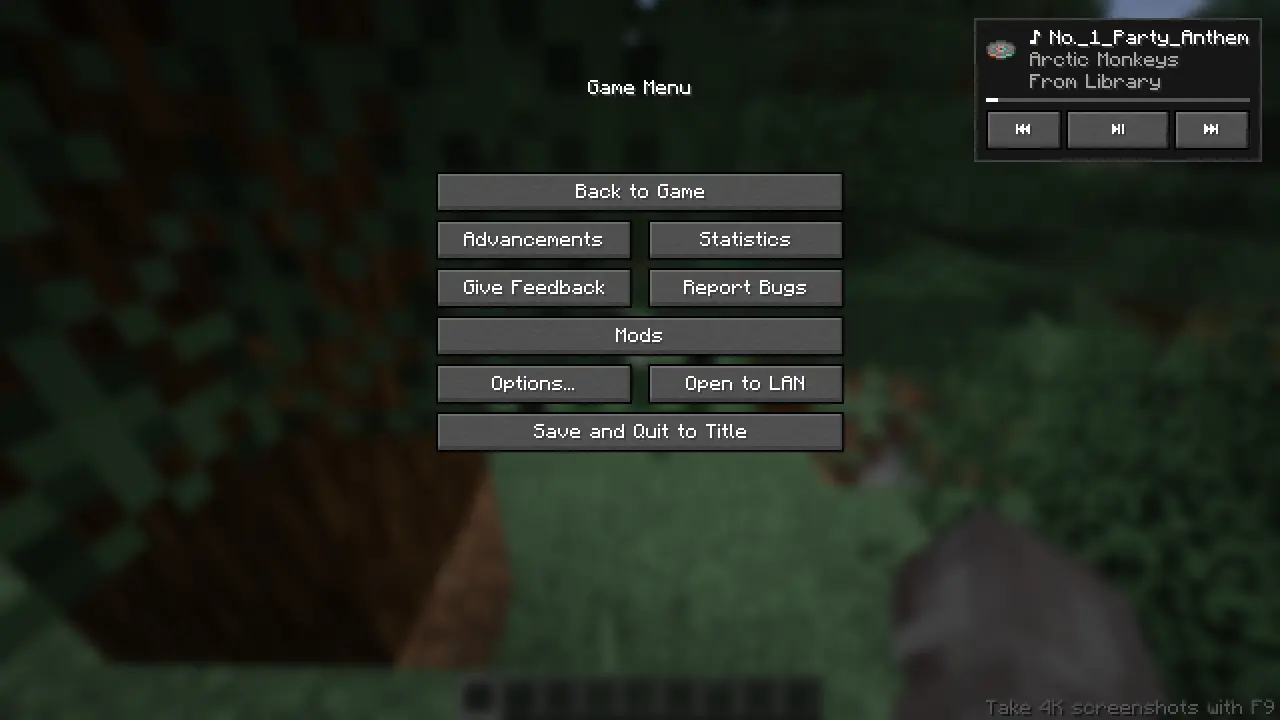
Move the control UI to your preferred place with your mouse!
Features
Commands are available to use the player.
/mewsic play
/mewsic pause
/mewsic next
/mewsic previous
/mewsic shuffle
/mewsic repeat <mode> (where mode can be "on","off","one")
/mewsic playlist <playlistname> (playlist names are auto parsed on first connection)
/mewsic track <trackname> (track names are parsed on first connection)
/mewsic reconnect (drop the existing connection witht the app and re-initiates the websocket, use after adding/removing songs, adding/removing playlists)
Issues related to this mod is accepted in the Mewsic github issue tracker!
常见问题
Mewsic-Bridge 支持哪些 Minecraft 版本?
Mewsic-Bridge 支持 Minecraft Java 版 1.21.11–26.2,共 5 个版本,可用的加载器:Fabric。下载时注意选择和你游戏版本一致的文件。
Mewsic-Bridge 怎么安装?
先用 PCL2 或 HMCL 启动器安装对应版本的 Fabric,再把下载的 .jar 文件放进游戏目录的 mods 文件夹,重新启动游戏即可。开启了版本隔离的,mods 文件夹在 versions/版本名 下面。运行环境:仅客户端。
xeoniii 的其他作品
查看全部 →
Xeon’s Katanas
Transform your swords into Minecraft-inspired katanas! This texture pack reimagines every sword using in-game materials to make it not feel out of the place!

Xeon’s Axes
Changes axes to a redisgned 3D model that aims to increase immersion!

Relic Totem
This is a minecraft texture pack that changes minecrafts totem of undying texture into a relic thus naming it Relic Totem. This is made for my friend for a youtube video of his.

Died to [IGD]
Changes all death messages to "Died to [Intentional Game Design]". Because everything is Intentional!
评论
登录后评论和评分