
Menma’s Updater-Modpack Updater
A mod for easy modpack management and seamless updates for server users.
截图
介绍
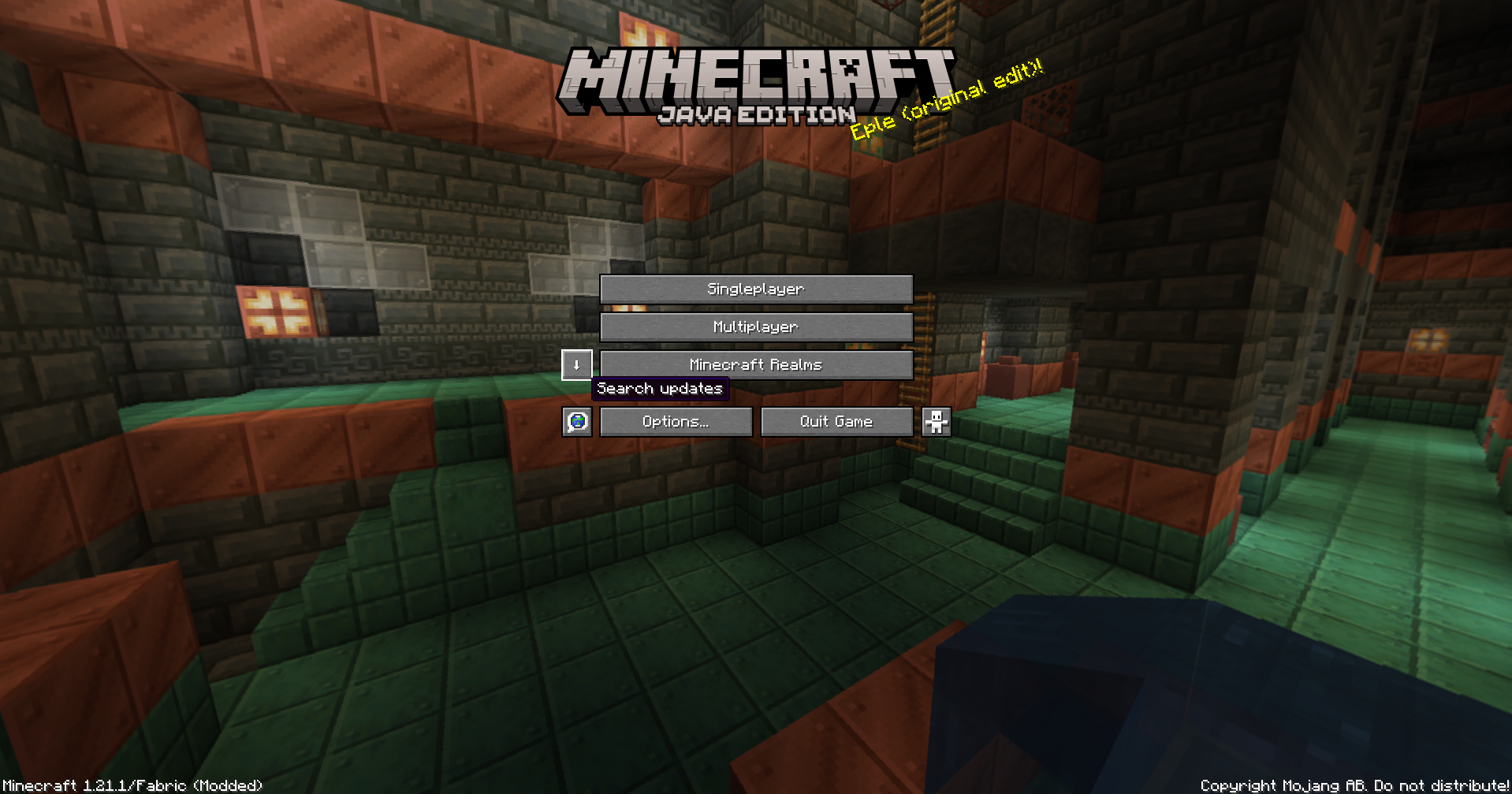
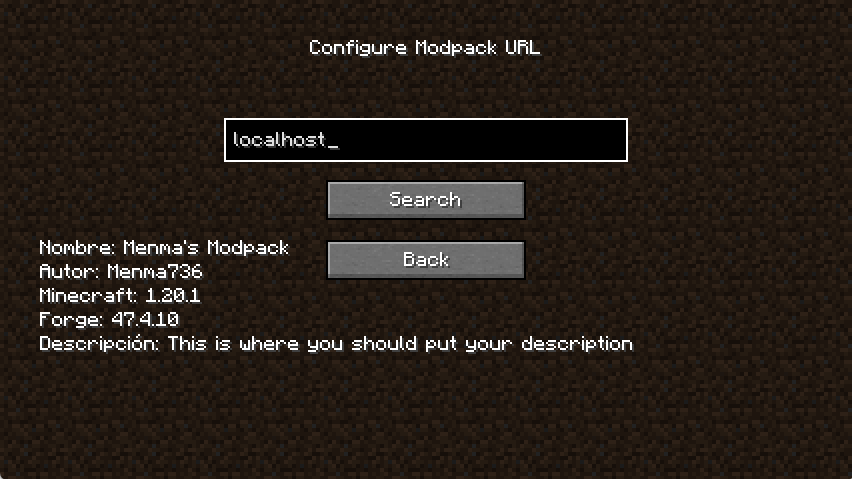
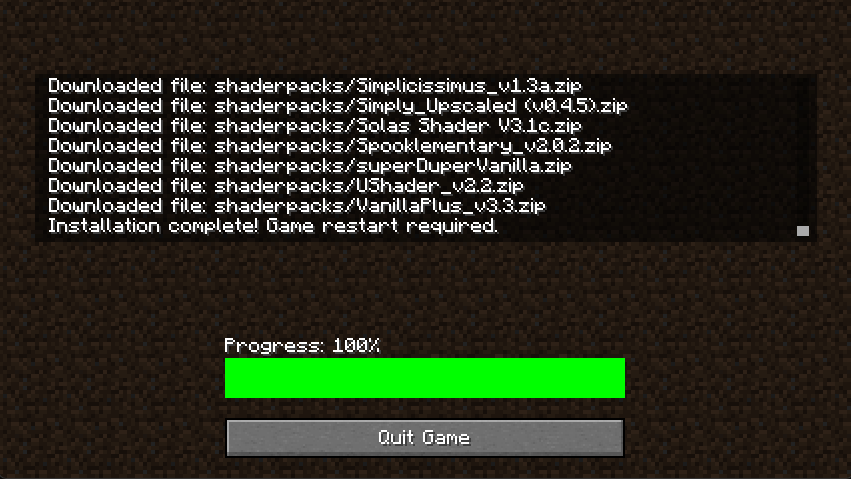
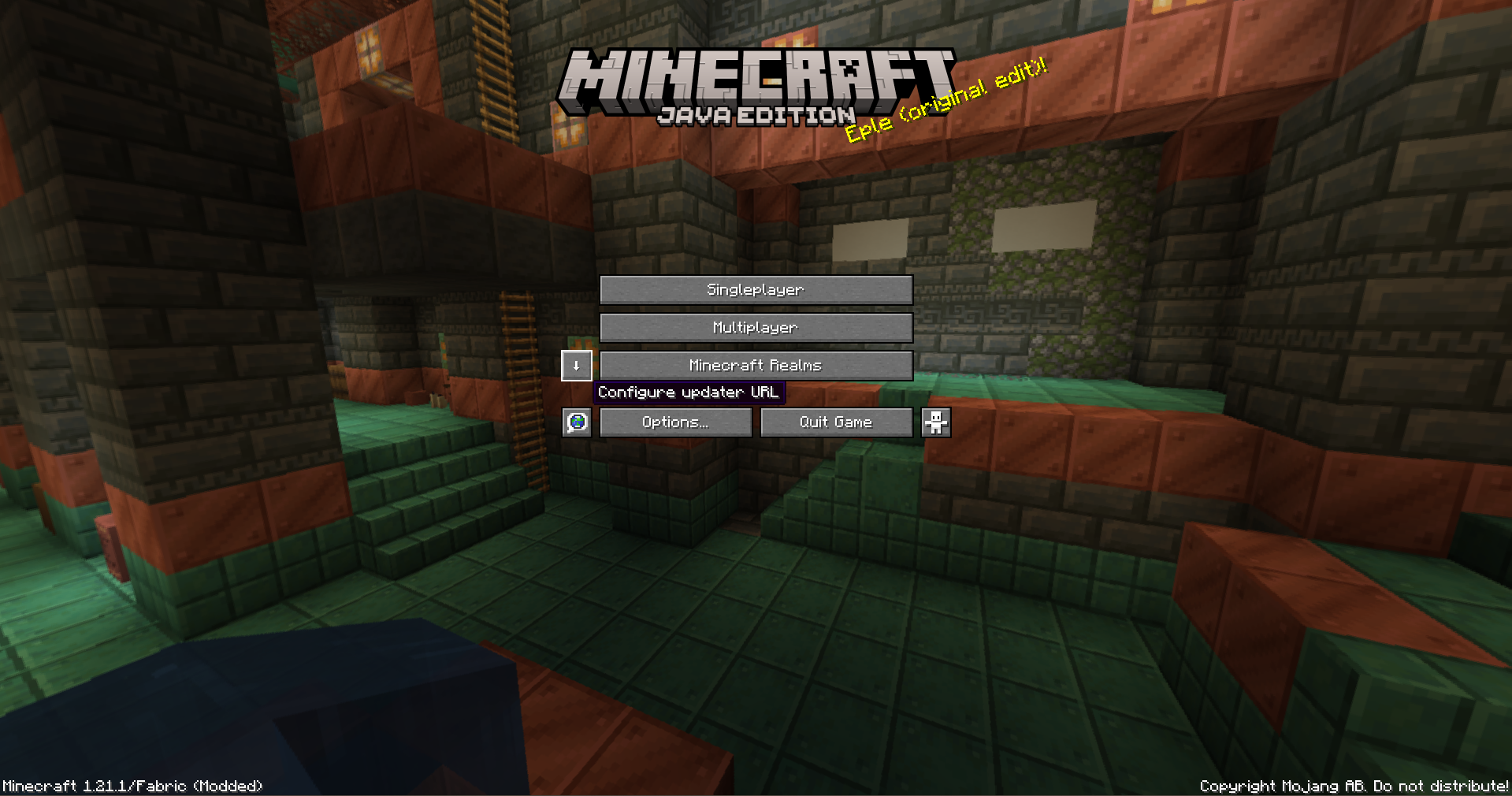
Menma’s Updater is a mod designed to simplify modpack management on Minecraft servers, whether small private servers or large public ones. Managing mod updates can be tedious: every time a new mod is added or an existing one is updated, all players need to download it manually to join the server. This mod eliminates that hassle by automatically handling the distribution of mods (or files).
To achieve this, Menma’s Updater uses NanoHTTPD on the server, a lightweight HTTP server that allows players to connect and automatically receive the required mods. Server administrators only need to ensure that port forwarding is set up correctly, and everything else is handled seamlessly. This ensures that all players always have the correct version of each mod, avoiding compatibility issues and errors due to outdated versions.
With Menma’s Updater, keeping a server up to date is no longer a tedious and error-prone process. From small servers with friends to large public communities, the mod allows administrators to focus on what really matters: providing a stable and uninterrupted gameplay experience, while players enjoy having all the mods ready and synchronized instantly.
This mod Needs a server hosting the files.
ADMINISTRATORS AND SERVER MANTAINERS SIDE
If you are not familiar with port forwarding or setting up Cloudflare Tunnels, you can find step-by-step guides here: Port Forwarding guide and Cloudflare Tunnels Documentation These resources will help ensure your server is accessible to all players.
If you only want to test the mod without opening ports you can use the localhost:(port on server’s config file) if you are in the same machine.
Once executed on server the mod will create the folder on “config/menmasupdater/modpack-client” Here you’ll put everything you want to put on your players files such as, configs, mods, resourcepacks, shaderpacks, options, servers, etc… And with only one command “/mupdater regenerateIndex” Your modpack will be ready to be downloaded by your players.
If you want to change the FileServer’s port but you don’t want to restart the server you can change the file on config, use the command “/mupdater stopFileServer” and then “/mupdater startFileServer”
常见问题
Menma’s Updater-Modpack Updater 支持哪些 Minecraft 版本?
Menma’s Updater-Modpack Updater 支持 Minecraft Java 版 1.20.1–1.21.1,共 2 个版本,可用的加载器:Fabric / Forge / NeoForge。下载时注意选择和你游戏版本一致的文件。
Menma’s Updater-Modpack Updater 怎么安装?
先用 PCL2 或 HMCL 启动器安装对应版本的 Fabric / Forge / NeoForge,再把下载的 .jar 文件放进游戏目录的 mods 文件夹,重新启动游戏即可。开启了版本隔离的,mods 文件夹在 versions/版本名 下面。运行环境:客户端和服务端都要装。


评论
登录后评论和评分