
Mekanism Factory Information
Add-on for AE2 and Jade with Mekanism // Grouping machines and sort them by Tier in AE2 terminal // Show factory lines in Jade tooltip.
介绍
Mekanism Factory Information
TL;DR
| Situation | without this mod | with this mod |
|---|---|---|
| AE2 Terminal | 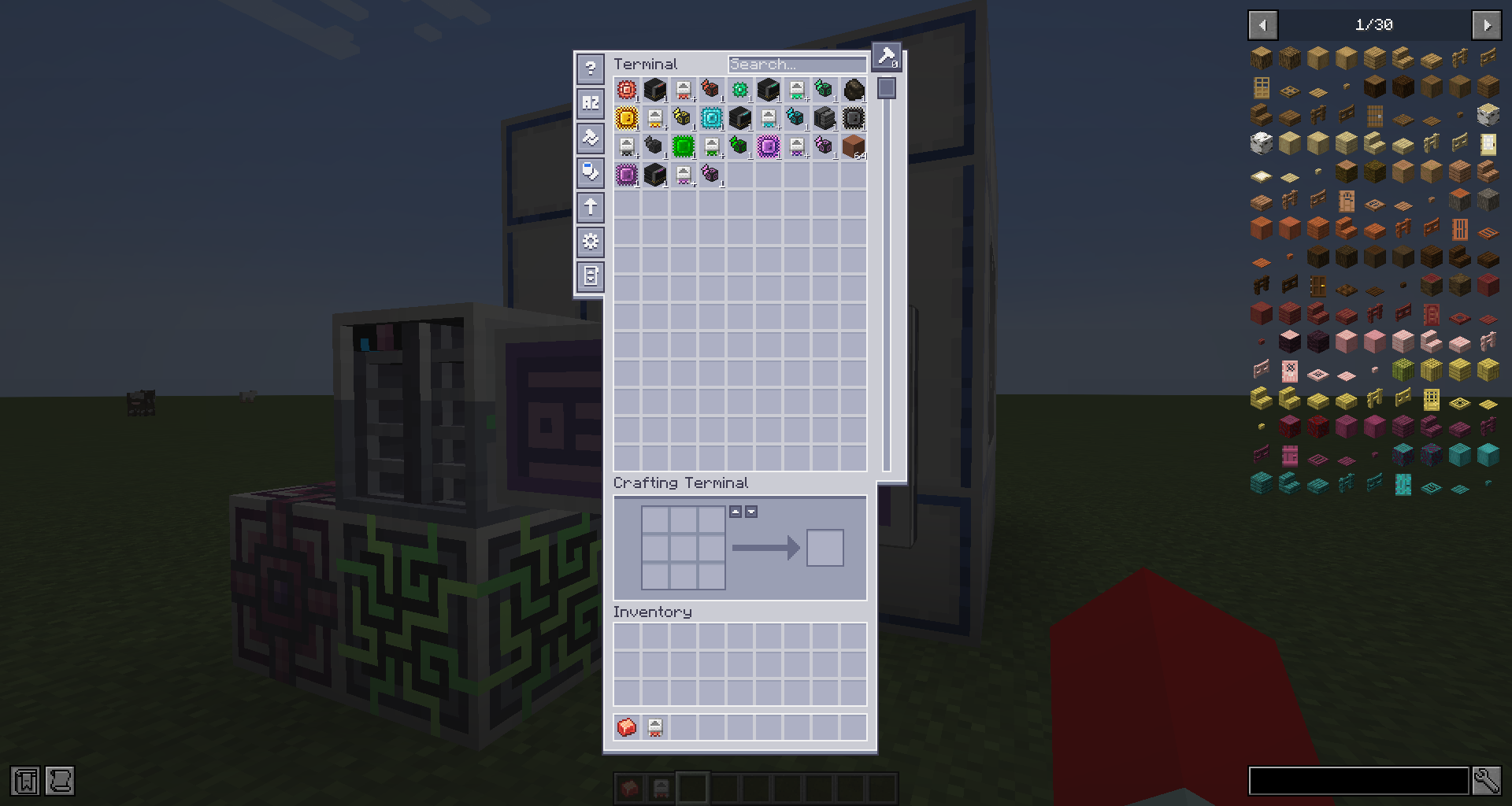 |
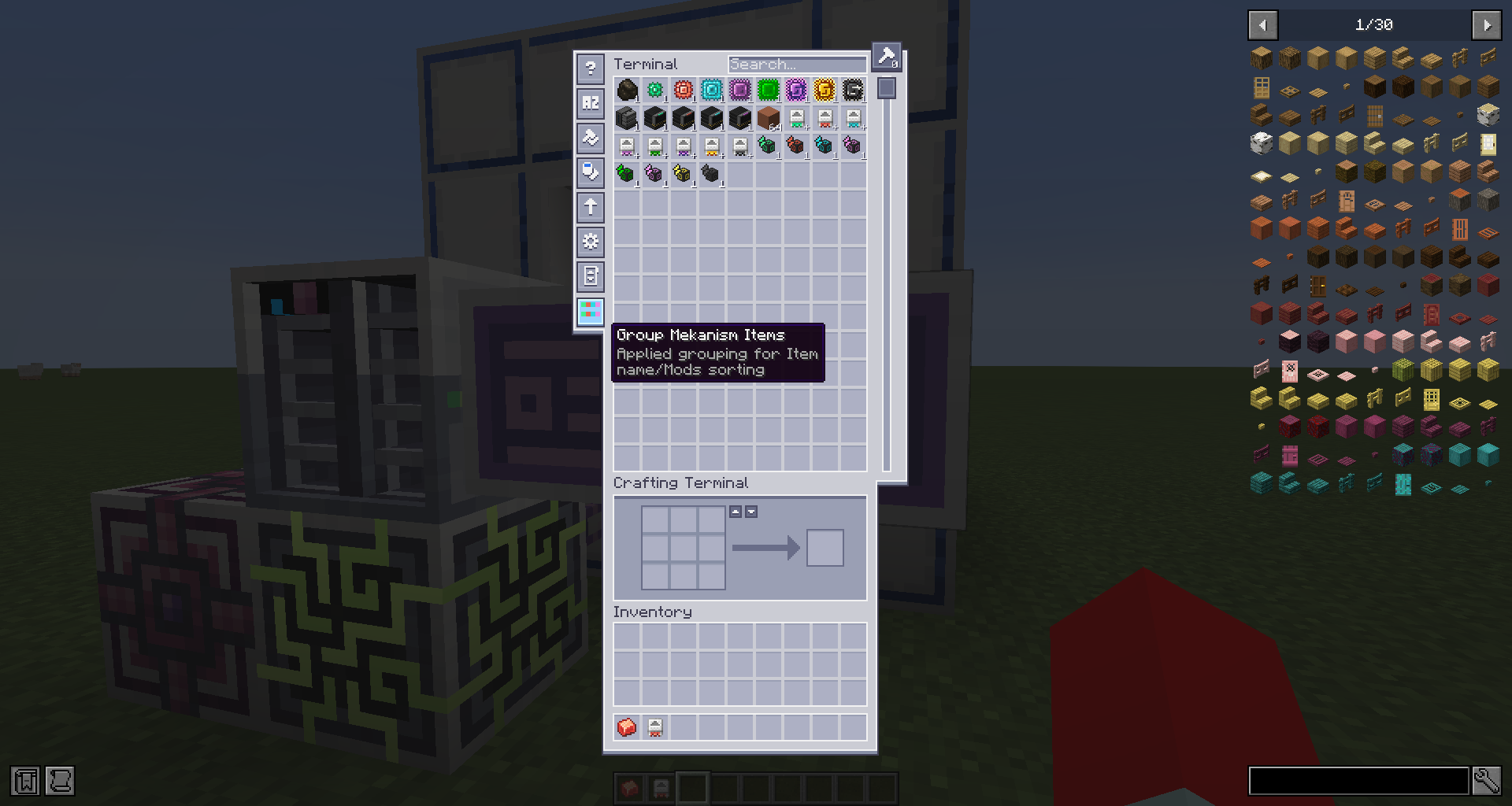 |
| Item tooltip | 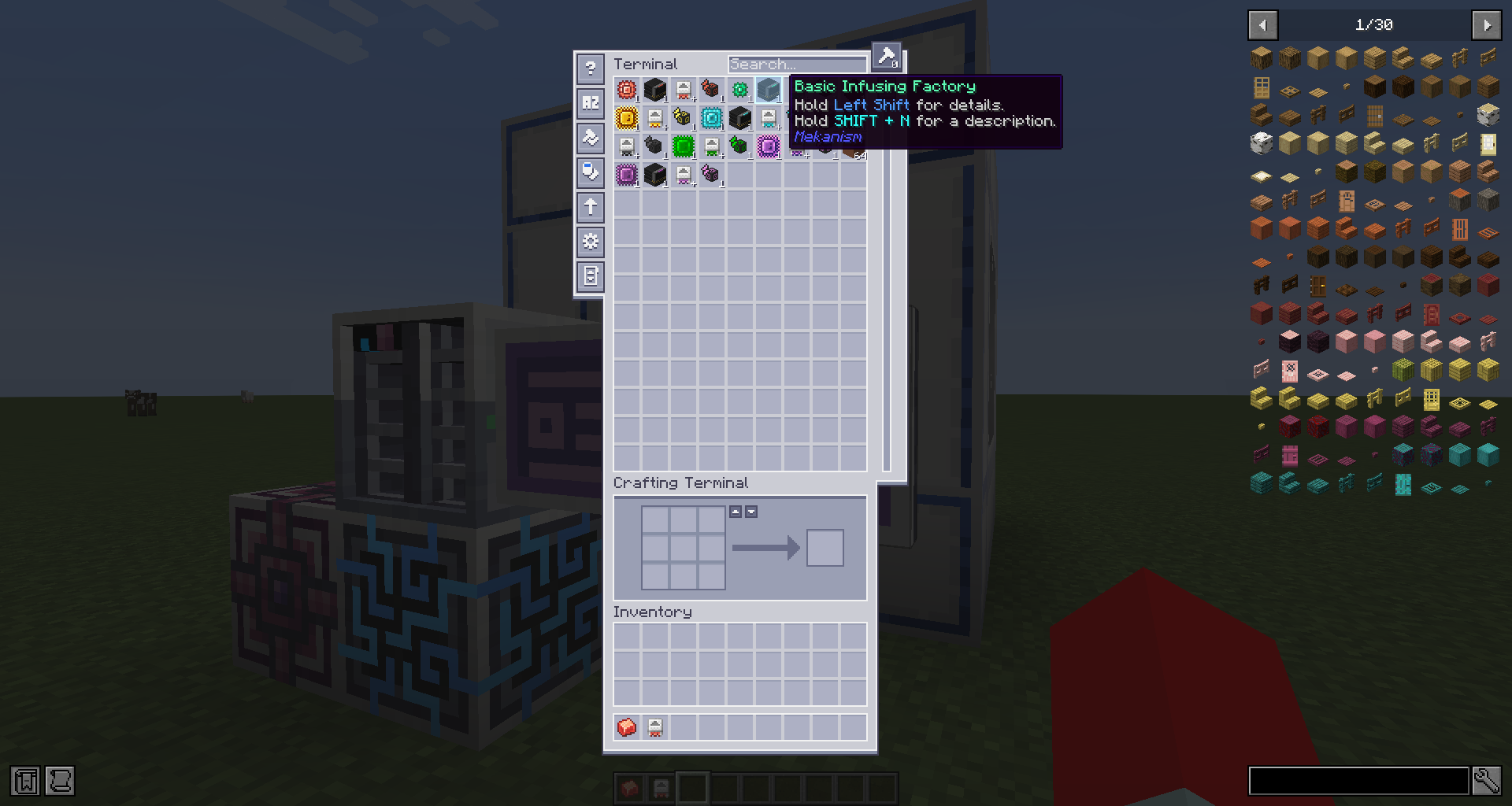 |
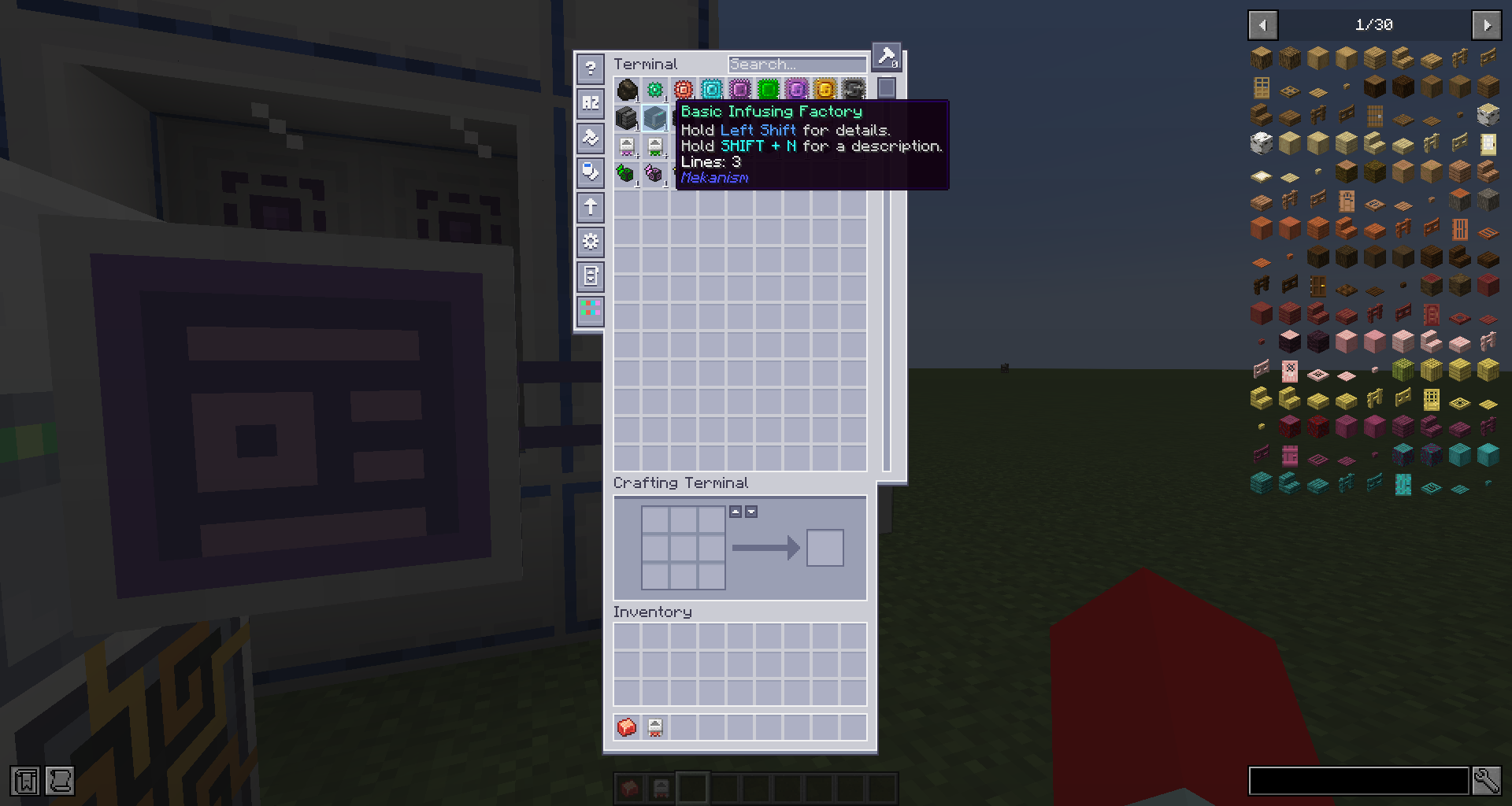 |
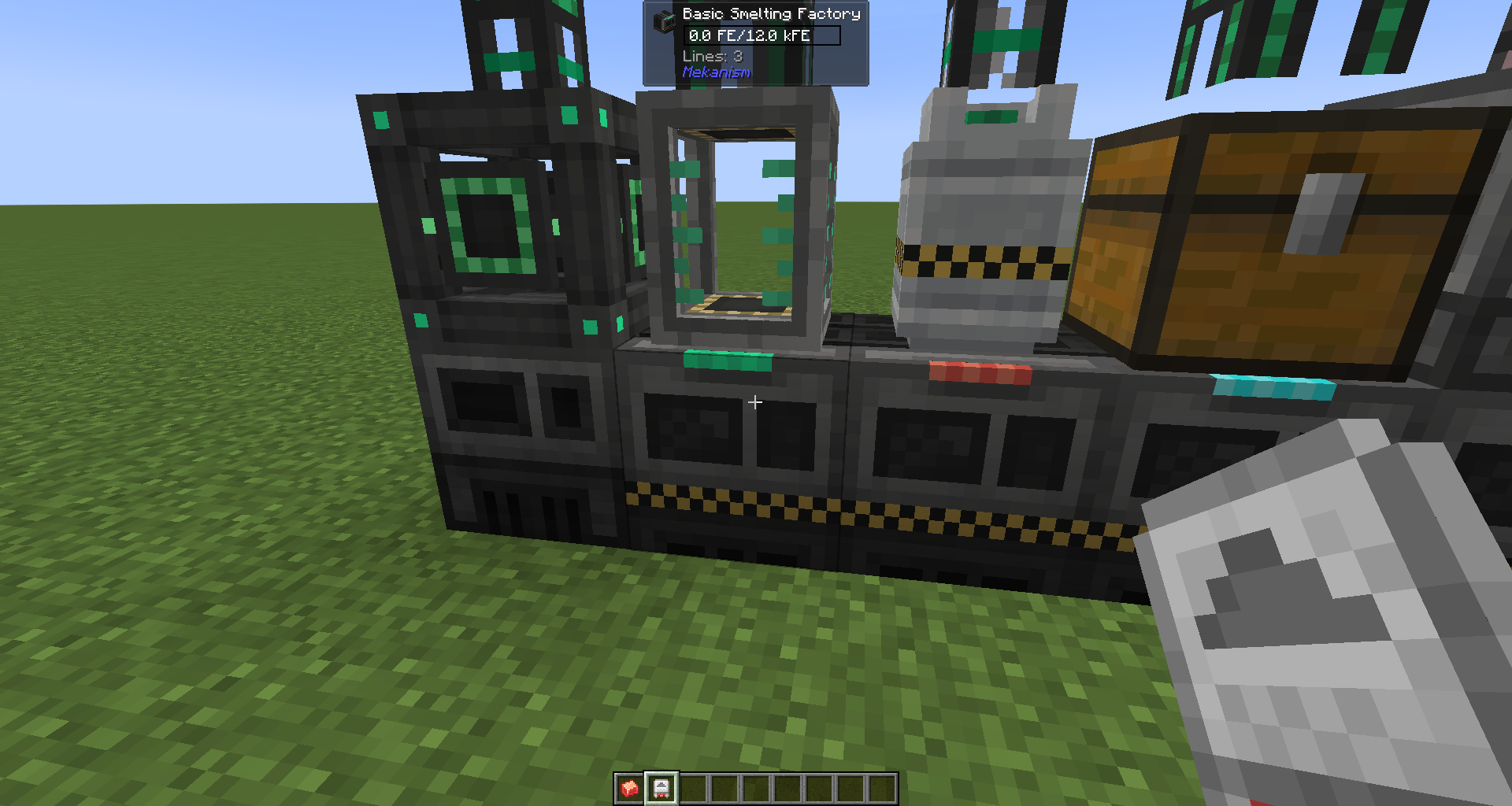
| Jade machine info | 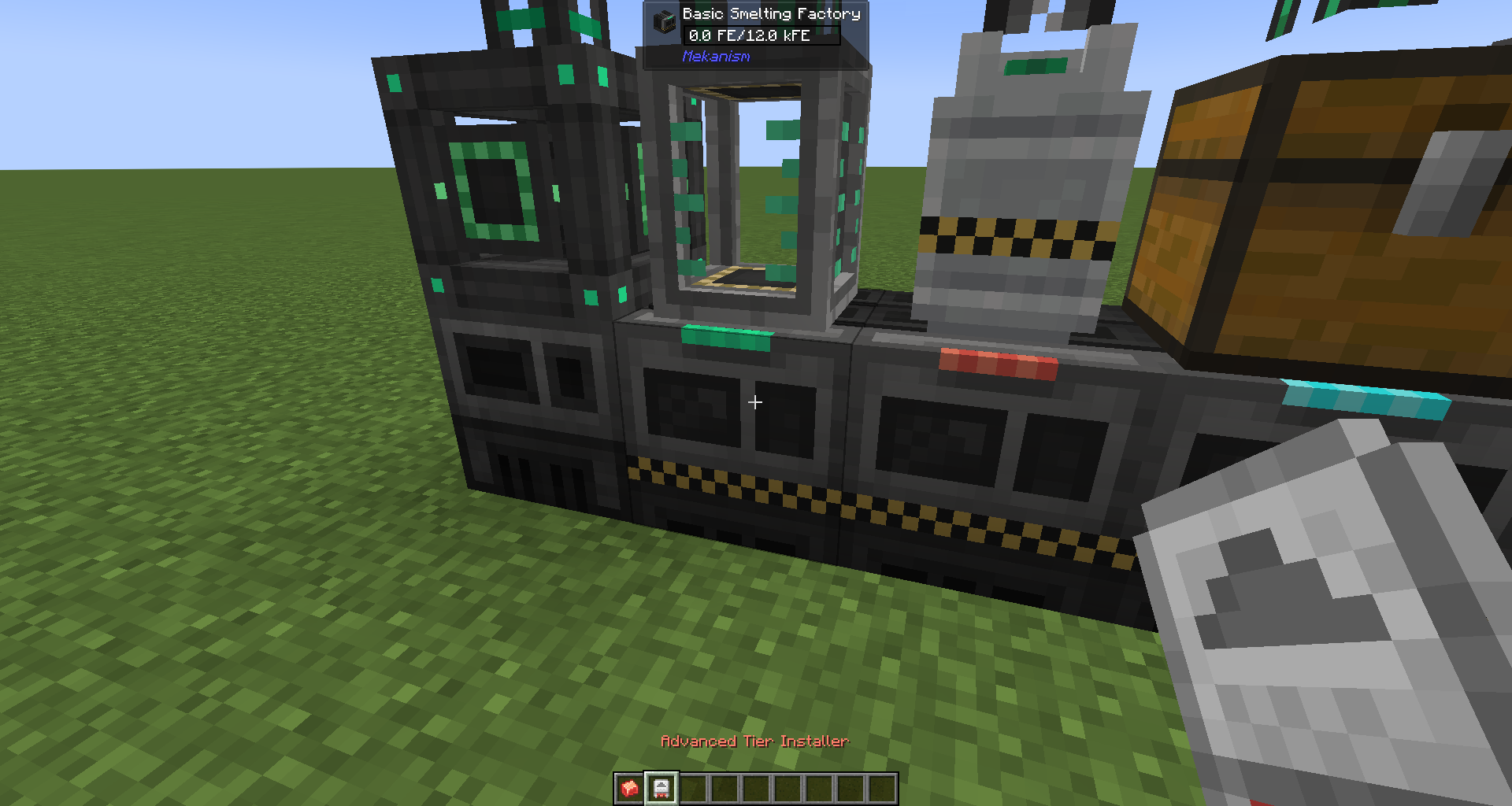 |
 |
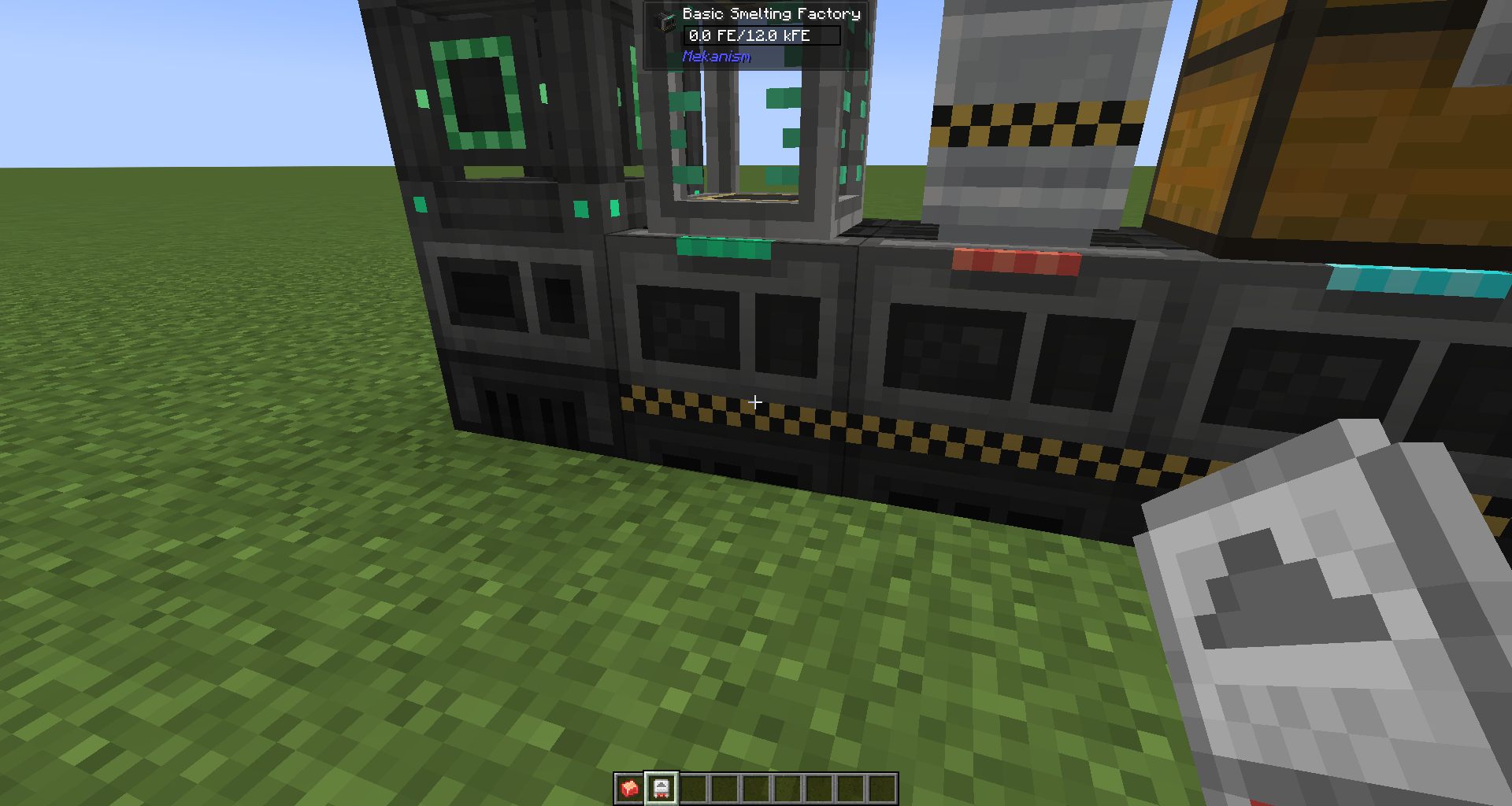
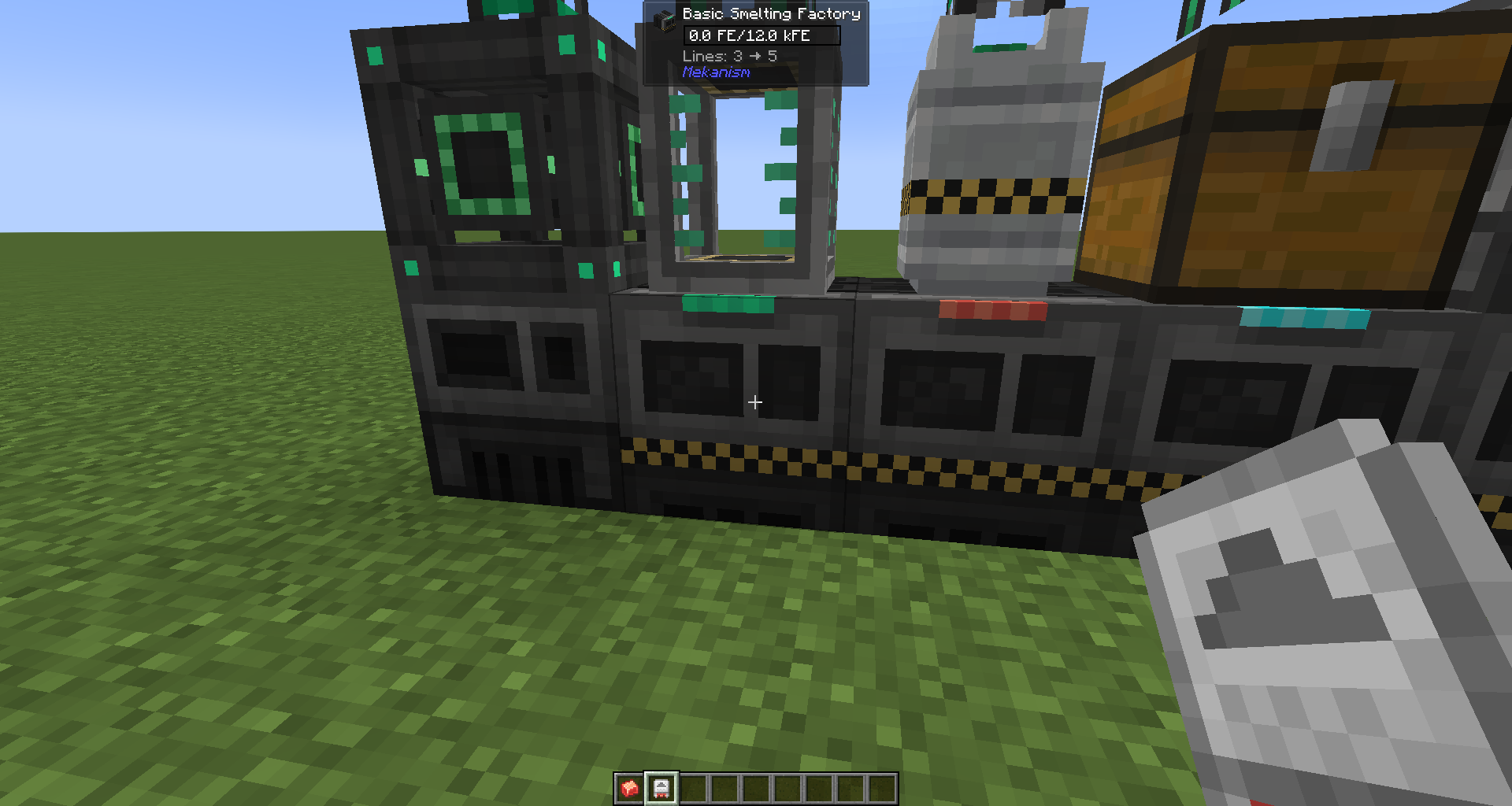
| Jade machine info Sneaking with Installer |
 |
 |
| Jade tank info | 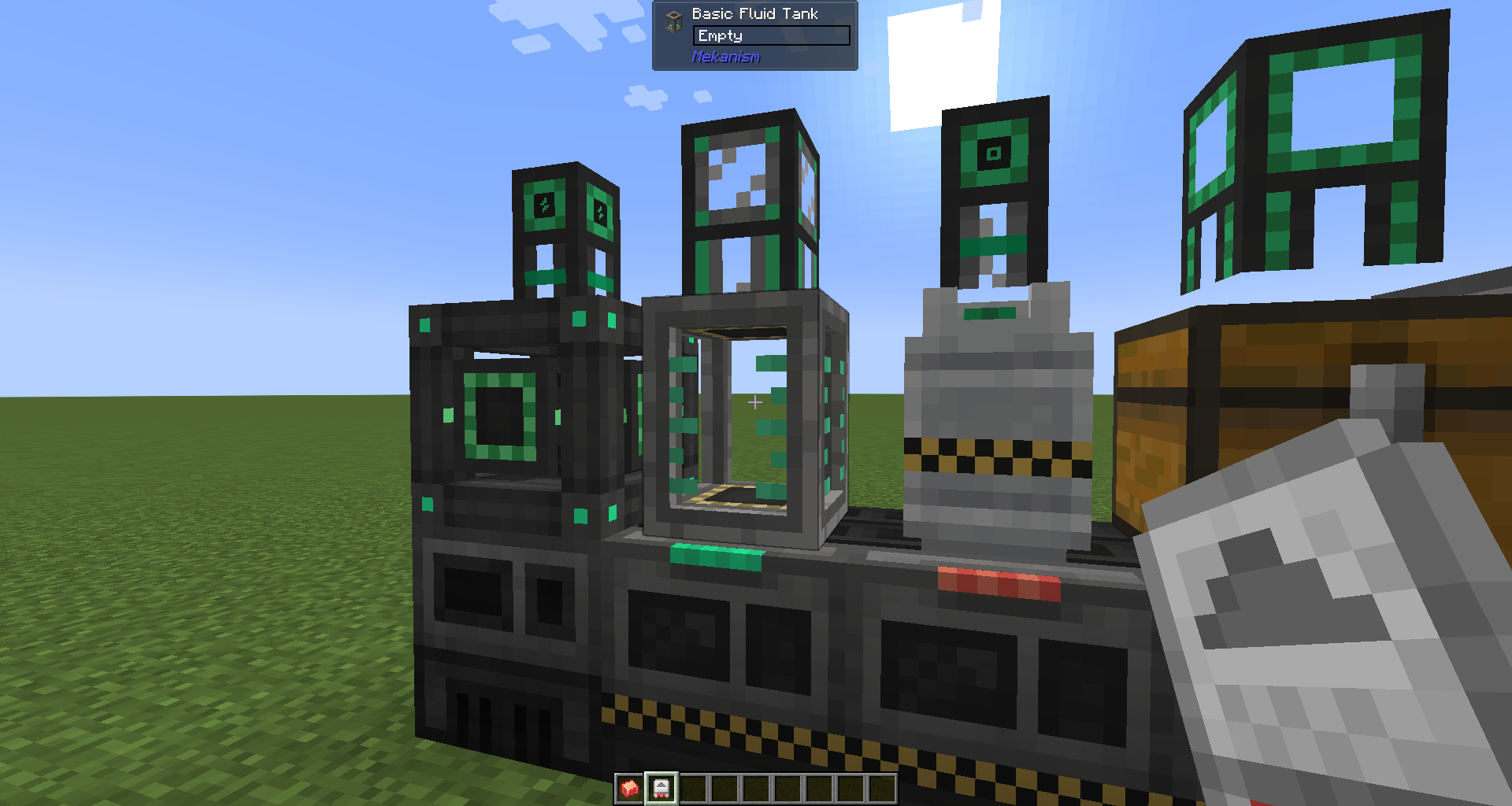 |
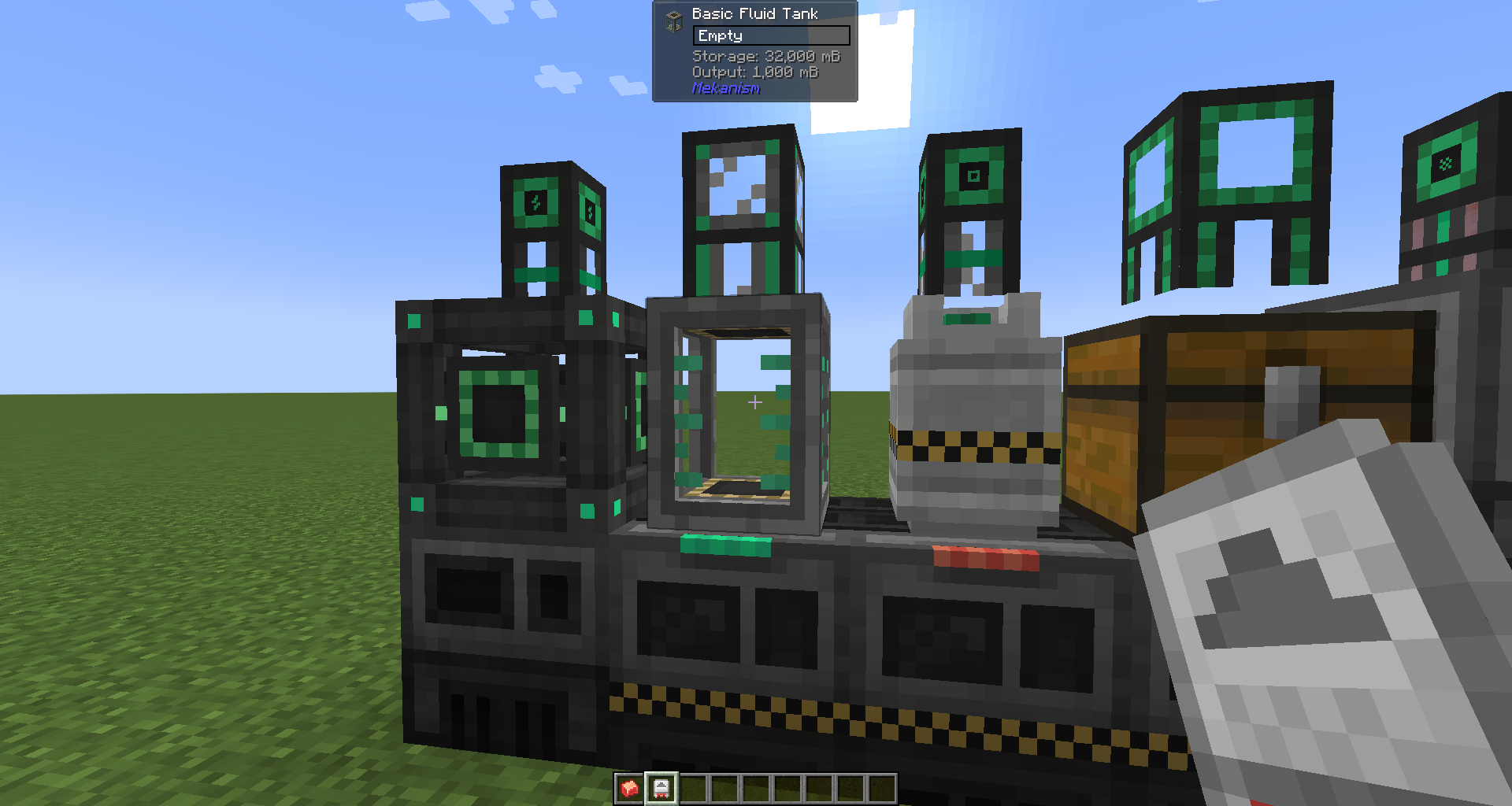 |
| Jade tank info Sneaking with Installer |
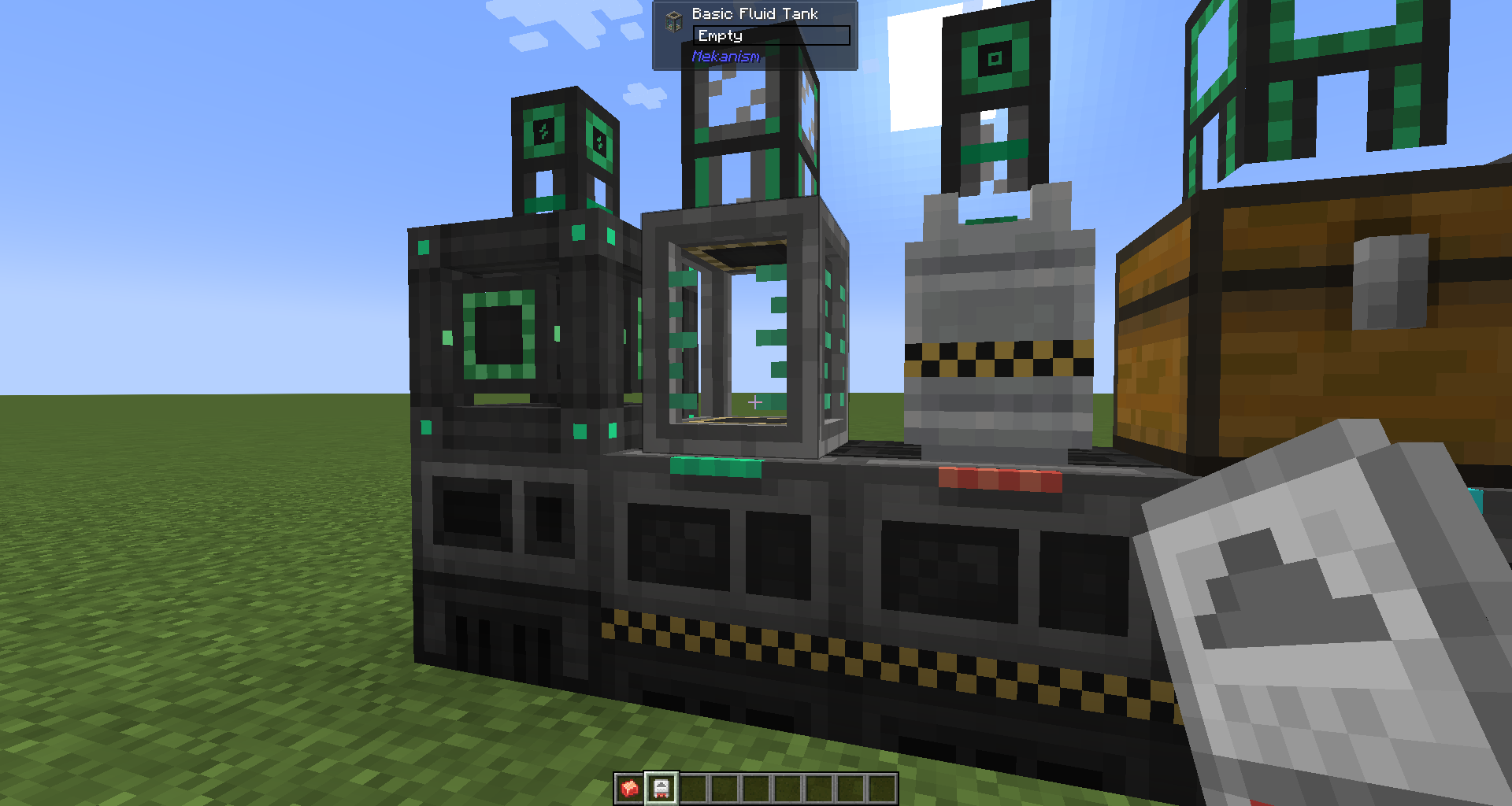 |
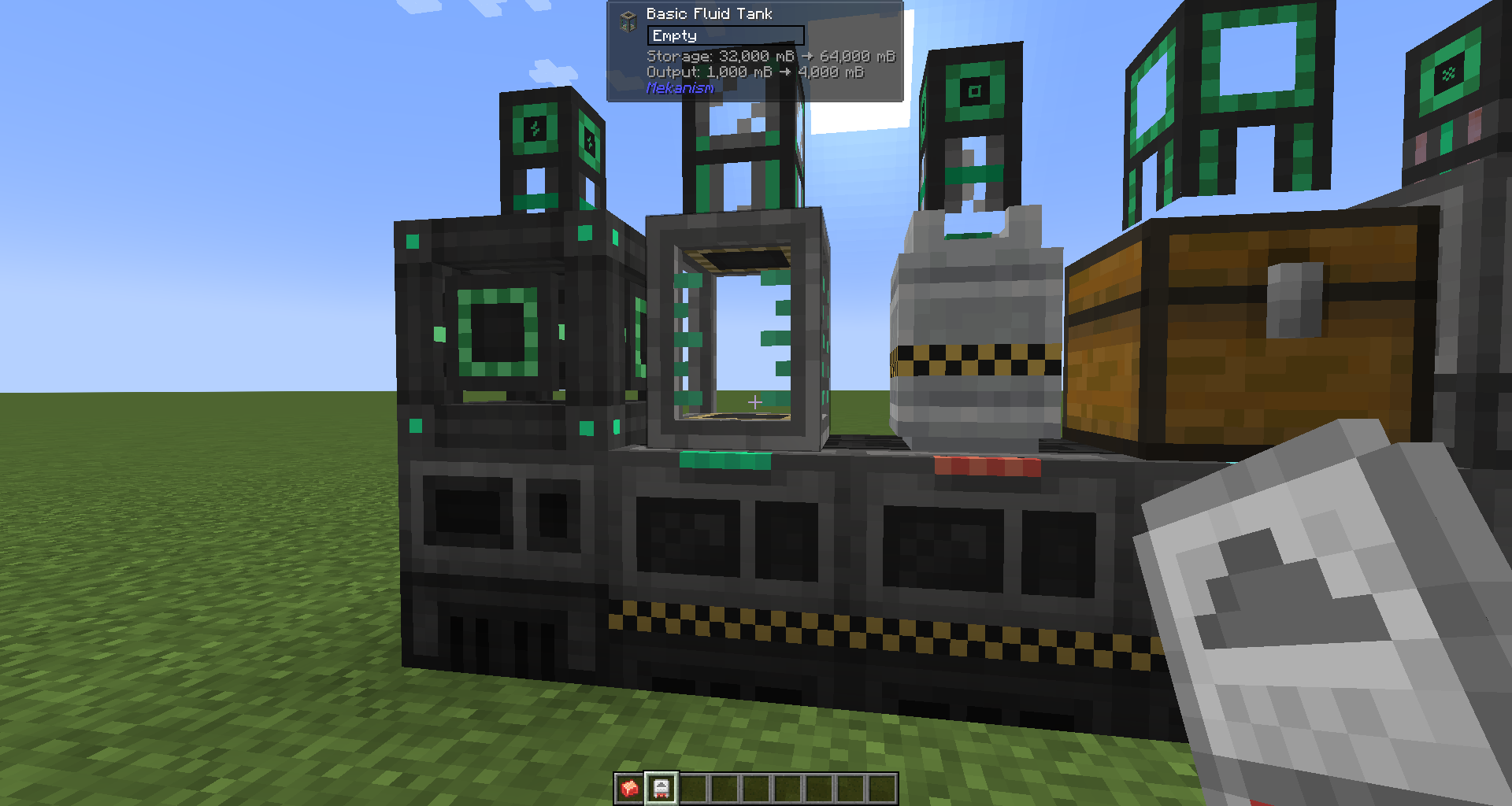 |
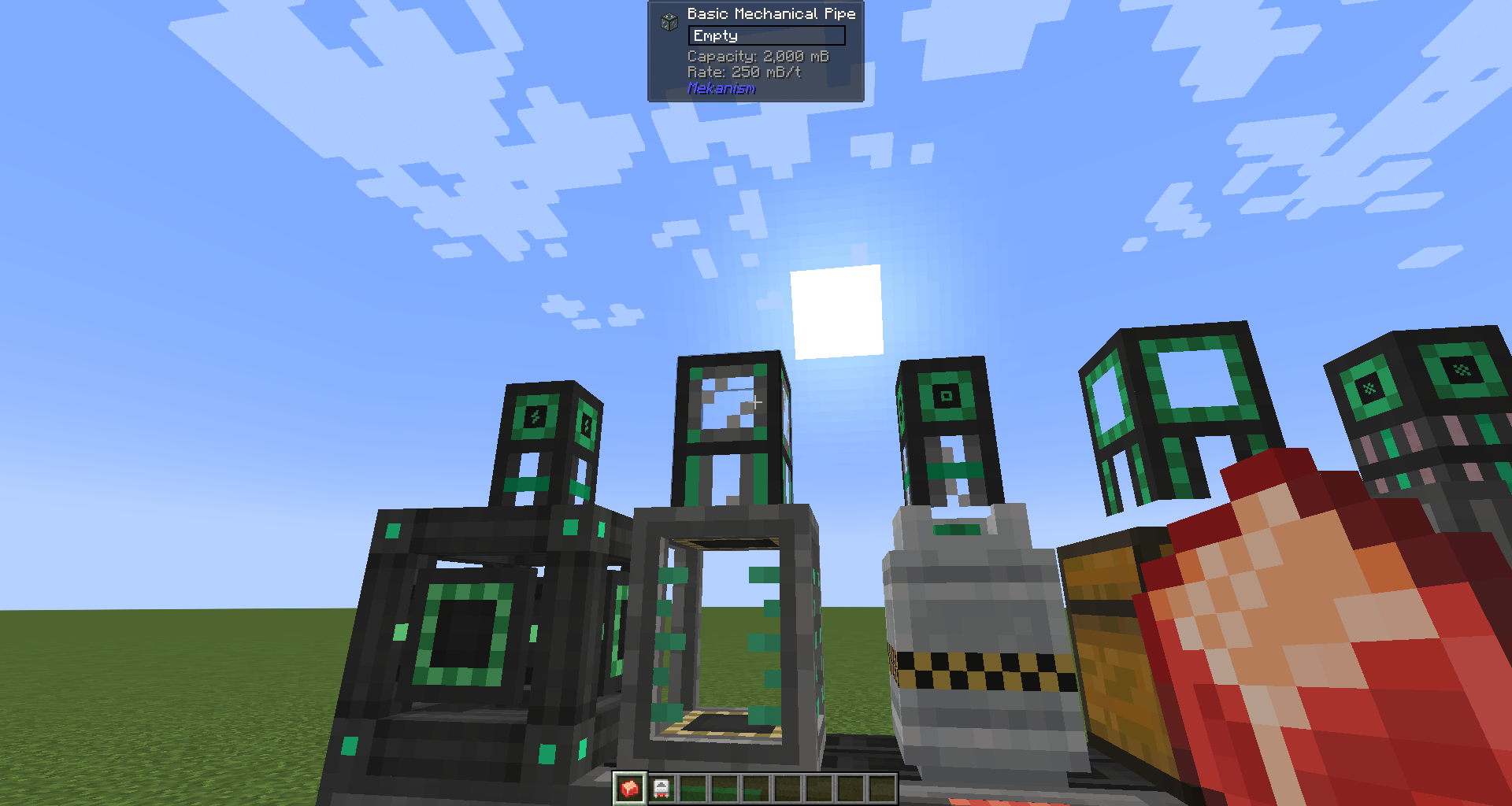
| Jade pipe info | 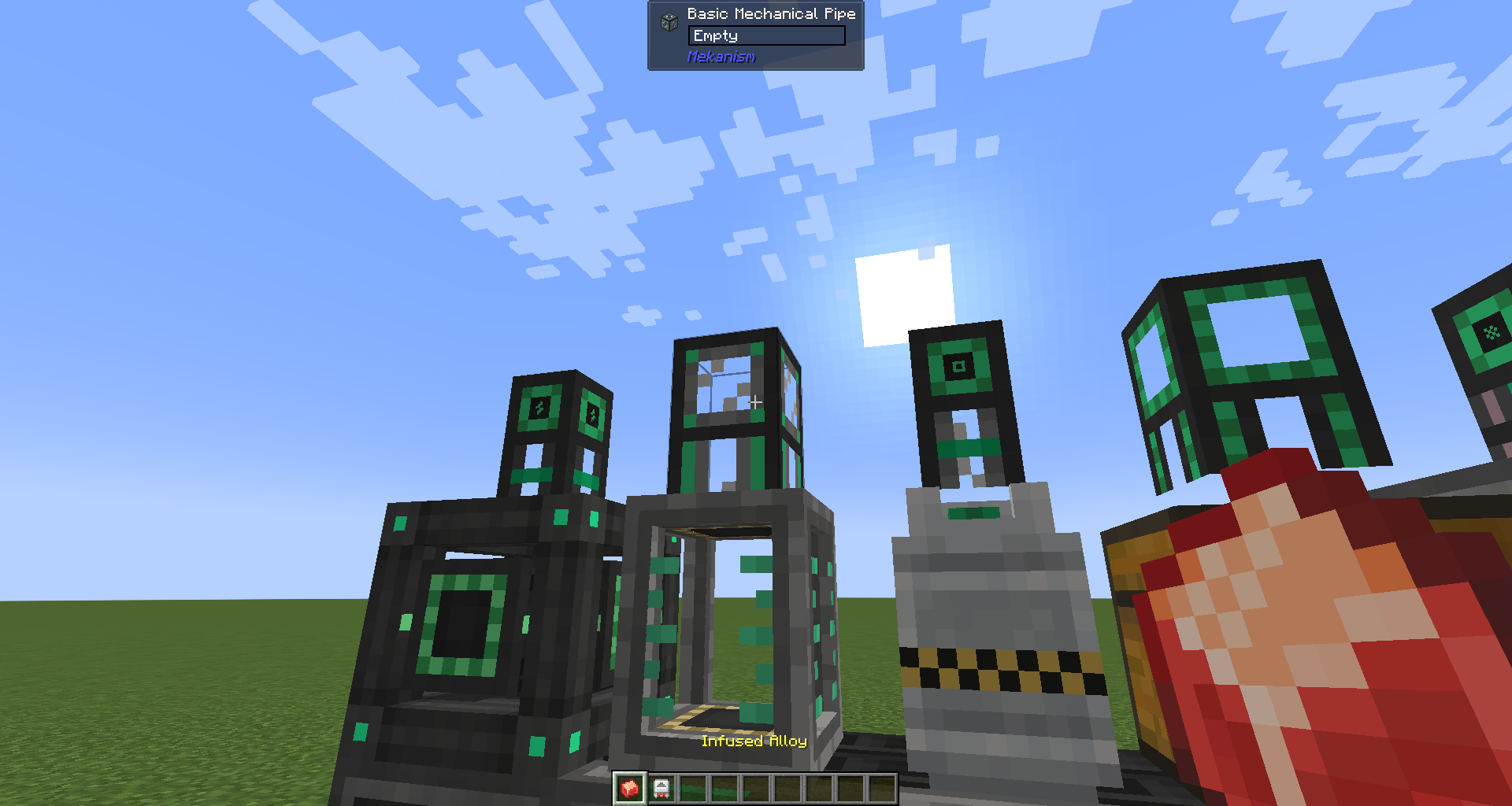 |
 |
| Jade pipe info Sneaking with Alloy |
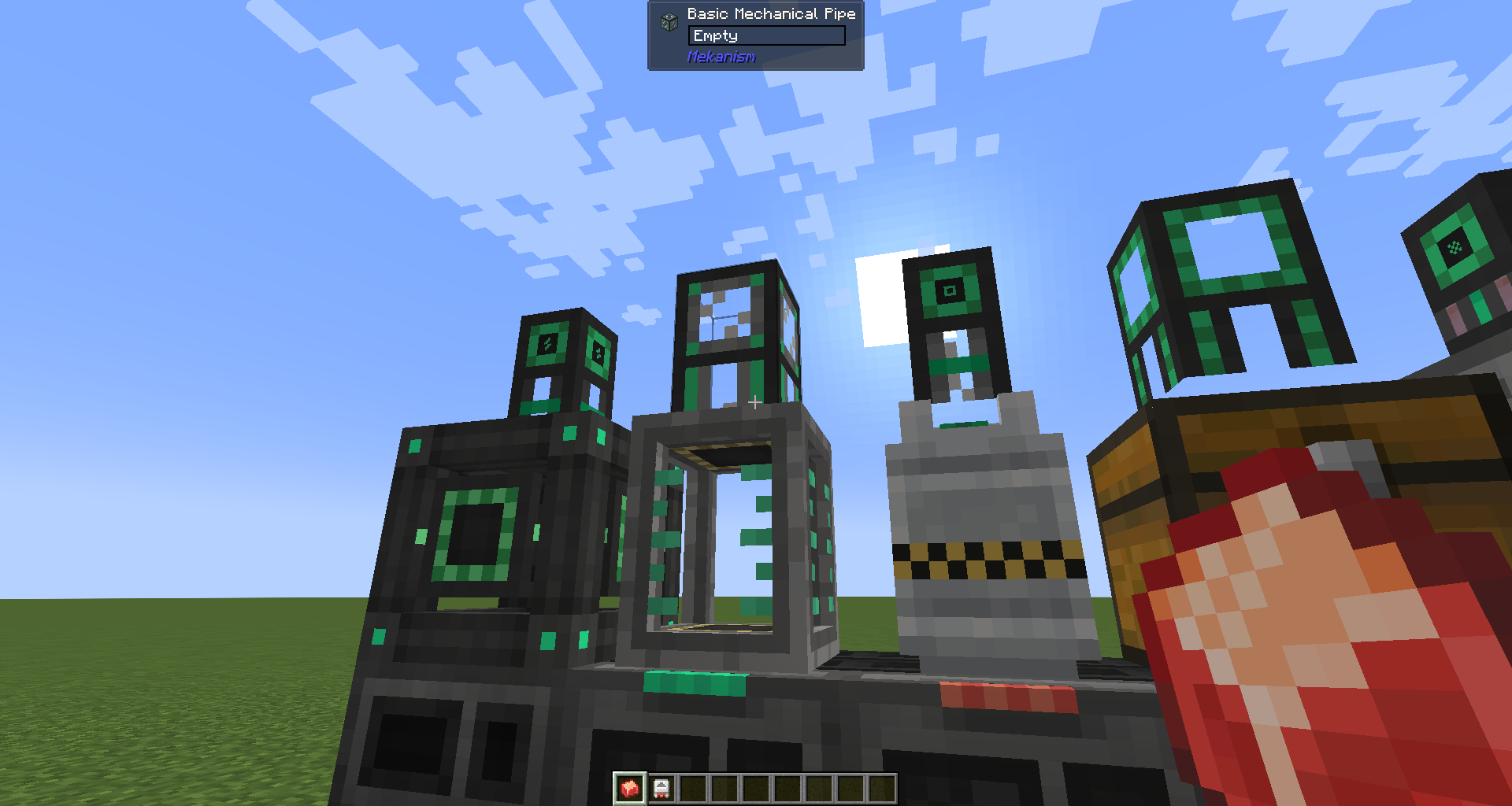 |
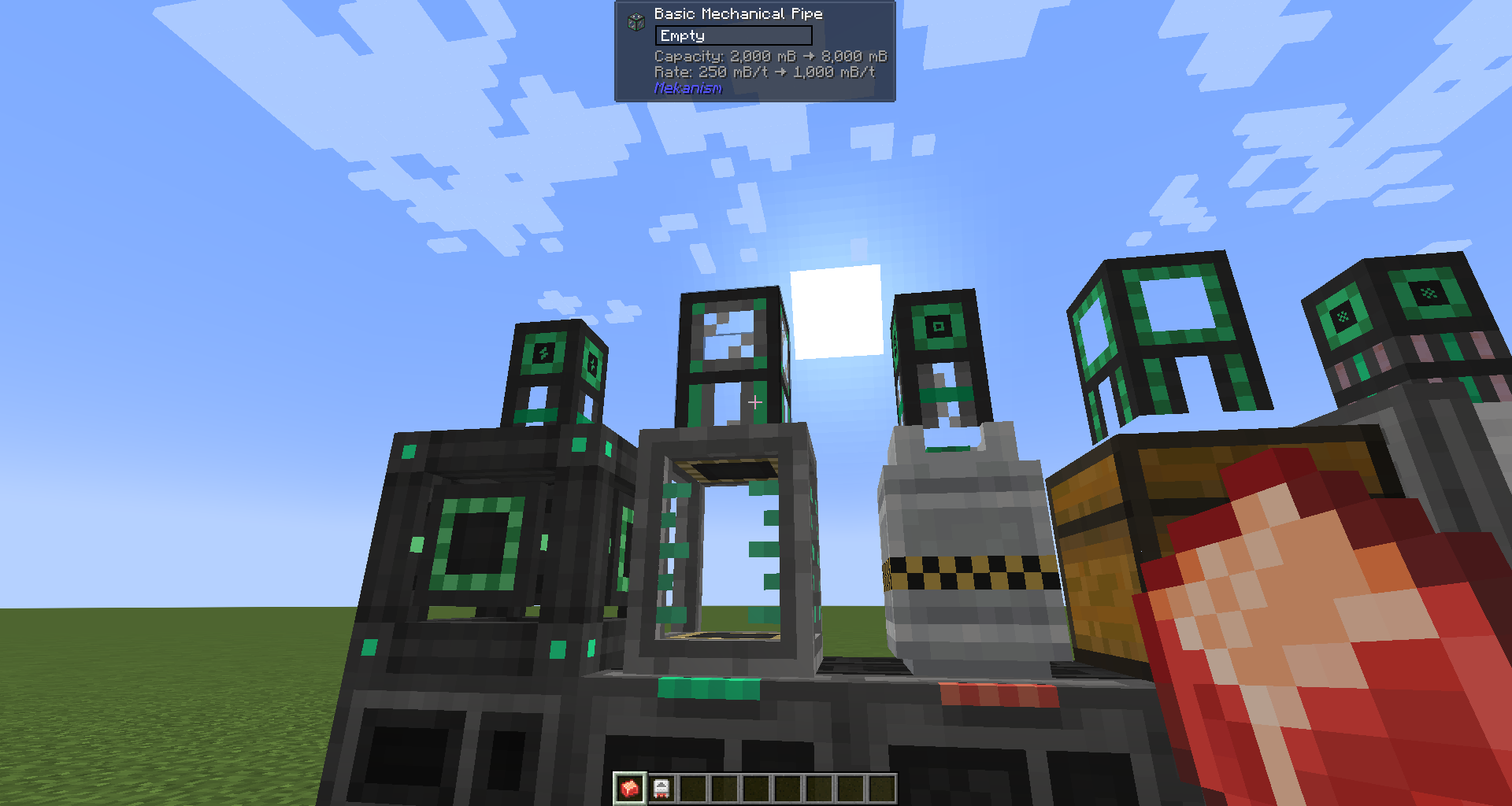 |
Dependencies
Required
Optional
Features
Item tooltip
Mekanism Factory blocks and Tier Installer items show Lines: N in their inventory tooltip, so you can tell at a glance how many processing lines a machine has without placing it.
AE2 terminal — Lines grouping (requires Applied Energistics 2)
A toggle button appears in the ME Terminal toolbar. When enabled, Factory blocks and Tier Installers are grouped and sorted by their Lines count, making it easy to find the tier you want in a large storage system. The setting persists across sessions.
Jade HUD (requires Jade)
Looking at a Mekanism block shows additional information in the Jade HUD:
| Block type | What is shown |
| — | — |
| Factory | Lines count |
| Fluid / Chemical Tank, Energy Cube | Storage capacity and output rate |
| Universal Cable, Mechanical Pipe, Pressurized Tube | Transfer capacity and rate |
| Logistical Transporter | Speed (m/s) and pull rate (/s) |
Upgrade preview: While sneaking and holding a Tier Installer (for Factories / Tanks / Energy Cubes) or an Alloy (for Cables / Pipes / Tubes / Transporters), the HUD shows the current value alongside what it would become after the upgrade.
Supported targets
| Module | Mod Loader | Minecraft |
| ————– | ———- | ——— |
| neoforge | NeoForge | 1.21.1 |
| forge | Forge | 1.20.1 |
License
Licensed under the GNU Lesser General Public License v3.0 (LGPL-3.0), the
same license used by Mekanism and Applied Energistics 2. See LICENSE.
常见问题
Mekanism Factory Information 支持哪些 Minecraft 版本?
Mekanism Factory Information 支持 Minecraft Java 版 1.20.1–1.21.1,共 2 个版本,可用的加载器:Forge / NeoForge。下载时注意选择和你游戏版本一致的文件。
Mekanism Factory Information 怎么安装?
先用 PCL2 或 HMCL 启动器安装对应版本的 Forge / NeoForge,再把下载的 .jar 文件放进游戏目录的 mods 文件夹,重新启动游戏即可。开启了版本隔离的,mods 文件夹在 versions/版本名 下面。运行环境:客户端和服务端都要装。
v__d__ 的其他作品
查看全部 →
Assembler Matrix Prioritization
ExtendedAE 和 Applied Energistics 2 的附属模组,可为 Assembler Matrix 设置合成优先级。
Multi Item Frame
Adds multi-slot Item Frames. Items can be chosen from inventory or JEI. Items can be placed from the inventory or JEI.
评论
登录后评论和评分