Mechanical Storage
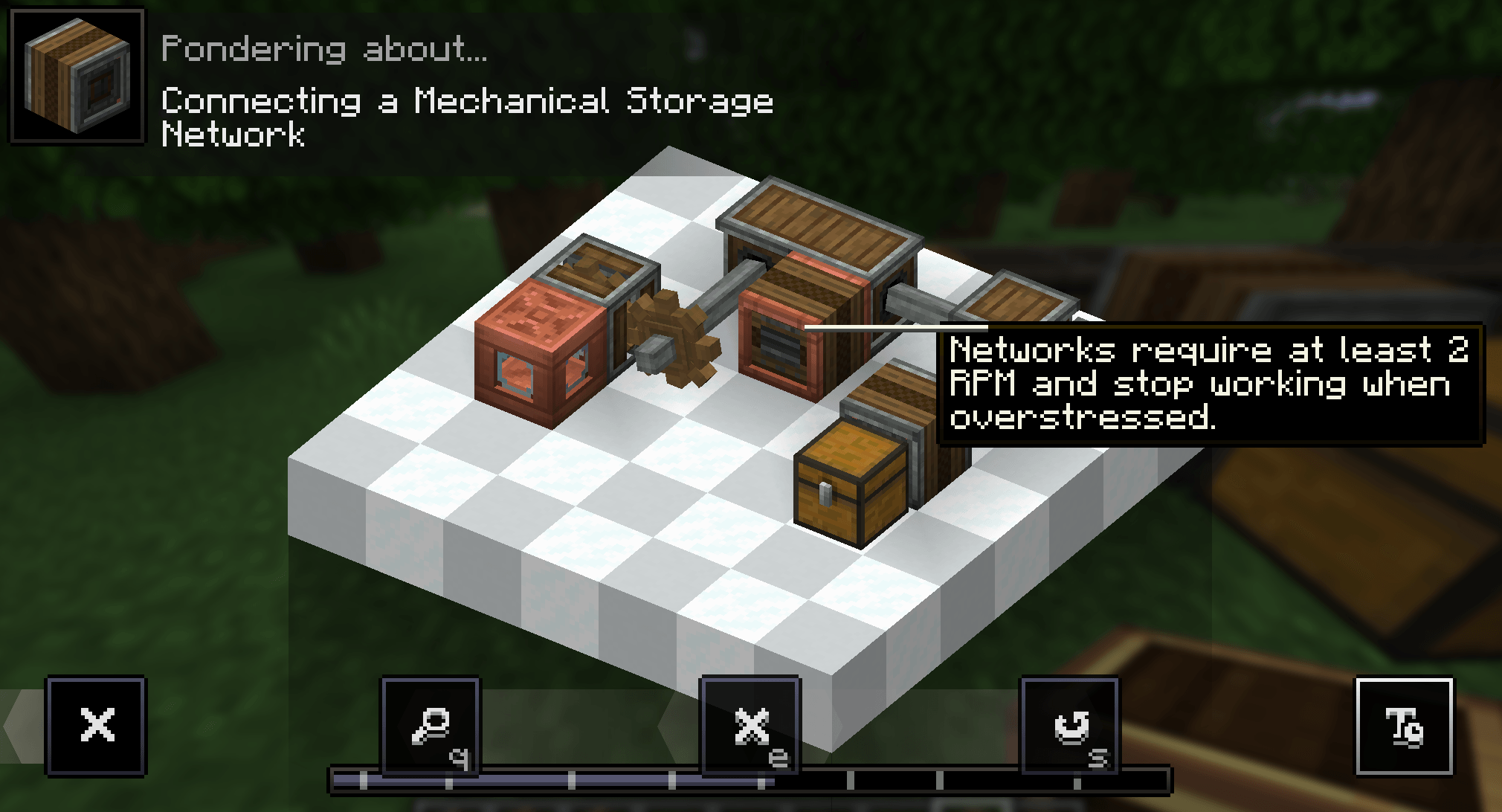
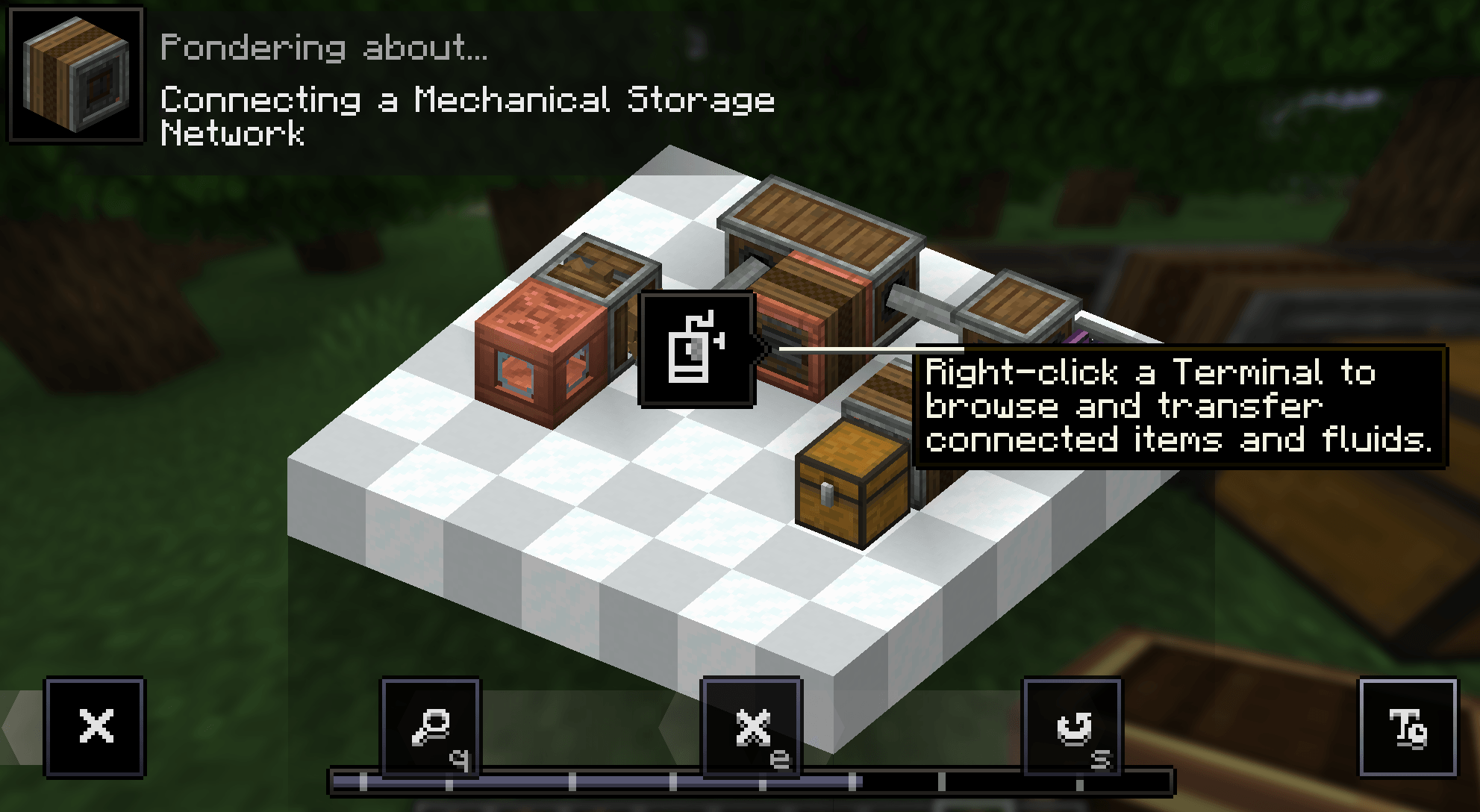
Just and external storage system. The system is powered by Create rotation, uses the kinetic system its connected to as its cabling so it feels like part of your factory instead of a separate digital storage system.
截图
介绍
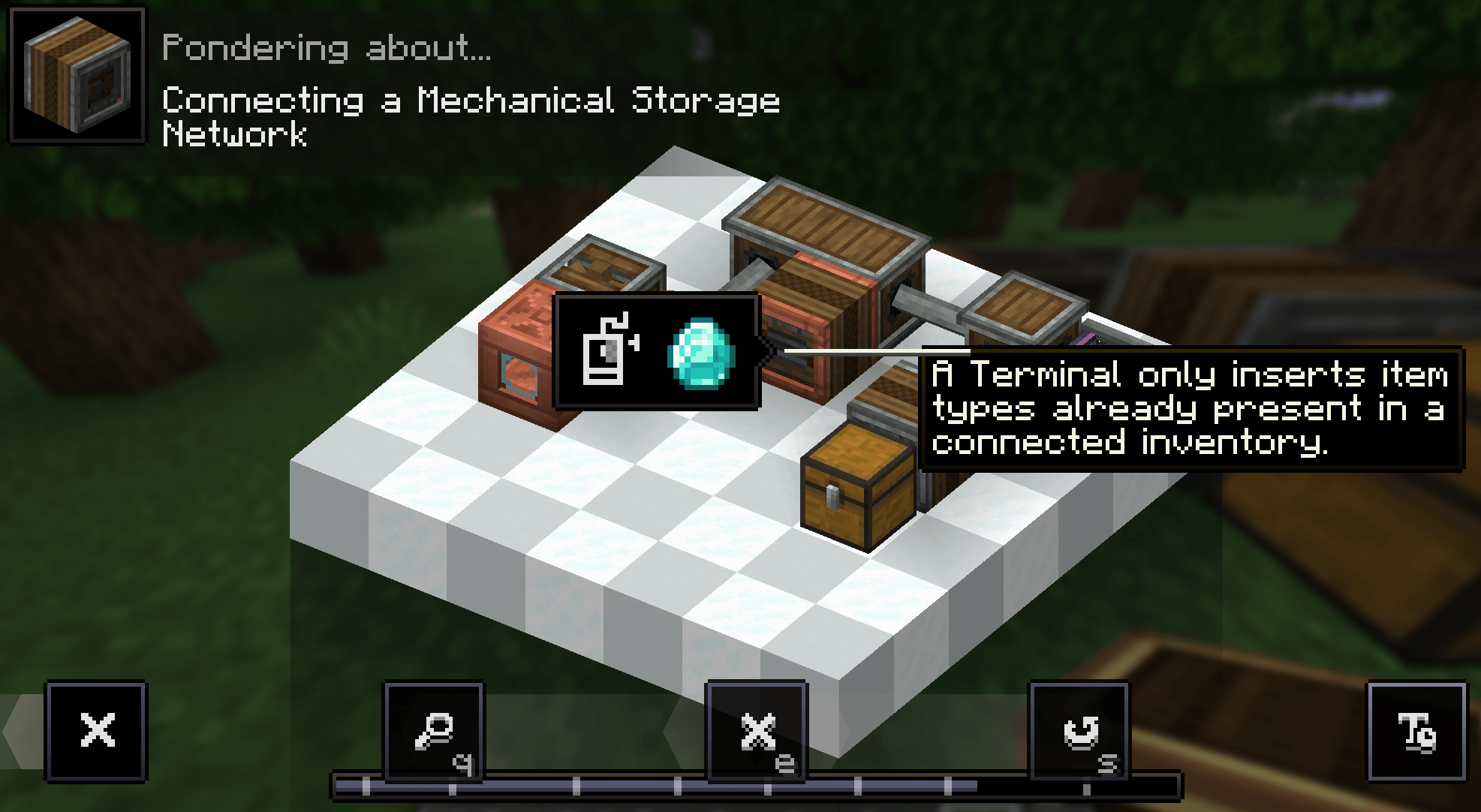
1.0.1 update fluid/tank visable via connector and adjusted ui buttons for items/fluids/items+fluids and combined AZ/Qt. Items now only go into Inv that have that given resource.
1.0.2 Moving contraptions/Create:aero compat fixed. Connectors on contraptions connect to system if in motion.
1.0.3 Added ponder tutorial.
1.0.4 Added an Overflow Connector and Cogwheel Overflow Connector.
-Overflow Connectors accept new item types and leftovers only after matching storage has been tried.
Adjusted textures
Mechanical Storage is a Create-powered storage network mod designed to give you large, centralized storage without replacing Create-style automation.
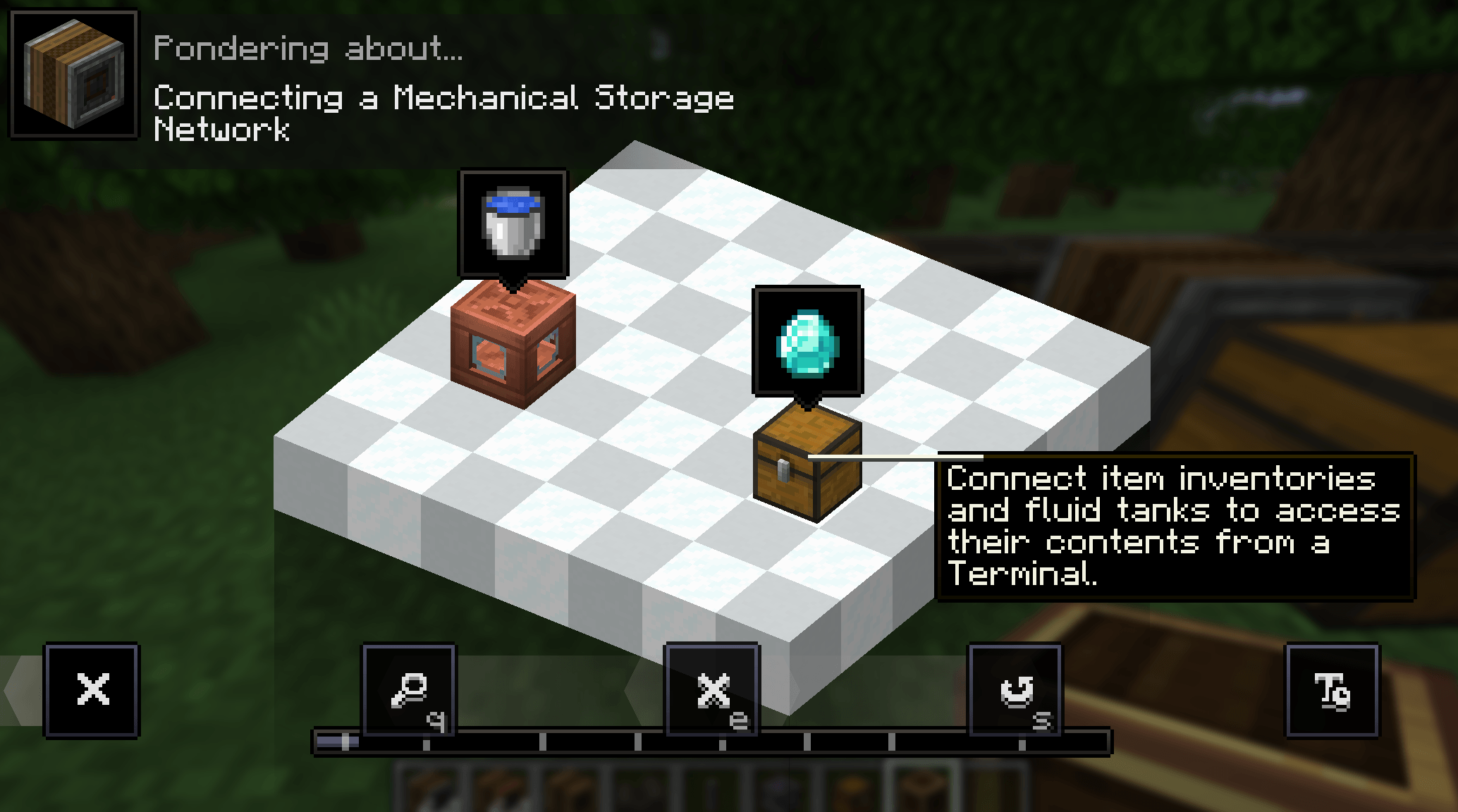
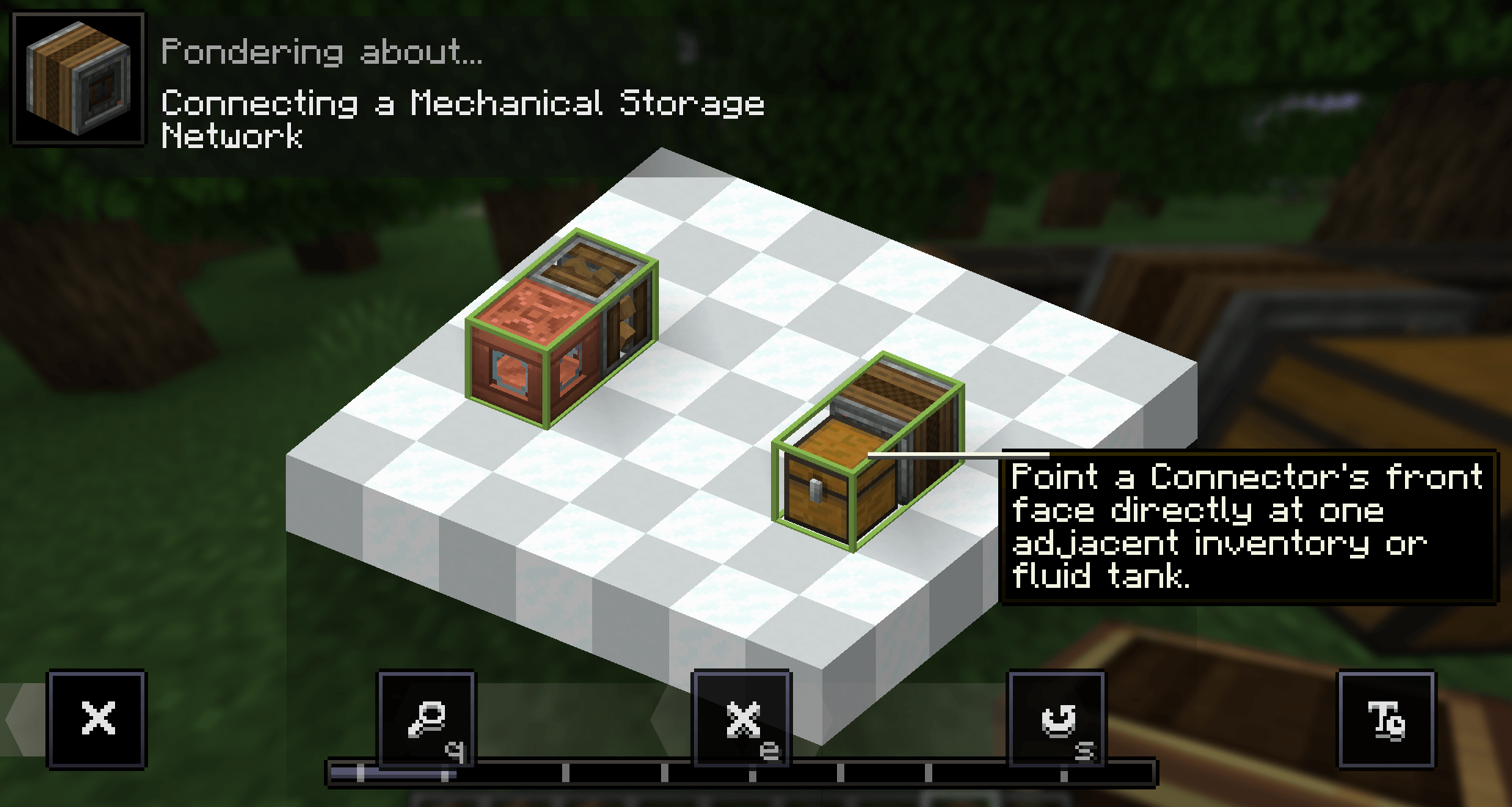
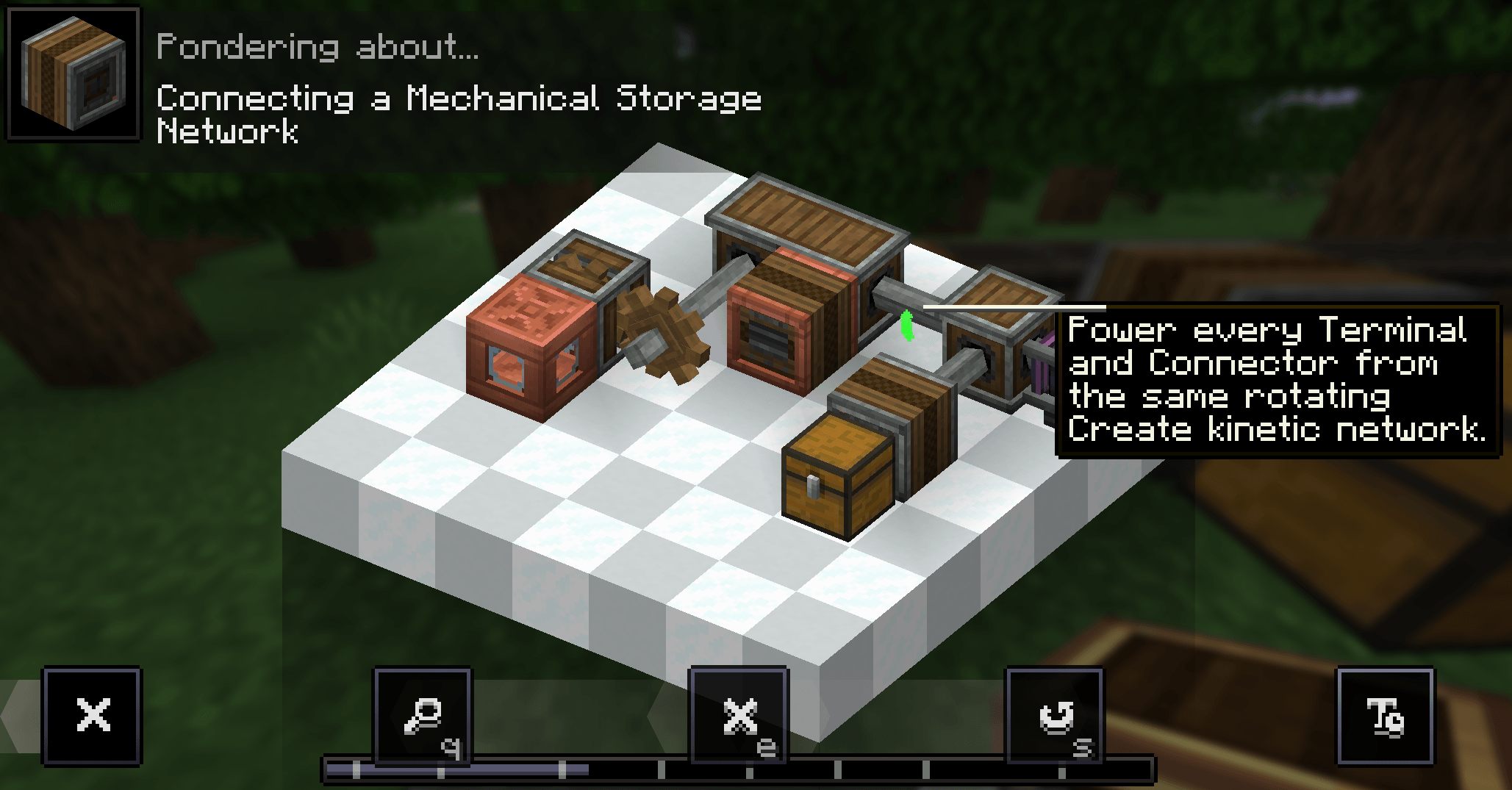
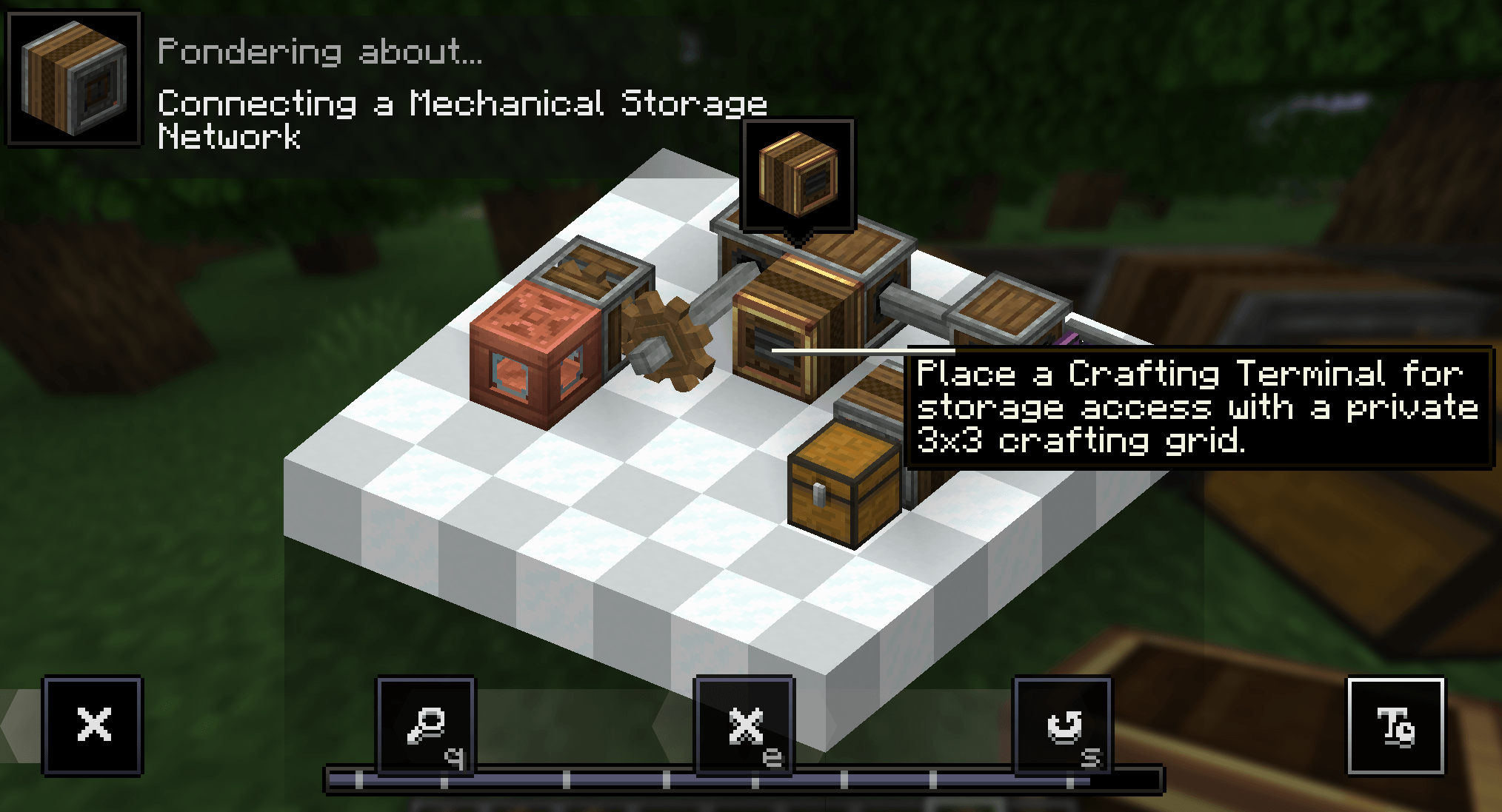
Instead of using cables or digital power, the system works through Create kinetic networks. Connect storage blocks such as chests, vaults and supported modded inventories with Mechanical Storage Connectors, then access everything from a Terminal. If the terminal and connectors are not connected to the same powered kinetic network, the storage network will not function.
The mod currently includes:
- Storage Connector
- Cogwheel Connector
- Overflow Connectors
- Cogwheel Overflow Connector
- Terminal
- Crafting Terminal
- Create Filter support
- Search and sorting
- Adjustable terminal size
- JEI integration
- Create-style operation – terminals and connectors depend on rotational power and the kinetic network they are attached to rather than FE/RF or conventional storage cables.
The main idea is: build your storage system as part of your Create factory. Your belts, vaults, drawers, chests and other inventories can remain physically useful parts of the factory while Mechanical Storage gives you one convenient place to see and interact with everything.
常见问题
Mechanical Storage 支持哪些 Minecraft 版本?
Mechanical Storage 支持 Minecraft Java 版 1.21.1,可用的加载器:NeoForge。下载时注意选择和你游戏版本一致的文件。
Mechanical Storage 怎么安装?
先用 PCL2 或 HMCL 启动器安装对应版本的 NeoForge,再把下载的 .jar 文件放进游戏目录的 mods 文件夹,重新启动游戏即可。开启了版本隔离的,mods 文件夹在 versions/版本名 下面。
评论
登录后评论和评分