
Measuring Stick
A client-side tool for measuring length, area, volume, centers, and more visually and intuitively.
截图
介绍
Measuring Stick
Measuring stick is a client-side mod that helps with building by letting you select a region of blocks,
and run WorldEdit-like commands on it or highlight the center blocks.
It is also compatible with Sable.
How to use
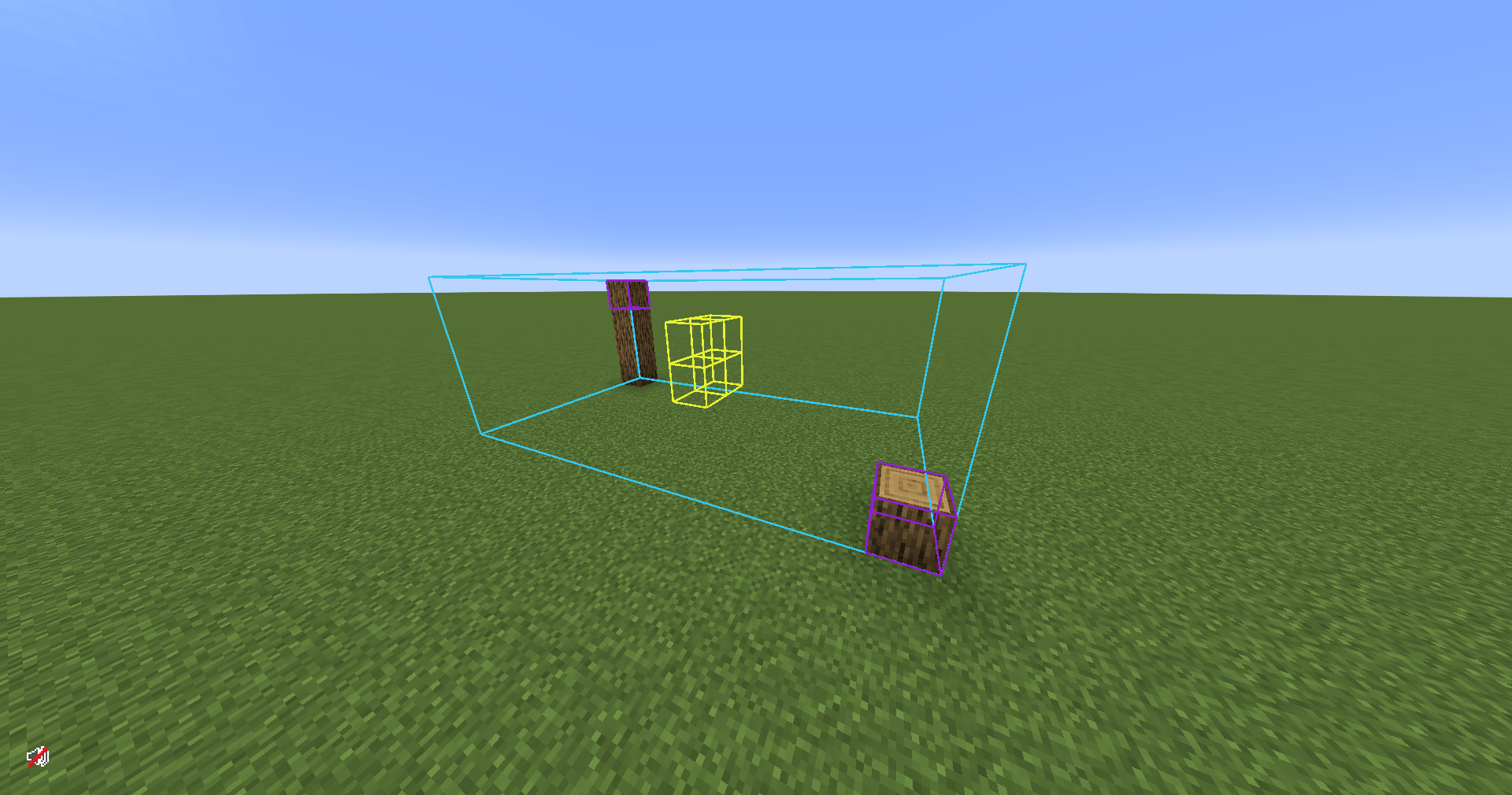
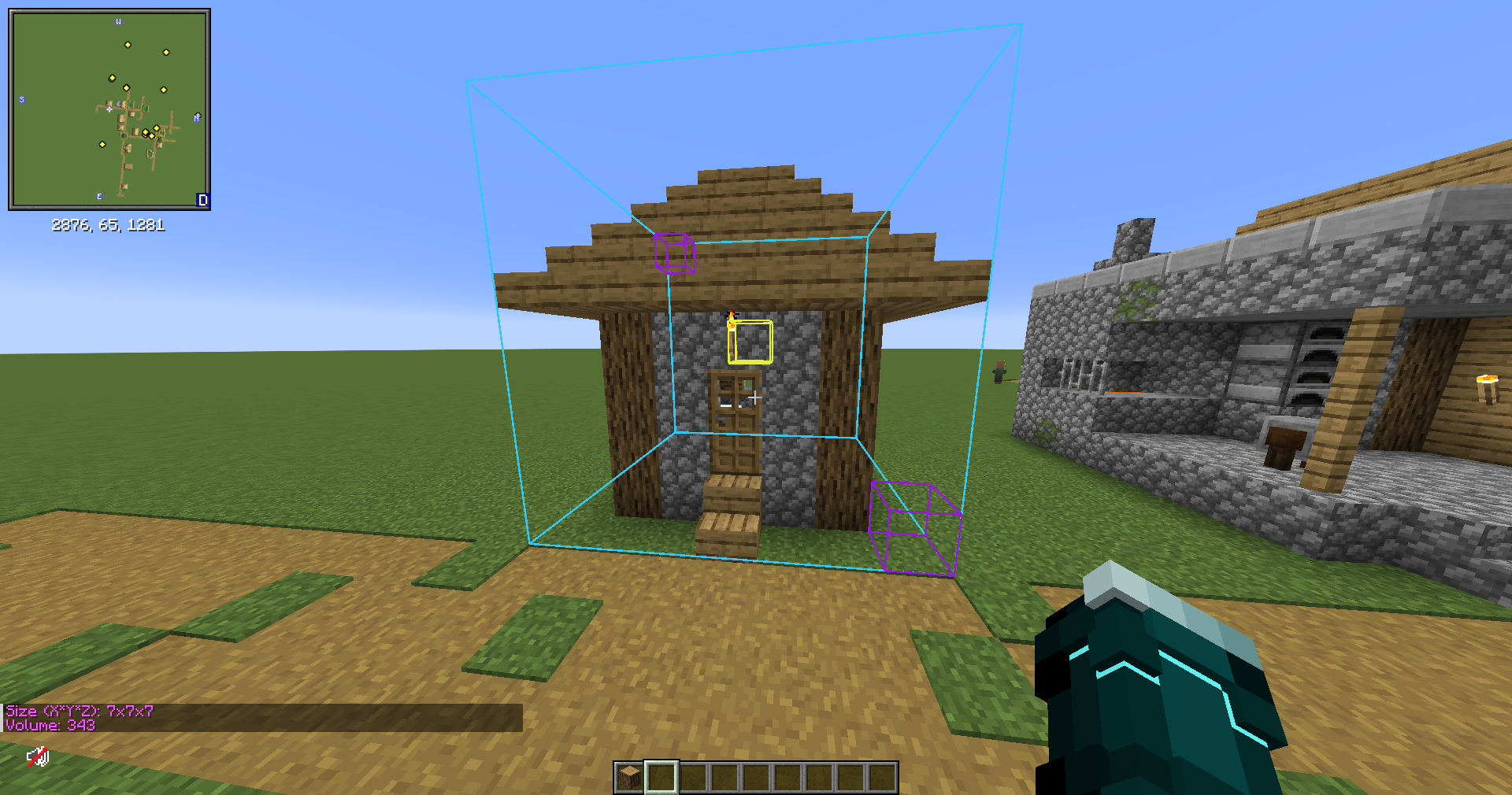
You can enter/exit selection mode by pressing G (default) and right-clicking (hold Ctrl to select midair) two blocks to create a selection.
This will highlight a box around that region of blocks along with their center block(s).
You can clear the selection by pressing K (default).
You can also use the commands /mspos1, /mspos2, and /msclear instead if you want to.
You can also configure whether you want the outlines to render through blocks or not.
Once you’ve made a selection, you can run any of these commands with it.
Commands
/mssize– Shows dimensions and volume of the selection/mscount <block>– Counts how many of a specified block are in the selection/mspos1 [pos]– Sets the first selection position/mspos2 [pos]– Sets the second selection position/msclear– Clears the selection
常见问题
Measuring Stick 支持哪些 Minecraft 版本?
Measuring Stick 支持 Minecraft Java 版 1.21.1,可用的加载器:NeoForge。下载时注意选择和你游戏版本一致的文件。
Measuring Stick 怎么安装?
先用 PCL2 或 HMCL 启动器安装对应版本的 NeoForge,再把下载的 .jar 文件放进游戏目录的 mods 文件夹,重新启动游戏即可。开启了版本隔离的,mods 文件夹在 versions/版本名 下面。运行环境:仅客户端。
评论
登录后评论和评分