
McTo3D
This mod allows you to export your Minecraft world as an STL file, ready for 3D printing!
截图
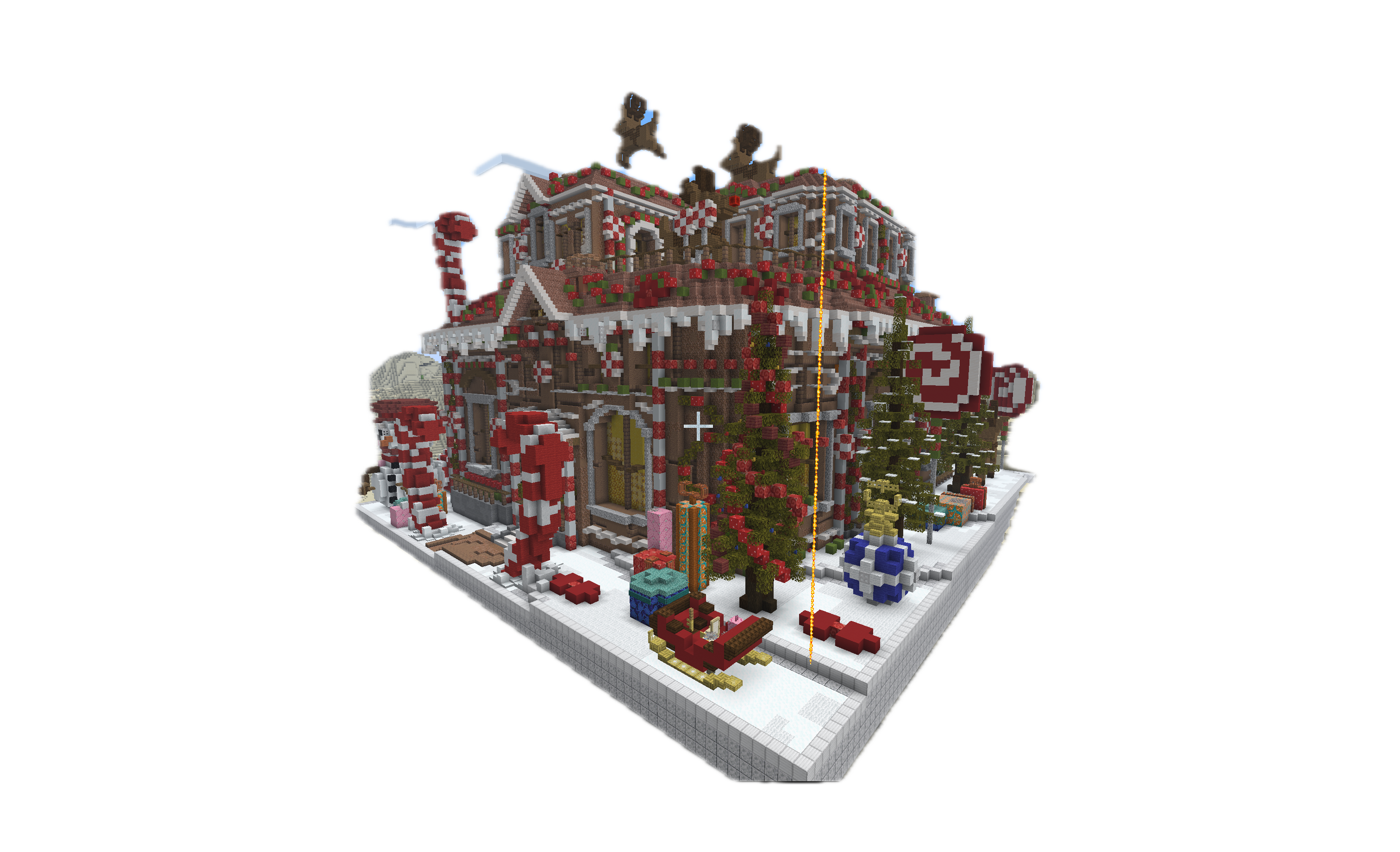
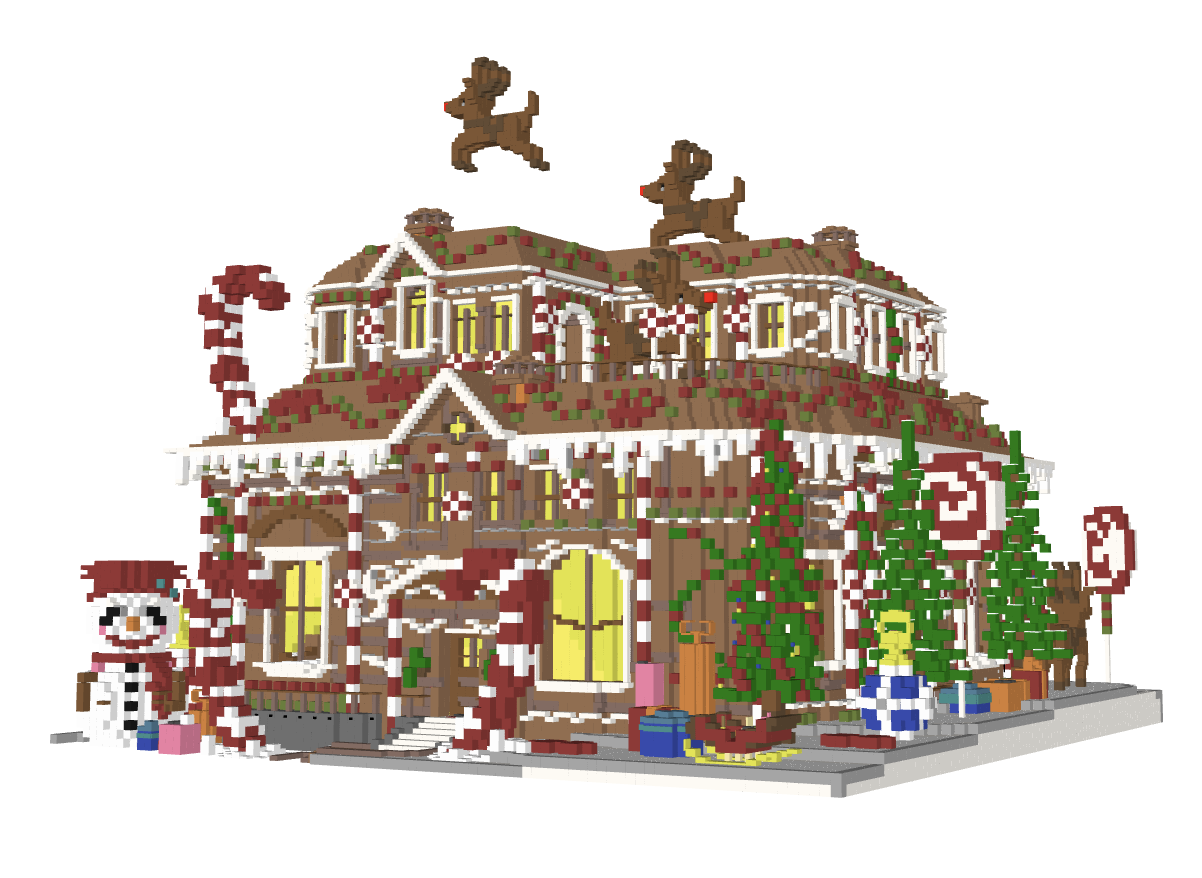
介绍
McTo3D – Minecraft to 3D Printing
Turn your Minecraft builds into physical objects.
McTo3D is a utility mod designed to bridge the gap between Minecraft creativity and 3D printing technology. It functions as a simplified CAD tool within the game, allowing players to select, process, and export structures directly into formats compatible with major slicing software (Bambu Studio, Cura, PrusaSlicer).
Whether you are designing architectural models or custom figurines, McTo3D provides a streamlined workflow from block placement to STL generation.
🌟 Key Features
🛠️ Precision Selection Tools
Define your export area with accuracy using two distinct methods:
- Wand Selection: Use the Golden Hoe to quickly define corners (Left-Click for Position 1, Right-Click for Position 2).
- Command Selection: Use
/pos1and/pos2for precise coordinate targeting based on your player position.
📐 Axis Manipulation
Need to capture underground foundations or high rooftops without moving?
- Vertical Expansion: Easily adjust your selection boundaries using the
/expandcommand. - Example:
/expand 10adds 10 blocks upwards. - Example:
/expand -5adds 5 blocks downwards.
💾 Advanced Export Modes
McTo3D offers versatile export options tailored to your hardware:
- Raw Mode: Exports pure geometry. Ideal for single-color prints or post-processing in Blender.
- Color Mode: Exports geometry with color data. Optimized for multi-material systems like Bambu Lab AMS or Prusa MMU, allowing for full-color 3D prints directly from the game.
📋 How to Use
- Select Area: Equip a Golden Hoe and mark two opposite corners of your build (Left/Right click).
- Adjust Height: (Optional) Use
/expand <value>to include the roof or basement if they weren’t in your initial selection. - Export: Run the command
/export3d. - Locate File: Navigate to your
.minecraft/exportsfolder to find your generated file. - Slice & Print: Drag the file into your preferred slicer software.
⚙️ Compatibility
- Slicers: Tested and optimized for Bambu Studio, Orca Slicer, Cura, and PrusaSlicer.
- Printers: Compatible with standard FDM and SLA printers.
⚠️ Note: Ensure your build has proper structural integrity (supports) within your slicer software before printing.
常见问题
McTo3D 支持哪些 Minecraft 版本?
McTo3D 支持 Minecraft Java 版 1.21.10,可用的加载器:Fabric。下载时注意选择和你游戏版本一致的文件。
McTo3D 怎么安装?
先用 PCL2 或 HMCL 启动器安装对应版本的 Fabric,再把下载的 .jar 文件放进游戏目录的 mods 文件夹,重新启动游戏即可。开启了版本隔离的,mods 文件夹在 versions/版本名 下面。运行环境:仅客户端。
评论
登录后评论和评分