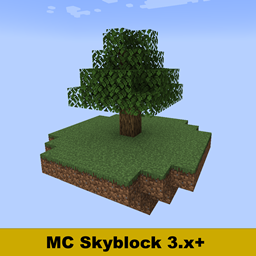
截图
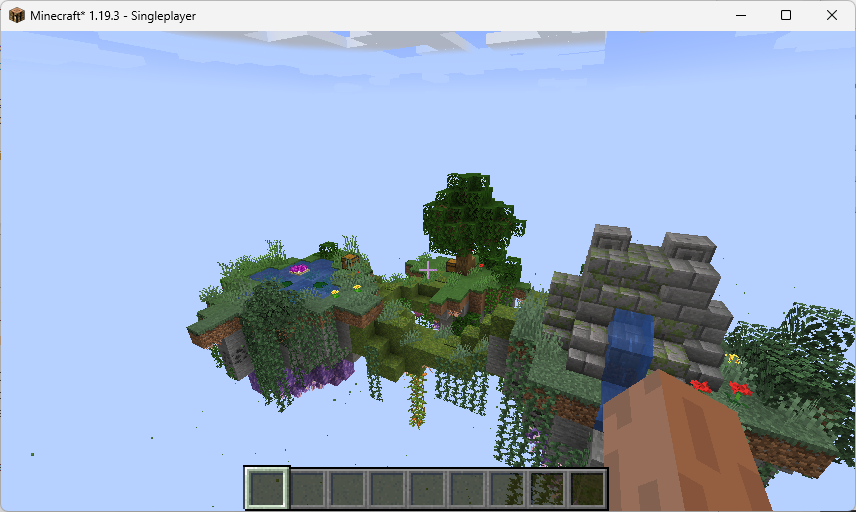
介绍
The Fabric version of this mod is available here
https://www.curseforge.com/minecraft/mc-mods/mcskyblock-fabric
What does this mod do?
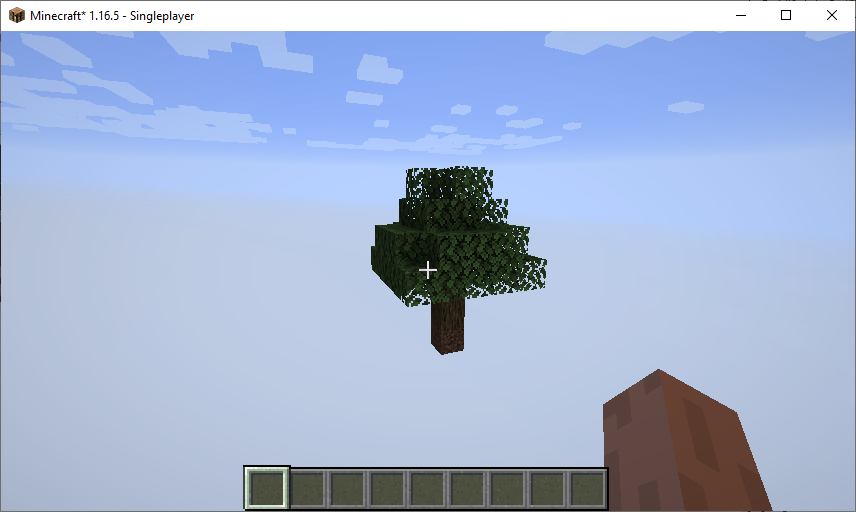
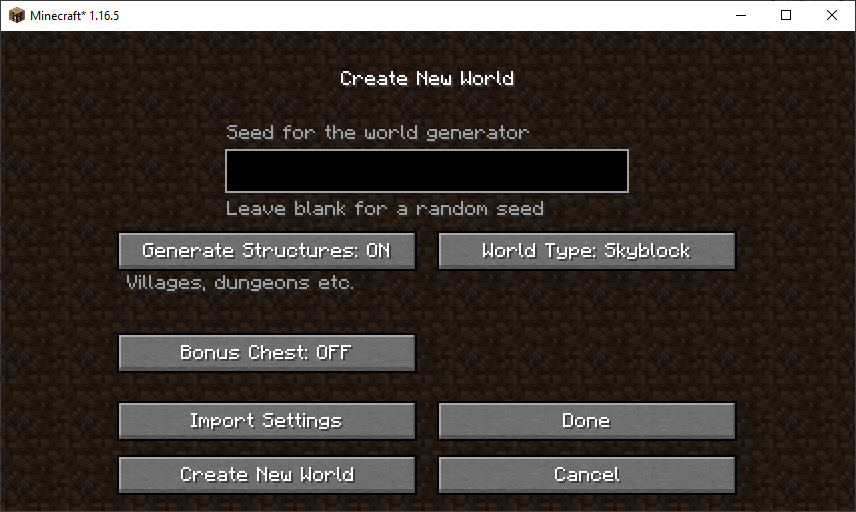
This mod adds a new world generation type of “Skyblock” to the world creation screen. In addition to the new world generation type – this mod also adds a few other handy features. This skyblock mod will require you to really think about how to progress through it. Yes, it is possible to get to the Nether and even the End in this mod starting with just a tree and a patch of dirt, but you’re in for a grind! You will need a decent knowledge of which mobs drop what in order to get that far though.
Why this mod over all the other skyblock mods?
We offer an extremely customizable experience – through dozens of configuration properties, play the way YOU want to! Configurable starting chests, choosing which structures generate, configurable biome-based sub islands and a whole lot more. Though if that’s too overwhelming, we have curated a handful of configuration presets that we think you’ll like. Not only that, but we have taken great care that you can get every single obtainable vanilla Minecraft block and item through a variety of methods in these presets – whether it be Endermites turning stone into end stone just like Silverfish, or having creepers killed by a skeleton in certain locations drop otherwise unobtainable discs.
Is this mod server-only?
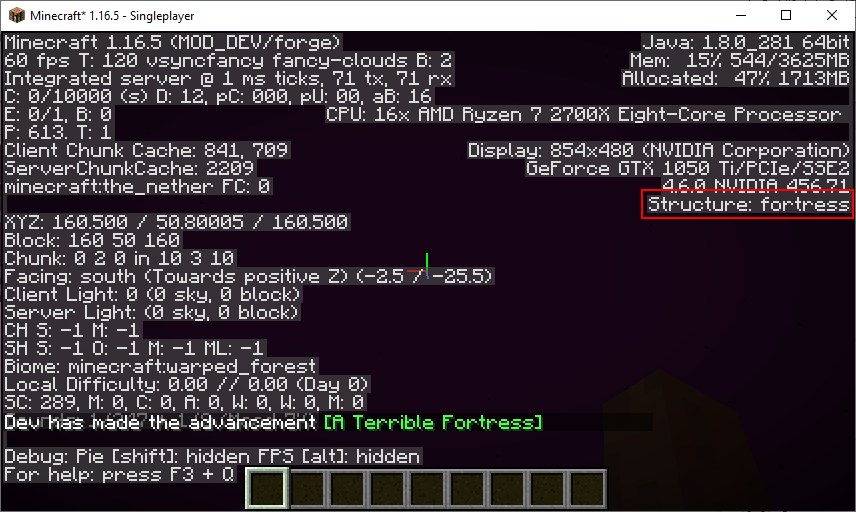
You can run this as purely a server-side mod yes, however we strongly recommend that clients also install this mod – as it adds a bunch of handy features (such as fixing the Y-level lighting issue, and adding a structure tracker so that players can tell if they’re in the bounds of a structure).
Discord
Feel free to stop by our Discord server, we don’t bite! You can also get all the latest update information on this mod over there
https://discord.gg/baUt5MHBEh
Dependency (make sure you download the correct Forge version):
https://www.curseforge.com/minecraft/mc-mods/cloth-config (Optional on server)
Wiki
General: https://github.com/AntMCDev/MCSkyblock/wiki/Configuration
Sub Island: https://github.com/AntMCDev/MCSkyblock/wiki/Configuring-Sub-Islands
Spawn Chest: https://github.com/AntMCDev/MCSkyblock/wiki/Customizing-the-spawn-chest
Server Information: https://github.com/AntMCDev/MCSkyblock/wiki/Creating-a-server
Progression in a Classic world:
1. Mine trees until you have enough to construct a basic pathfinding-based mob farm.
2. Kill zombies until you have enough iron for a cauldron (for rainwater) and a bucket.
3. Use water to make a drowned farm to harvest gold ingots until you have enough for a golden apple.
4. Get a witch to splash potion of weakness a zombie villager – then use the golden apple to cure them into a villager.
5. Trade with the villager for emeralds and interact with the wandering trader until you have enough lava buckets for a nether portal.
6. Go to the nether and kill wither skeletons in the fortress until you can make a Wither.
7. <BOSS 1> Kill the Wither
8. Go back to the overworld and kill a bunch of ravagers until a sculk shrieker drops
9. <BOSS 2> Kill the Warden
10. Construct enough end frames to go to the end
11. <BOSS 3> Kill the Ender Dragon
Author’s Note:
This project is licensed under the MIT license – meaning that you can freely make changes and distribute the source code etc, however if you do so please link back to this project.
Special Thanks:
Thanks to @m_jimmer for his ideas and assistance on the 3.x version of this mod.
Thanks to Dr. Trog for the inspiration for the “Hybrid” preset of this mod – which attempts to recreate the Dr Trog skyblock experience.
Also, check out my dual language mod if you’re interested:
https://www.curseforge.com/minecraft/mc-mods/mclangsplit
常见问题
MCSkyblock Forge 支持哪些 Minecraft 版本?
MCSkyblock Forge 支持 Minecraft Java 版 1.16.5–1.19.3,共 4 个版本,可用的加载器:Forge。下载时注意选择和你游戏版本一致的文件。
MCSkyblock Forge 怎么安装?
先用 PCL2 或 HMCL 启动器安装对应版本的 Forge,再把下载的 .jar 文件放进游戏目录的 mods 文件夹,重新启动游戏即可。开启了版本隔离的,mods 文件夹在 versions/版本名 下面。
AntMCDev 的其他作品
查看全部 →
MCSkyblock Fabric
A complete vanilla skyblock experience

MCSkyblock
This mod adds a new world generation type of "Skyblock" to the world creation screen. In addition to the new world generation type - this mod also adds a few other handy features.
MCSkyblock
This mod adds a new world generation type of "Skyblock" to the world creation screen. In addition to the new world generation type - this mod also adds a few other handy features.

MCLangSplit
This mod injects a configurable second language into all text strings in the game. This could be useful for learning a second language without having to keep switching between languages. This mod has been designed to be purely client-side.
评论
登录后评论和评分