
截图
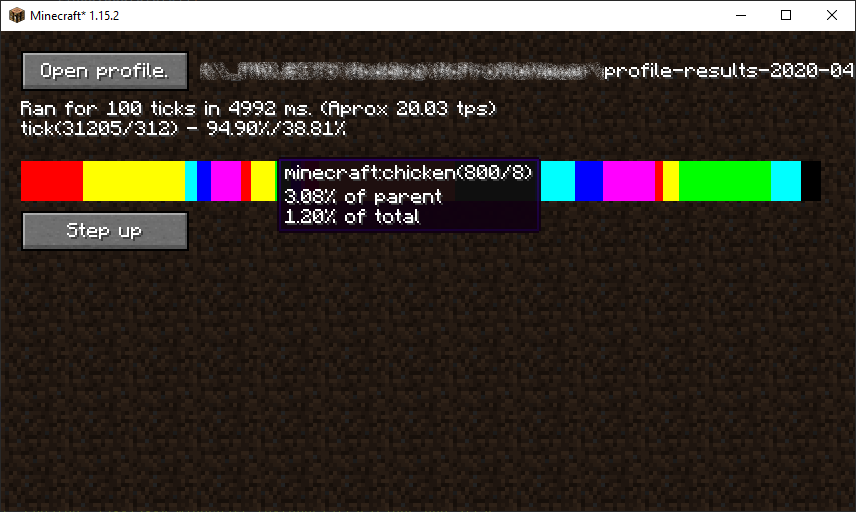
介绍
About
McProfileView is a utility mod for server owners and mod developers. It allows you to see a visual representation of Minecraft profile dumps in a GUI on the client.
How to use
Running the profiler
To use the intergrated profiler in the vanilla game, run the command `/debug start`. This will start the profiler recording data. When you want to end the capture, run the command `/debug stop`. This will save a file with the name profile-results-yyyy-mm-dd_hh.mi.ss.txt in the the debug/ folder in .minecraft/ .
Using the GUI to view this file
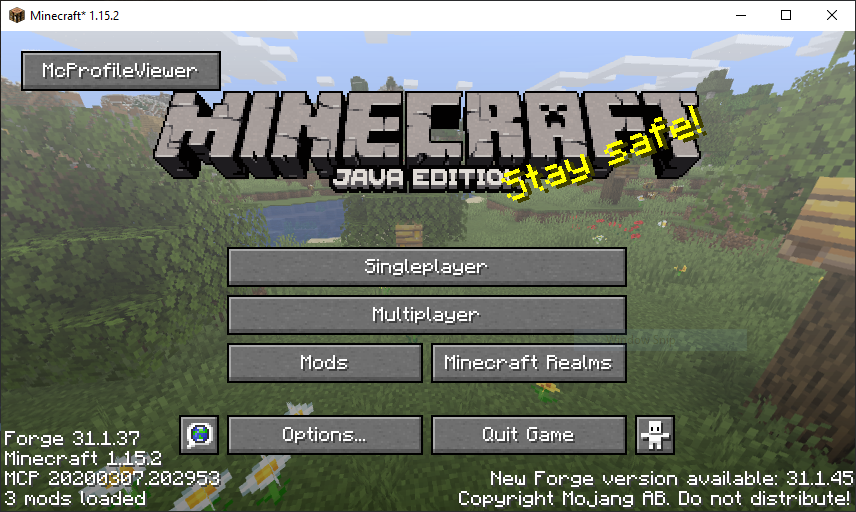
On the main menu, select the McProfileView button, then click the open profile button and navigate to the profiler dump you want to view.
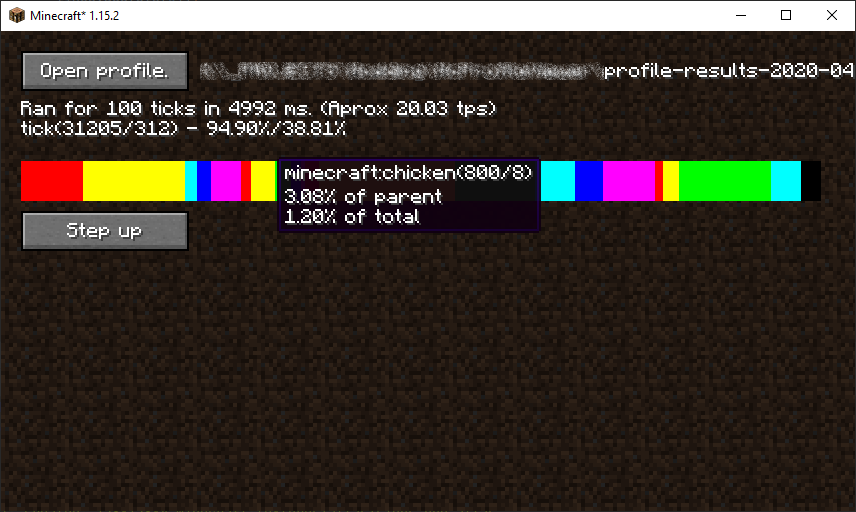
This will present you with a bar you can click on to view the contents of that item.
The ‘Step up’ button allows you to return to layer you were previously on.
常见问题
McProfileView 支持哪些 Minecraft 版本?
McProfileView 支持 Minecraft Java 版 1.15.2,可用的加载器:Forge。下载时注意选择和你游戏版本一致的文件。
McProfileView 怎么安装?
先用 PCL2 或 HMCL 启动器安装对应版本的 Forge,再把下载的 .jar 文件放进游戏目录的 mods 文件夹,重新启动游戏即可。开启了版本隔离的,mods 文件夹在 versions/版本名 下面。




评论
登录后评论和评分