
截图
介绍
MCLLM
If you like this project, please consider giving it a ⭐ on GitHub!
This is a fork of MCChatGPT.
Unlike the original, the base URI is no longer hardcoded—you can now configure it via a file, making it compatible with nearly any LLM service, not just OpenAI.
How to Use
-
Download the JAR file compatible with your Minecraft version from GitHub or here, and place it in your
modsfolder.
(Make sure the appropriate mod loader is installed.) -
Download the required dependencies from the same source and also place them in the
modsfolder.- Supported platforms: Fabric (>= 1.20.1), Forge (1.19.4–1.20.1), and NeoForge (>= 1.21.1)
-
Launch the game once to generate the configuration file.
-
Open
config/mcllm.jsonand edit the following fields:baseurl: Set this to the endpoint of your preferred LLM service, e.g.https://api.deepseek.com/v1model: Specify the model name, e.g.deepseek-chat
-
Re-launch the game, then run:
/mcllm-auth YourToken
This securely stores your token (it will be encrypted in the config file). -
Use
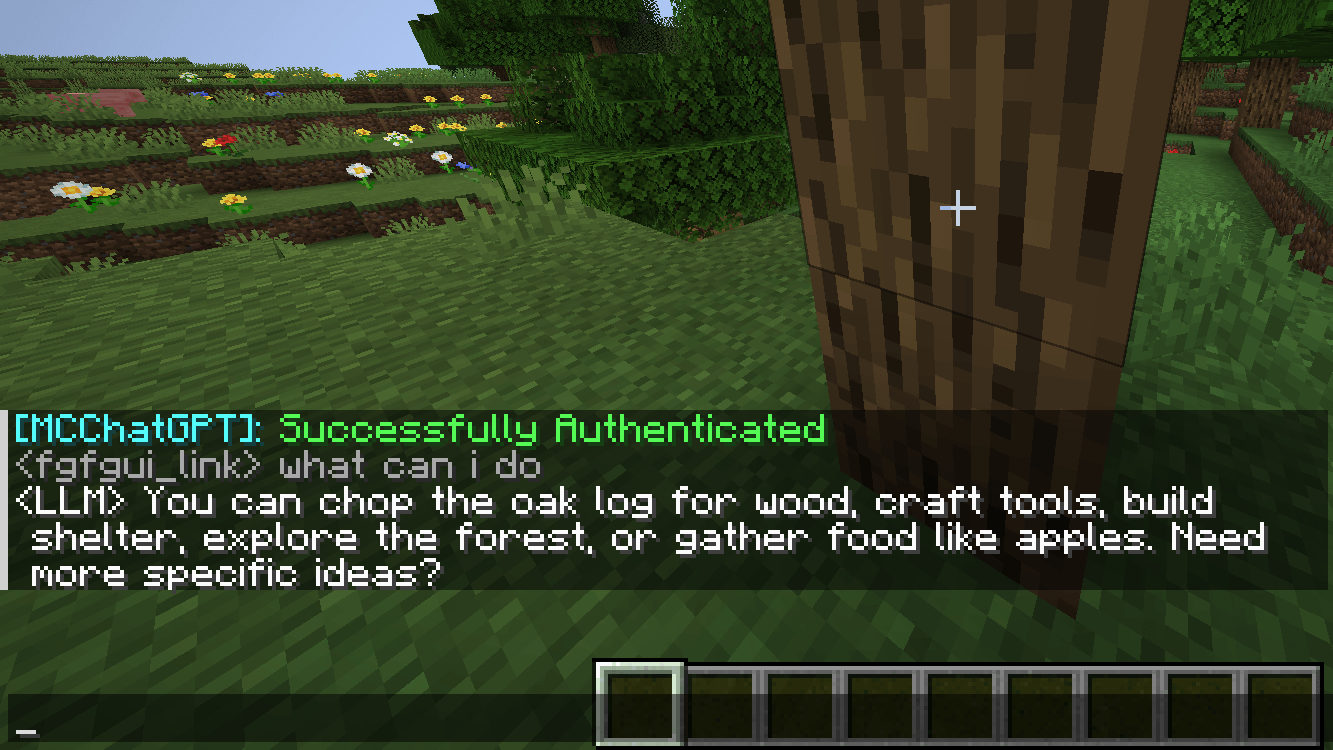
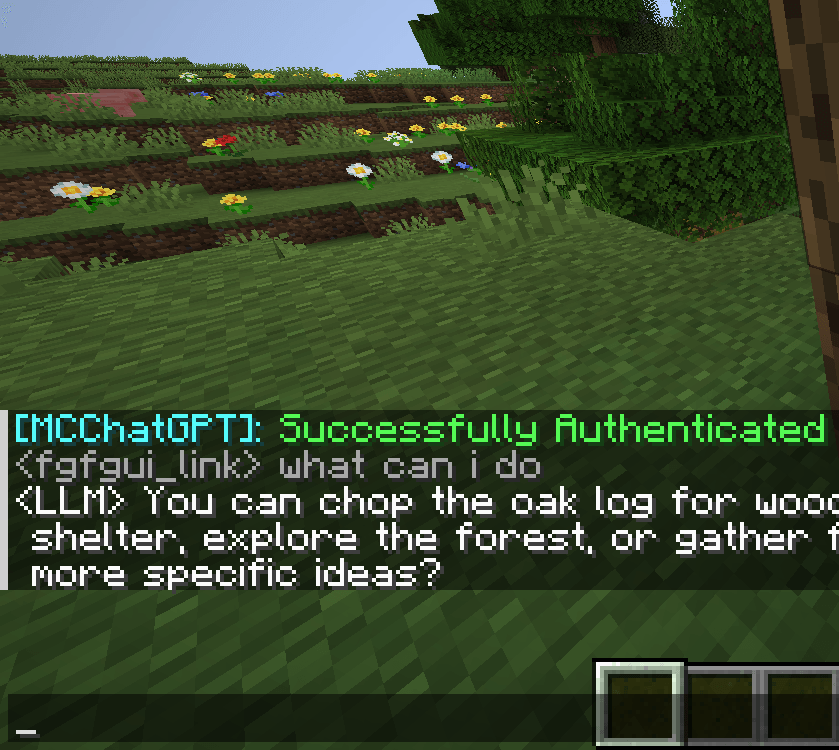
/ask YourQuestionto send a message to the LLM.
The LLM’s reply will appear in your local chat—only you can see it.
常见问题
MCLLM 支持哪些 Minecraft 版本?
MCLLM 支持 Minecraft Java 版 1.19.4–26.1.2,共 6 个版本,可用的加载器:Fabric / Forge / NeoForge。下载时注意选择和你游戏版本一致的文件。
MCLLM 怎么安装?
先用 PCL2 或 HMCL 启动器安装对应版本的 Fabric / Forge / NeoForge,再把下载的 .jar 文件放进游戏目录的 mods 文件夹,重新启动游戏即可。开启了版本隔离的,mods 文件夹在 versions/版本名 下面。
linkfgfgui 的其他作品
查看全部 →
emi-unofficial-port-unstable
A Unofficial Port of EMI to Minecraft 26.1.
EMI Patternizer
Automatically Encoding Patterns from the EMI Recipe Tree.

Pattern Uploader
Automatically upload patterns to providers
评论
登录后评论和评分