
Mcity
Build and manage your own city inside Minecraft — place roads, zone neighborhoods, grow population, and manage infrastructure in a SimCity-inspired experience.
截图
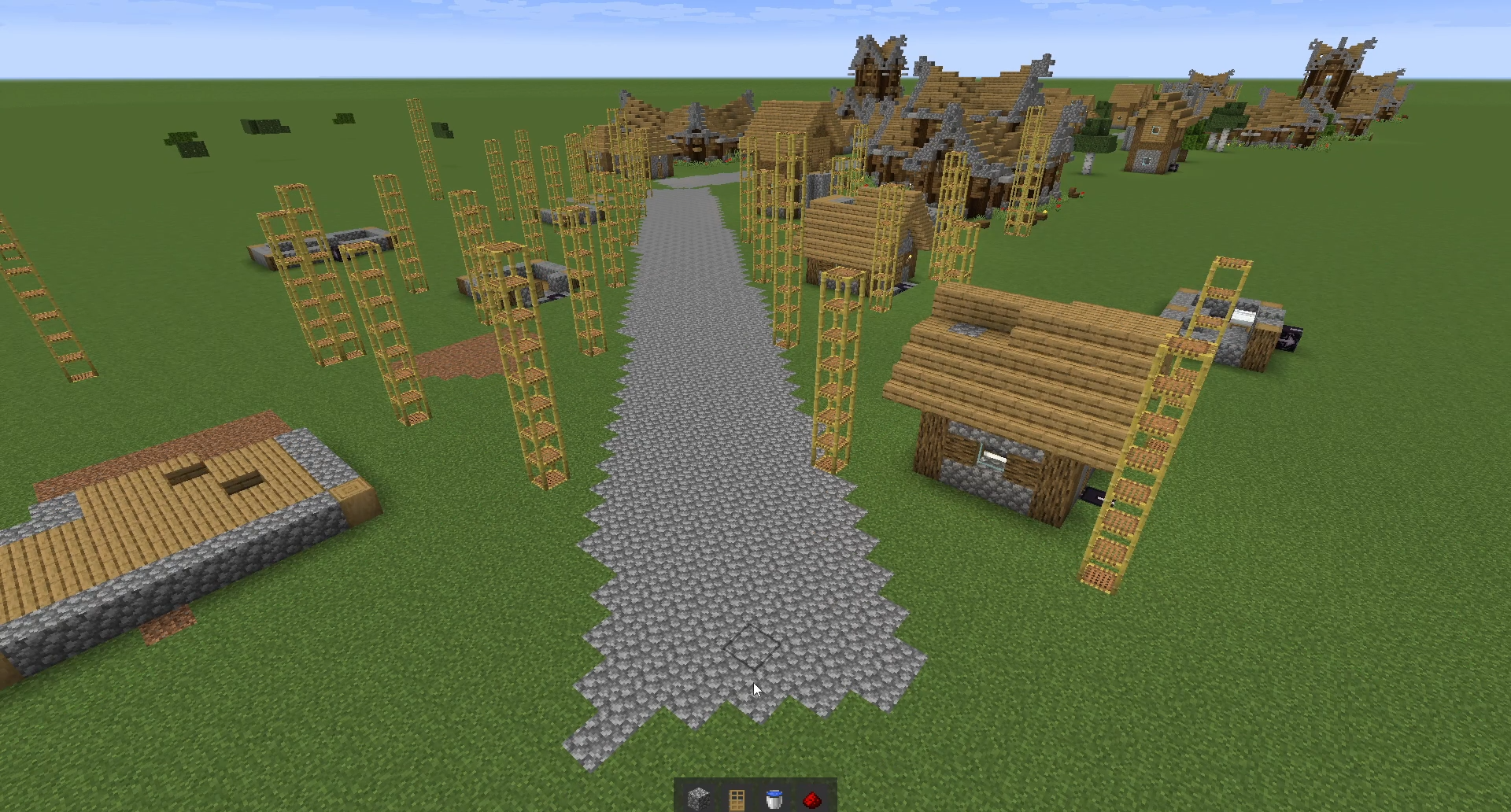
介绍
中文介绍正在准备中,下面暂时显示原文。
MCity — SimCity meets Minecraft
Build and manage your own city, right inside Minecraft.
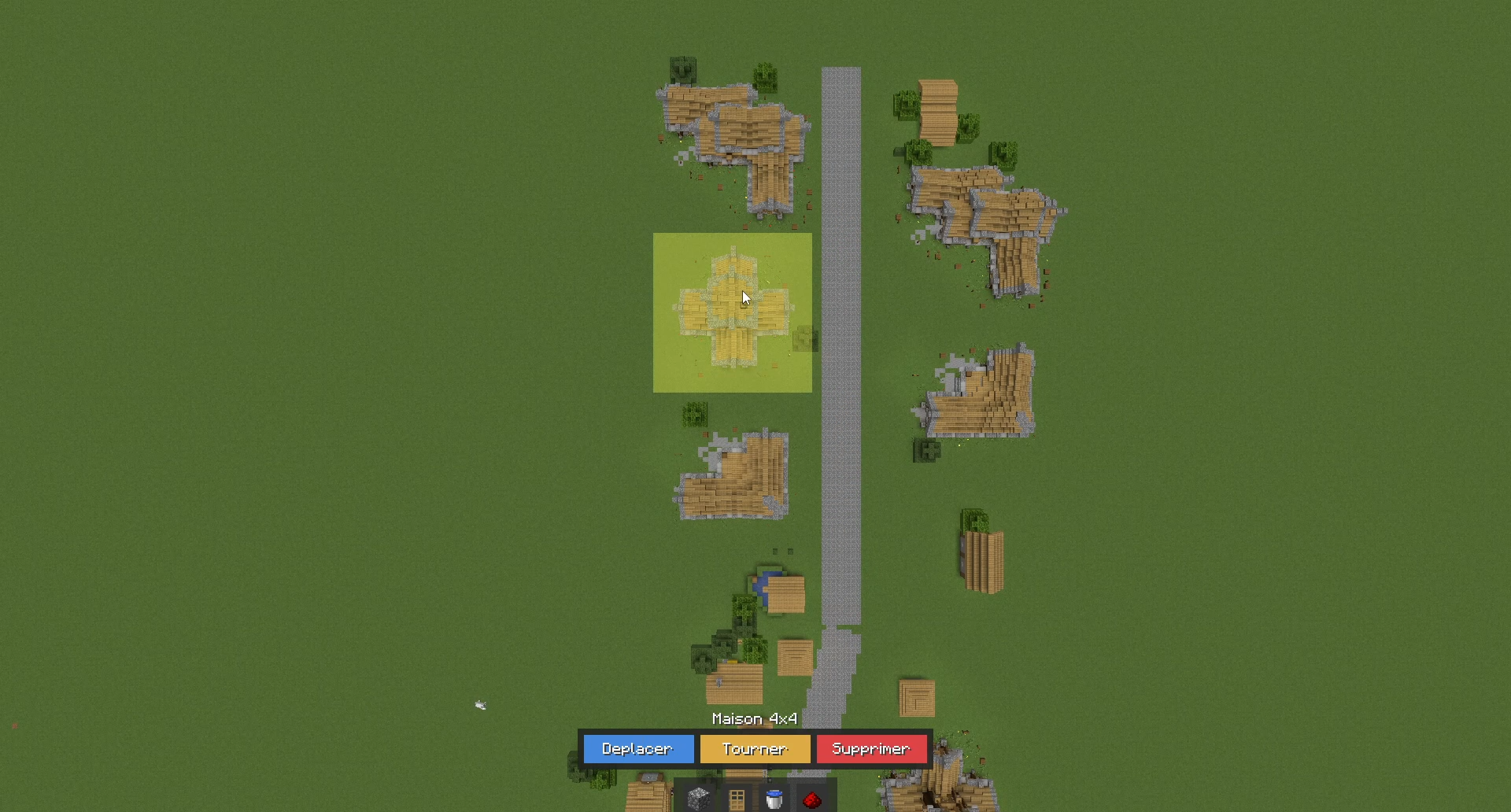
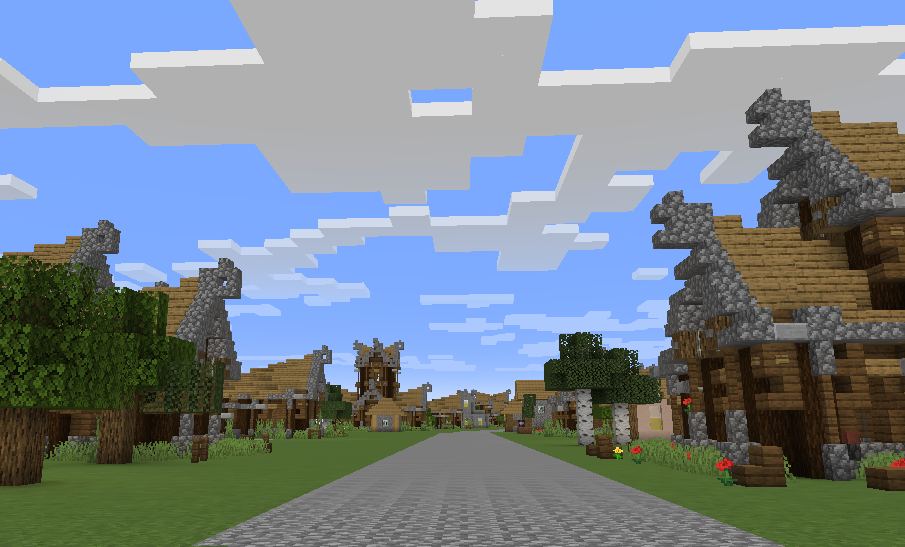
MCity transforms Minecraft into a city-building simulation inspired by SimCity and Cities: Skylines. Place roads, zone
neighborhoods, manage infrastructure, and watch your city grow — all from a free-roaming overhead camera.
Features
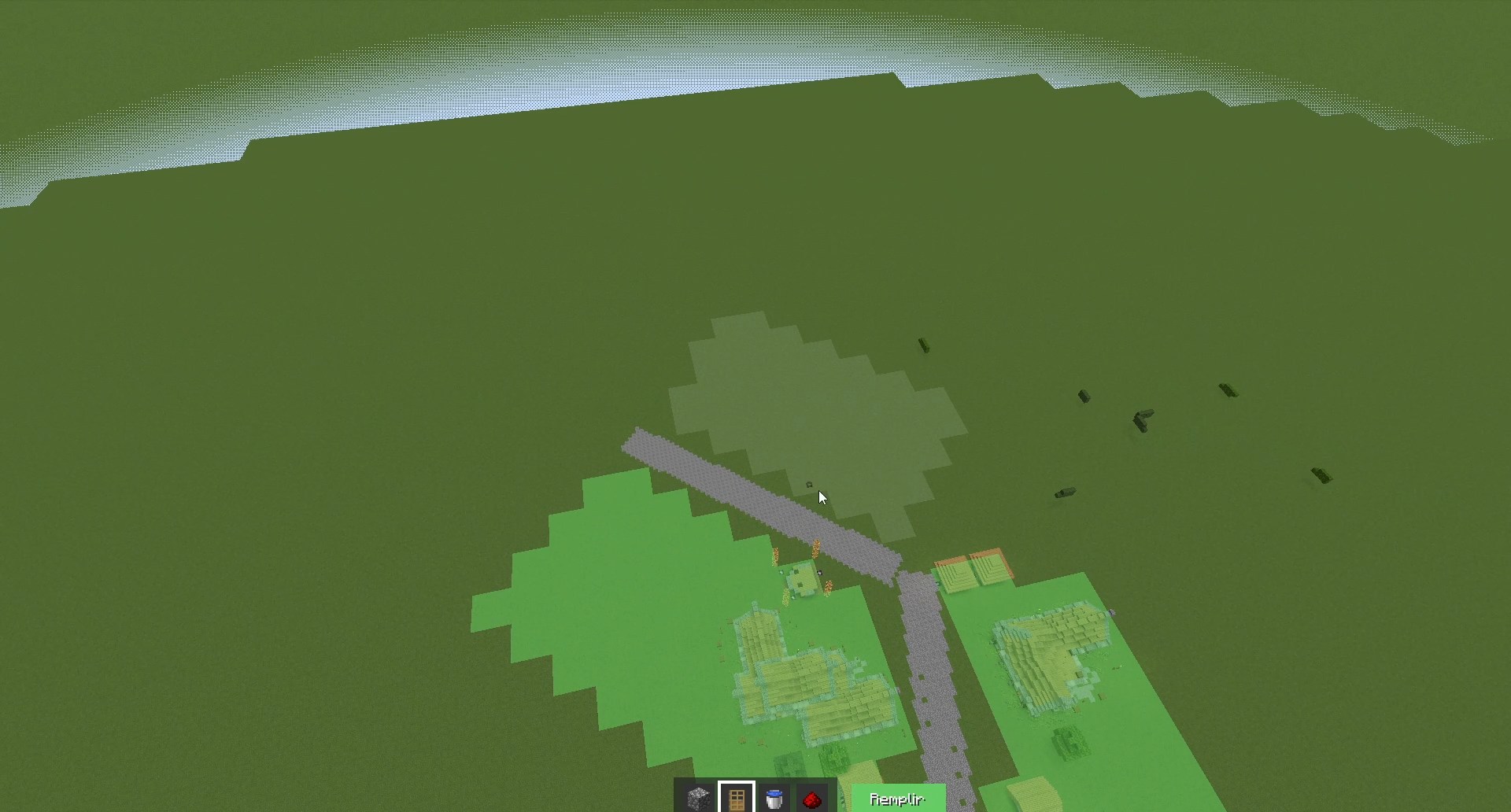
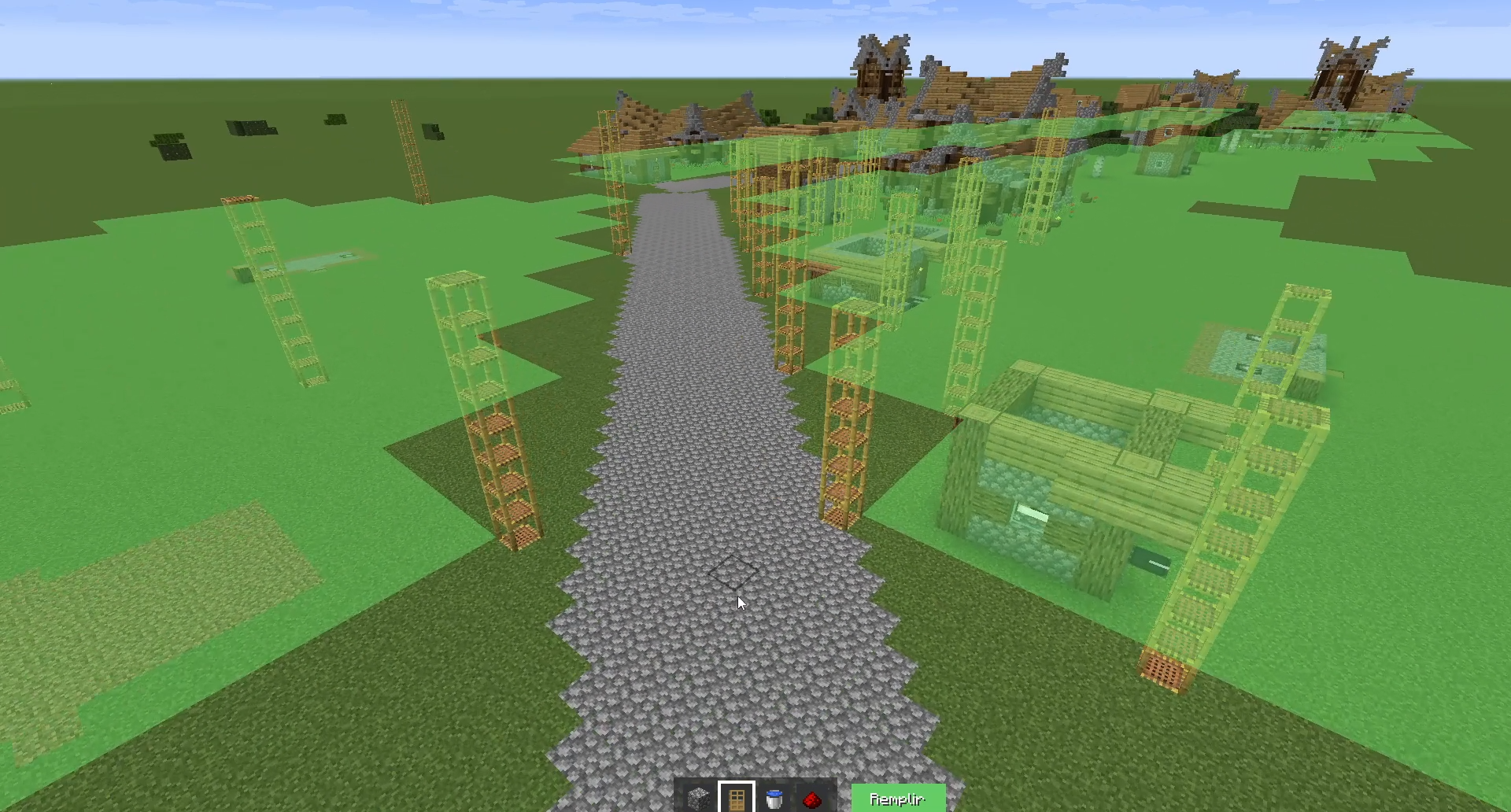
Road & Zoning System
- Draw roads to open up buildable land
- Zone tiles as Residential, Commercial, or Industrial
- Flood-fill zoning for fast city expansion
- Zones must connect to roads, just like the classics
Automatic Building Construction
- Houses spawn automatically on zoned residential tiles
- Animated construction with scaffolding
- Multiple building sizes (1×1 to 4×4 plots) and 28+ architectural variants
- Trees planted around buildings for aesthetics
Infrastructure
- Water: Wells, Pipelines, Reservoirs
- Electricity: Generators, Power Cables, Relay Towers
City Simulation
- Population growth tied to housing capacity
- In-game calendar with day/month/year progression
- Money system and income tracking
- RCI demand bars (Residential / Commercial / Industrial)
- Happiness meter
- Game speed controls: Pause, 1x, 2x, 3x
City Builder Camera
- Detached free-roaming camera (toggle with F6)
- WASD movement, scroll to zoom, middle-click to rotate
- Height-aware speed scaling for smooth navigation
Full Editing Tools
- Select, move, rotate, and delete placed structures
- Undo support via block state tracking
- Persistent world saves (your city survives server restarts)
Early Alpha
This mod is in very early alpha. Core mechanics are functional but expect rough edges. Planned for the future:
- Commercial & Industrial building spawns
- Advanced economy and budget management
- Services (fire, police, health, education)
- Traffic & citizen simulation (The Sims-inspired)
- Much more…
常见问题
Mcity 支持哪些 Minecraft 版本?
Mcity 支持 Minecraft Java 版 1.21.4,可用的加载器:Fabric。下载时注意选择和你游戏版本一致的文件。
Mcity 怎么安装?
先用 PCL2 或 HMCL 启动器安装对应版本的 Fabric,再把下载的 .jar 文件放进游戏目录的 mods 文件夹,重新启动游戏即可。开启了版本隔离的,mods 文件夹在 versions/版本名 下面。运行环境:客户端和服务端都要装。

评论
登录后评论和评分