
MCclip
McClip — Instant Replay & Gameplay RecorderMcClip continuously captures your Minecraft gameplay in a background rolling buffer without dragging down your framerate. Instead of rendering video on the main game thread, it downscales frames asynchronously on
截图
介绍
###McClip — Instant Replay & Gameplay
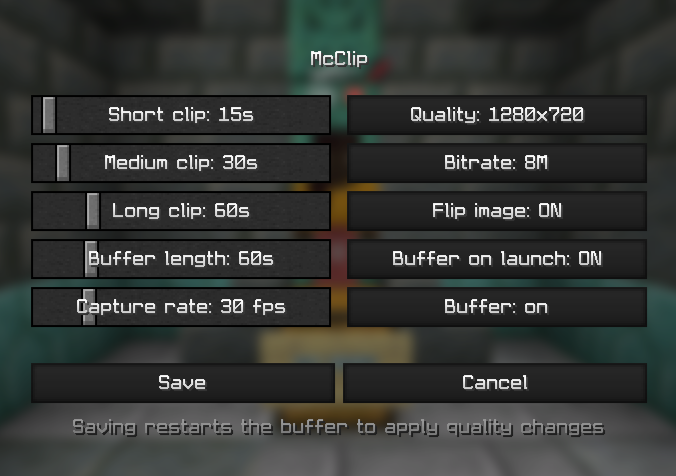
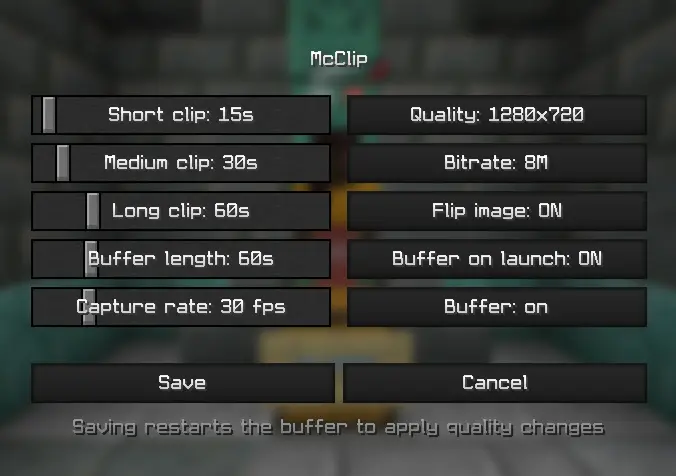
RecorderMcClip continuously captures your Minecraft gameplay in a background rolling buffer without dragging down your framerate. Instead of rendering video on the main game thread, it downscales frames asynchronously on the GPU and offloads compression to your graphics card’s dedicated hardware encoder via a separate process. If the encoder ever lags, the mod drops a frame rather than making your game stutter.Key Features & Controls:
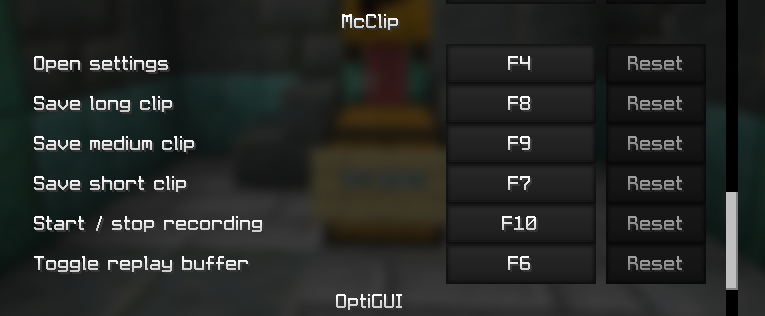
- F7: Save short clip (15s by default)
- F9: Save medium clip (30s by default)
- F8: Save long clip (60s by default)
- F10: Start / stop continuous long recording
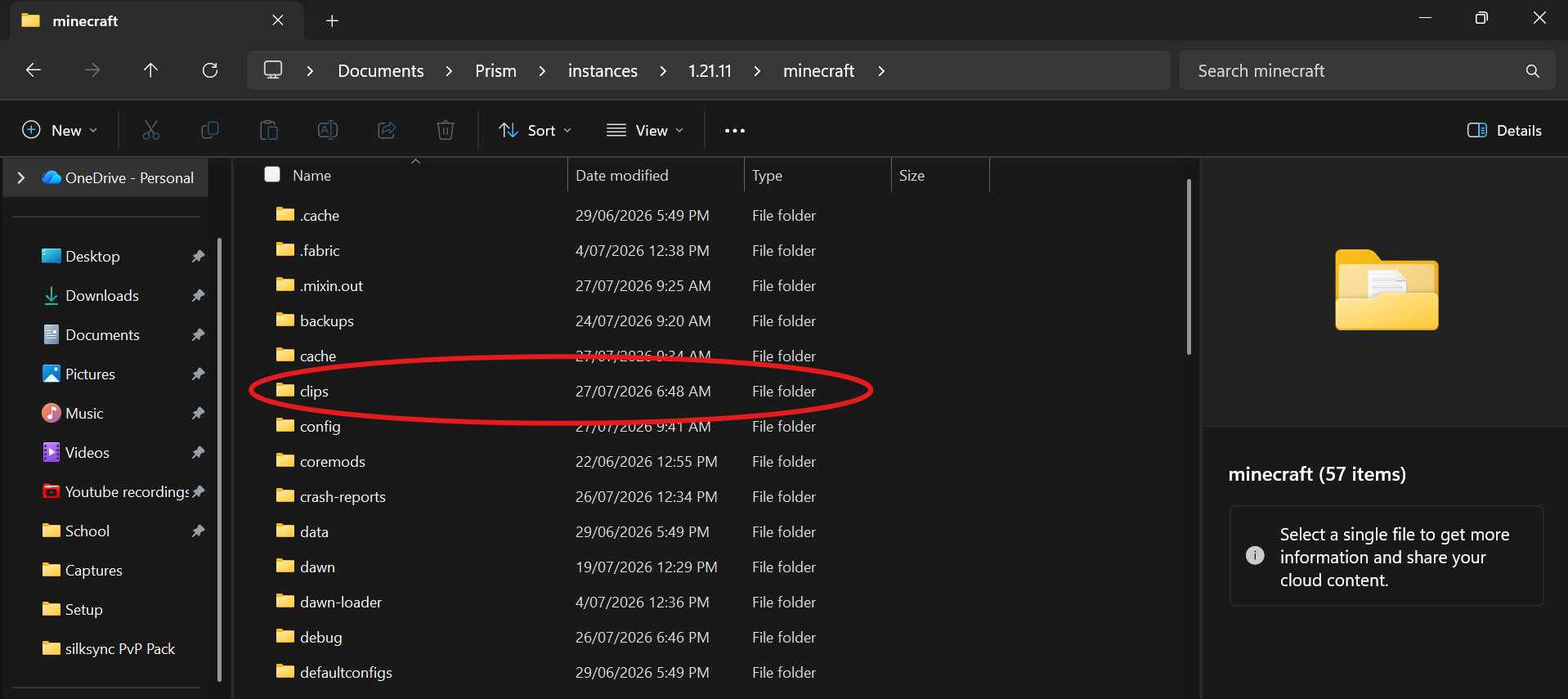
- F6: Toggle the replay buffer on/offCustomization: Adjust clip lengths, capture quality, and encoder settings directly in config/mcclip.properties (Requires ffmpeg).
 McClip**
⚠️ Disclaimer: While the core features and video pipeline are ready, this mod is relatively new. Installing it could potentially cause game crashes.
常见问题
MCclip 支持哪些 Minecraft 版本?
MCclip 支持 Minecraft Java 版 1.21.11,可用的加载器:Fabric。下载时注意选择和你游戏版本一致的文件。
MCclip 怎么安装?
先用 PCL2 或 HMCL 启动器安装对应版本的 Fabric,再把下载的 .jar 文件放进游戏目录的 mods 文件夹,重新启动游戏即可。开启了版本隔离的,mods 文件夹在 versions/版本名 下面。运行环境:仅客户端。

评论
登录后评论和评分