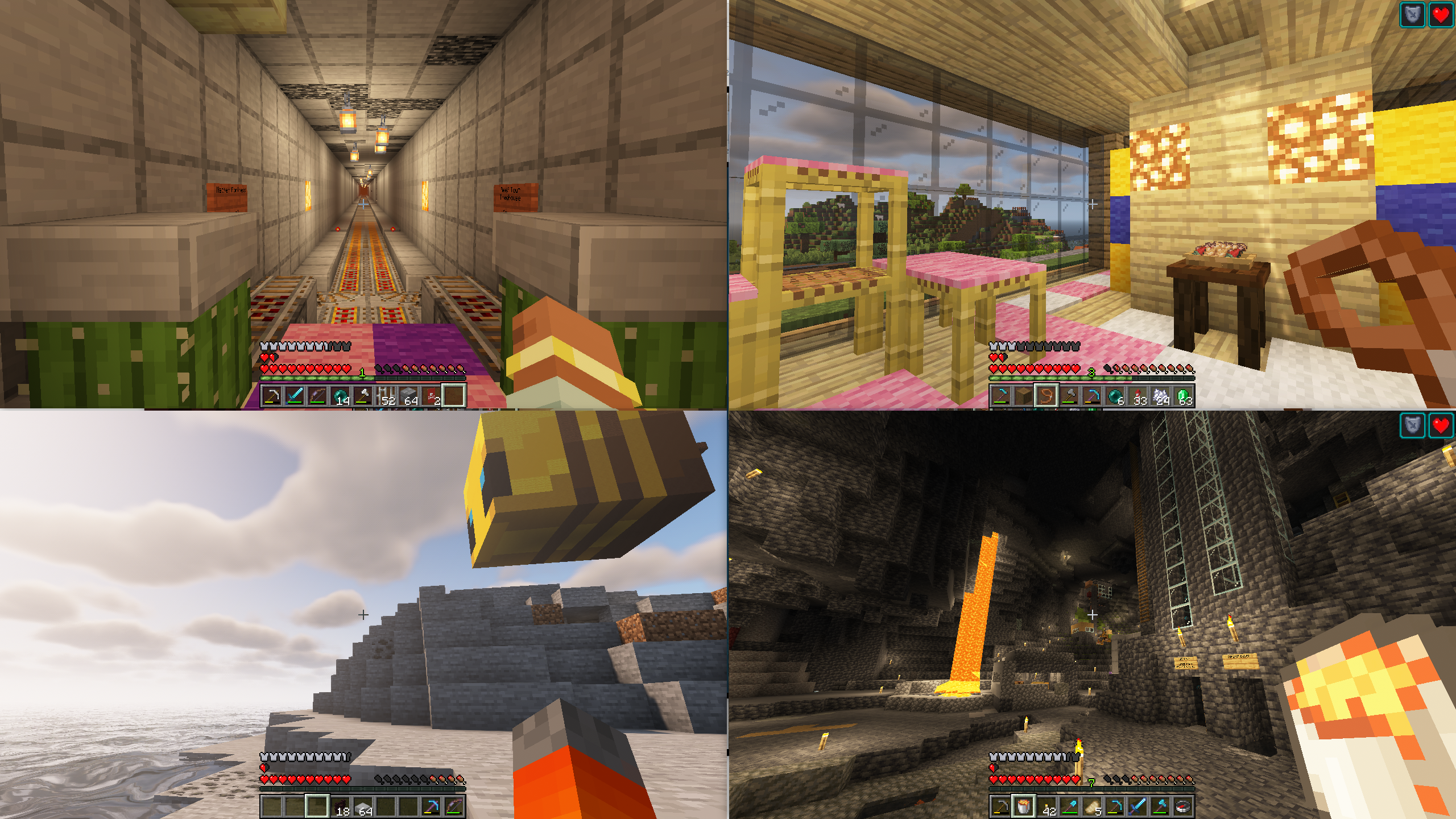
截图
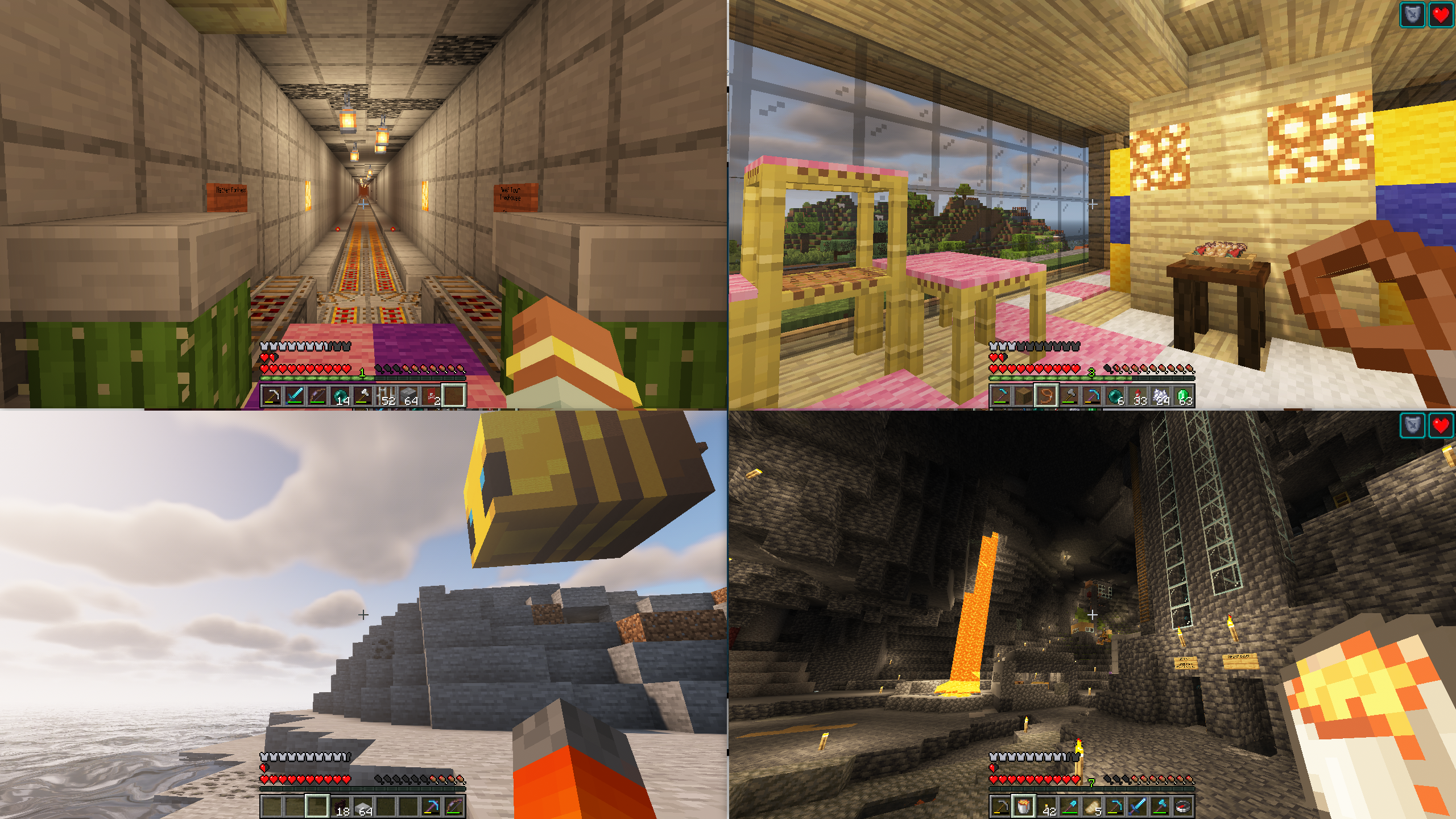
介绍
Splitscreen Support
Simple mod that makes it easier to position windows for local multiplayer.
With this mod installed, hitting the ‘Toggle Fullscreen’ button (F11) will cycle you through different half- and quarter-size
window positions for split screen play. It then saves your choice and brings the window up in the same place when you
restart the game.
This makes it easier for you to start two or more copies of Minecraft and have the windows be positioned automatically
for splitscreen.
This mod is designed to be used in conjunction with a Minecraft launcher (such as PrismLauncher) and
a gamepad mod (such Midnight Controls)
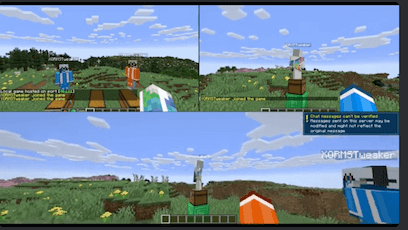
Usage Video
Suggested Setup
Stuff you need
- Two or more legal minecraft accounts
- PrismLauncher
- Midnight Controls
- Splitscreen Support
- Two or more gamepads
- One or more friends
- One big TV hooked up to your computer
- One couch
What to do
- Create two or more minecraft instances in PrismLauncher, one for each account
- In each instance, install SplitScreen Support and MidnightControls
- Launch the instances and configure _each_ of them as follows:
- SplitScreen Support: Press
F11to position the windows - MidnightControls: Enable
Unfocused InputandVirtual Mouseas described here - Minecraft: Press
F3+Pto disable _Pause on Lost Focus_ - Get a gamepad for each instance and configure MidnightControls
- In one of the instances, create a new world and ‘Open to LAN’
- Connect the other instances to that one (e.g., localhost:25565)
- Get your friends and have a Minecraft party!
Other mod features
- Username is displayed in the upper-left corner of the main menu (so you can tell who’s who)
Adjusting the gap between windows
By default, the mod puts a small gap between windows. You can change the width of this gap
(or make it 0) by setting the value of the gap property in config/splitscreen.properties.
(This file doesn’t exist until you quit minecraft for the first time with the mod running).
Acknowledgements
- Video courtesy of wormstweaker
- Icon based on Squares icons created by Rahul Kaklotar – Flaticon
Questions?
If you have questions about this mod, please join the Discord server:
Comments have been disabled and I will not reply to private messages on Curseforge.
常见问题
Splitscreen Support 支持哪些 Minecraft 版本?
Splitscreen Support 支持 Minecraft Java 版 1.20.1–26.3,共 21 个版本,可用的加载器:Fabric / NeoForge。下载时注意选择和你游戏版本一致的文件。
Splitscreen Support 怎么安装?
先用 PCL2 或 HMCL 启动器安装对应版本的 Fabric / NeoForge,再把下载的 .jar 文件放进游戏目录的 mods 文件夹,重新启动游戏即可。开启了版本隔离的,mods 文件夹在 versions/版本名 下面。运行环境:仅客户端。
pcal43 的其他作品
查看全部 →
Mob Filter
Serverside rules to limit mob spawning
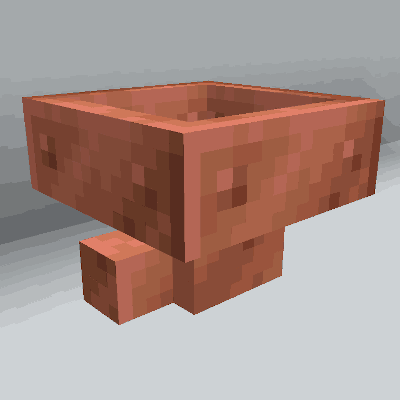
Copper Hopper
Hopper that acts as a simple item filter.

MobFilter
Highly configurable mob spawning filter. Serverside mod.

Fast Backups
Fast, incremental world backups powered by Git.
评论
登录后评论和评分