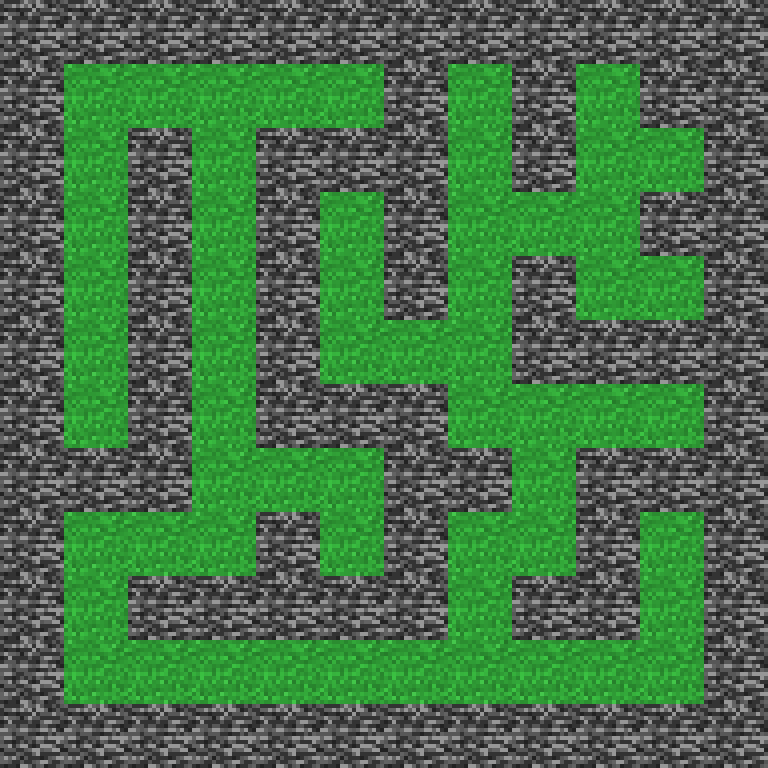
Maze World
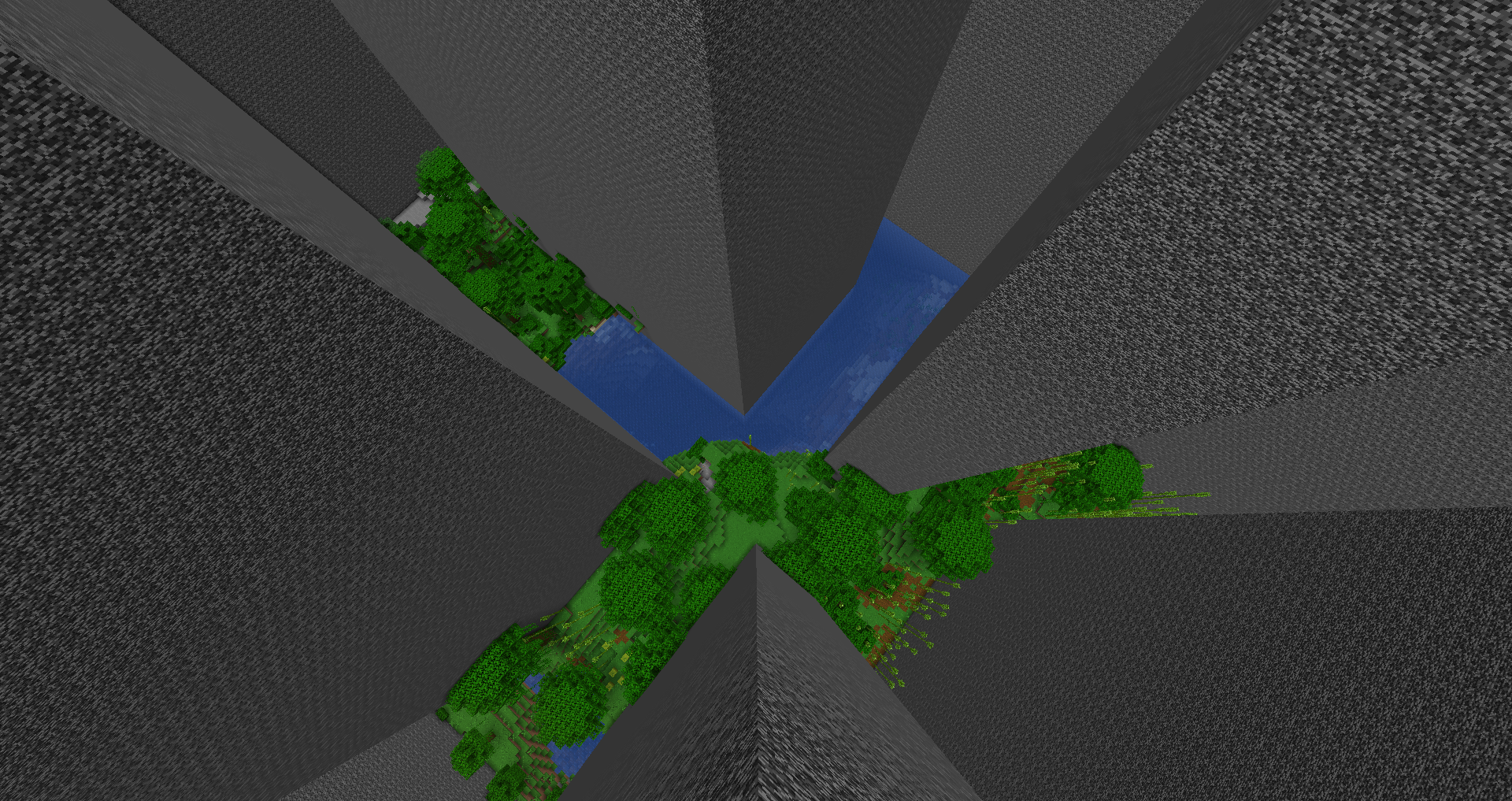
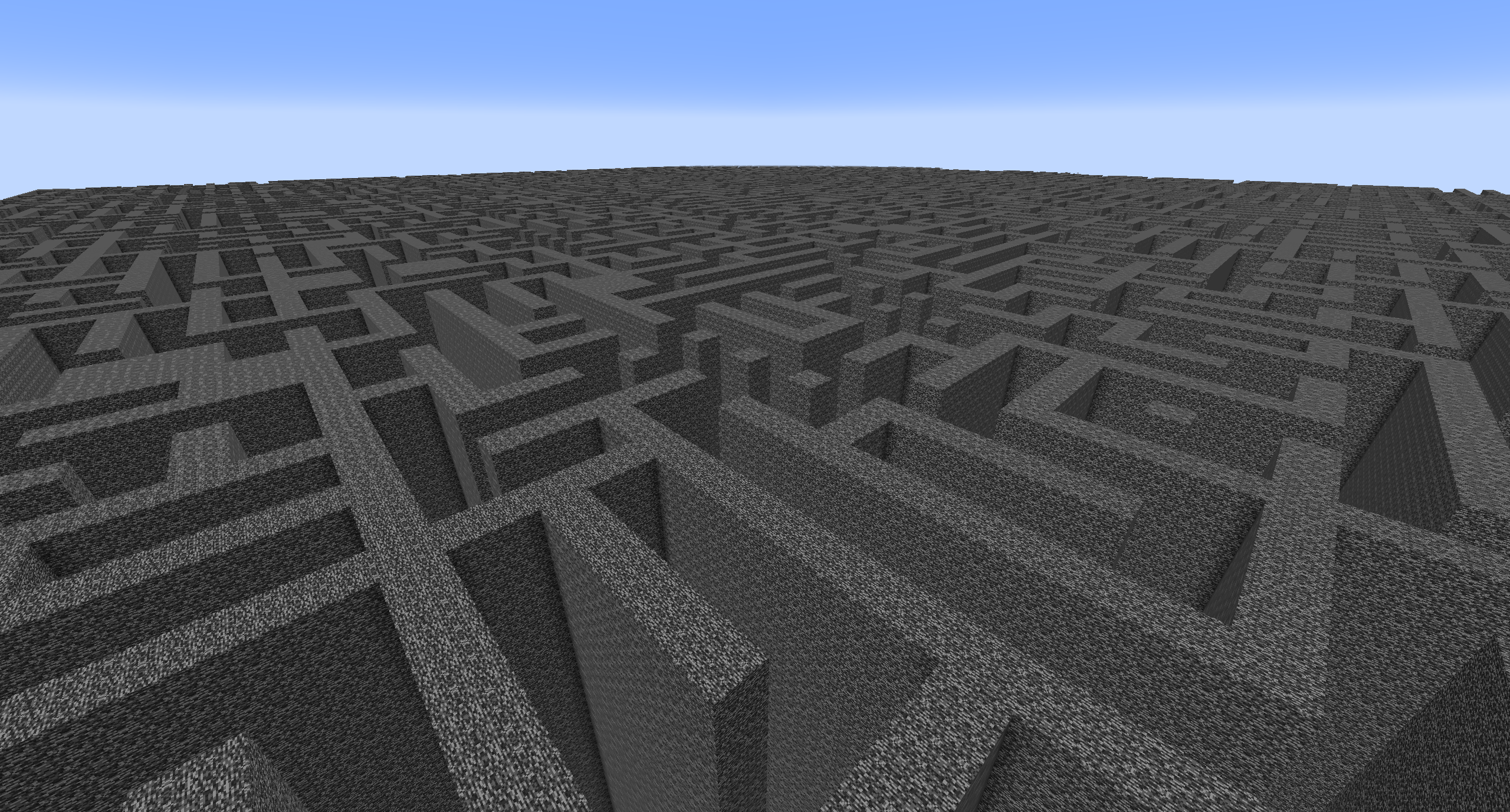
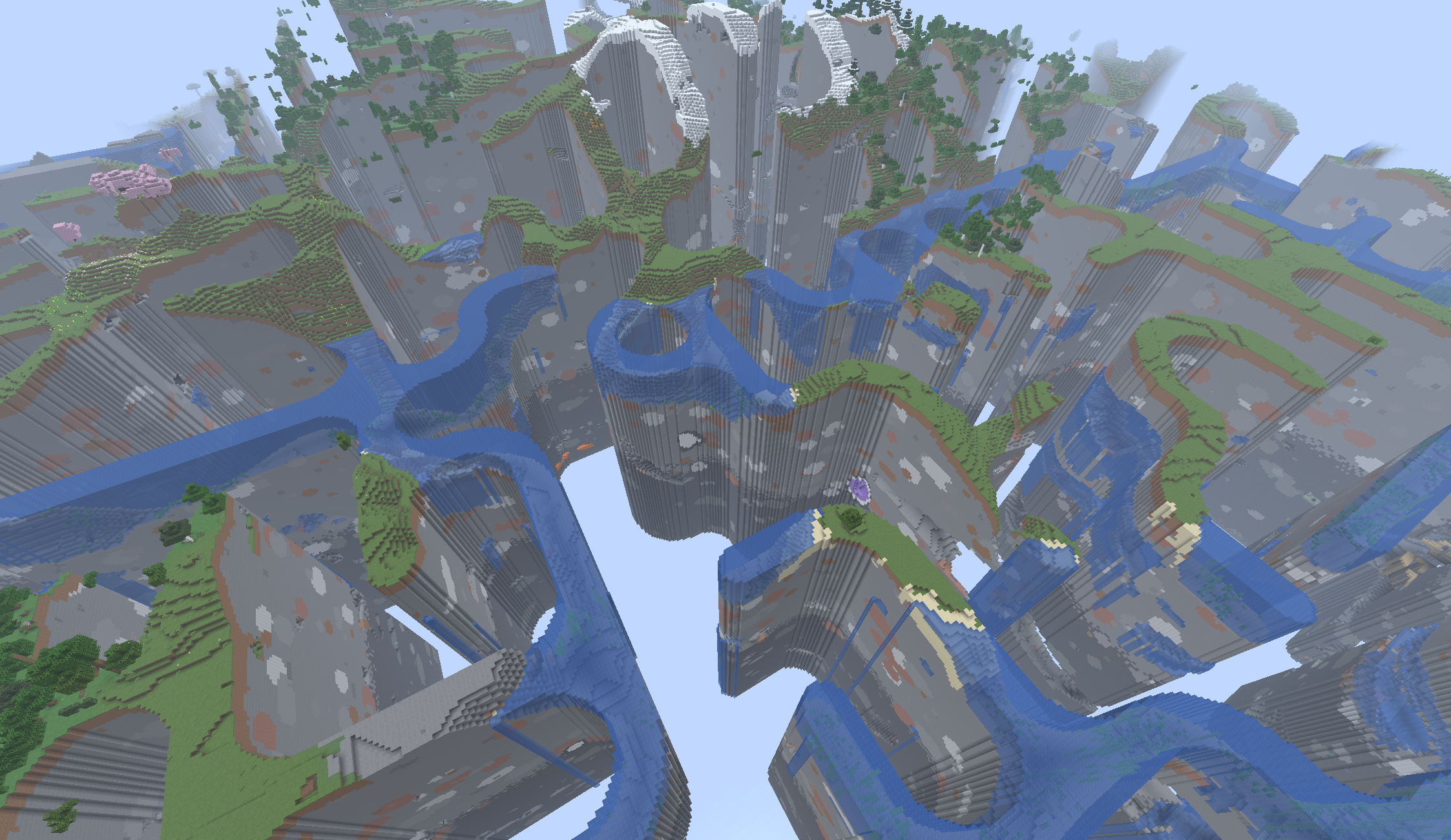
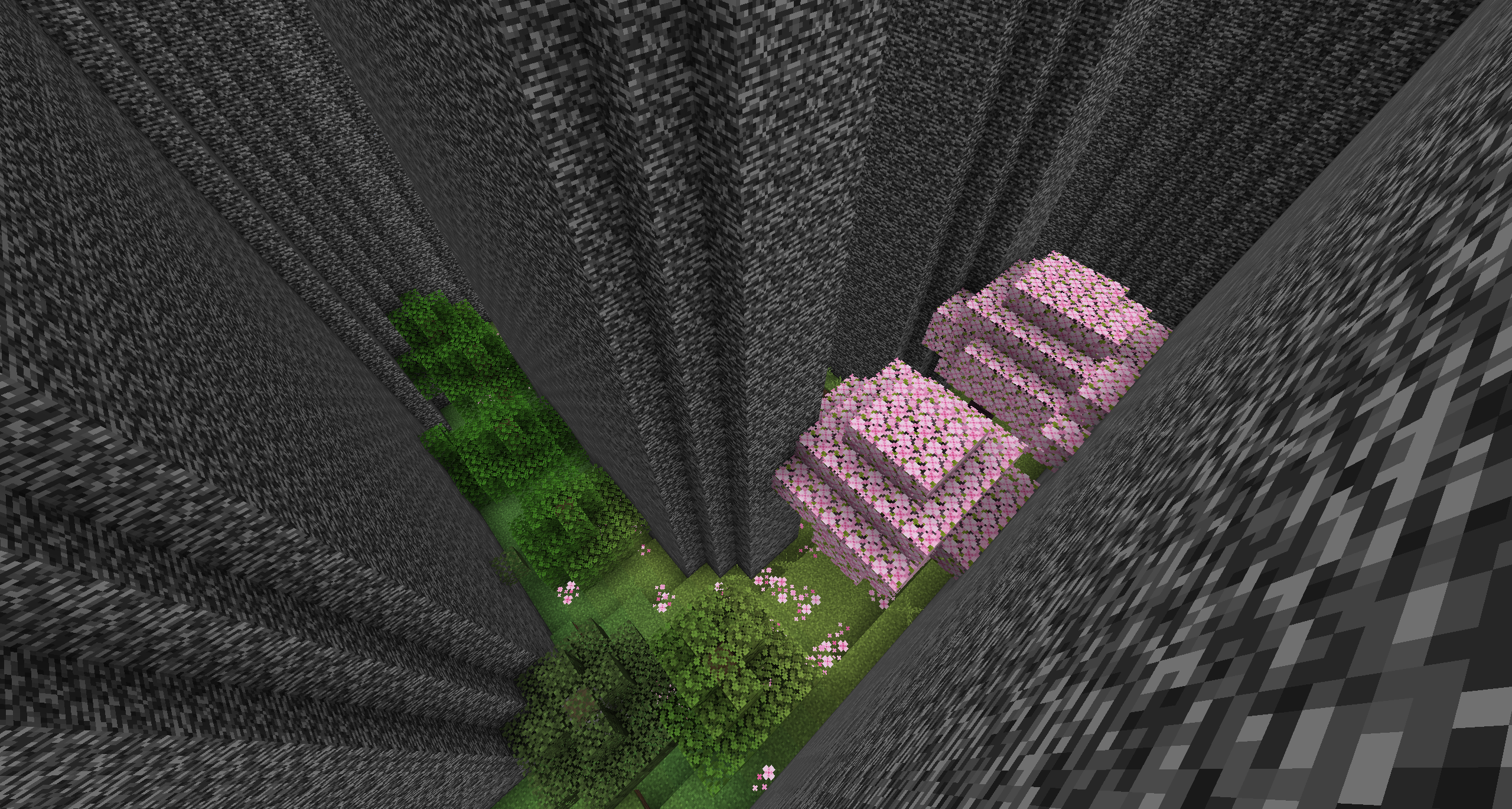
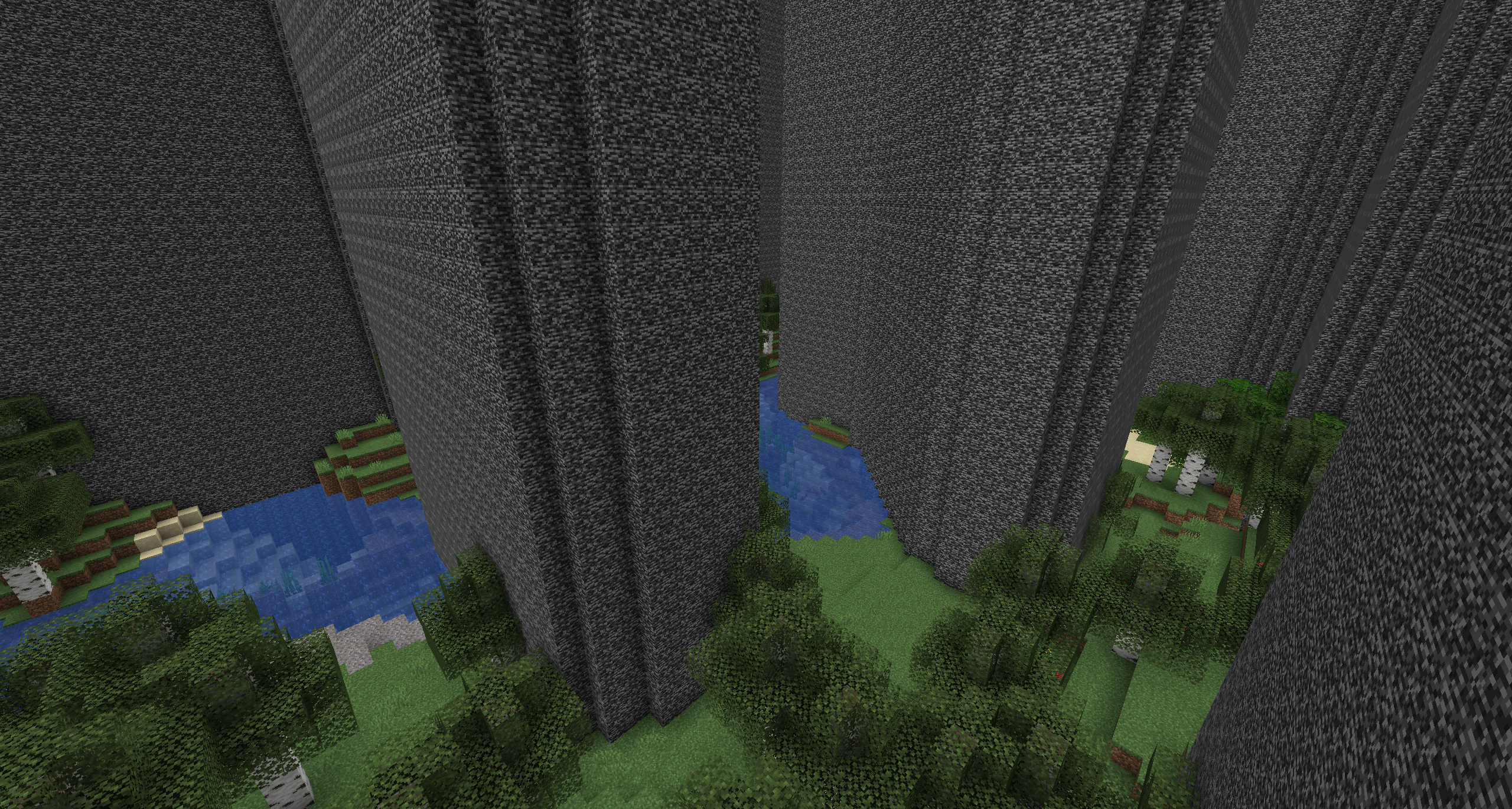
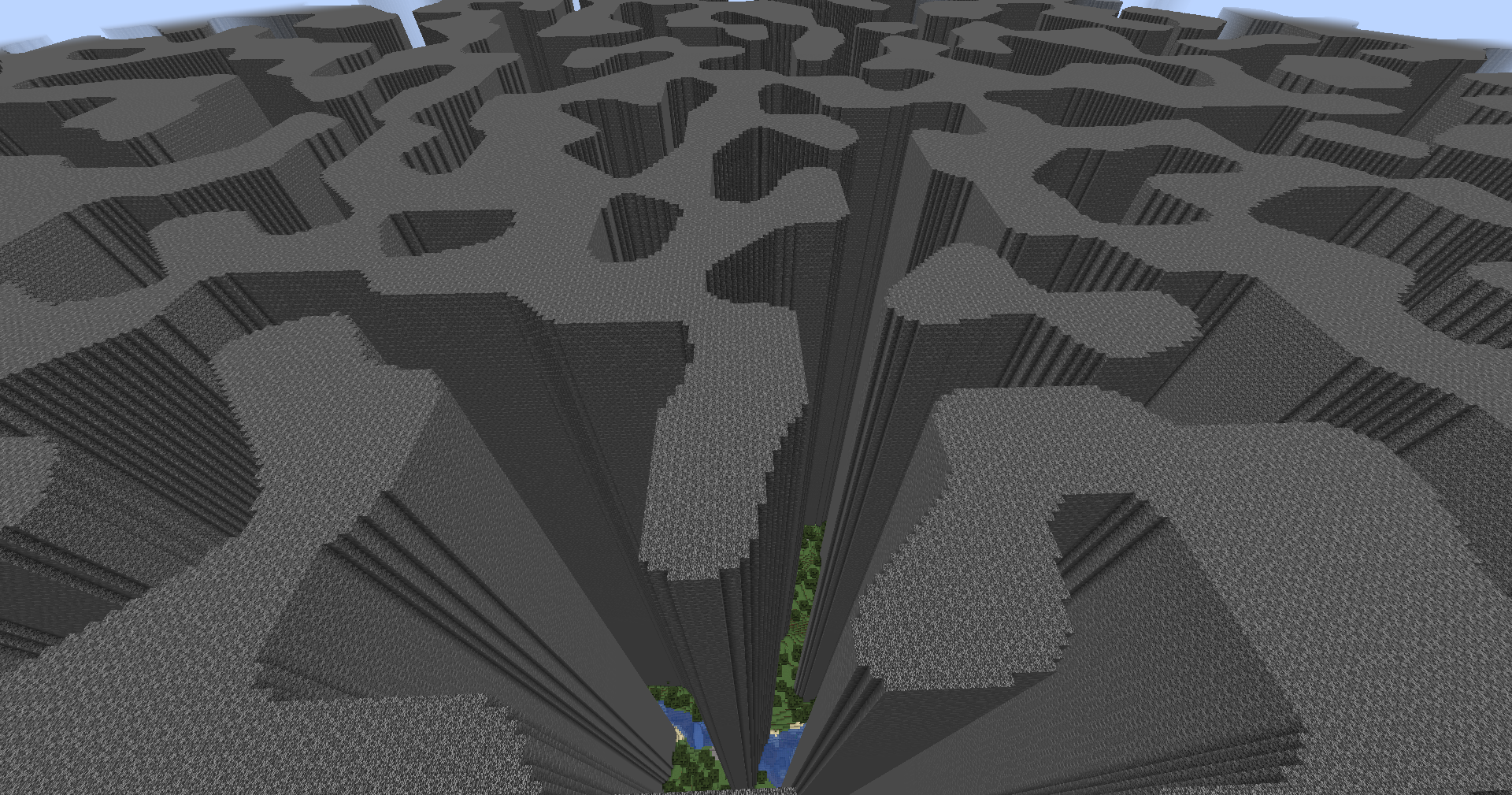
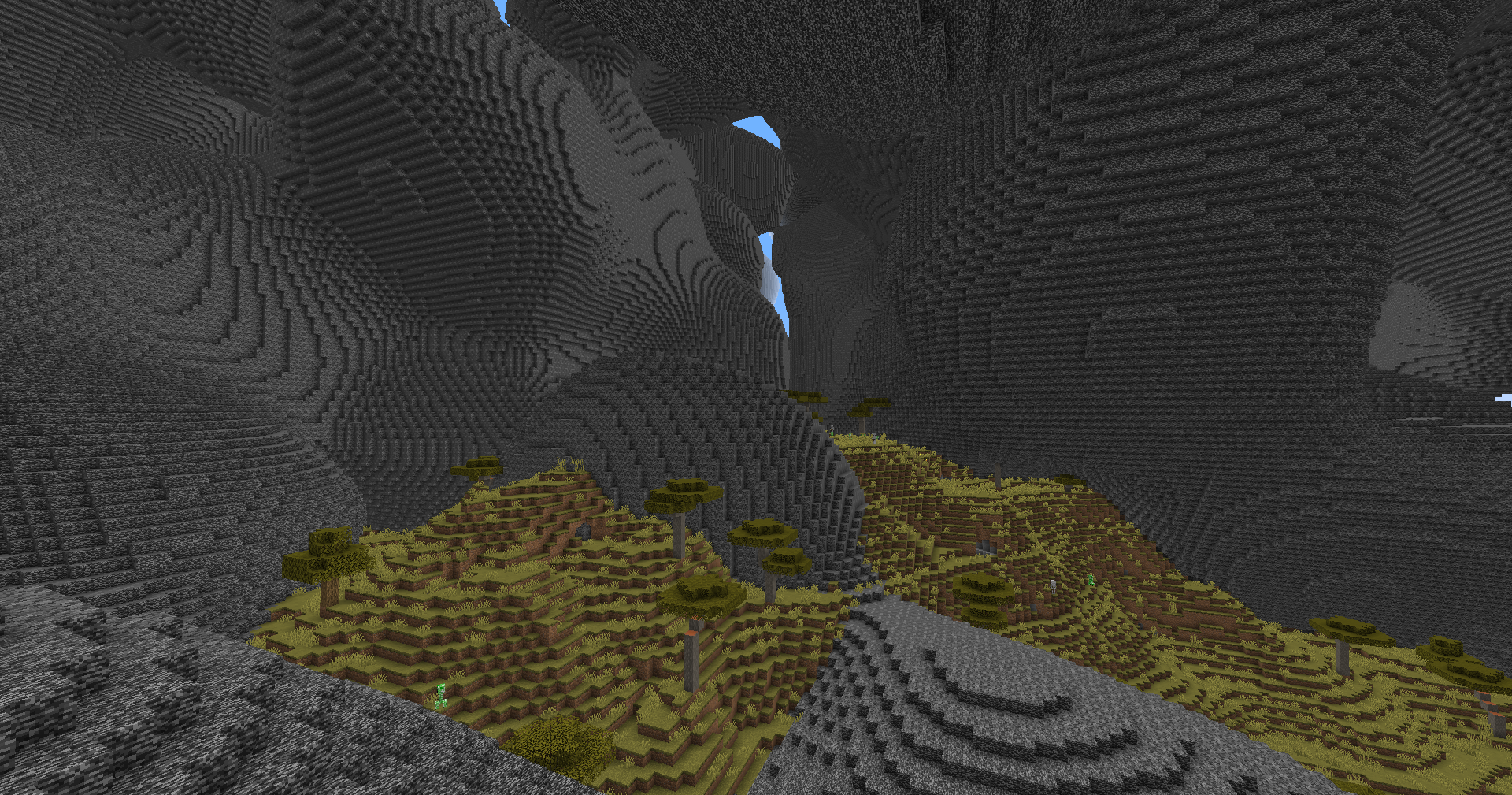
Generates a bedrock maze through vanilla world generation. An interesting twist to the normal gameplay.
截图


介绍
MazeWorld


A mod to add an infinite maze to vanilla world generation. There are many configuration options and maze types.
World creation
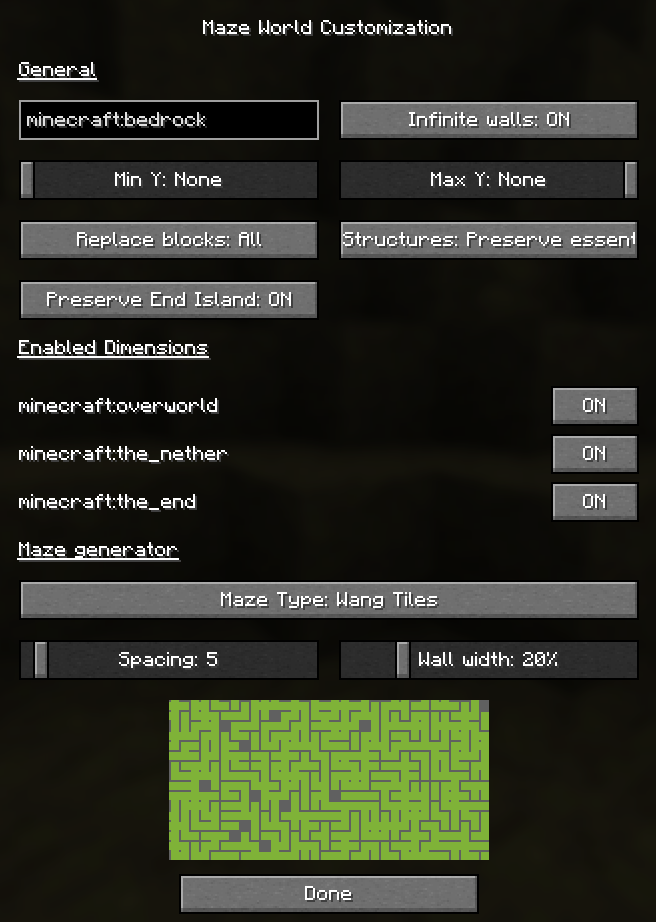
To create a mazeworld, you can choose any existing world preset. Then enable “Generate Maze” and click “Customize” next to that to adjust the maze settings.
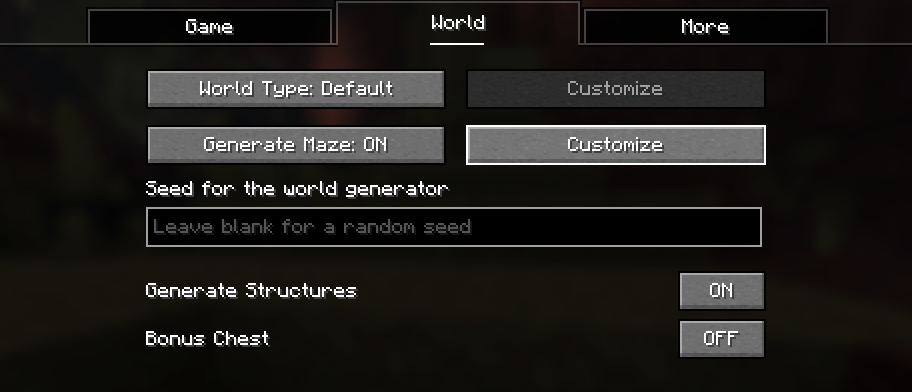
After clicking on customize, you can change various settings about the maze generation.
Below that is a preview of how the generated maze will look.
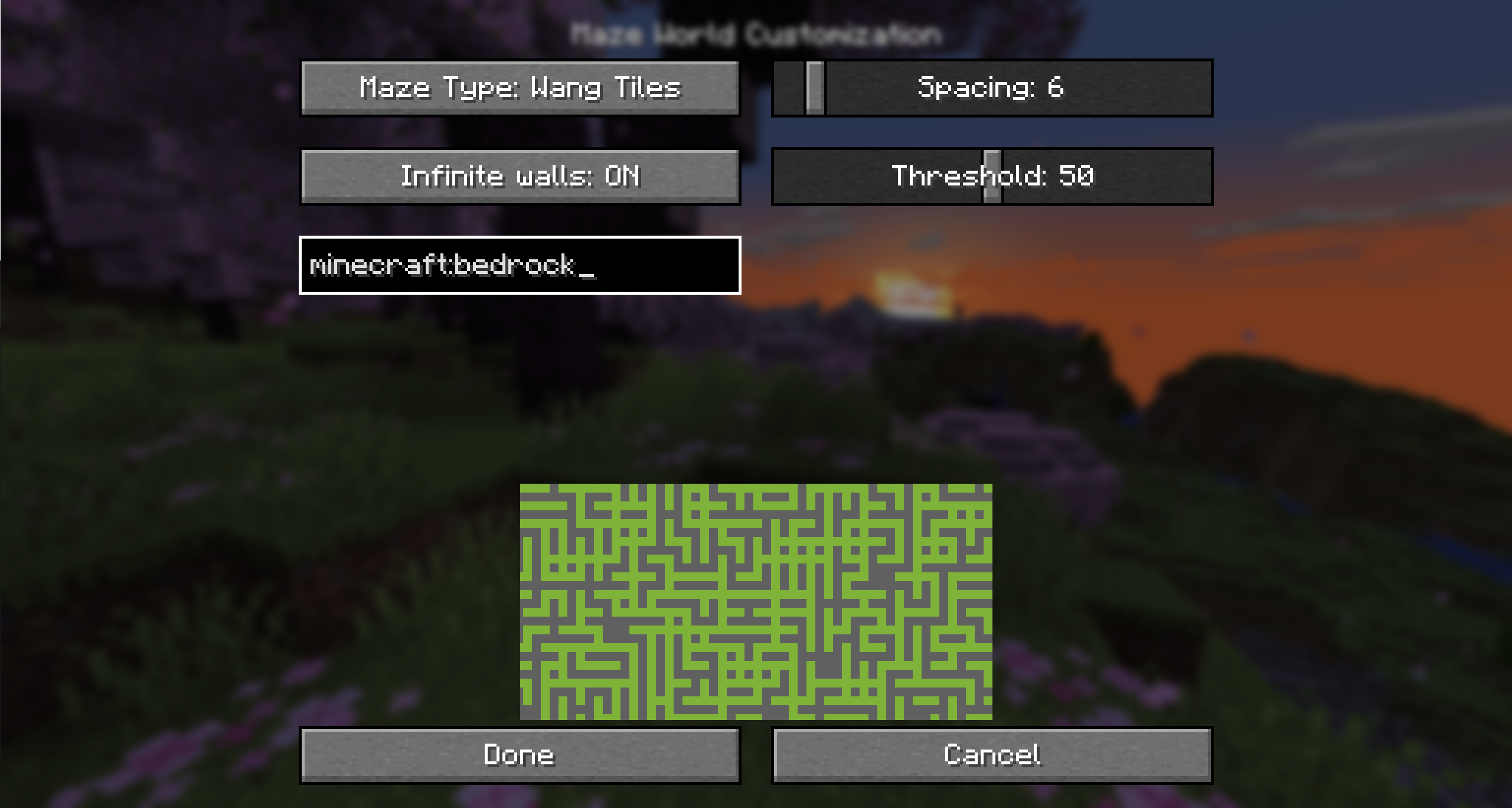
Customization options
Maze wall block
Determines which block is placed in the world to build the maze. By default this is bedrock, but you can change it to a block you can break too.
Infinite walls
Prevents players from crossing the walls even above or below build height.
Min Y and Max Y
Sets the height at which the maze will generate. By default, this is all the way from bedrock to the build limit.
You can lower Max Y to not generate the maze all the way to the top.
Replace Blocks
Determines which blocks are replaced by the maze.
- All (Default): All blocks are replaced. This means you cannot dig through the ground to pass a wall.
- Replaceable: All blocks that are replaceable (Air, Water, Tall grass, …) will be replaced by the maze. Other blocks are kept, and as such you can dig through stone to get around the maze.
- Air: Only air is replaced, no existing are replaced.
Structures
Determines how structures are handled:
- Preserve essential (Default): This prevents the end portal room in the stronghold from being cut through by the maze. This is to avoid the world being unbeatable if the maze configuration removed portal frames in every stronghold.
- Preserve all: This makes ALL structures not be replaced by the maze. It uses the bounding boxes of all structure pieces as areas where no maze is placed.
- Replace all: Structures are not considered and maze can be generated inside all structures too. This may make it impossible to enter the end in certain maze configurations.
Preserve End Island
When enabled, leaves a 19×19 chunk hole in the end dimension to not interfere with the end island.
Enabled dimensions
This allows you to toggle individually, which dimensions will generate a maze.
Maze Type
There are different maze types with different algorithms for generating the maze
Binary Tree
See https://weblog.jamisbuck.org/2011/2/1/maze-generation-binary-tree-algorithm.
Options:
- Size: How large each tile is
- Bias: How much the corridors will bias to being vertical or horizontal
Wang tiles
See https://www.boristhebrave.com/permanent/24/06/cr31/stagecast/wang/array.html.
This has a rectangular and a rounded variant.
Options:
- Size: How large each tile is
- Wall width: What ratio of the tile size is wall
Simplex noise
See https://en.wikipedia.org/wiki/Simplex_noise.
This has a 2D and a 3D variant.
Options:
- Size: The scale of the noise
- Threshold: The threshold for comparing the noise value by, to determine if a block is a wall or air
World creation on a server
To create a world on a server, it is recommended to simply upload a world created on the client.
常见问题
Maze World 支持哪些 Minecraft 版本?
Maze World 支持 Minecraft Java 版 1.19.1–26.3,共 25 个版本,可用的加载器:Fabric。下载时注意选择和你游戏版本一致的文件。
Maze World 怎么安装?
先用 PCL2 或 HMCL 启动器安装对应版本的 Fabric,再把下载的 .jar 文件放进游戏目录的 mods 文件夹,重新启动游戏即可。开启了版本隔离的,mods 文件夹在 versions/版本名 下面。运行环境:仅服务端。
replaceitem 的其他作品
查看全部 →
Symbol Chat
A client side mod that adds a symbol/emoji menu as well as writing in different unicode fonts.
Integrated circuit
Adds integrated circuits to compact your redstone circuits into one block

Dynamic App Icon
Simple mod that changes the application icon of Minecraft to that of a world or server when joining

Secret Spectator
Serverside mod that prevents non-spectators from seeing spectators grayed out in the tab player list.
评论
登录后评论和评分