
maze mod
An advanced Minecraft maze generator with themes, life rooms, timed resets, exits control, and deep gameplay customization.
截图
介绍
Maze Mod
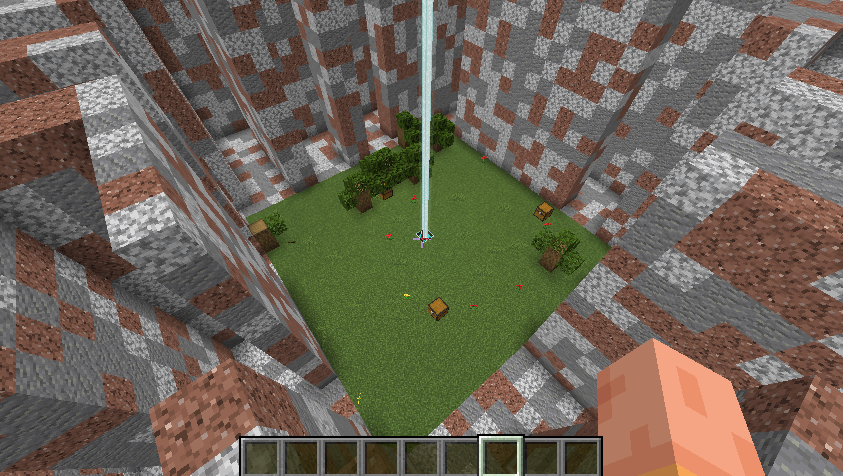
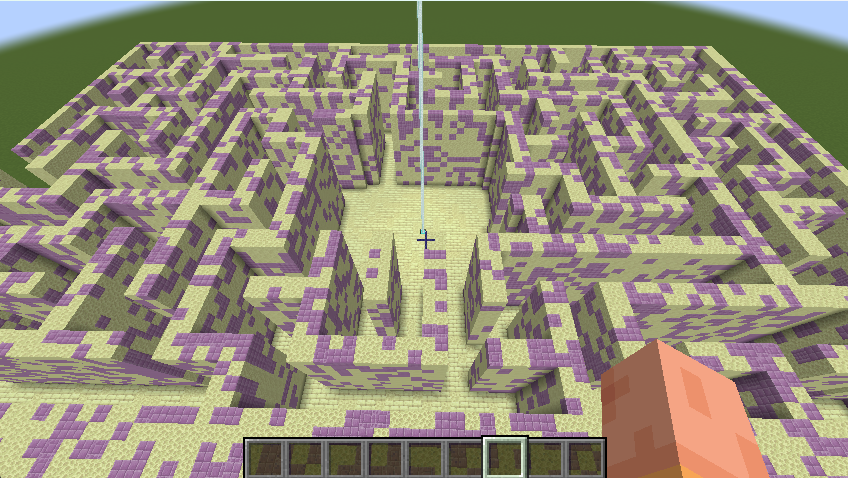
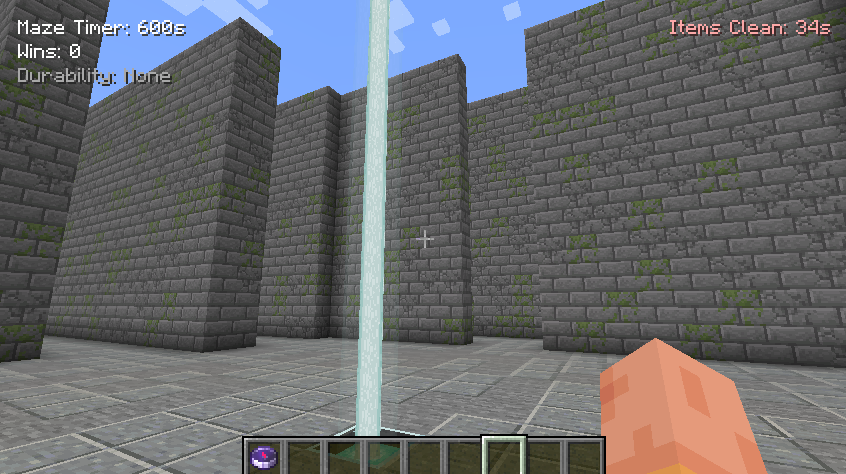
A Minecraft mod that generates random mazes with configurable settings, including life rooms, chests, and difficulty parameters. This version features a comprehensive GUI for maze management and customization.
Features
- Maze Generation: Creates random mazes with adjustable dimensions and complexity.
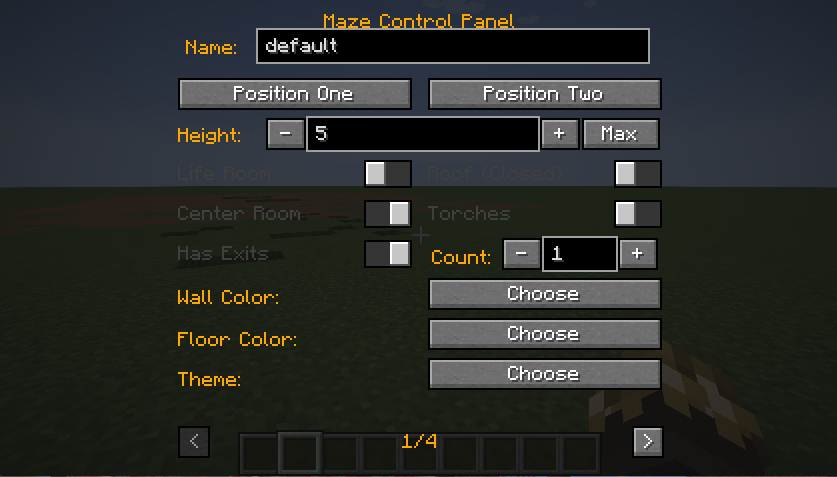
- GUI Control Panel: A tabbed interface to manage maze settings without using commands.
- Multi-Version Support: Compatible with Minecraft 1.16.5, 1.18.2, 1.19.4, and 1.20.1.
- Network Sync: Real-time synchronization of maze states between client and server.
- HUD Integration: In-game hints for maze controls and status.
Installation
- Download the mod JAR file.
- Place it in your Minecraft
modsfolder. - Launch Minecraft with Forge for the corresponding version.
Usage
Controls
- Press M to open the Maze Control Panel.
- Use the < and > arrows to navigate between the 4 tabs.
Tabs
- Maze Setup:
- Set Position 1 & 2 using in-game buttons.
- Adjust Height, Wall Width, and Path Width.
- Configure Life Room, Roof, Center Room, Torches, and Exits.
- Choose Wall Color and Floor Color.
- Select a Theme.
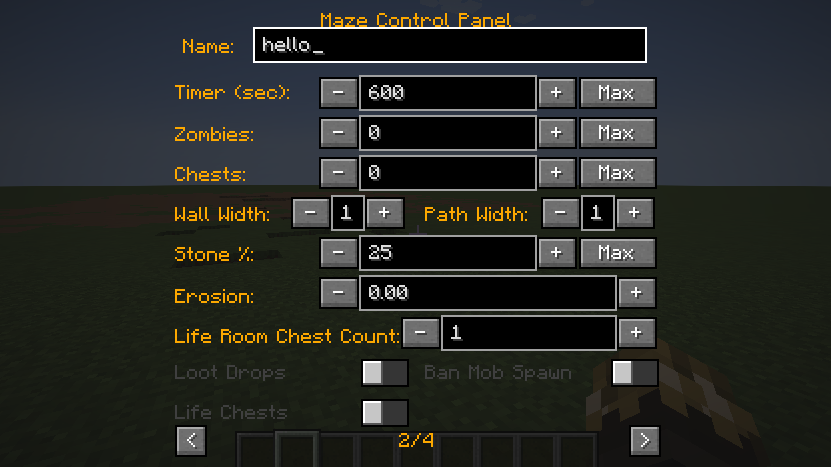
- Advanced Settings:
- Set Timer, Zombie Count, and Chest Count.
- Adjust Stone Chance and Erosion.
- Configure Life Room Chest Count (LRCC).
- Toggle Loot Drops, Mob Spawning, and Life Chests.
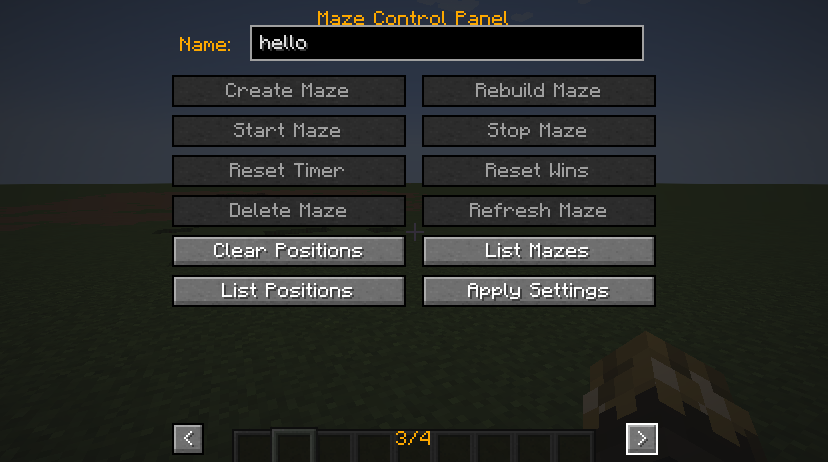
- Actions:
- Create, Rebuild, Refresh, or Delete Mazes.
- Start, Stop, or Reset the Timer.
- Reset Wins and Clear Positions.
- List Mazes and Positions.
- Apply Settings (Timer, Zombie Count, Chest Count).
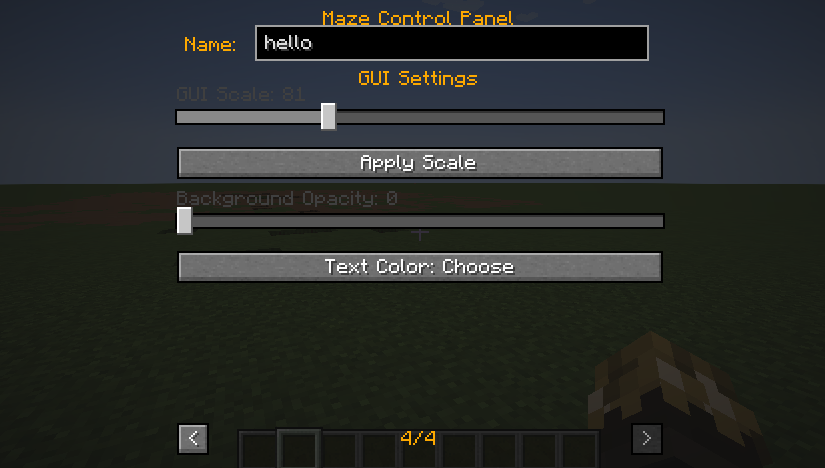
- GUI Customization:
- Adjust GUI Scale (50%–150%).
- Modify Background Opacity.
- Change Text Color.
Commands
While the GUI is the primary control method, the following commands are available:
/maze - Press M: Opens the Maze Control Panel./maze - List Mazes: Lists all created mazes./maze - List Positions: Lists all saved positions./maze - Clear Positions: Clears all saved positions./maze - Reset Wins: Resets the win counter./maze - Delete <name>: Deletes a maze by name./maze - Rebuild <name>: Rebuilds a maze by name./maze - Refresh <name>: Refreshes a maze by name./maze - Start <name>: Starts a maze by name./maze - Stop <name>: Stops a maze by name./maze - Reset <name>: Resets a maze by name./maze - Apply <name> <timer> <zombie_count> <chest_count>: Applies settings to a maze.
API Compatibility
| Version | Button API | Render API | Component API | Send Command |
|———|———–|————|—————|————–|
| 1.20.1 | Button.builder().build() | GuiGraphics | Component.literal() | connection.sendCommand() |
| 1.19.4 | Button.builder().bounds().build() | PoseStack | Component.literal() | connection.sendCommand() |
| 1.18.2 | new Button(x,y,w,h,text,onPress) | PoseStack | new TextComponent() | player.chat("/cmd") |
| 1.16.5 | new Button(x,y,w,h,text,IPressable) | MatrixStack | new StringTextComponent() | player.chat("/cmd") |
License
MIT License
常见问题
maze mod 支持哪些 Minecraft 版本?
maze mod 支持 Minecraft Java 版 1.16.5–26.3,共 26 个版本,可用的加载器:Fabric / Forge / NeoForge。下载时注意选择和你游戏版本一致的文件。
maze mod 怎么安装?
先用 PCL2 或 HMCL 启动器安装对应版本的 Fabric / Forge / NeoForge,再把下载的 .jar 文件放进游戏目录的 mods 文件夹,重新启动游戏即可。开启了版本隔离的,mods 文件夹在 versions/版本名 下面。运行环境:客户端和服务端都要装。
评论
登录后评论和评分