
介绍
🚨 _1.20.5: Please note that due to changes in Minecraft’s code, support for the latest version will take a while_
Material Json
Ever wanted to change the durability of all Iron Tools? What about changing the protection amounts of Diamond Armor? Or the mining speed of Netherite? Well, with Material Json you can! Simple editing through Minecraft’s datapack structure and .json files, allow you to do anything!
✅ Features
- Synced from server to client, instantly change anything on datapack reload!
- Support for mods that add new Weapons, Armor & Tools.
- Configuration allows for changing of any material for any Weapon, Armor or Tool.
⛏️ Tool Material Configuration
Tool materials can be configured in a datapack under “<namespace>:materials/tool/<path>.json“. Please note that datapacks can choose to override a single field from a datapack below it, by only specifying that field.\
The .json file contains the following fields:
- “
durability“: integer - Specifies the durability.\
Must be a 32-bit integer number at least “1“.
- “
mining_speed“: float - Specifies the mining speed.\
Must be a single-precision floating-point number at least “0.0“.
- “
attack_damage“: float - Specifies the attack damage. Please note that individual items (e.g. swords) might add a bonus or malus to this.\
Must be a single-precision floating-point number.
- “
mining_level“: integer - Specifies the mining level. \
Must be a 32-bit integer number at least “-1“.
- “
enchantability“: integer - Specifies the enchantability. \
Must be a 32-bit integer number at least.
- “
ingredient“: resource_or_tag - Specifies the ingredient used for repairing. \
Must be a single item ID or a hash-prefixed item tag.
👑 Armour Material Configuration
Tool materials can be configured in a datapack under “<namespace>:materials/tool/<path>.json“. Please note that datapacks can choose to override a single field from a datapack below it, by only specifying that field.\
The .json file contains the following fields:
- “
durability“: - “
helmet`|`chestplate`|`leggings`|`boots“: integer - Specifies the durability of the piece. \
Must be a 32-bit integer number at least “1“.
- “
protection“: - “
helmet`|`chestplate`|`leggings`|`boots“: integer - Specifies the protection of the piece. \
Must be a 32-bit integer number at least “0“.
- “
enchantability“: integer - Specifies the enchantability. \
Must be a 32-bit integer number at least.
- “
equip_sound“: resource_location - Specifies the sound when the armor is equipped. \
Must be a sound event as defined in sounds.json.
- “
ingredient“: resource_or_tag - Specifies the ingredient used for repairing. \
Must be a single item ID or a hash-prefixed item tag.
- “
toughness“: float - Specifies the armor toughness.\
Must be a single-precision floating-point number.
- “
knockback_resistance“: float - Specifies the knockback resistance.\
Must be a single-precision floating-point number.
常见问题
Material Json 支持哪些 Minecraft 版本?
Material Json 支持 Minecraft Java 版 1.20–1.20.4,共 5 个版本,可用的加载器:Fabric。下载时注意选择和你游戏版本一致的文件。
Material Json 怎么安装?
先用 PCL2 或 HMCL 启动器安装对应版本的 Fabric,再把下载的 .jar 文件放进游戏目录的 mods 文件夹,重新启动游戏即可。开启了版本隔离的,mods 文件夹在 versions/版本名 下面。运行环境:客户端和服务端都要装。
boyonk 的其他作品
查看全部 →
Music Sync
让所有在线玩家同步音乐!
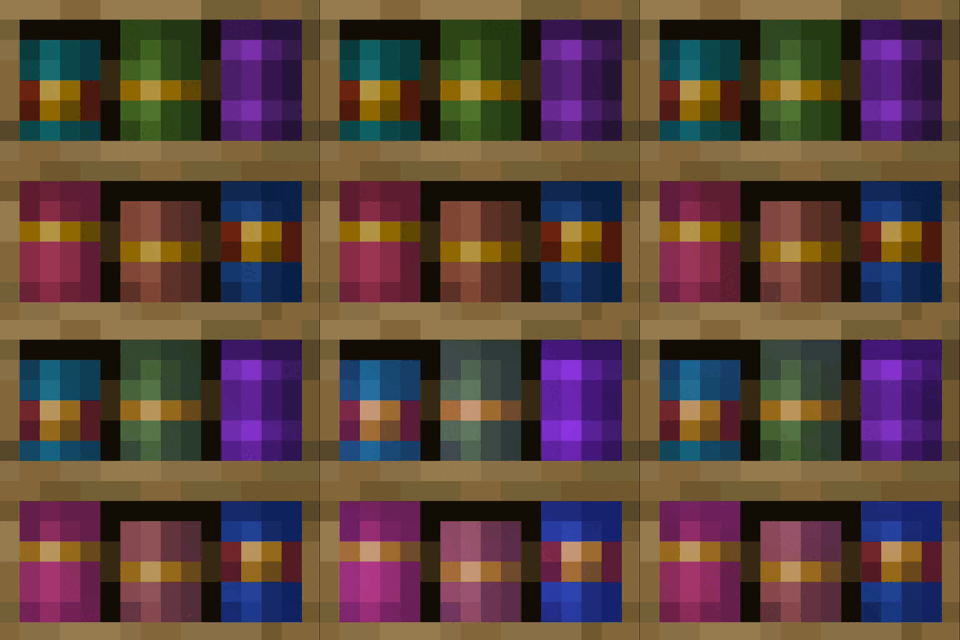
Enchanted Bookshelves
附魔书放入雕纹书架时会发光!让你的附魔室更有氛围感!

Persistent Parrots
Parrots have been 'trained' to remain perched on your shoulders!

REPO Heads
Client-sided voice chat integration for R.E.P.O.-styled eye & mouth animations.
评论
登录后评论和评分