
MapMaster
Create massive, seamless map walls with ease. MapMaster automatically generates, expands and repairs connected map atlases while preserving map IDs and supporting multiple independent displays across your world.
截图


介绍
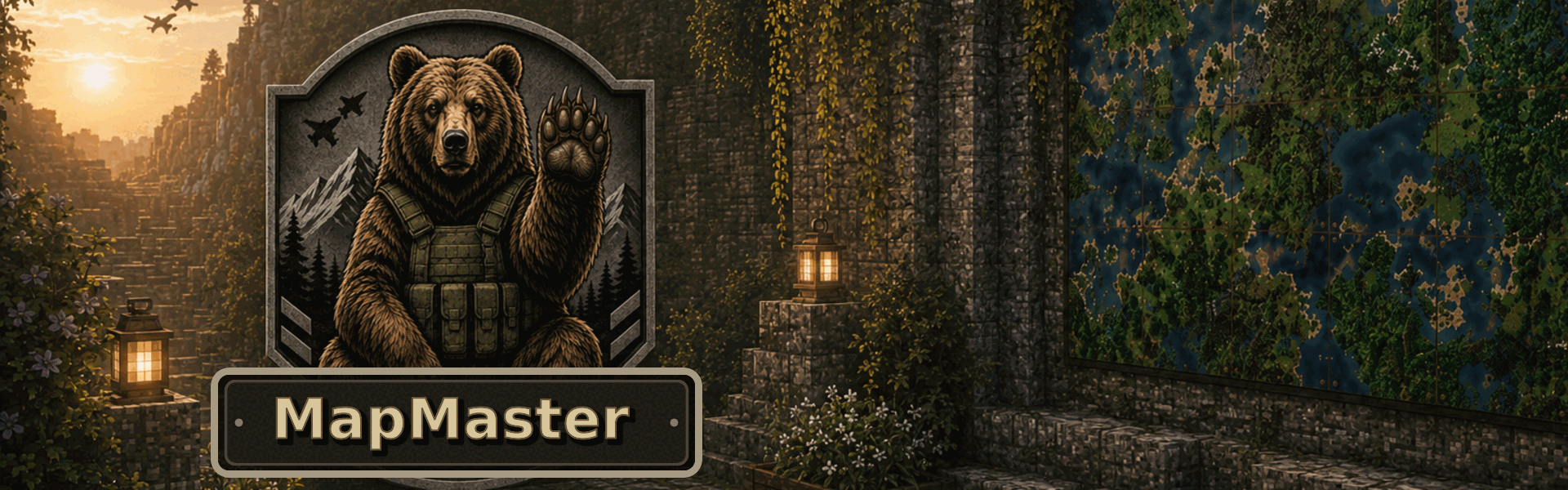
MapMaster offers a seemingly simple yet surprisingly complex addition to Minecraft, enriching a common feature found in many worlds: map walls.
MapMaster allows for completely automatic and seamless updating, expansion and rotation of your map walls.
List of Features
- Wall and floor atlas support
- Automatic atlas creation
- Automatic expansion
- Automatic repair
- Four rotation directions
- Compass-controlled rotation
- Honeycomb rotation locking
- Multiple independent atlases
- Only the Master Map drops when broken
- Overworld and End support
- No dependencies
- No known compatibility conflicts
Config Guide
- Configurable floor support — Default: Enabled
- Configurable End support — Default: Enabled
- Configurable maximum atlas size — Default: Unlimited
- Configurable Compass rotation — Default: Enabled
Please report any bugs to [email protected]
Personal Note
Created as a side project to fulfil a personal desire. Showing your love and support for this mod will help guarantee its continued development, expansion and public availability.
常见问题
MapMaster 支持哪些 Minecraft 版本?
MapMaster 支持 Minecraft Java 版 26.2,可用的加载器:NeoForge。下载时注意选择和你游戏版本一致的文件。
MapMaster 怎么安装?
先用 PCL2 或 HMCL 启动器安装对应版本的 NeoForge,再把下载的 .jar 文件放进游戏目录的 mods 文件夹,重新启动游戏即可。开启了版本隔离的,mods 文件夹在 versions/版本名 下面。运行环境:客户端和服务端都要装。
评论
登录后评论和评分