
介绍
Saw a cool map art and want to save it? Shift-click the item frame and simply do it with Map Saver! This client-side mod allows you to save maps that players put in item frames by shift-clicking them.
Features
- A way to save maps from item frames both in singleplayer and multiplayer
-An intuitive HUD to accomplish saving
How It Works
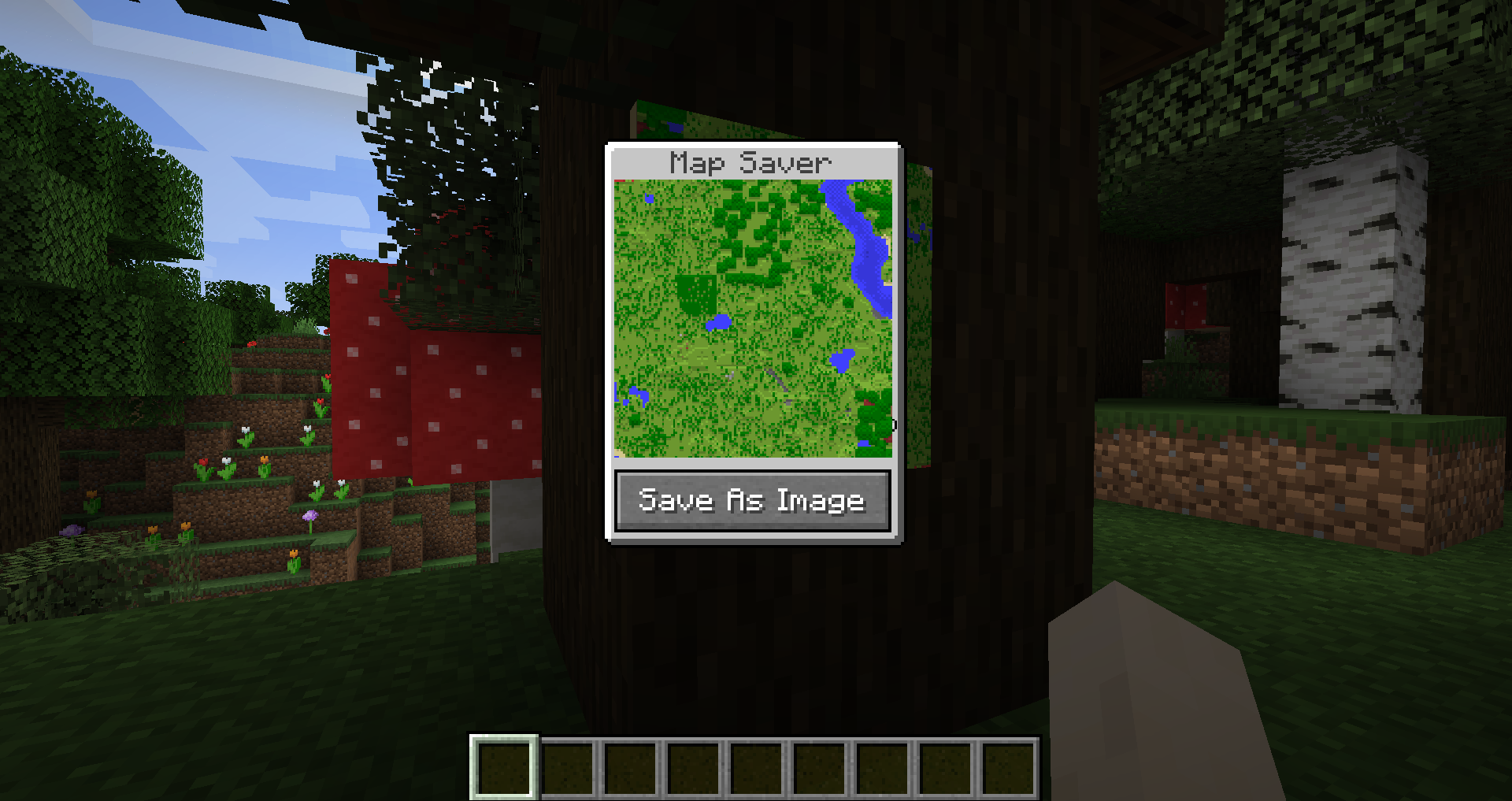
Simply shift-click an item frame with a map in it and a HUD will appear which will display the entire map you are saving. Press “Save As Image” and the map will be saved in .minecraft/map_screenshots
常见问题
Map Saver 支持哪些 Minecraft 版本?
Map Saver 支持 Minecraft Java 版 1.17.1–1.18,共 2 个版本,可用的加载器:Fabric。下载时注意选择和你游戏版本一致的文件。
Map Saver 怎么安装?
先用 PCL2 或 HMCL 启动器安装对应版本的 Fabric,再把下载的 .jar 文件放进游戏目录的 mods 文件夹,重新启动游戏即可。开启了版本隔离的,mods 文件夹在 versions/版本名 下面。运行环境:仅客户端。
gitwither 的其他作品
查看全部 →
BoatJump
A small mod that allows you to go up uneven terrain in a boat

Feather Trampling
A mod that prevents players from trampling farmland while wearing Feather Falling boots

Keybinds Plus
A small mod that allows you to configure keybinds for common actions

Craftable Enchantments
Adds a fun and intuitive way to craft enchantments to the game through the use of Enchantment Fragments and Enchantment Crafting Tables
评论
登录后评论和评分