介绍
中文介绍正在准备中,下面暂时显示原文。
What does it do?
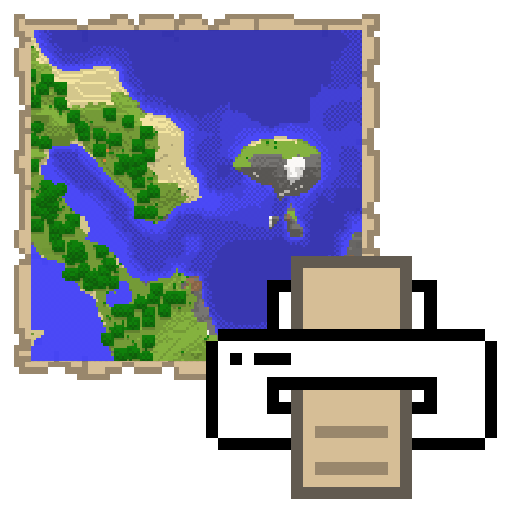
Save in-game maps to images in your minecraft directory.
Printing a map can be done by pressing M while holding a filled map. This key can be changed in the controls options.
-Note: requires Fabric API
Where does it save them?
In the same folder where you also find your saves and mods folder, you will find a maps folder which contains all the maps you print.
Does it work on servers?
Yes! You only need to have the mod installed on your computer and it will work on any server.
Is that all?
Yup
常见问题
Map Printer 支持哪些 Minecraft 版本?
Map Printer 支持 Minecraft Java 版 1.16.5,可用的加载器:Fabric。下载时注意选择和你游戏版本一致的文件。
Map Printer 怎么安装?
先用 PCL2 或 HMCL 启动器安装对应版本的 Fabric,再把下载的 .jar 文件放进游戏目录的 mods 文件夹,重新启动游戏即可。开启了版本隔离的,mods 文件夹在 versions/版本名 下面。运行环境:仅客户端。

评论
登录后评论和评分