
截图
介绍
Are you tired of using the same comands over and over at the start of your adventure maps? Use Map Creation Tools (MCT) to make this process easy!
What do the blocks do?
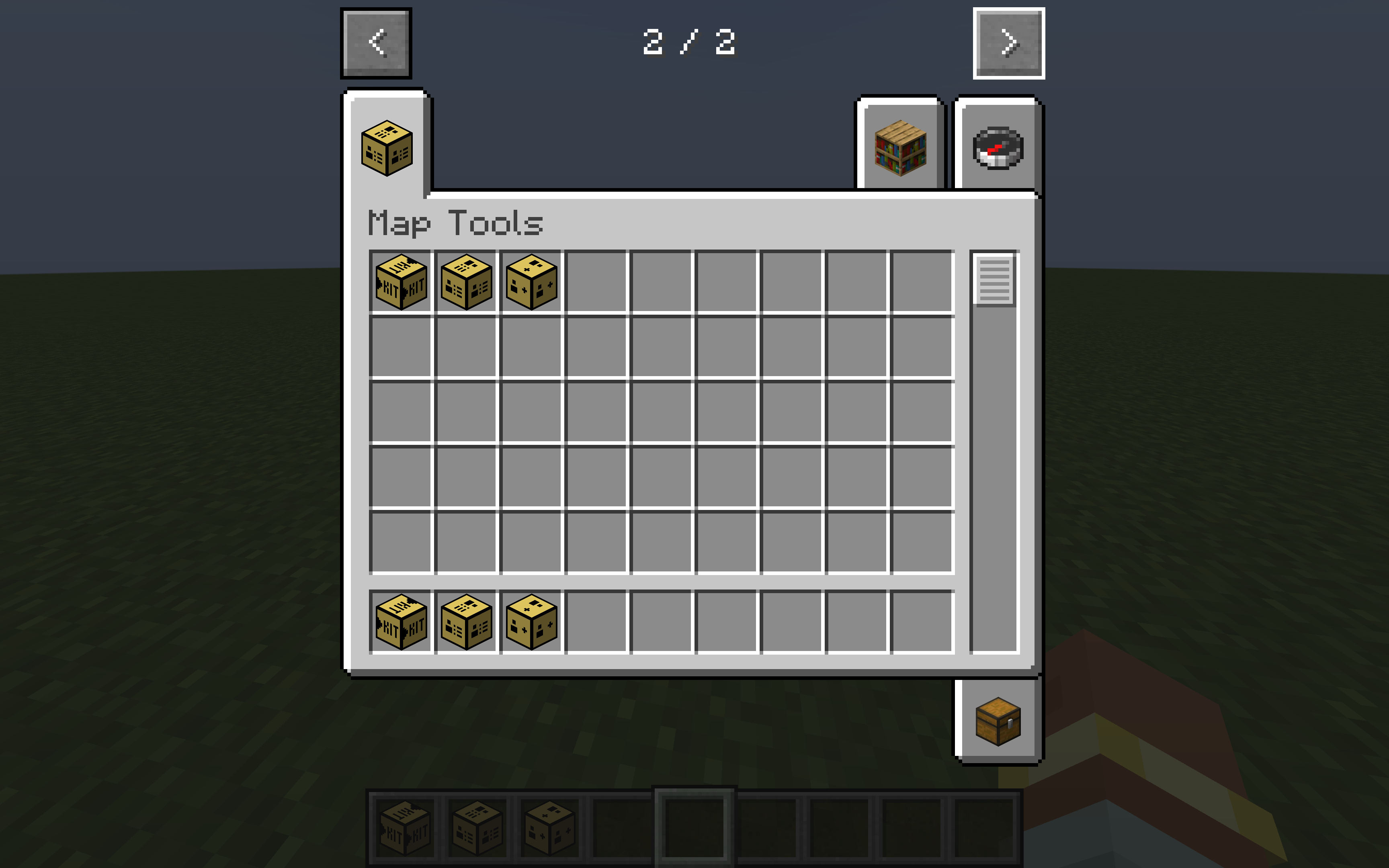
There are three new blocks added in MCT that assist adventure map creators:
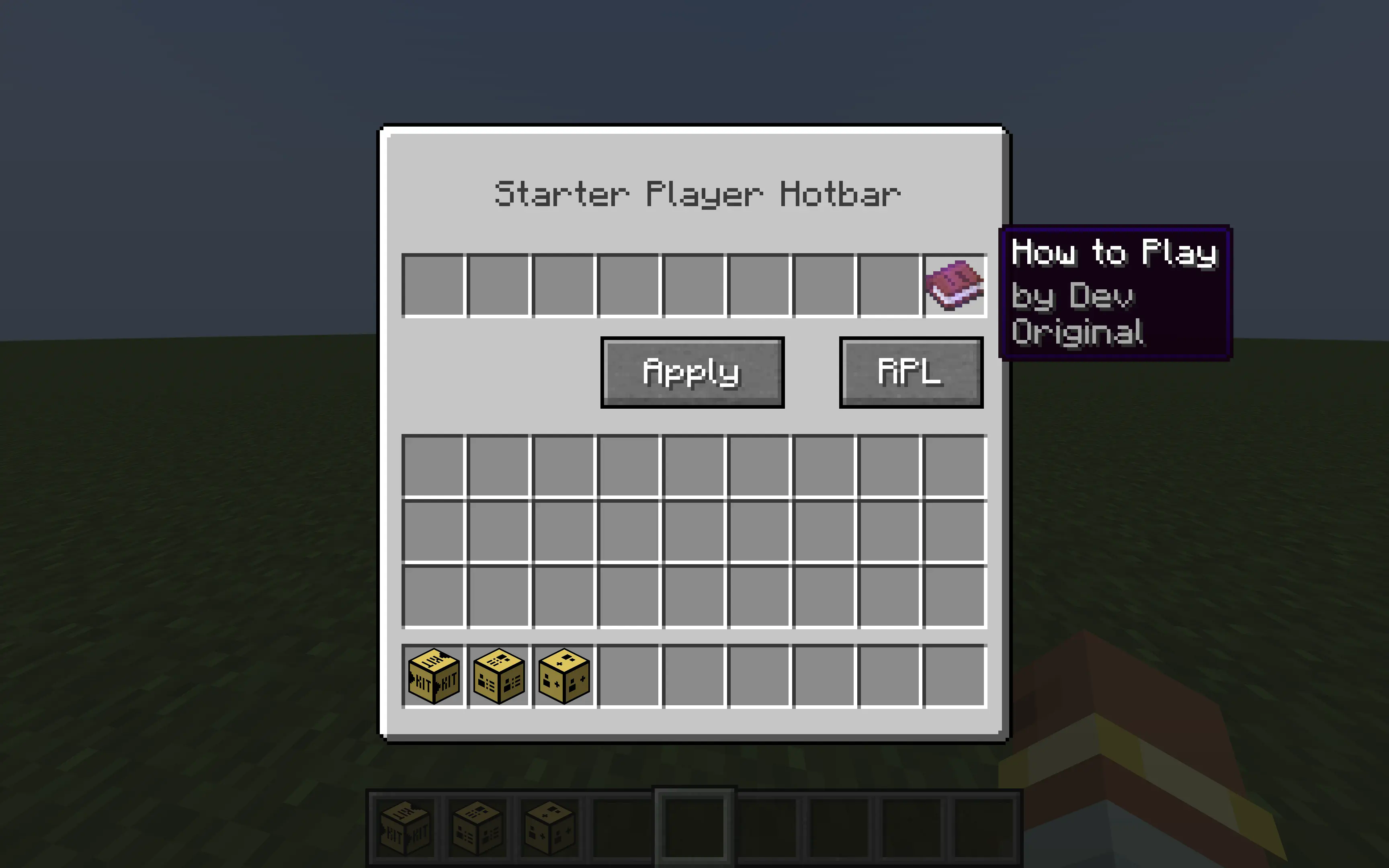
Starter Kit
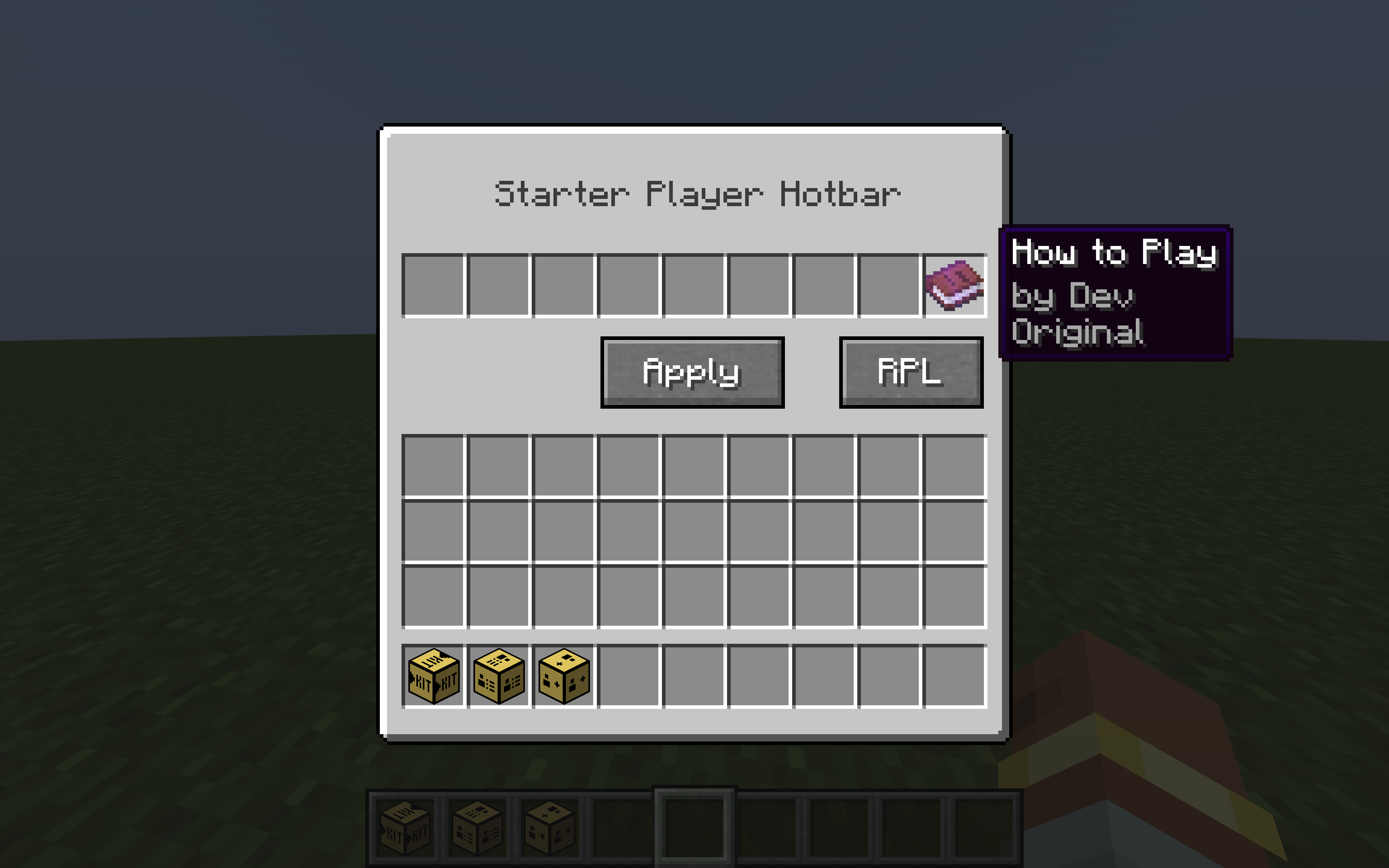
You can use this block to set the hotbar of the player when they first join the map. Use the “RPL” button to refresh the player list so that when they join the map the mod thinks it is their first time.
Player Manager
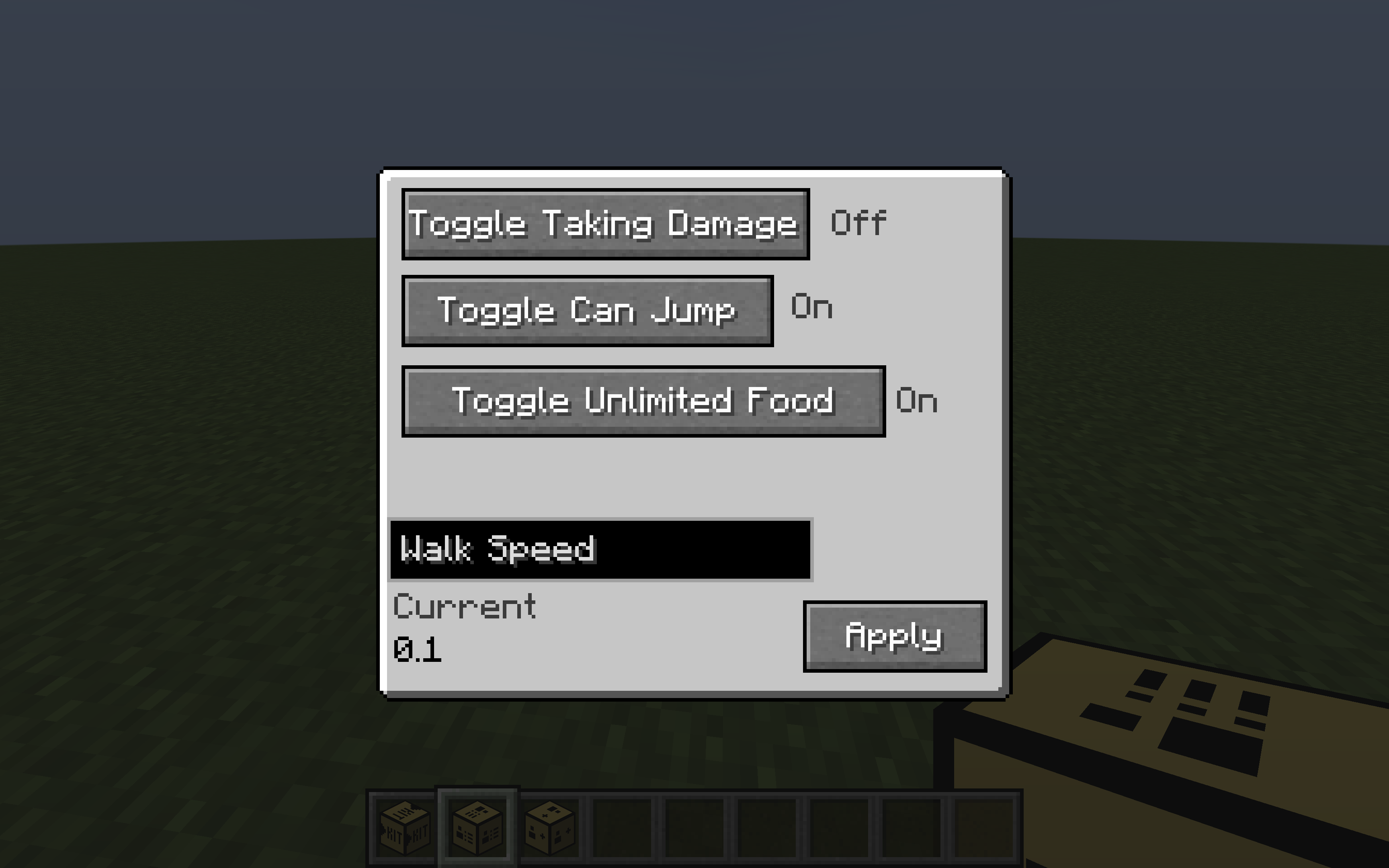
This block can edit variables of players like allowing them to jump, turning off damage, editing walk speed, and removing hunger. In order for the walk speed changes to take effect, you need to press the “Apply” button.

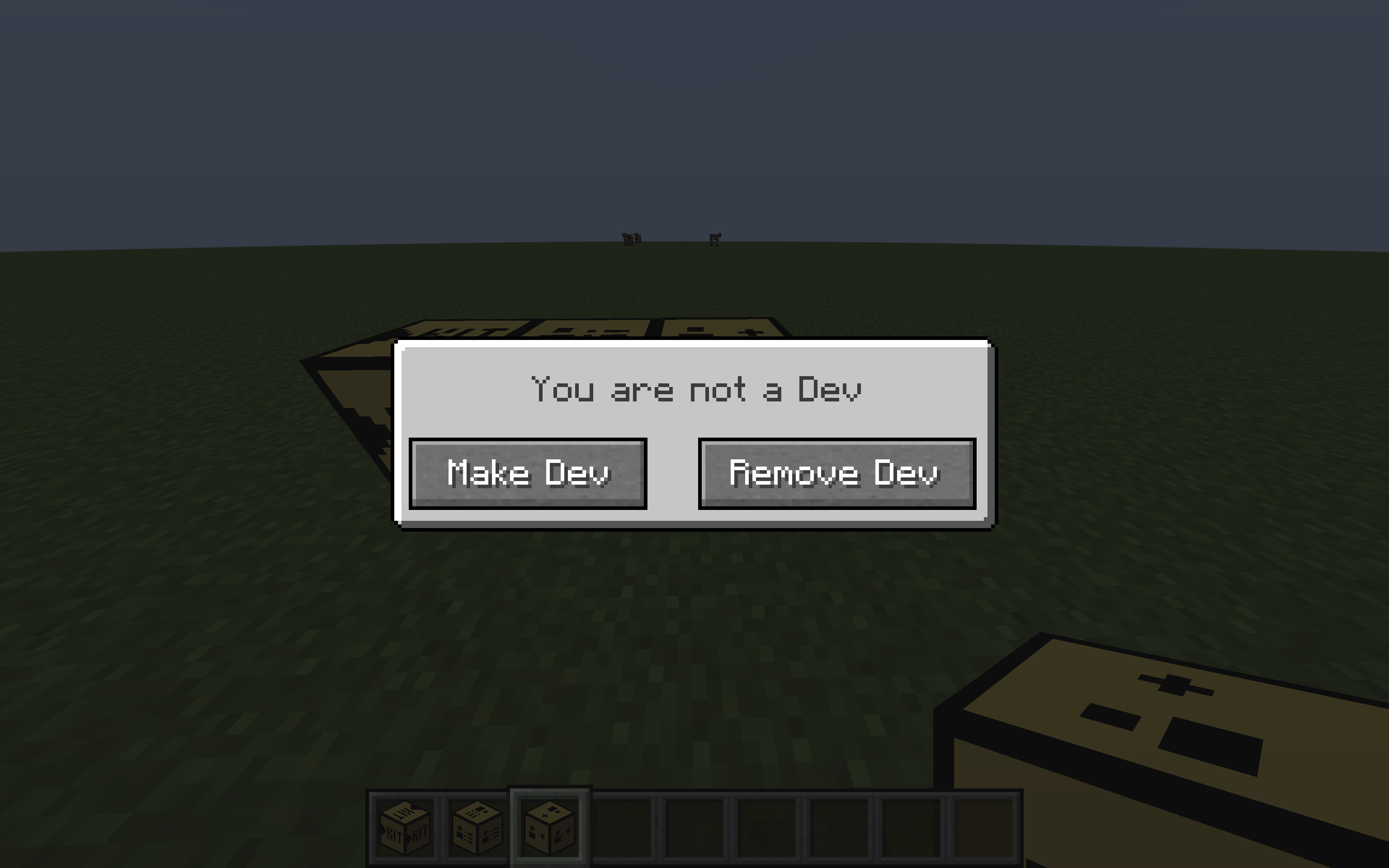
Dev List
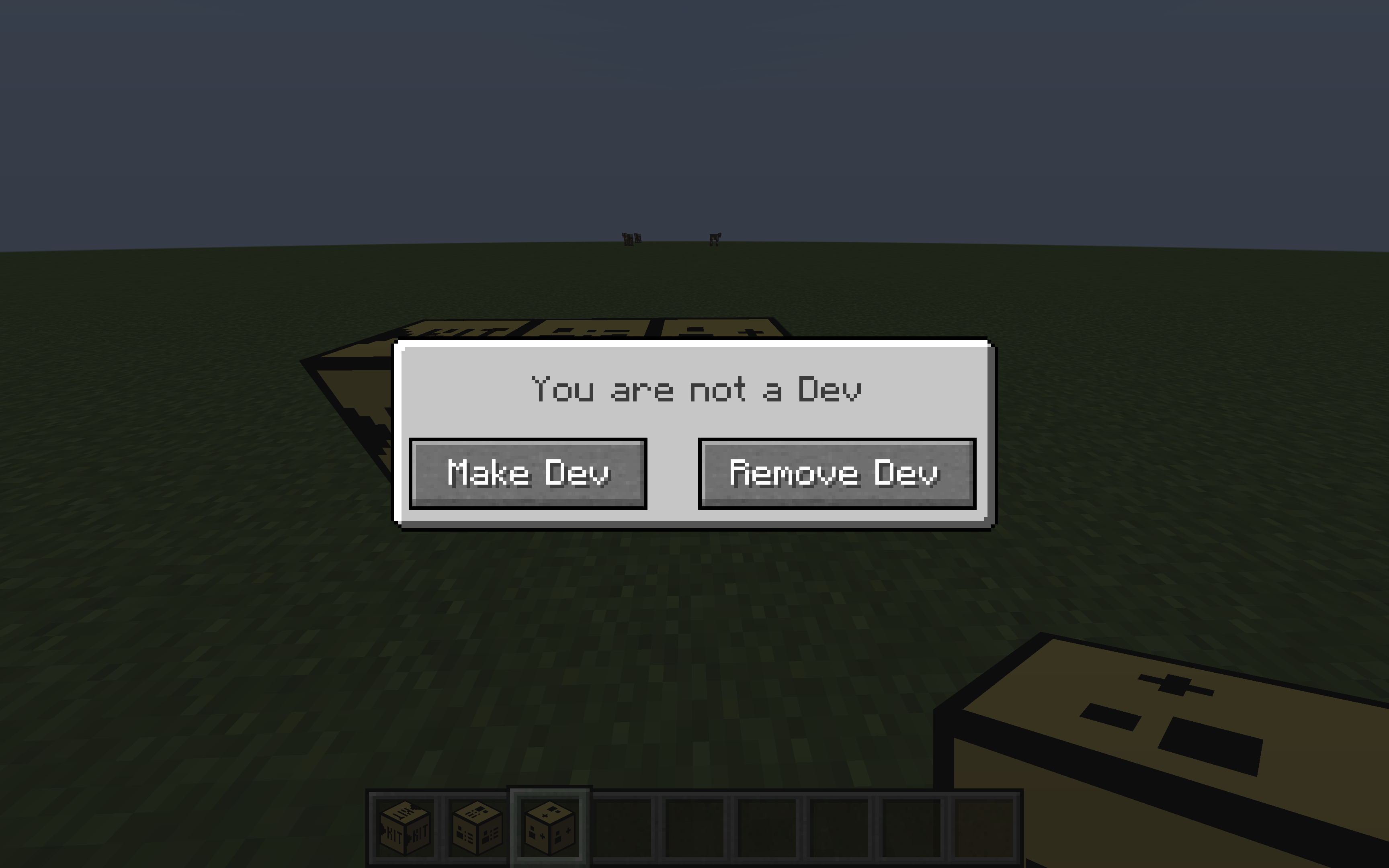
This block lets you toggle Dev Mode. Dev Mode basically means that the other blocks do not have an effect on you (Starter Kit, Player Manager)
常见问题
Map Creation Tools 支持哪些 Minecraft 版本?
Map Creation Tools 支持 Minecraft Java 版 1.21.4–1.21.8,共 5 个版本,可用的加载器:NeoForge。下载时注意选择和你游戏版本一致的文件。
Map Creation Tools 怎么安装?
先用 PCL2 或 HMCL 启动器安装对应版本的 NeoForge,再把下载的 .jar 文件放进游戏目录的 mods 文件夹,重新启动游戏即可。开启了版本隔离的,mods 文件夹在 versions/版本名 下面。运行环境:客户端和服务端都要装。
TheManZooper 的其他作品
查看全部 →
Epic Enchants (v1.2.2)
Adds many new and useful enchantments to Minecraft!

The Gay Mod
This mod adds a new diamond called Gaymonds that can drop while mining diamonds.

Swift Shafts
A very useful "elevator" mod that removes the need for boring stairs and ladders.

Crowned Herobrine [LEGACY]
Adds a new boss called Crowned Herobrine that is a formidable opponent. He drops a useful crown ;)
评论
登录后评论和评分