
Many’s Many Simple Scales
An Origins layer for scales/sizes, but different than the other ones.
截图
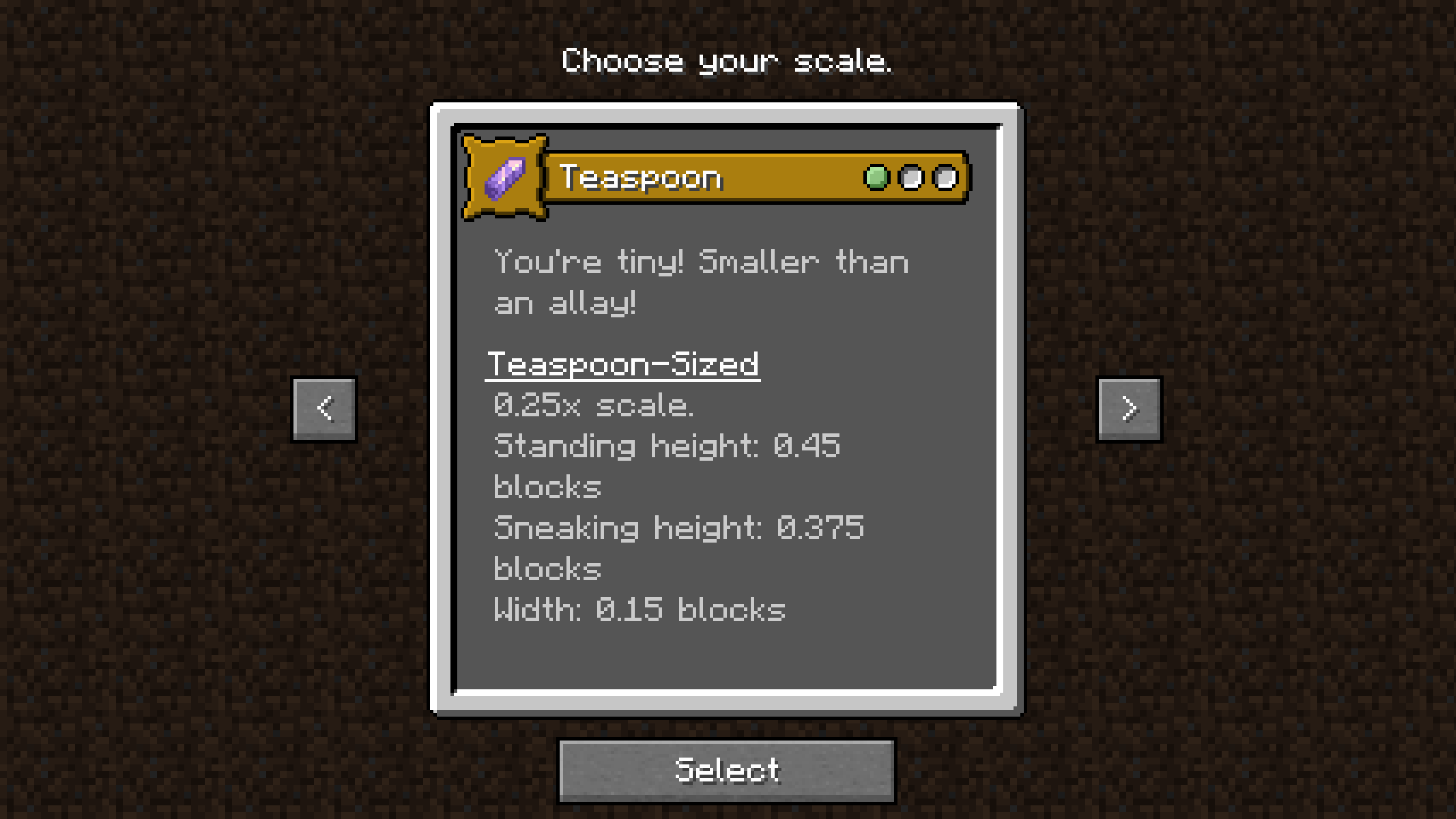
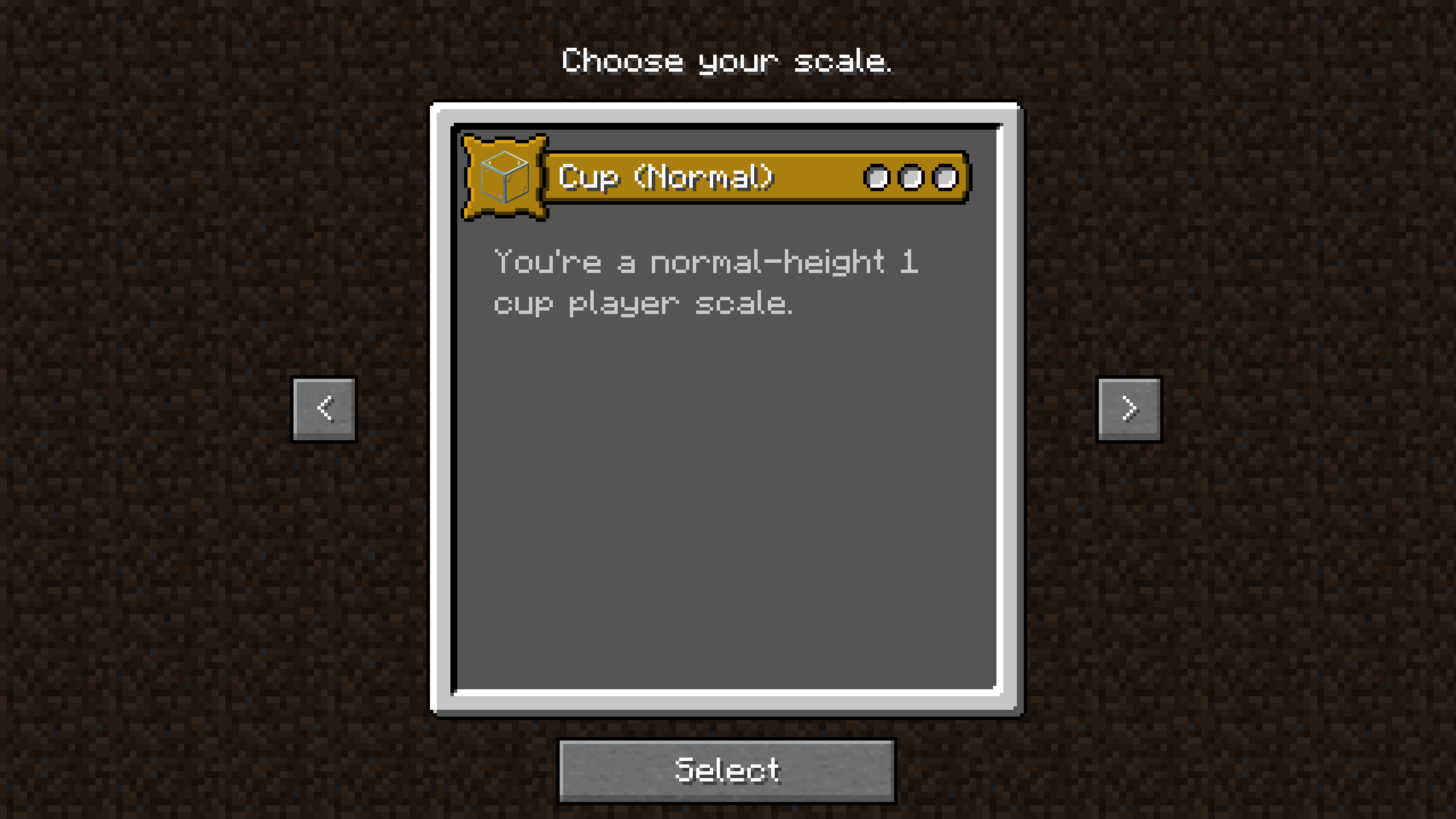
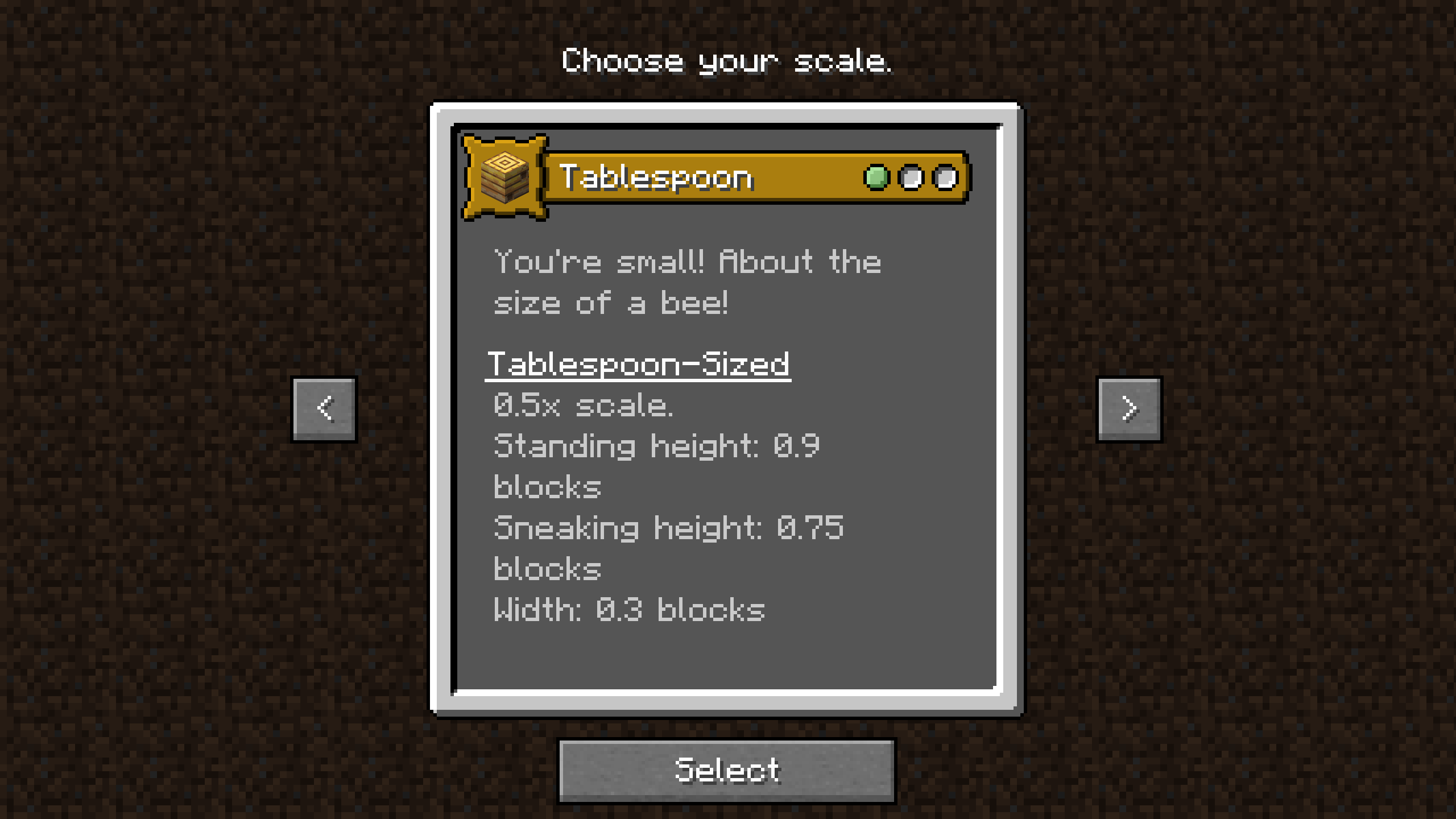
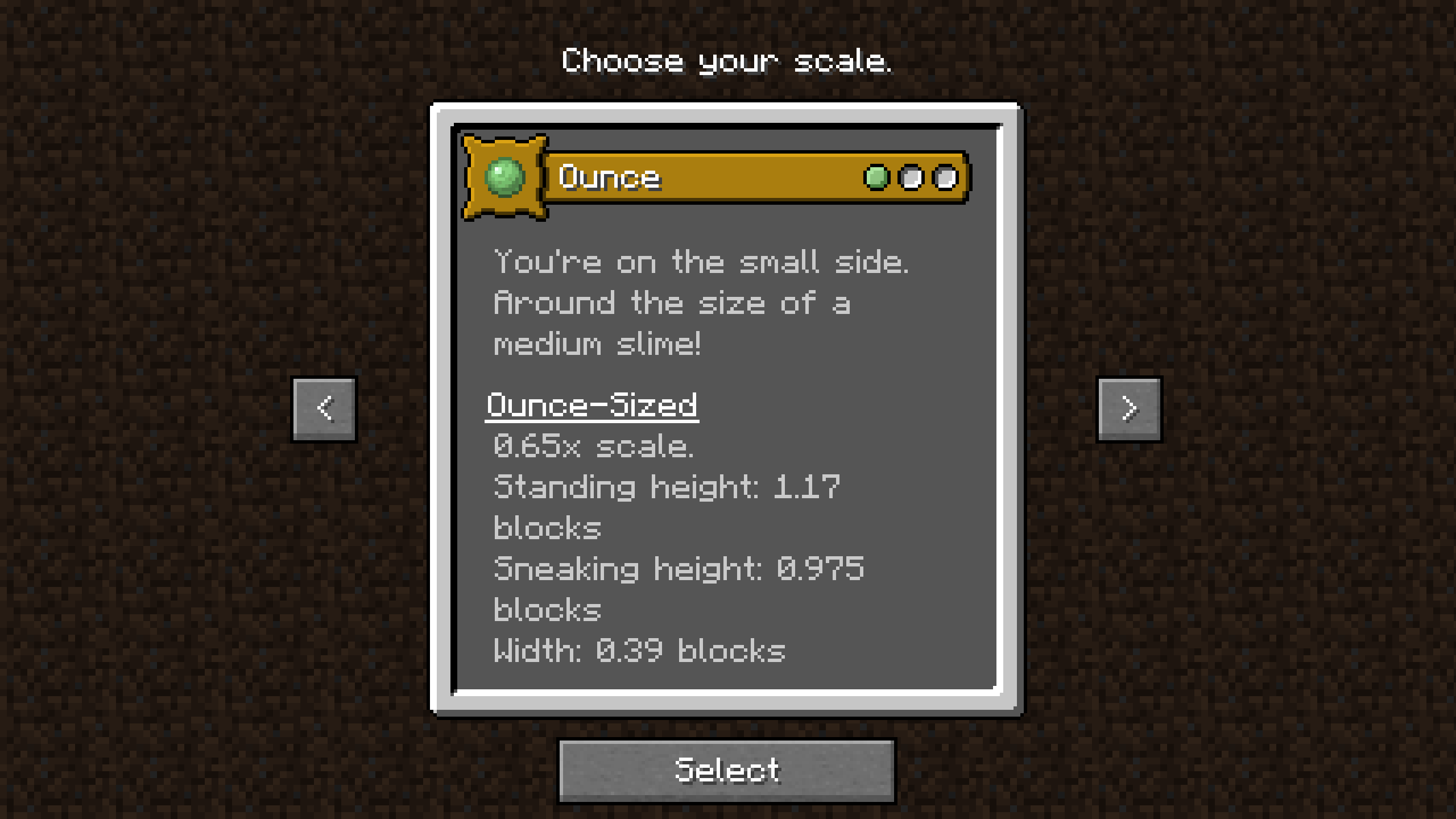
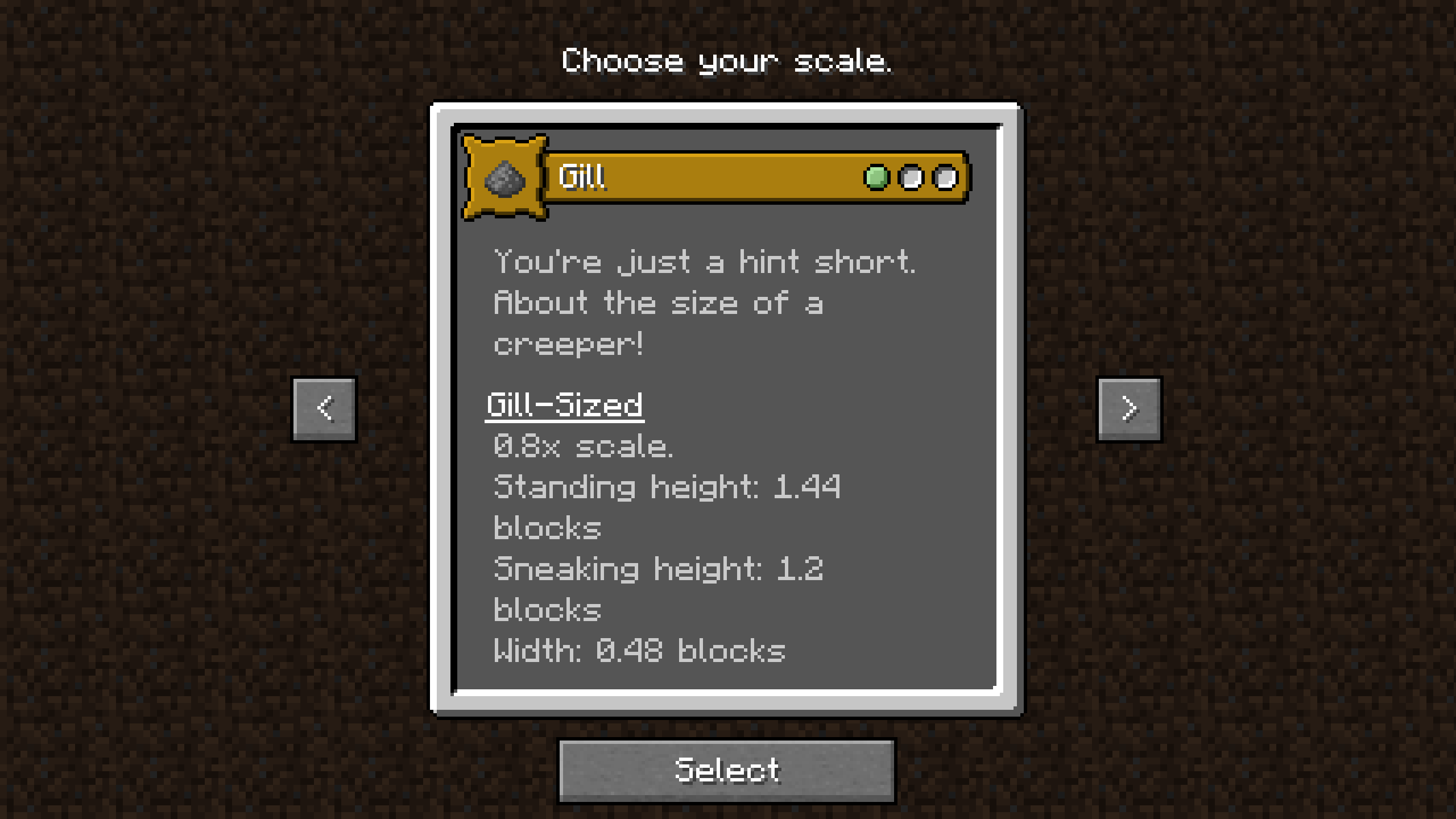
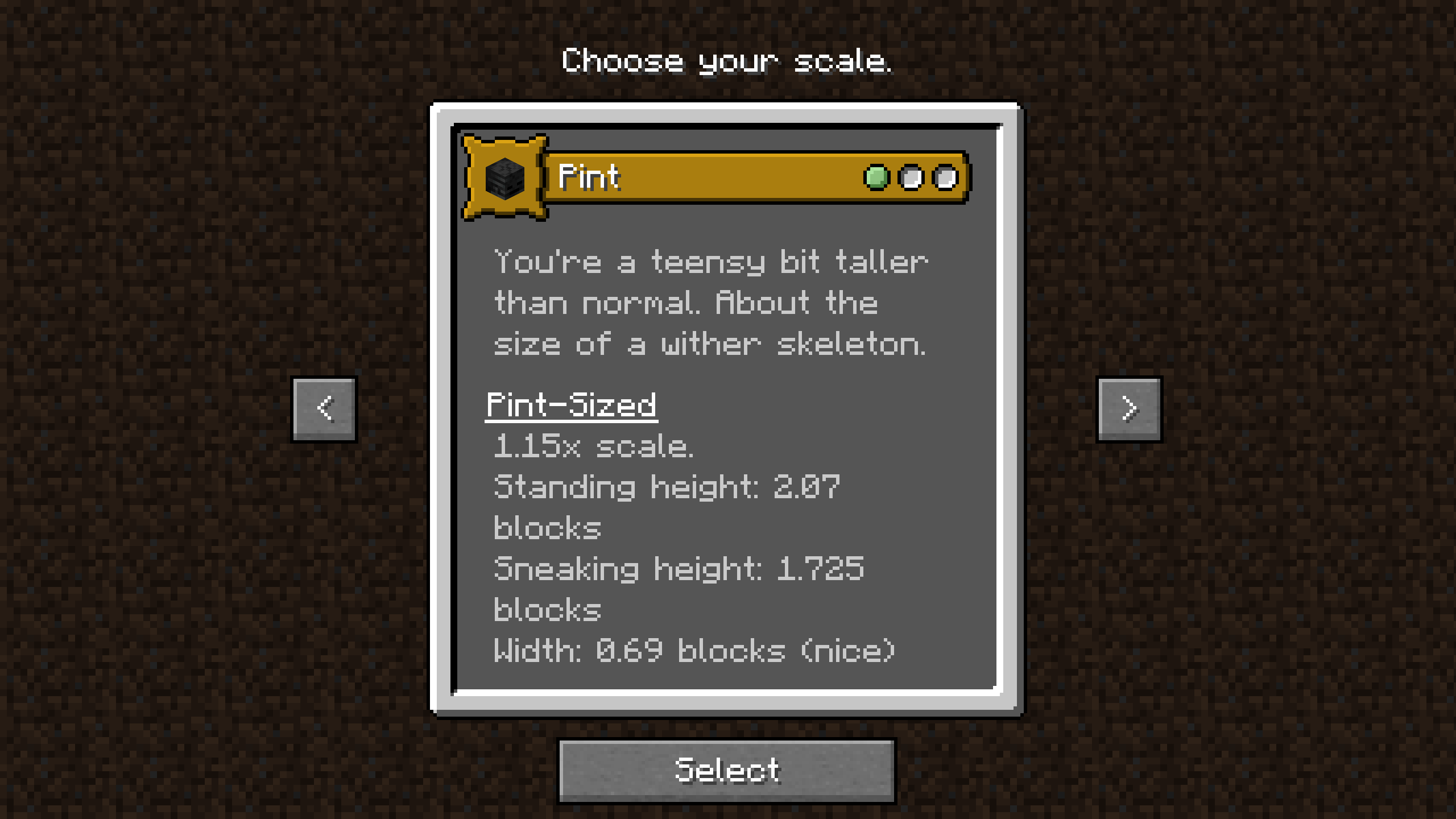
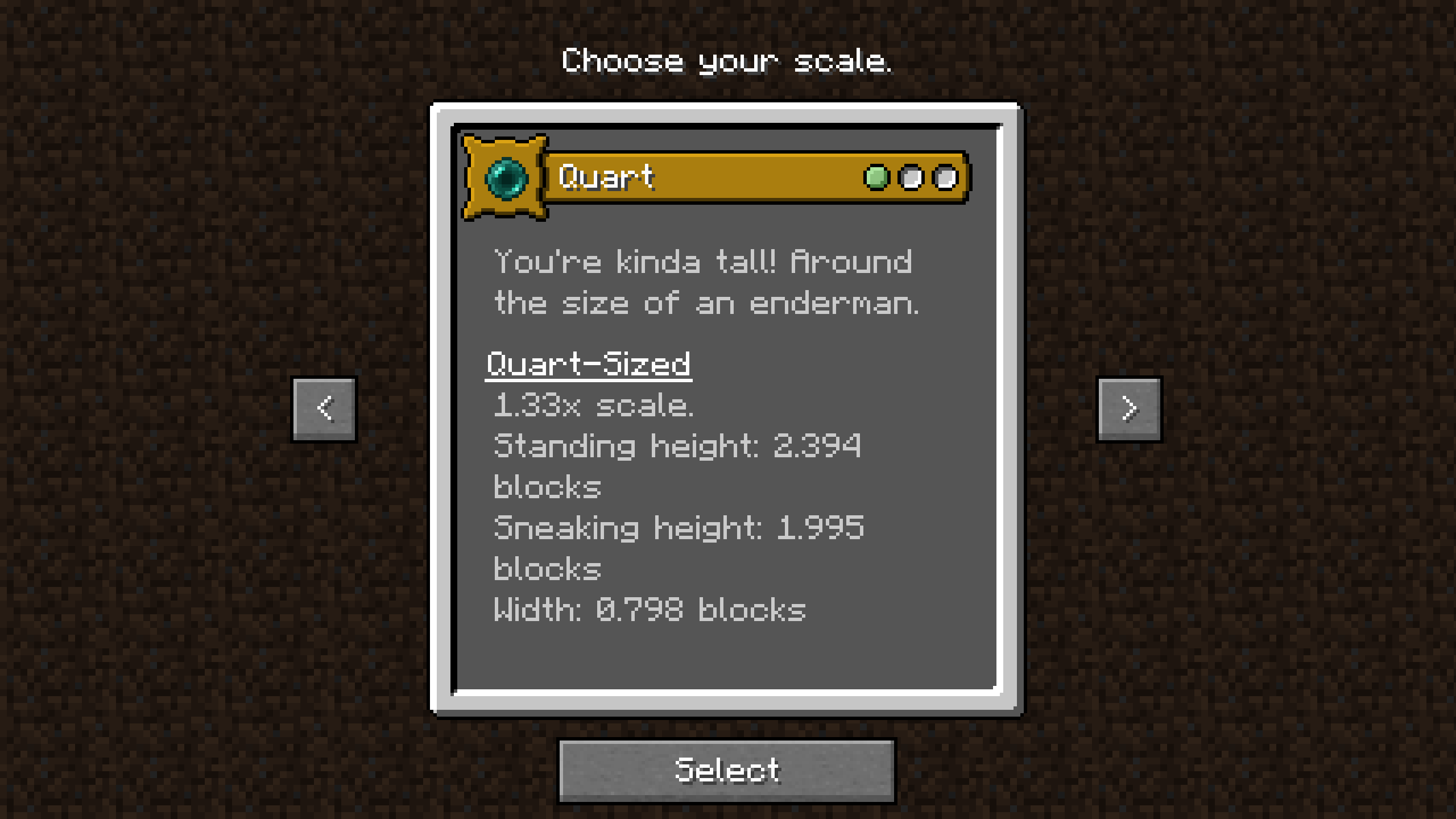
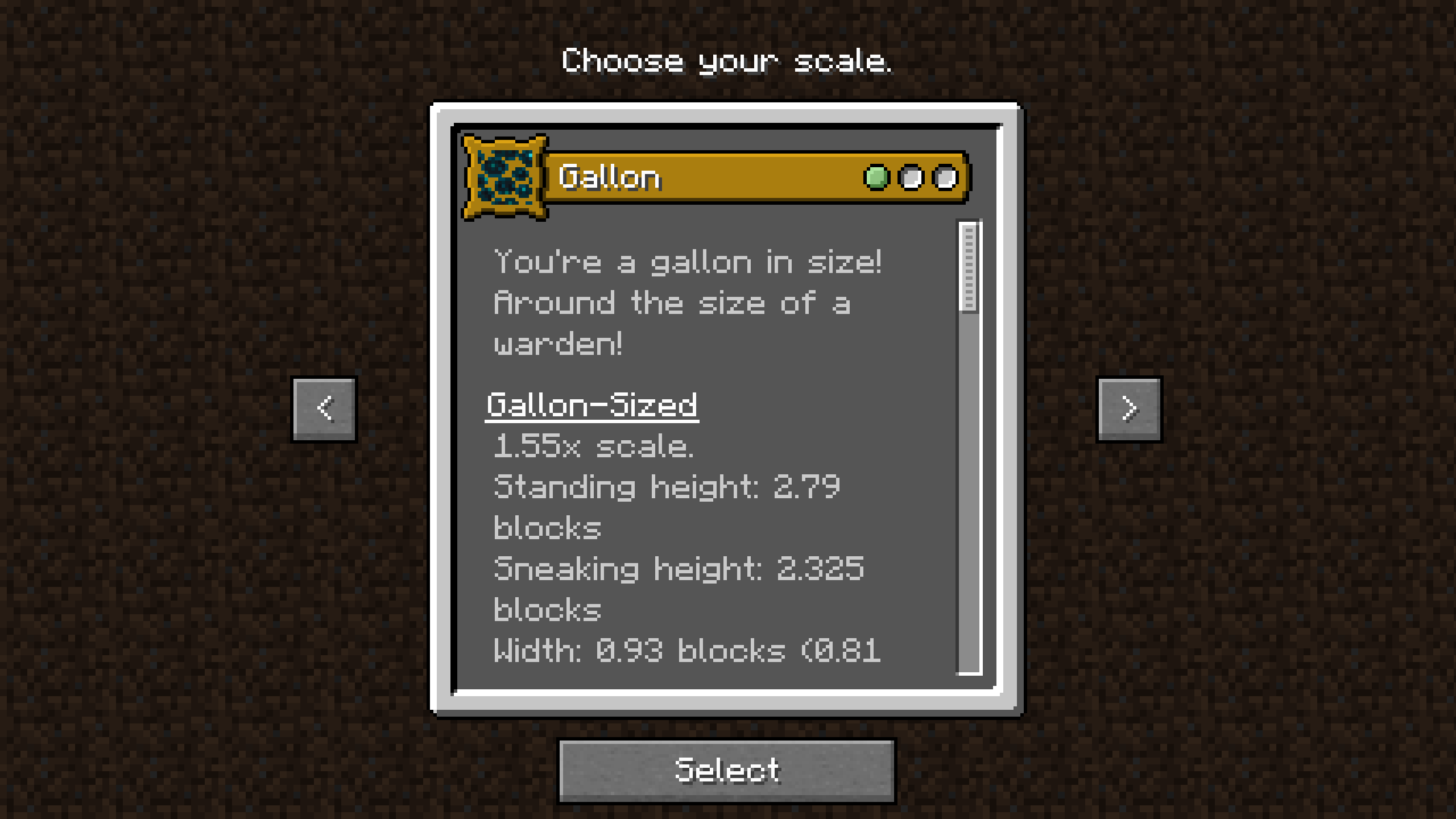
介绍
What’s this?
Many’s Many Simple Scales! It’s our spin on an Origins player scale layer, intended to be used with a set of Origins that do not already scale the player – We prefer Origins Minus. Also best used with both Halfdoors and Dramatic Doors.
8 player scales (including the default) are available from 0.25x (0.45 blocks tall) to 1.55x (2.79 blocks).
Why, though?
After looking at the alternatives, mainly Origins Player Scale and Tinkerer’s Statures, I had a bit of a goldilocks issue. Tinkerer’s Statures has good descriptions for what its scales do, and doesn’t affect gameplay too much, but Origins Player Scale has more variety. I still suggest you look at that mod & datapack, and check if they’re what you want! I learned a lot from looking at them and do think they’re valuable and neat.
Basically, I wanted to make something that had:
- Catchy cute names for scales (US Imperial volume measurements, from teaspoon to gallon, with cup as the default)
- Icons and descriptions that place things relative to mobs in the game
- A wide range of scales, while still being playable.
- Almost no mechanics affected (ie, you move at the same speeds, have normal player reach and such. Gallon sized players do walk up 1-block ledges automatically, though.)
- Descriptions that state the sneaking and standing heights of every size.
The list of sizes:
- Teaspoon (0.25x, 0.45 blocks tall)
- Tablespoon (0.5x, 0.9 blocks tall)
- Ounce (0.65x, 1.17 blocks tall)
- Gill (0.8x, 1.44 blocks tall)
- Cup (Default)
- Pint (1.15x, 2.07 blocks tall)
- Quart (1.33x, 2.394 blocks tall)
- Gallon (1.55x, 2.79 blocks tall)
常见问题
Many’s Many Simple Scales 支持哪些 Minecraft 版本?
Many’s Many Simple Scales 支持 Minecraft Java 版 1.18.2–1.20.1,共 3 个版本,可用的加载器:Fabric / Forge / Quilt。下载时注意选择和你游戏版本一致的文件。
Many’s Many Simple Scales 怎么安装?
先用 PCL2 或 HMCL 启动器安装对应版本的 Fabric / Forge / Quilt,再把下载的 .jar 文件放进游戏目录的 mods 文件夹,重新启动游戏即可。开启了版本隔离的,mods 文件夹在 versions/版本名 下面。运行环境:客户端 / 服务端。


评论
登录后评论和评分