
MangoBinds
作者:MangoMax
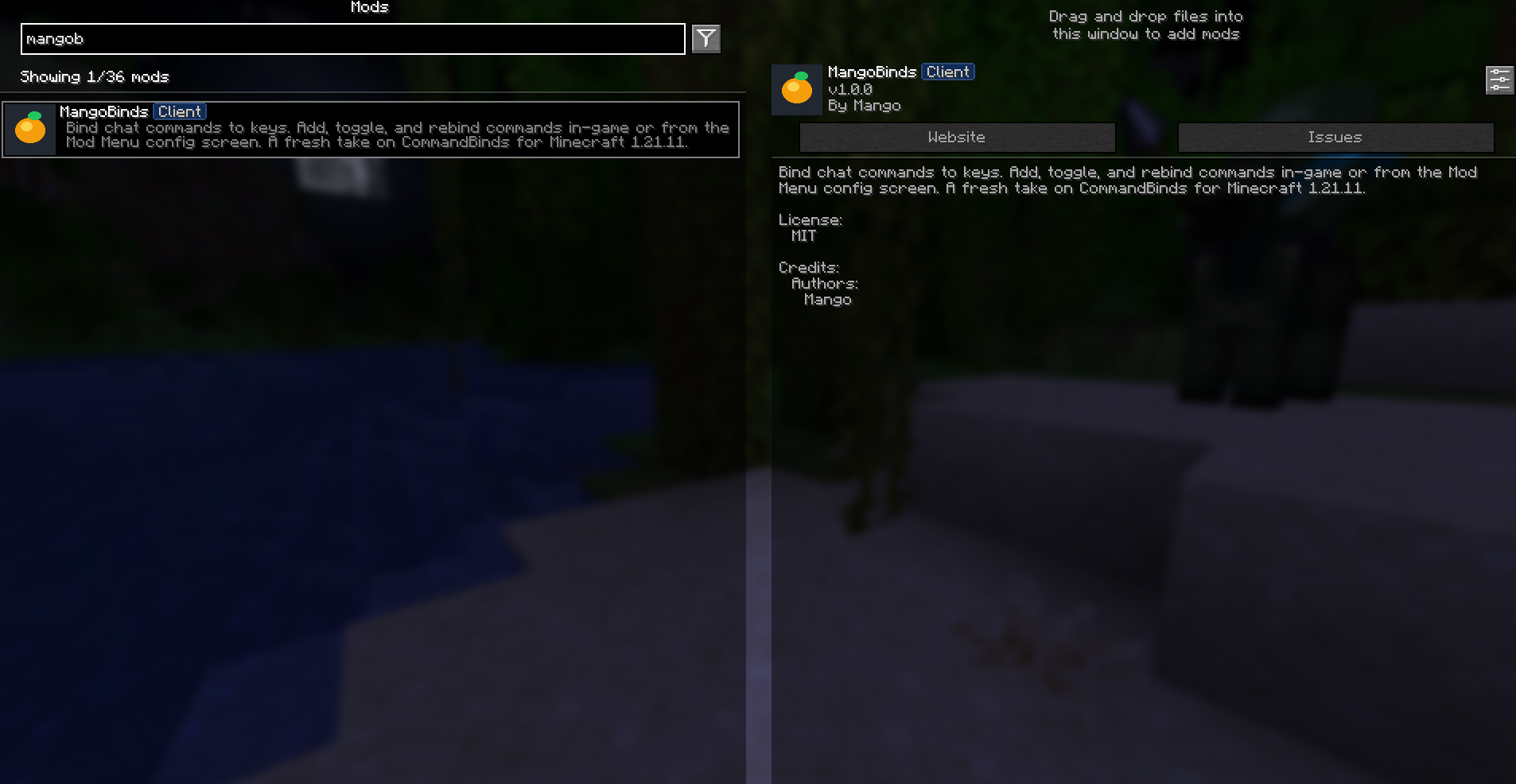
Bind chat commands to keys. Add, toggle, and rebind commands in-game or from the Mod Menu config screen. A fresh take on CommandBinds for newer versions of Minecraft
截图
介绍
中文介绍正在准备中,下面暂时显示原文。
Bind chat commands to keys. Add, toggle, and rebind commands in-game or from the Mod Menu config screen. A fresh take on CommandBinds for Minecraft for newer versionts!
📜 Features
- Bind Minecraft commands to specific keys on your keyboard.
- Configure bindings using the mod settings located in the mod menu.
- Easy to use and customize.
- 1.21.11 and newer support!
⚙️ Usage
To use the MangoBinds mod, follow these steps:
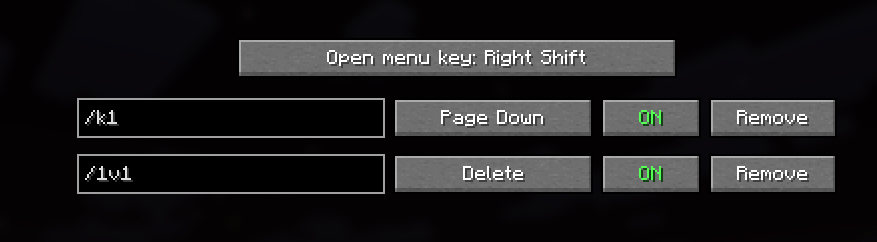
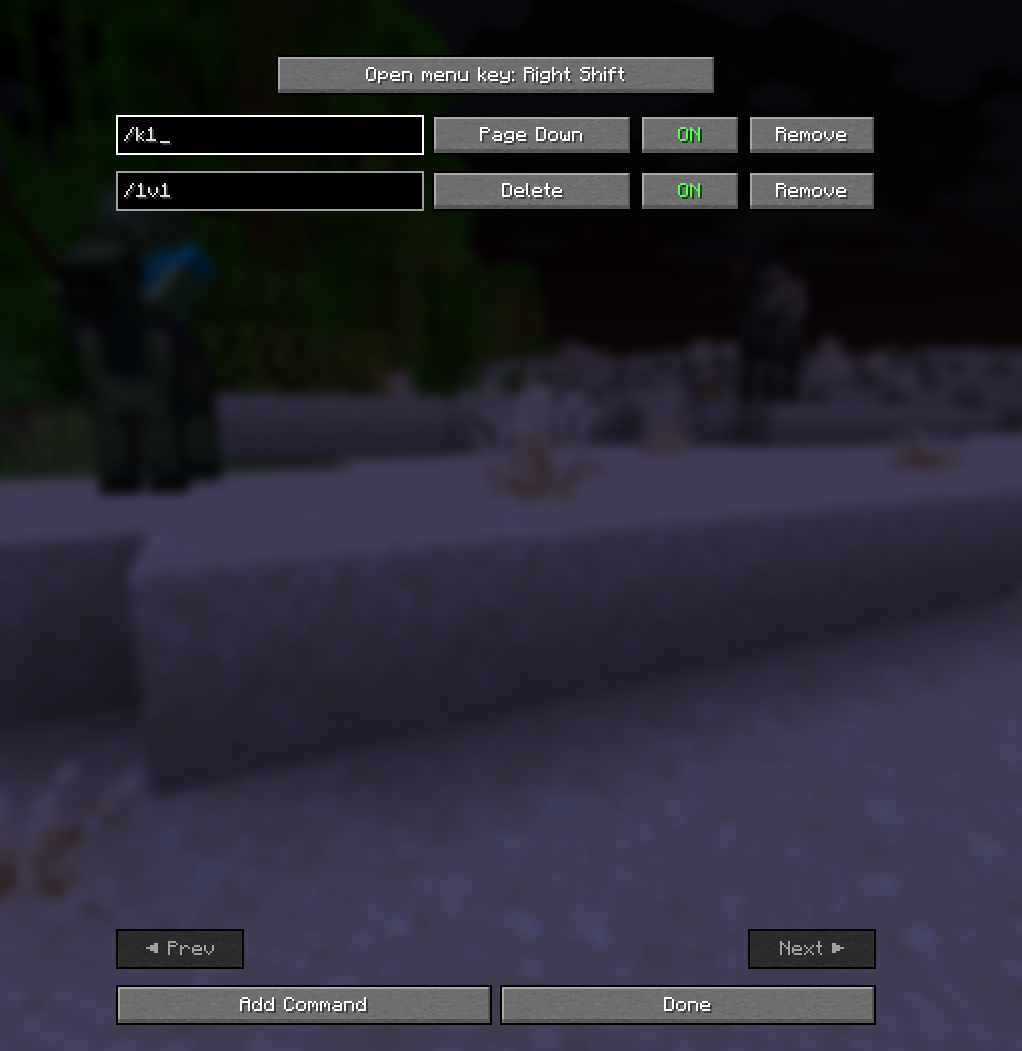
- Open the mod settings from the mod menu.
- Add a new binding by clicking the “Add Command” button.
- Enter the Minecraft command you want to execute.
- Choose a key to bind the command to.
- Save the binding.
- Press the bound key to execute the command.
📁 Depedencies
- Mod Menu!
常见问题
MangoBinds 支持哪些 Minecraft 版本?
MangoBinds 支持 Minecraft Java 版 1.21.11,可用的加载器:Fabric。下载时注意选择和你游戏版本一致的文件。
MangoBinds 怎么安装?
先用 PCL2 或 HMCL 启动器安装对应版本的 Fabric,再把下载的 .jar 文件放进游戏目录的 mods 文件夹,重新启动游戏即可。开启了版本隔离的,mods 文件夹在 versions/版本名 下面。运行环境:仅客户端。

评论
登录后评论和评分