
Mandacik Client
作者:Mandacik
A lightweight Fabric client mod with customizable HUD and beautiful title screen!
截图
介绍
中文介绍正在准备中,下面暂时显示原文。
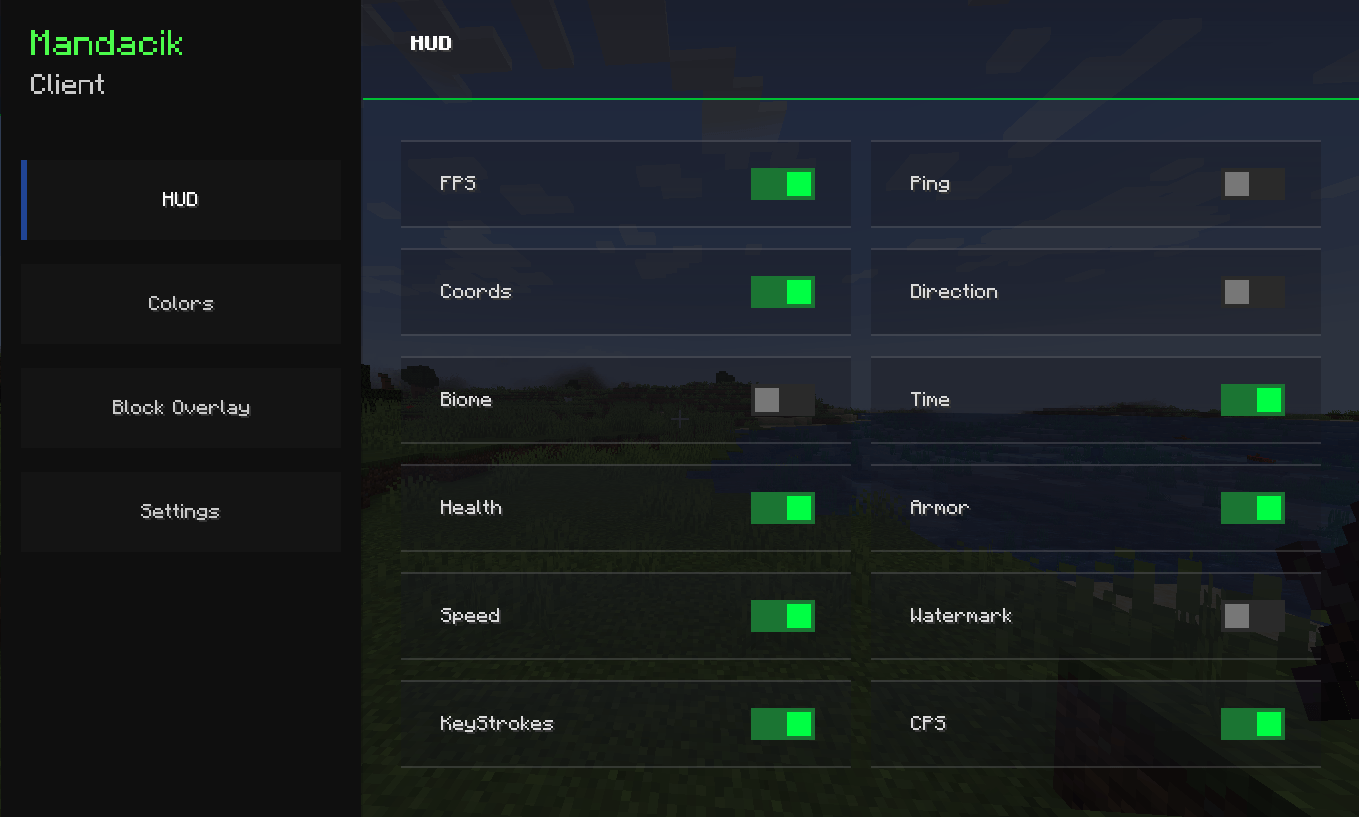
PLEASE SET BACKGROUND BLUR TO 0 IN “Video Settings” TO SEE HUD SETTINGS
Dependencies ❗
- 📝 Fabric: Fabric API (Required), In-Game Account Switcher (Required)
A lightweight Fabric client mod that adds a fully customizable HUD and a beautiful custom title screen!
✨ Features
📊 HUD (Heads-Up Display)
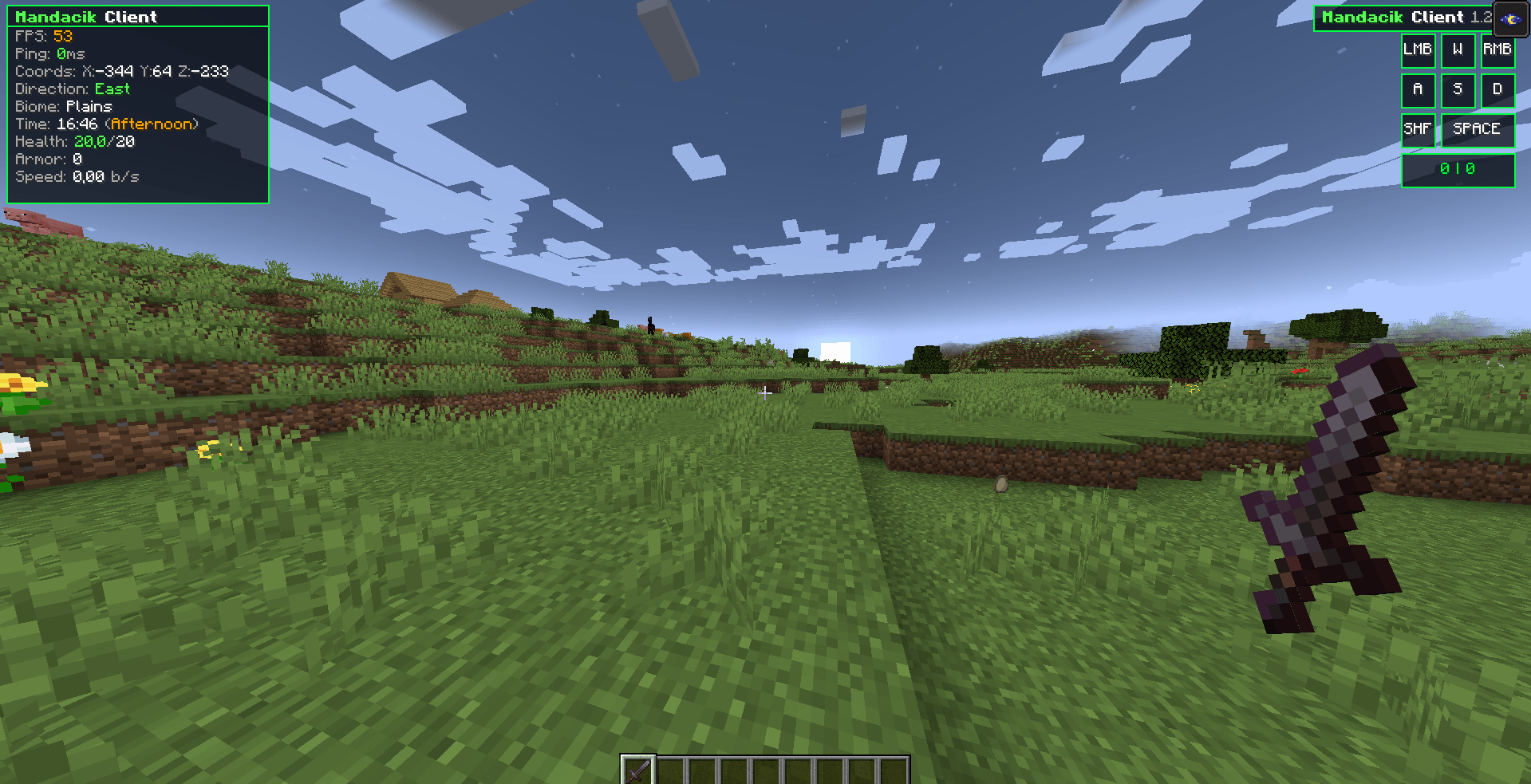
- ⚡ FPS Counter – always know your performance
- 📡 Ping Display – see your connection quality with color coding
- 🗺️ Coordinates – X, Y, Z always visible
- 🧭 Direction – know where you’re heading
- 🌿 Biome Display – see your current biome
- 🕐 Time Display – in-game time with period (Morning/Afternoon/Evening/Night)
- ❤️ Health Display – color coded health bar
- 🛡️ Armor Display – current armor points
- 💨 Speed Display – real-time movement speed in blocks/second
- 💧 Watermark – stylish client watermark in top-right corner
- ⌨️ KeyStrokes – see your key presses in real time
- 🖱 CPS Counter – see your click presses in real time
- 🟩 Block Overlay – shows color at the block you looking at
🎨 Customization
- 🖼️ 6 HUD border colors – Blue, Green, Red, Yellow, Pink, White
- 🖼️ 6 Block Overlay colors – Blue, Green, Red, Yellow, Pink, White
- 🔧 Toggle every HUD element individually
- 💾 Config auto-saves – your settings are always remembered
🌍 Languages
- 🇵🇱 Polish language support
- 🇬🇧 English language support
- 🔄 Switch language anytime in settings
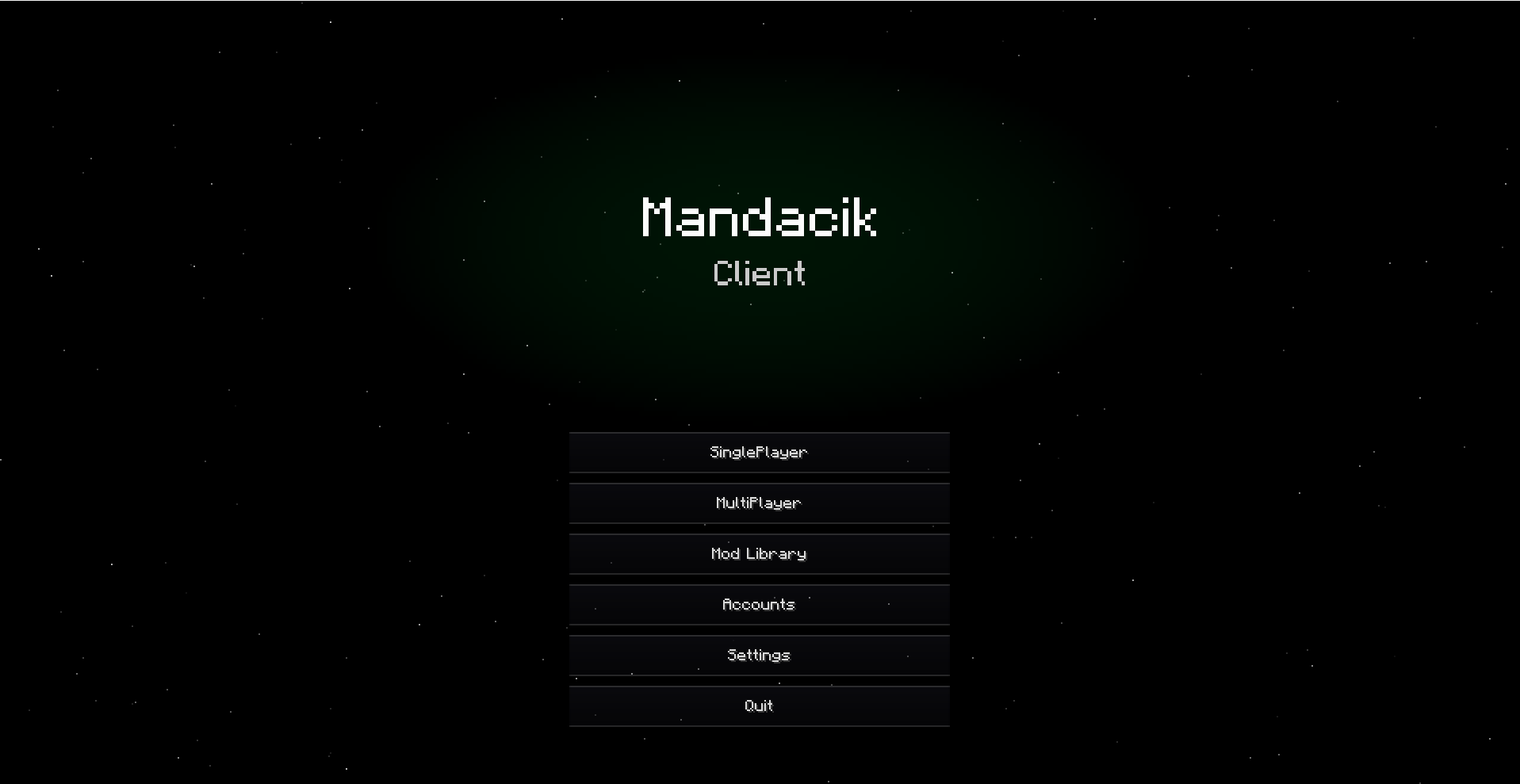
🎬 Title Screen
- ⭐ Animated star field with parallax effect
- 🌌 Nebula effects that react to your HUD color
- 🌠 Aurora animations
- ✨ Shooting stars
- 🎯 Custom buttons – Singleplayer, Multiplayer, Mod Library, Options, Quit
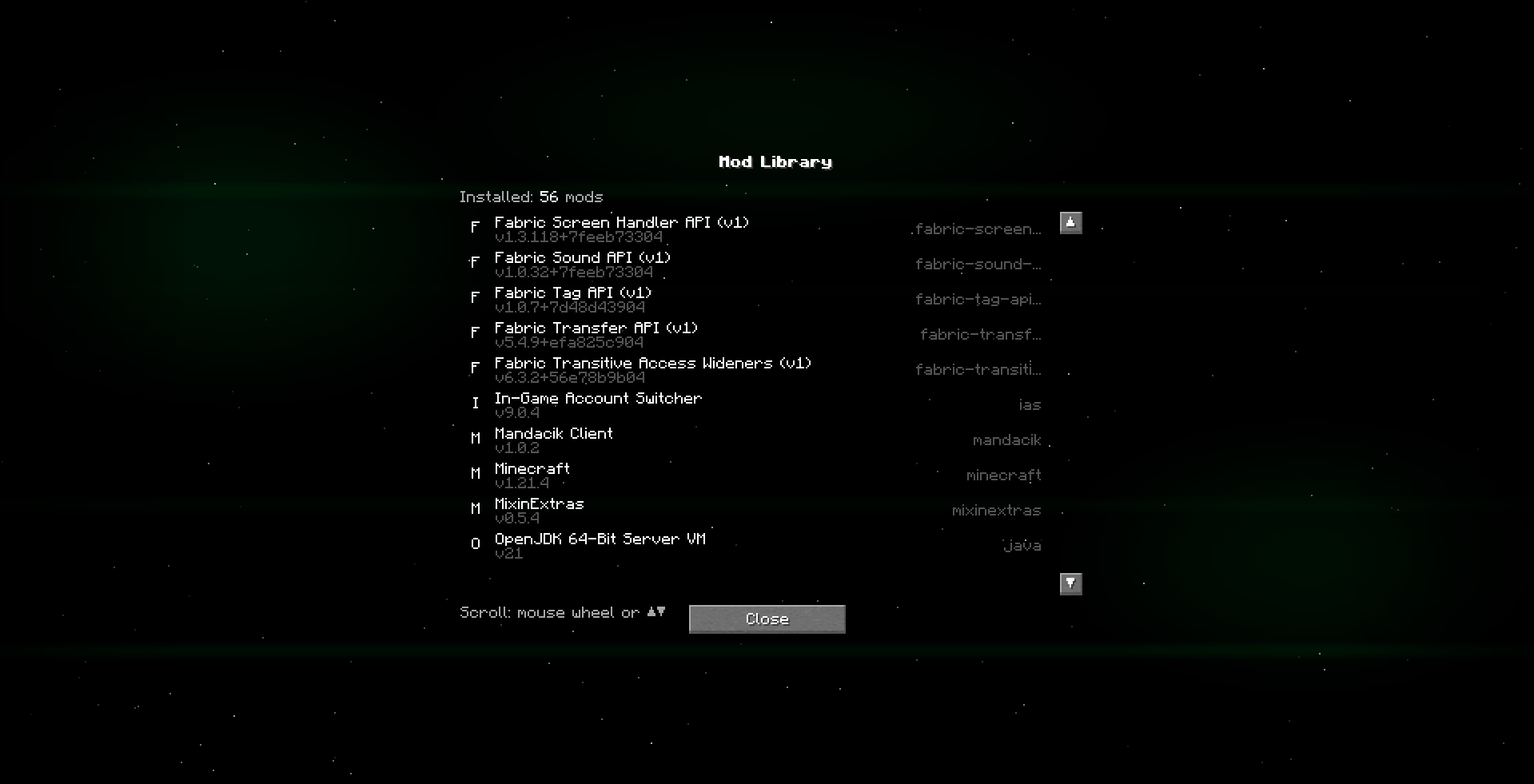
📦 Mod Library
- 📋 List of all installed mods
- 🔍 Mod name, version and ID
- 🖱️ Smooth scrolling with mouse wheel
🐛 Bugs & Suggestions
Found a bug? Have an idea? Let me know in the Issues section!
Made with ❤️ by Mandacik
常见问题
Mandacik Client 支持哪些 Minecraft 版本?
Mandacik Client 支持 Minecraft Java 版 1.21.4,可用的加载器:Fabric。下载时注意选择和你游戏版本一致的文件。
Mandacik Client 怎么安装?
先用 PCL2 或 HMCL 启动器安装对应版本的 Fabric,再把下载的 .jar 文件放进游戏目录的 mods 文件夹,重新启动游戏即可。开启了版本隔离的,mods 文件夹在 versions/版本名 下面。运行环境:仅客户端。
评论
登录后评论和评分