
MAmbience
MAmbience adds a large amount of dynamic ambient effects to minecraft. This includes ambient sounds, visual (particle based) and advanced footstep sounds. All of this while remaining fully compatible with vanilla clients using a simple resourcepack.
截图
介绍
MAmbience adds a large amount of dynamic ambient effects to minecraft.
This includes ambient sounds that get played depending of the players immediate surroundings.
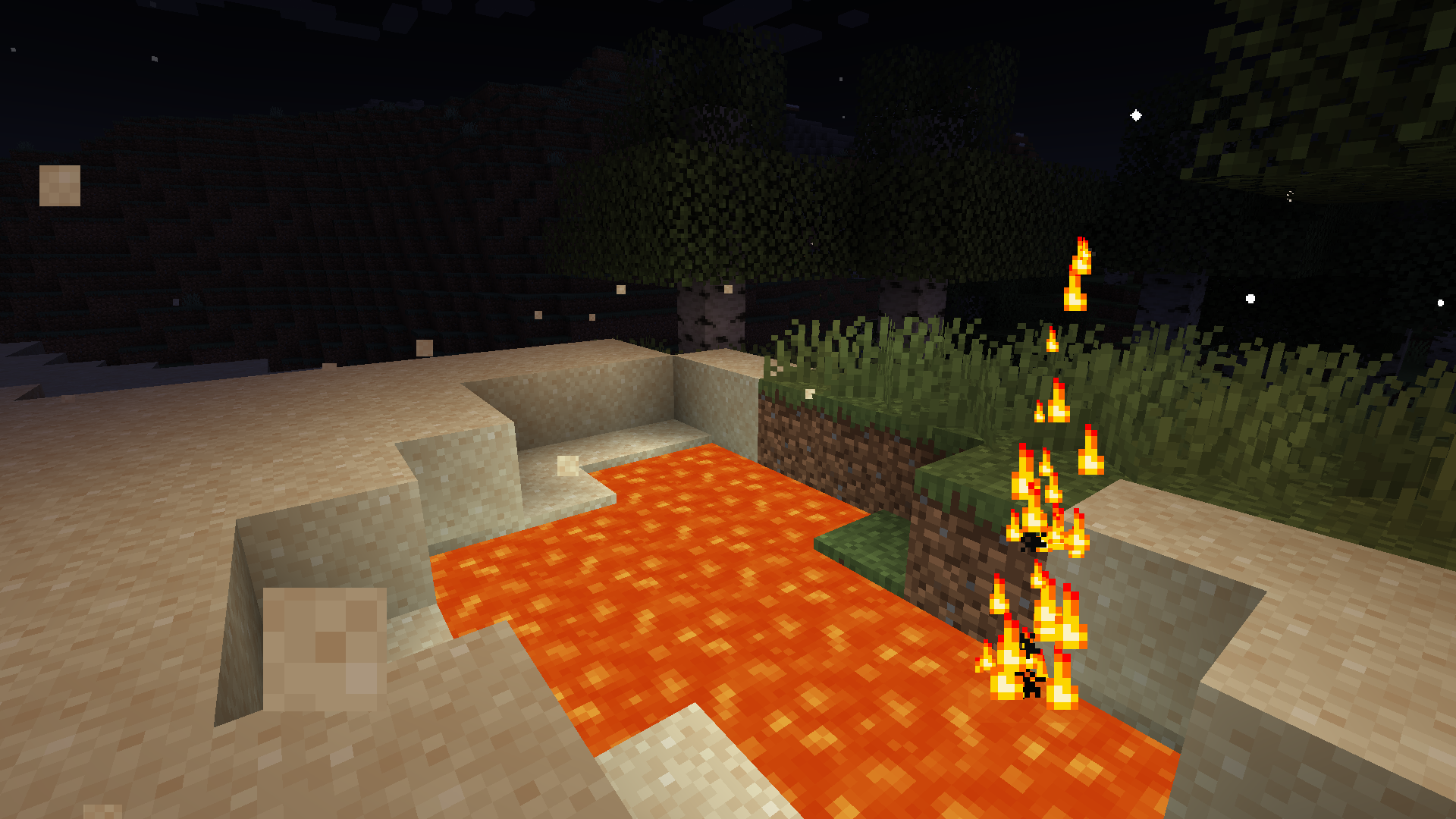
As well as some visual (particle based) effects like Lava Jets, Fireflies and sand blowing in the desert winds.
Lastly it includes advanced footstep sounds based on Dynamic Surroundings. (For Player Entities only)
All of this while remaining fully compatible with vanilla clients (a resourcepack is required to be able to hear the new sounds)
While MAmbience comes with a large default setup of effects all of them and their conditions are fully data defined and adjustable using datapacks.
In case only some of the functionality is wanted, the three sepparate systems can be disabled with simple toggles in the central config file or directly ingame using the modmenu mod list.
Vanilla Clients can connect to any server running MAmbience:
Vanilla Clients have to use the corresponding resource pack (modrinth does not allow to directly upload it as an additional file for this mod, see next section) to be able to hear the sounds.
Resource Pack (only required when using vanilla client):
A download link to the fitting Resourcepack is provided on the download page of each Version. Currently not possible on modrinth.
Alternatively you can extract the resourcepack from the mod:
To export the resourcepack matching a mod/plugin version run the jar file with this command (adjust the command to fit your version of course):
java -cp Mambience-5.3.0+1.19.4.jar me.andre111.mambience.resources.RPGenerator
常见问题
MAmbience 支持哪些 Minecraft 版本?
MAmbience 支持 Minecraft Java 版 1.14.2–1.21.1,共 25 个版本,可用的加载器:Fabric。下载时注意选择和你游戏版本一致的文件。
MAmbience 怎么安装?
先用 PCL2 或 HMCL 启动器安装对应版本的 Fabric,再把下载的 .jar 文件放进游戏目录的 mods 文件夹,重新启动游戏即可。开启了版本隔离的,mods 文件夹在 versions/版本名 下面。运行环境:客户端 / 服务端。


评论
登录后评论和评分