Make Your Animations
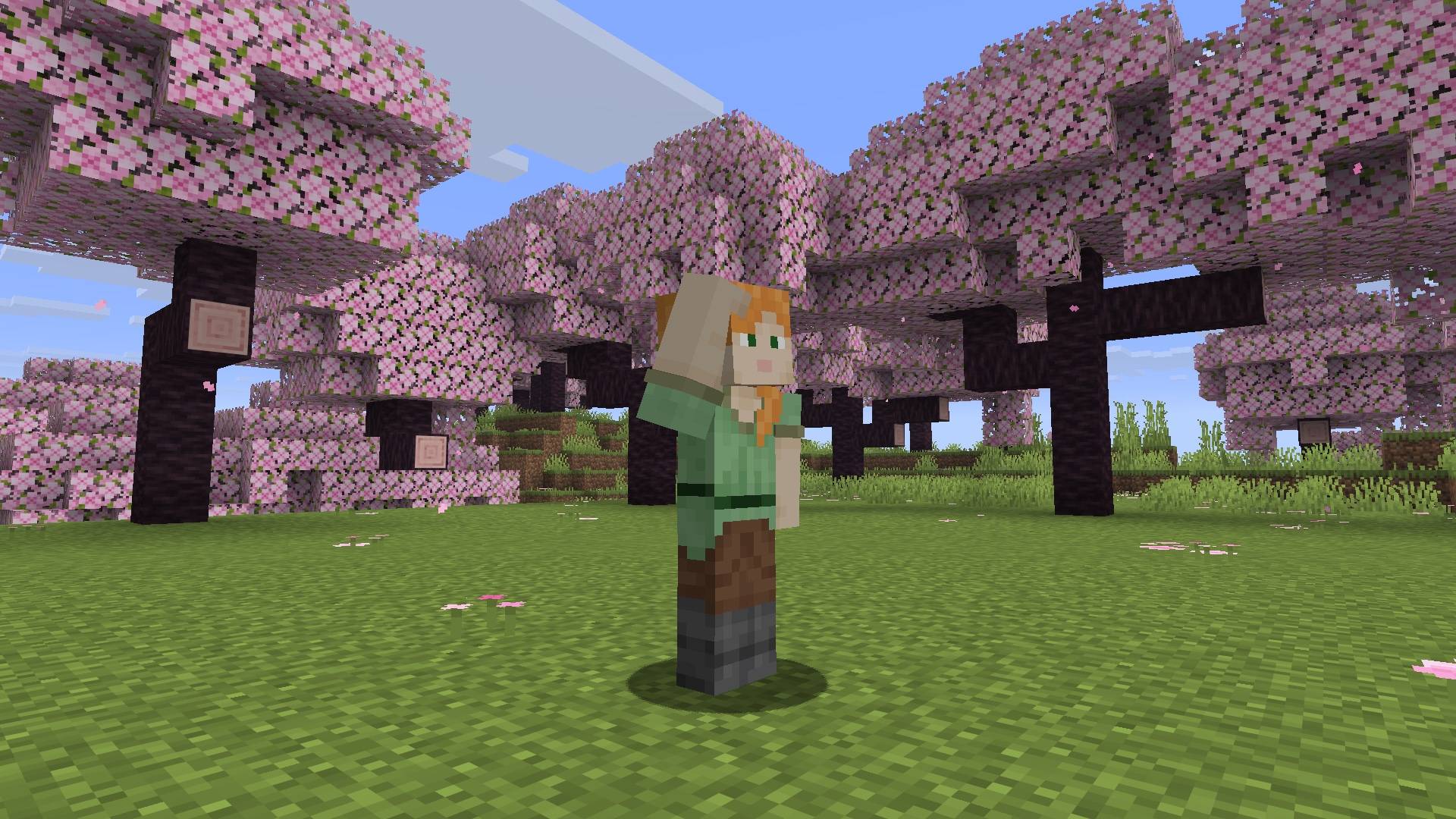
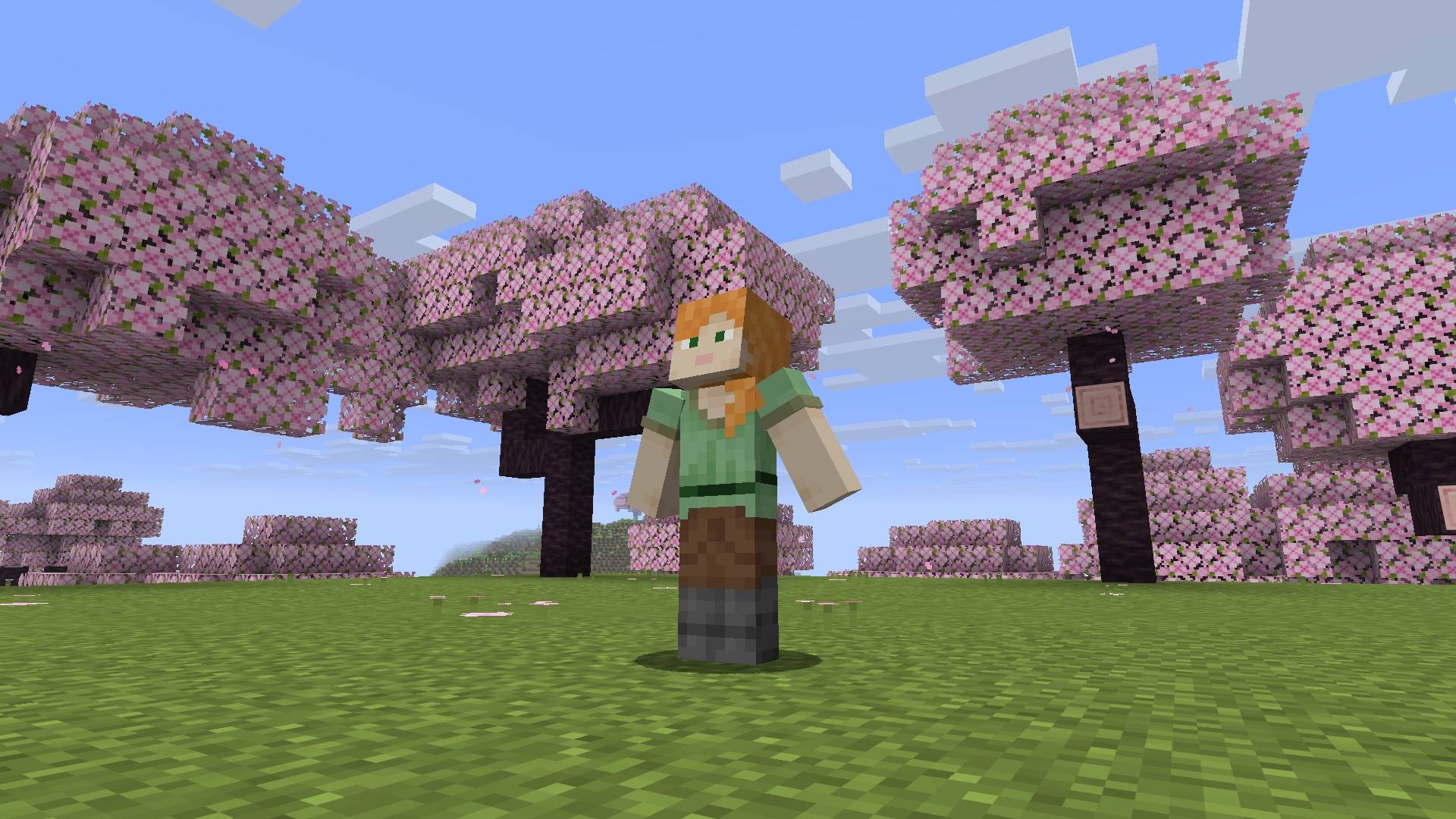
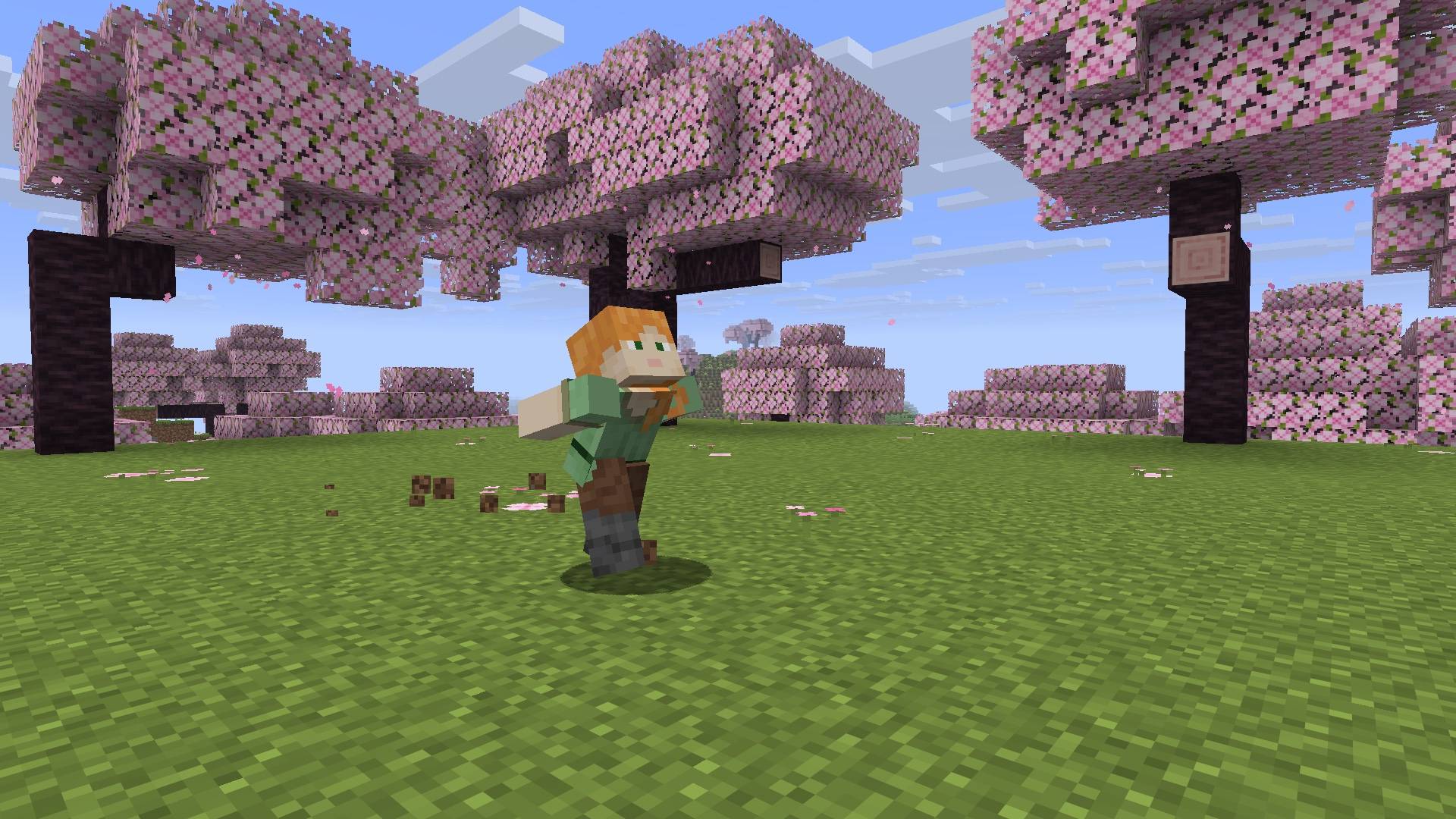
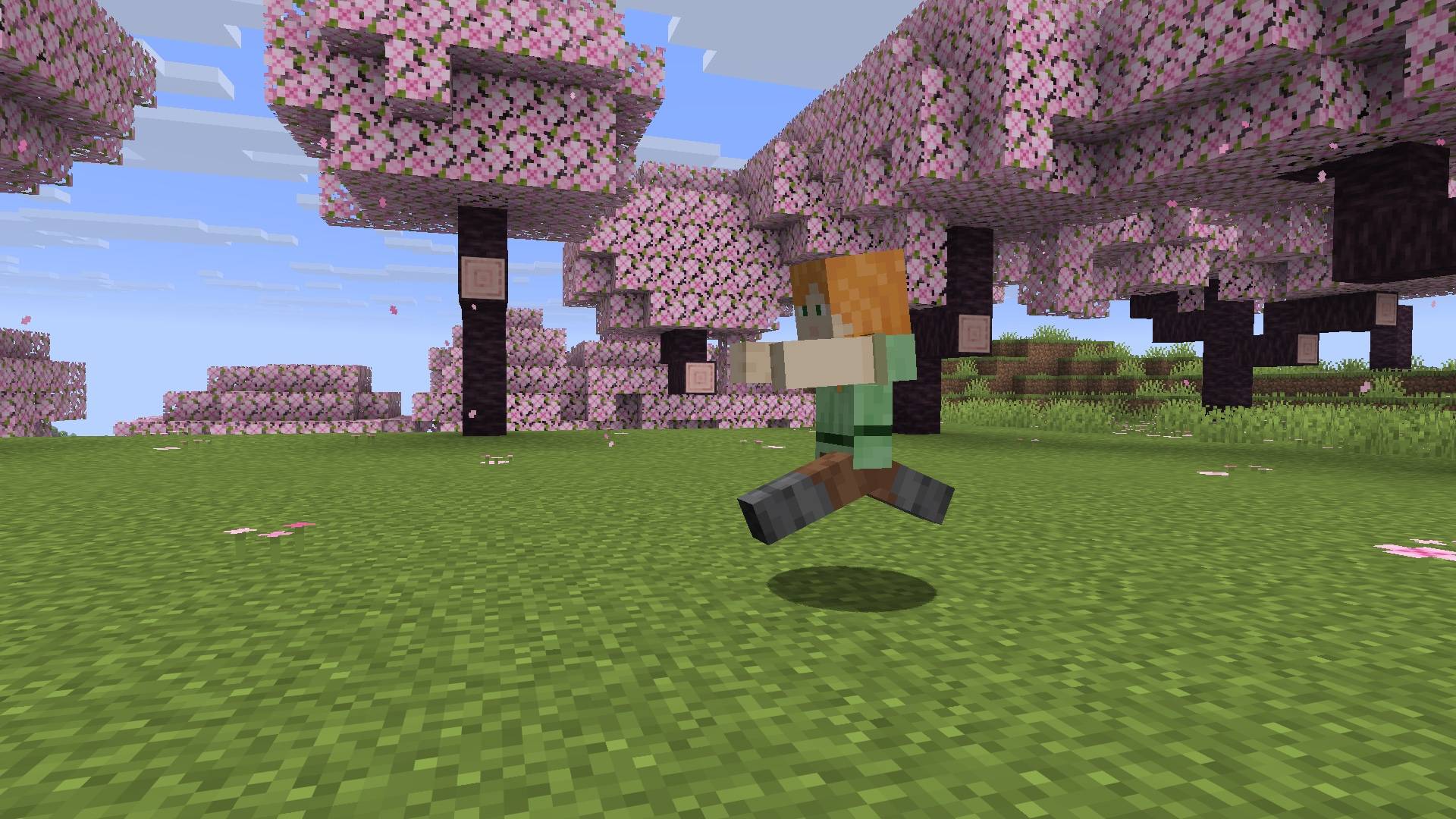
Create your own player animations and emotes in Minecraft: keyframe editor, auto-play while walking/sprinting, multiplayer.
截图
介绍
No other mods needed! (Fabric only needs Fabric API)
Make Your Animations 2.0
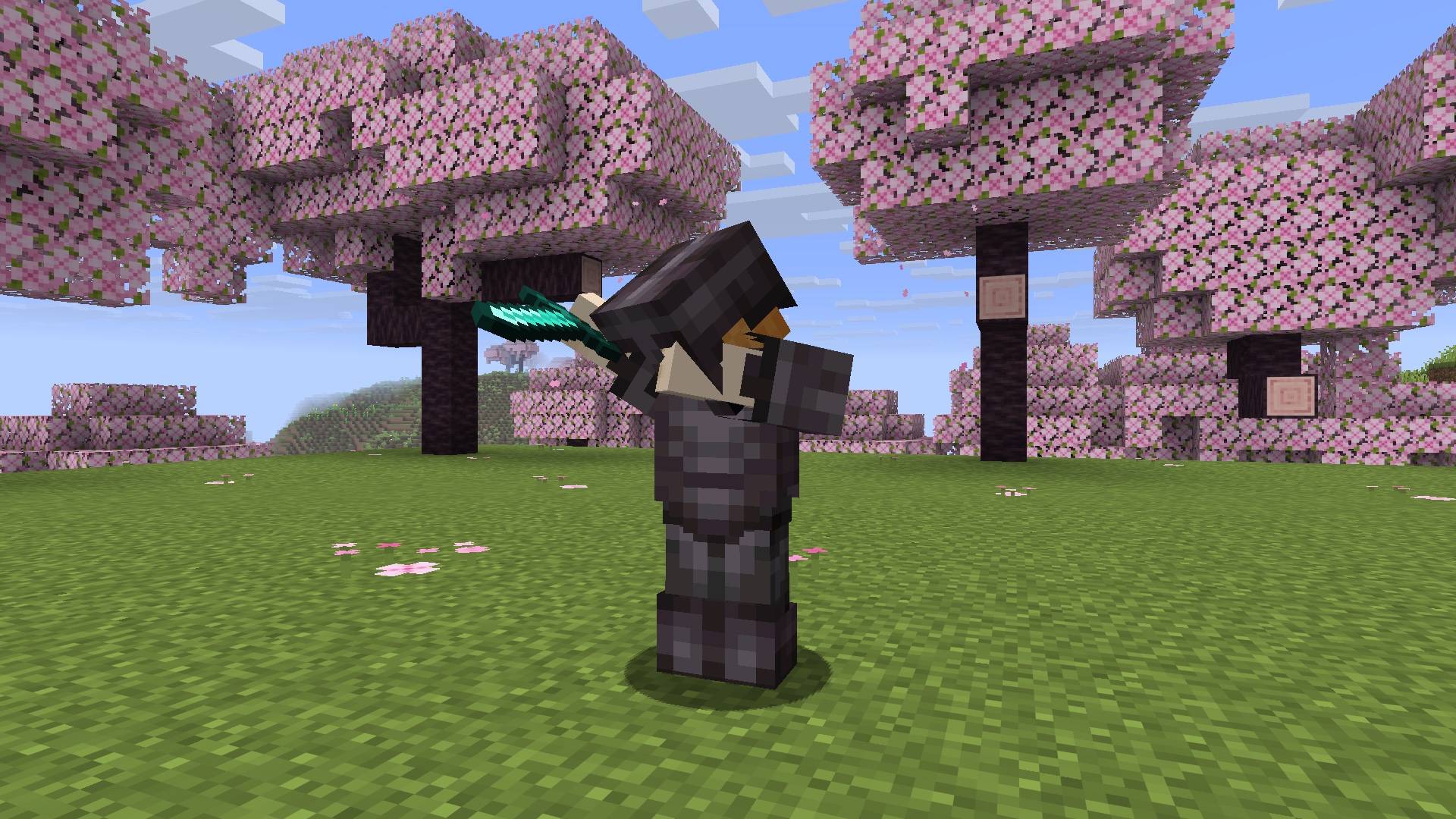
Pose and keyframe-animate your own player, right in game. Make your character wave, dab, do the Naruto run or anything you can think of, and let it play by itself while you walk, sprint, sneak, jump, swim or ride. Your friends see it too.
Version 2.0 is a full rewrite for Fabric and NeoForge, Minecraft 1.21 to 26.3. It no longer needs Obfuscate.
Features
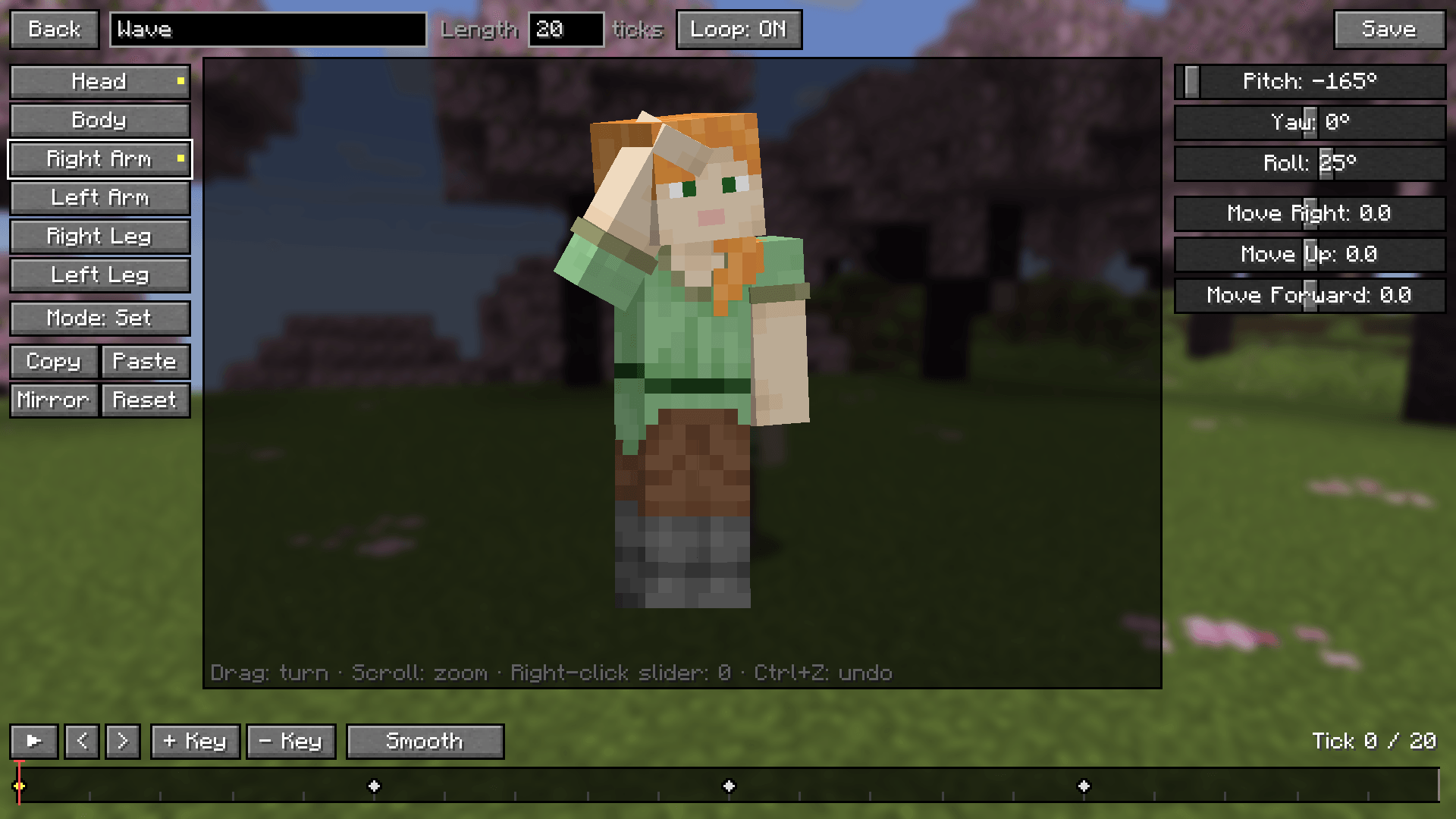
- Editor: pick a body part (head, body, arms, legs), turn it with sliders and see it live on your own skin. Drag the preview to turn it, scroll to zoom.
- Keyframes: a timeline with keyframes, easing (smooth, linear, ease in, ease out, step), looping or play-once animations, copy/paste, mirror left↔right, undo/redo. One keyframe = a still pose, like the old version.
- Add or Set: Add puts your rotation on top of Minecraft’s own movement, so walking and looking around still show. Set replaces it.
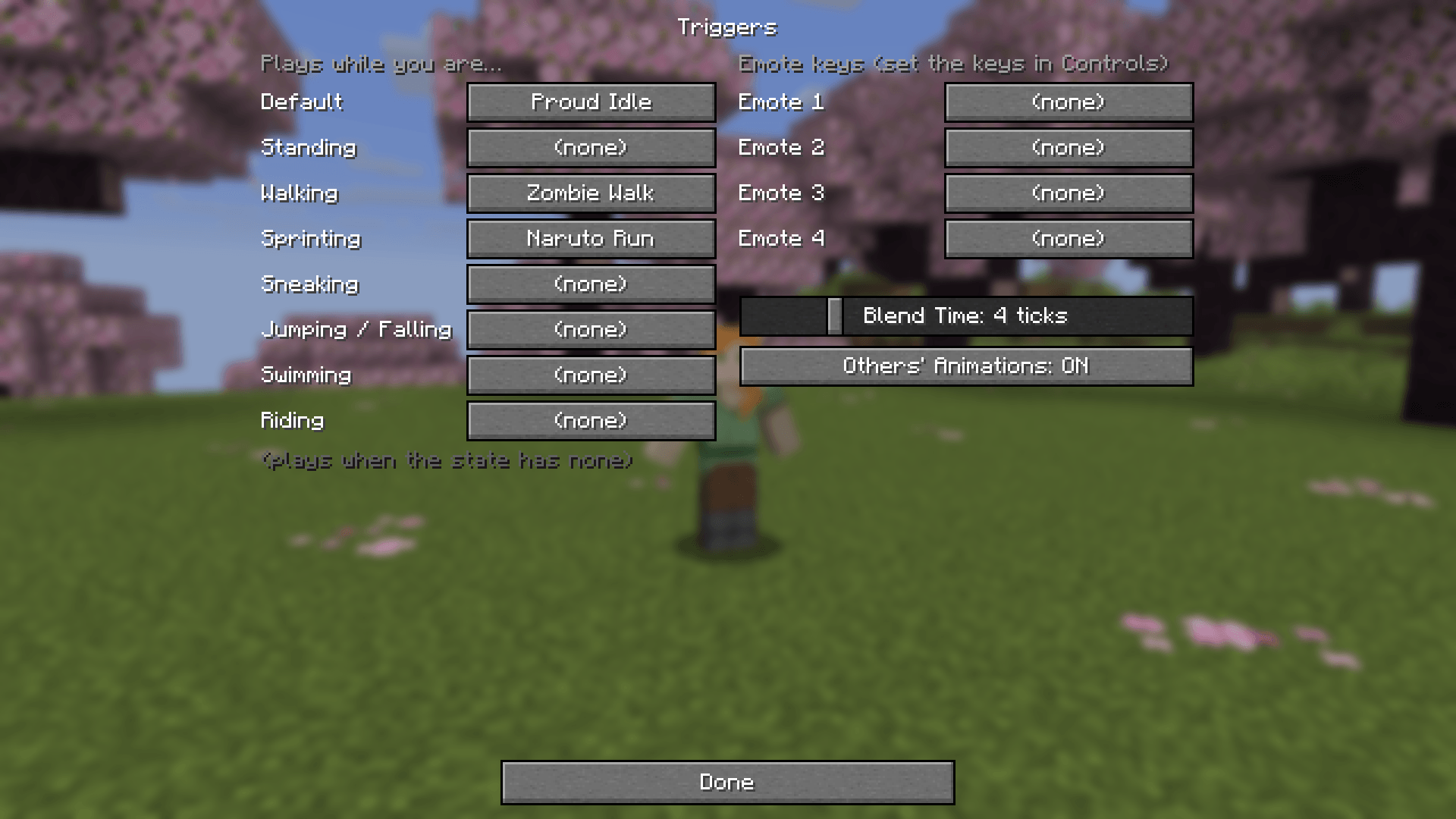
- Triggers: choose what plays while standing, walking, sprinting, sneaking, jumping/falling, swimming and riding, plus a Default. Animations blend smoothly into each other.
- Emotes: play any animation from the menu or from 4 emote keys. Moving stops an emote.
- Multiplayer: everyone with the mod sees each other’s animations when the server has it too. Vanilla servers and players without the mod can still join.
- Armor and items follow every pose.
- Share animations: every animation is a small JSON file in
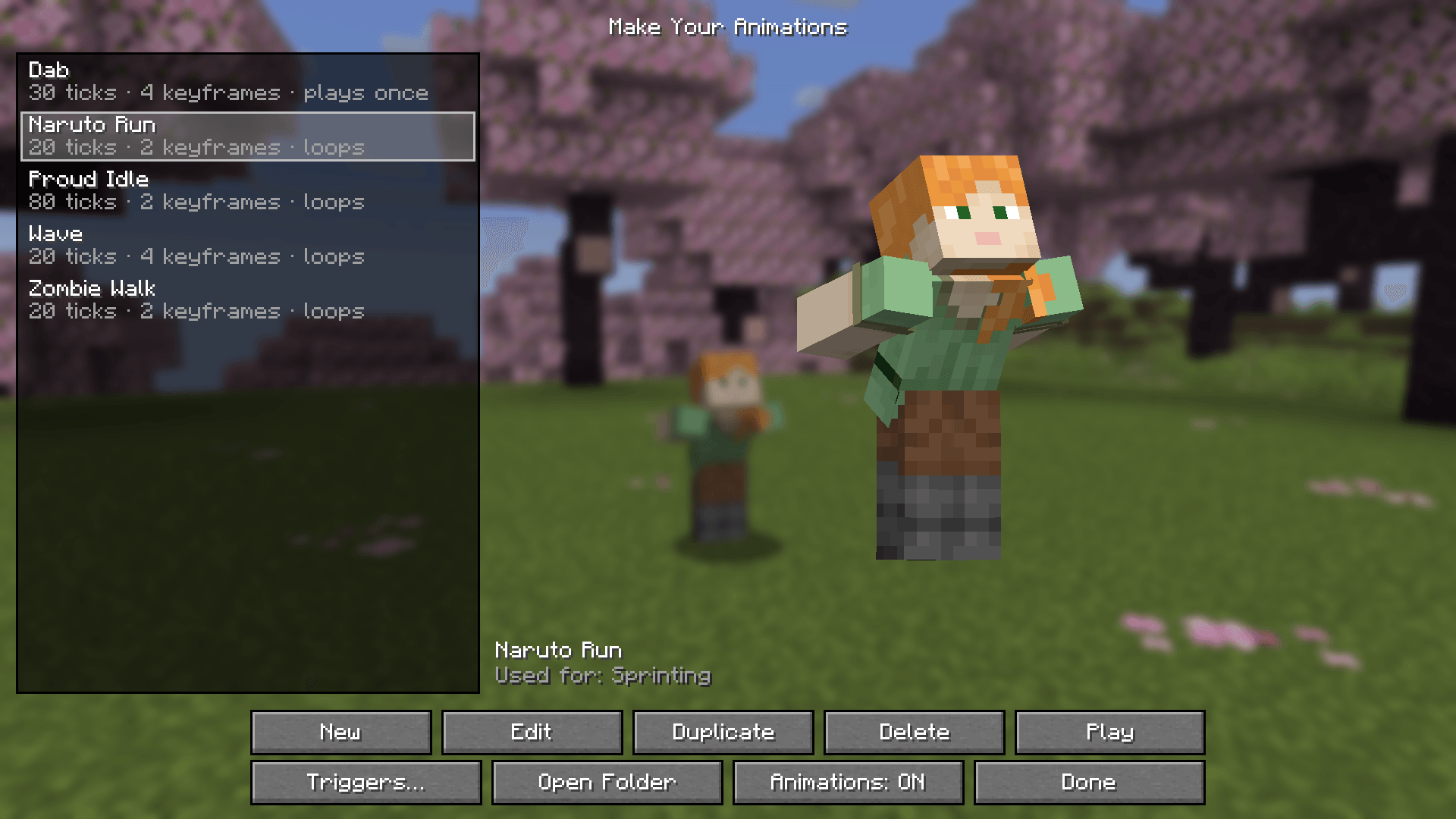
config/make_your_animations/animations/. Send it to a friend or drop new ones in. 5 examples are included: Wave, Naruto Run, Zombie Walk, Dab, Proud Idle.
FAQ
How to make animations? Press I to open the animations menu, then New or Edit.
How to play them automatically? In the menu press Triggers… and pick an animation for walking, sprinting and so on.
Why don’t my animations show up? Check that the menu says Animations: ON, and that the animation is set under Triggers or played as an emote.
Why can’t my friends see them? The server needs the mod too (in singleplayer and LAN it just works), and your friends need the mod to see animations.
Editor shortcuts
| Key | Action |
|---|---|
| Space | Play/pause |
| ← / → | Step one tick |
| Shift + ← / → | Jump to the previous/next keyframe |
| K | Add a keyframe |
| Delete | Remove the keyframe |
| Ctrl + C / V | Copy/paste the pose |
| Ctrl + Z / Y | Undo/redo |
| Ctrl + S | Save |
| Right-click a slider | Set it to 0 |
Versions
Fabric and NeoForge for 1.21–26.3 Pick the file for your version and loader.
常见问题
Make Your Animations 支持哪些 Minecraft 版本?
Make Your Animations 支持 Minecraft Java 版 1.15.2–26.3,共 19 个版本,可用的加载器:Fabric / Forge / NeoForge。下载时注意选择和你游戏版本一致的文件。
Make Your Animations 怎么安装?
先用 PCL2 或 HMCL 启动器安装对应版本的 Fabric / Forge / NeoForge,再把下载的 .jar 文件放进游戏目录的 mods 文件夹,重新启动游戏即可。开启了版本隔离的,mods 文件夹在 versions/版本名 下面。
FishyHard 的其他作品
查看全部 →
Naruto Shippuden
以日本动漫《火影忍者疾风传》为基础的模组

Naruto Shippuden Animations
Mod add-on for Japanese Anime "Naruto Shippuden"

Naruto Shippuden by FishyHard
火影忍者疾风传模组的官方Minecraft服务器整合包

Portal Gun Totality 1.21-26.3 [Fabric & NeoForge]
There were lots of Portal Gun mods on 1.7.10 and 1.12.2, but hardly any for new versions. This one brings see-through portals, no loading screen, 7 guns, turrets and Long Fall Boots to Fabric & NeoForge 1.21–26.3.
评论
登录后评论和评分