
截图


介绍
介绍由机器翻译自 Modrinth 原页面,仅供参考。
Magic Particles

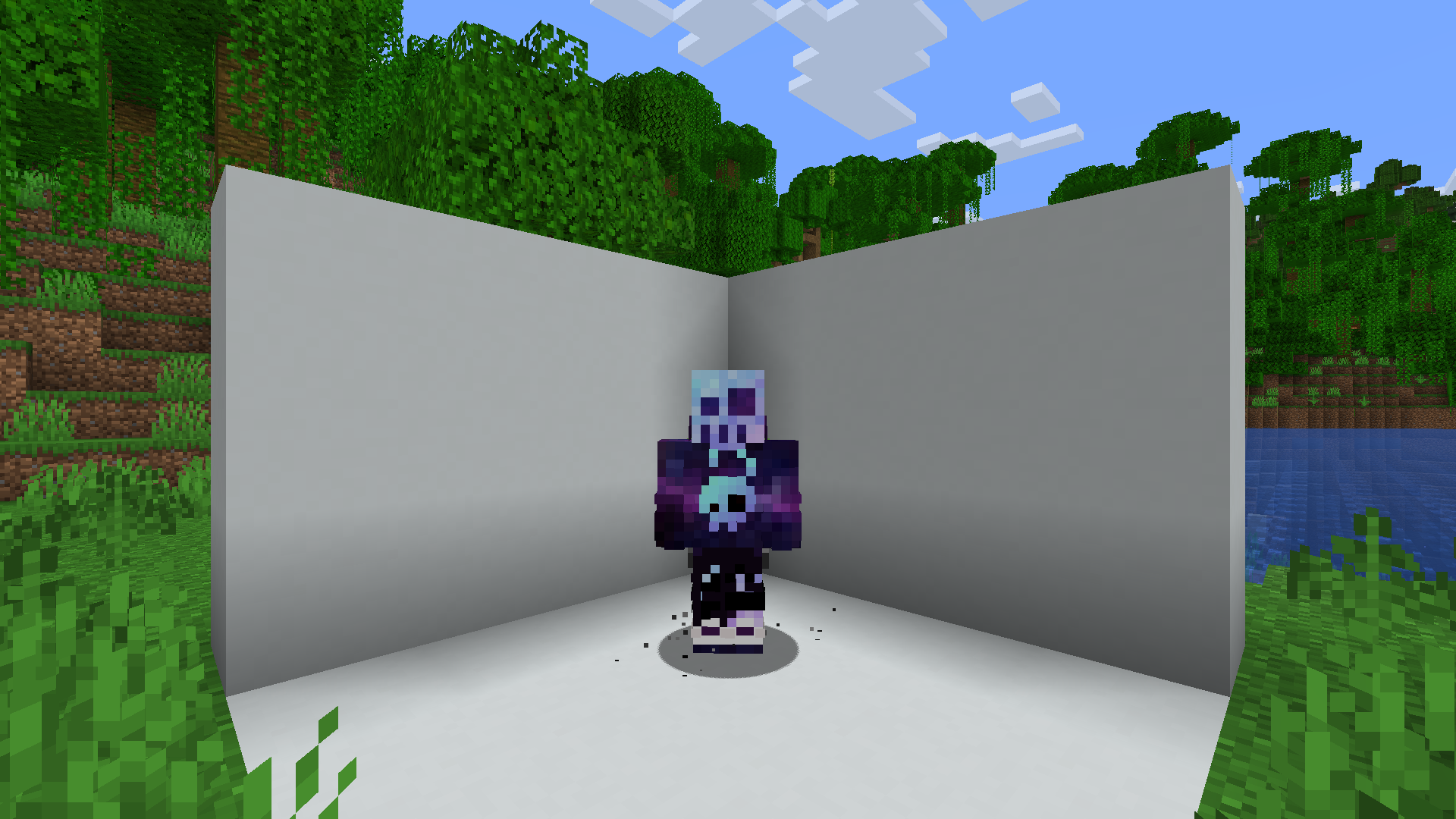
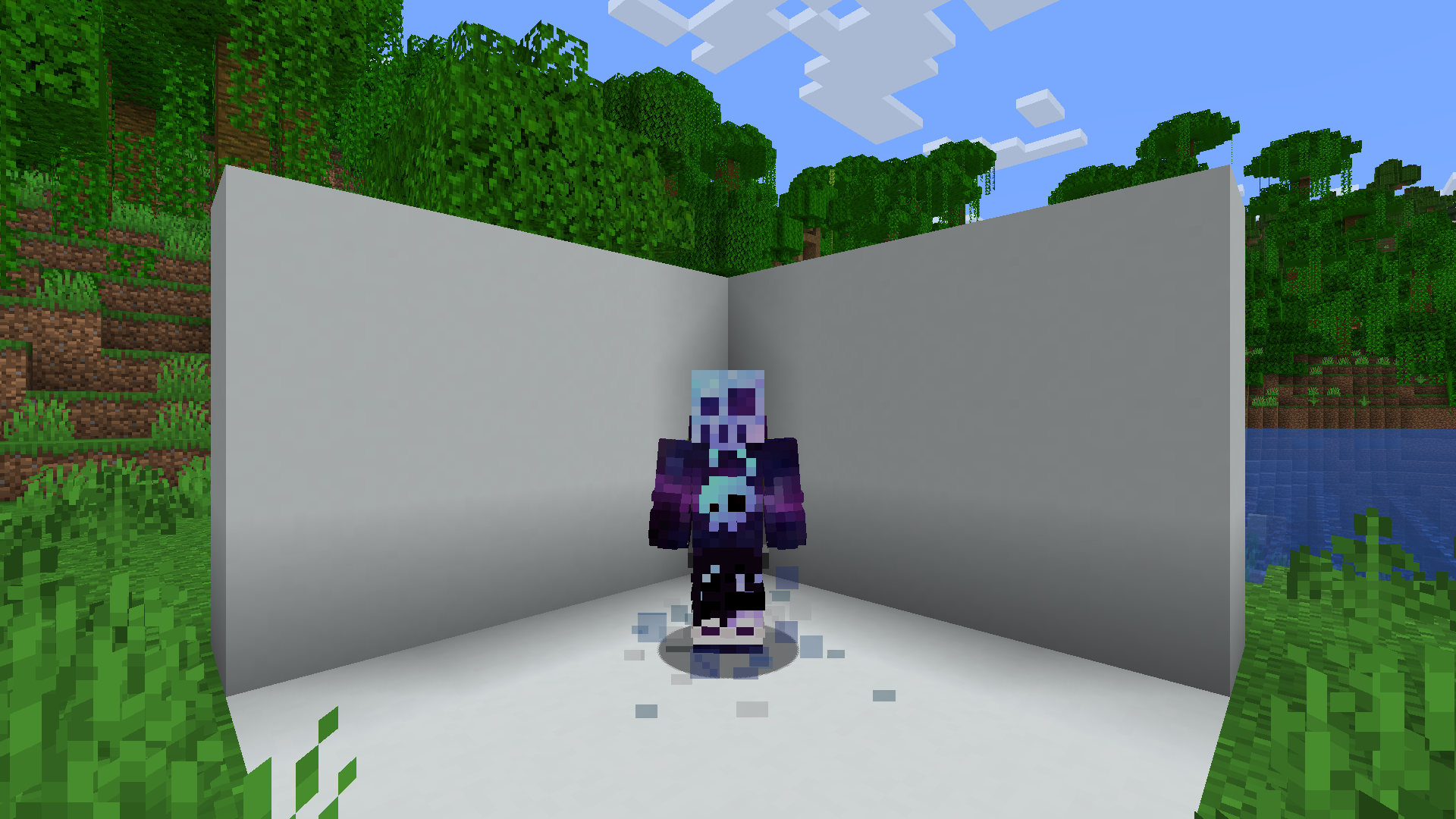
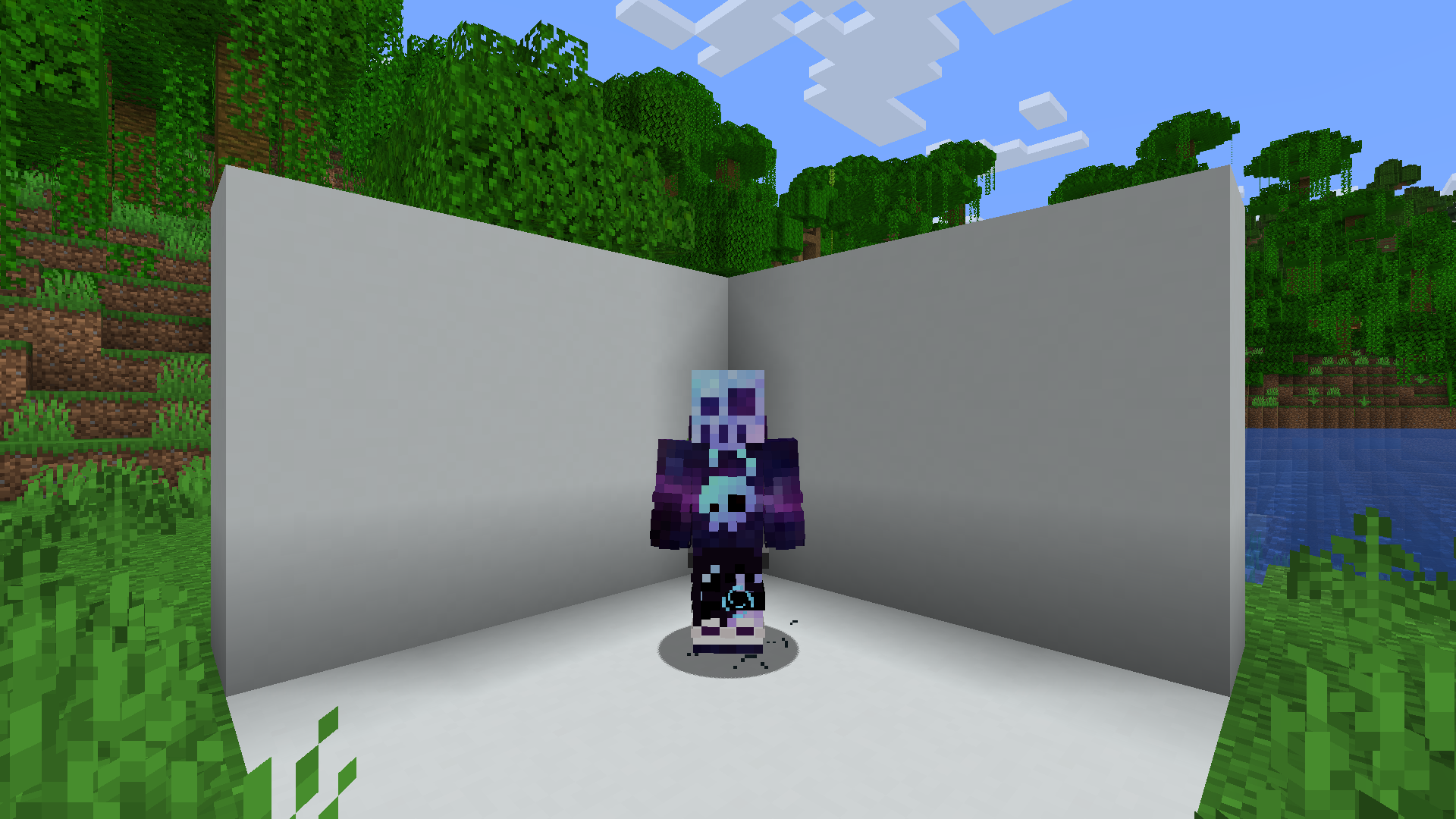
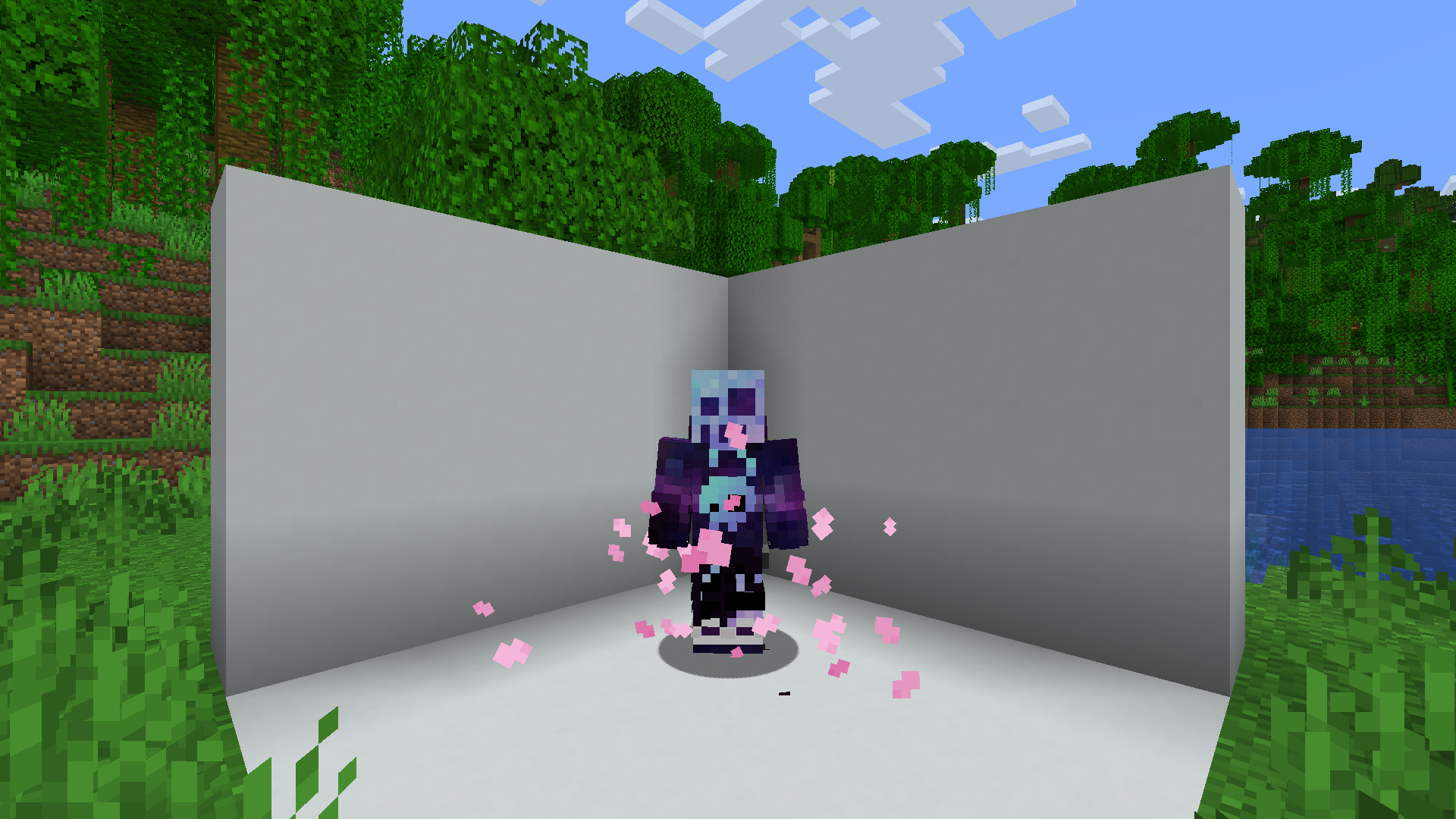
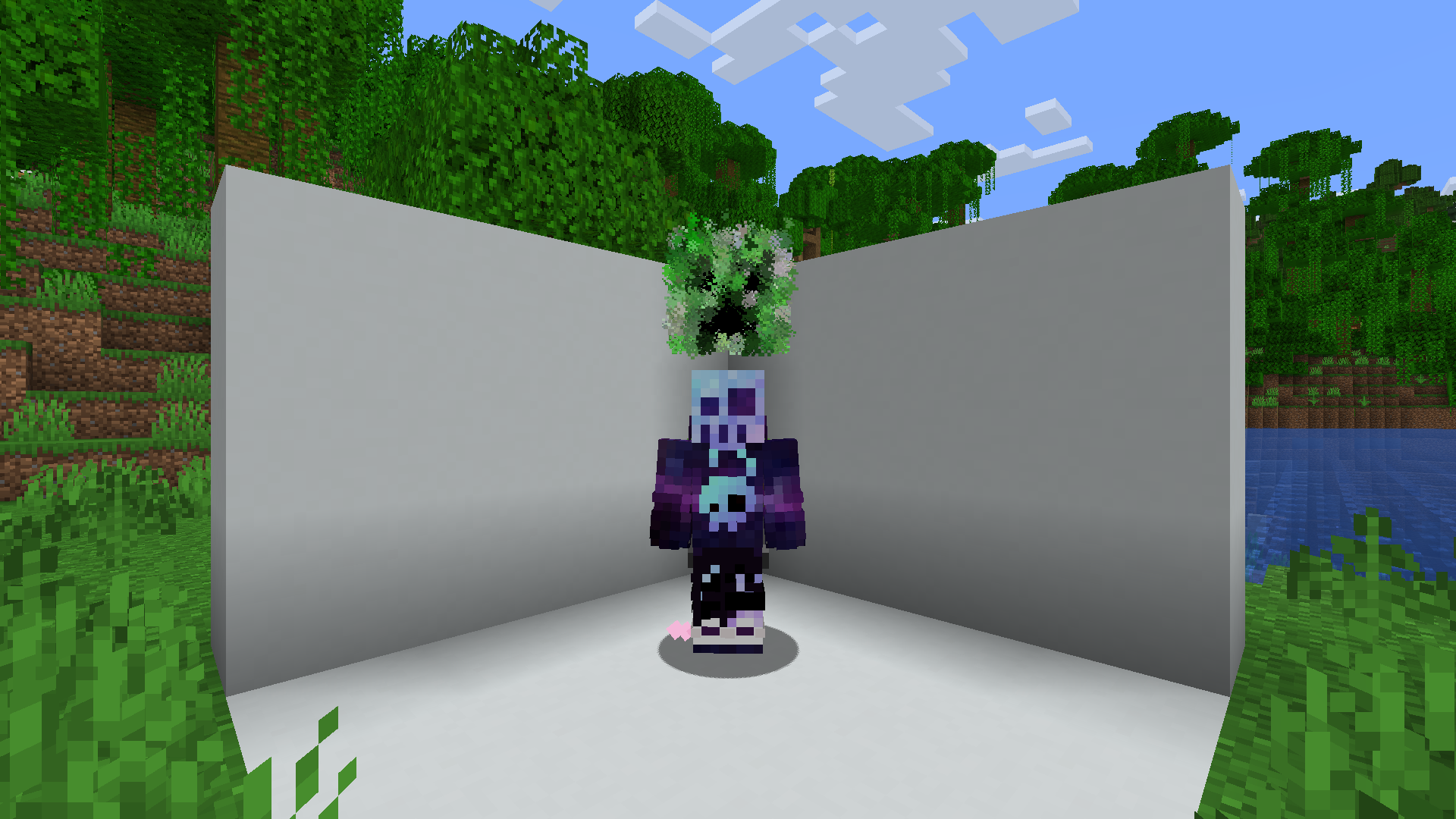
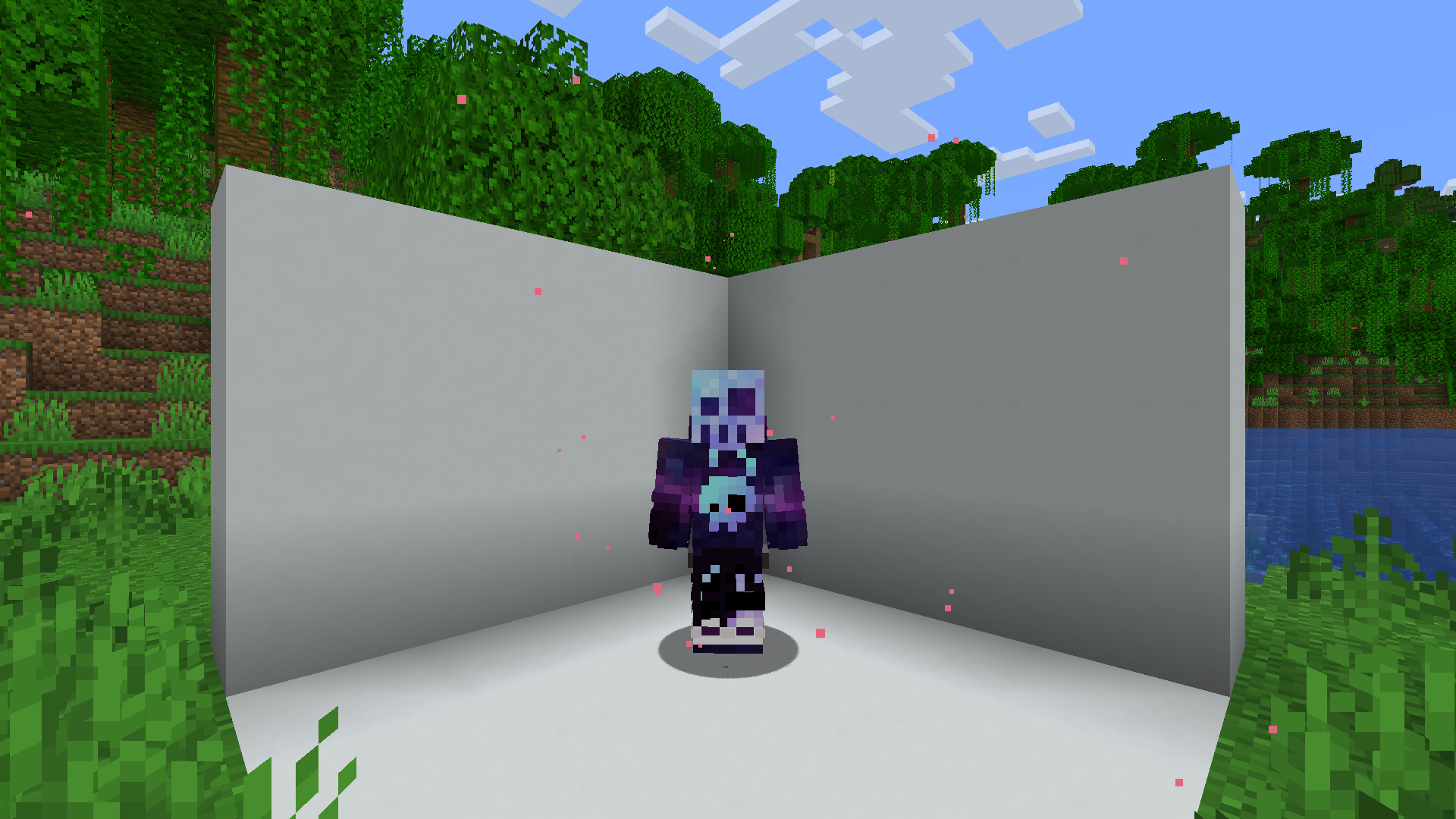
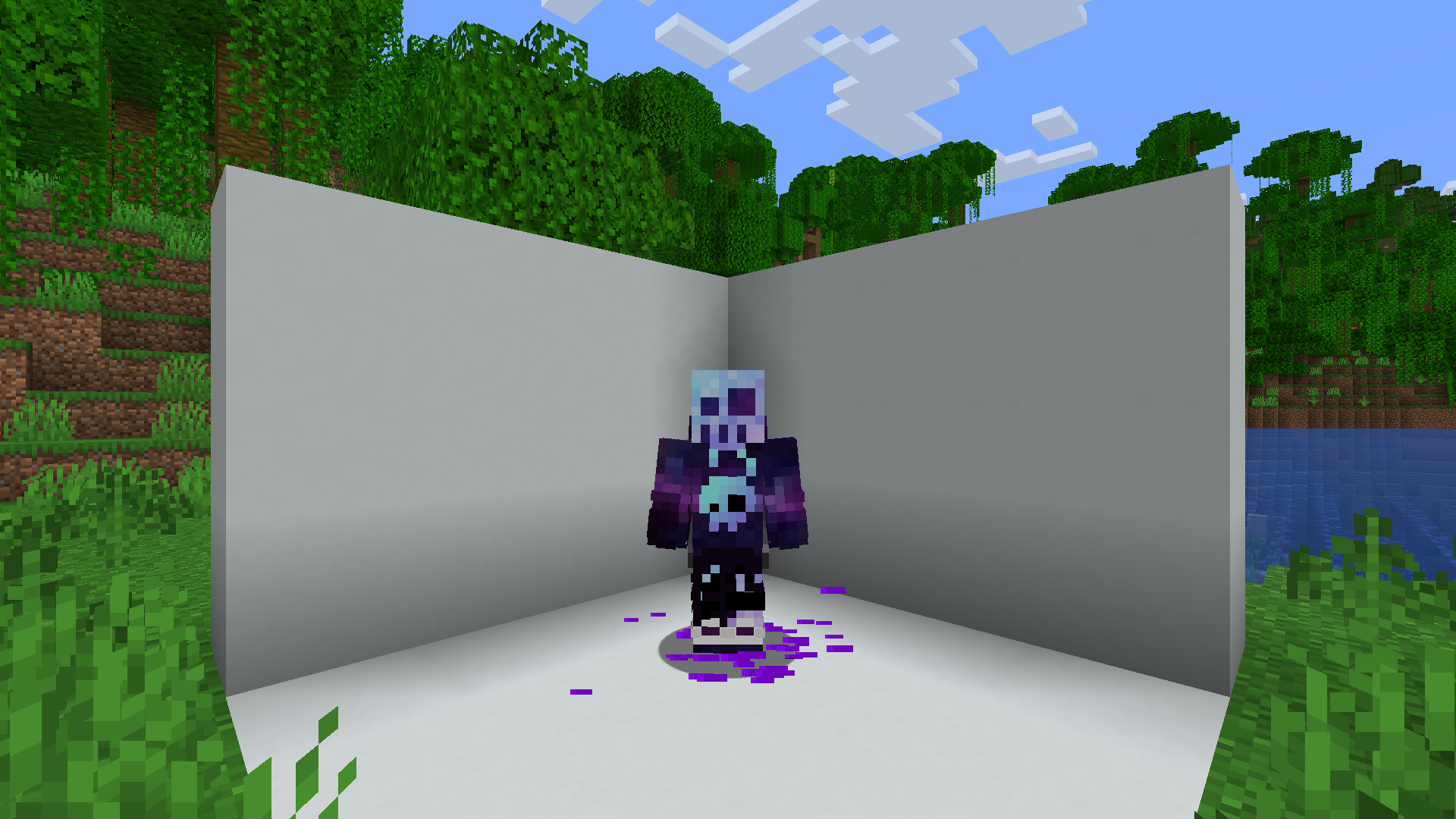
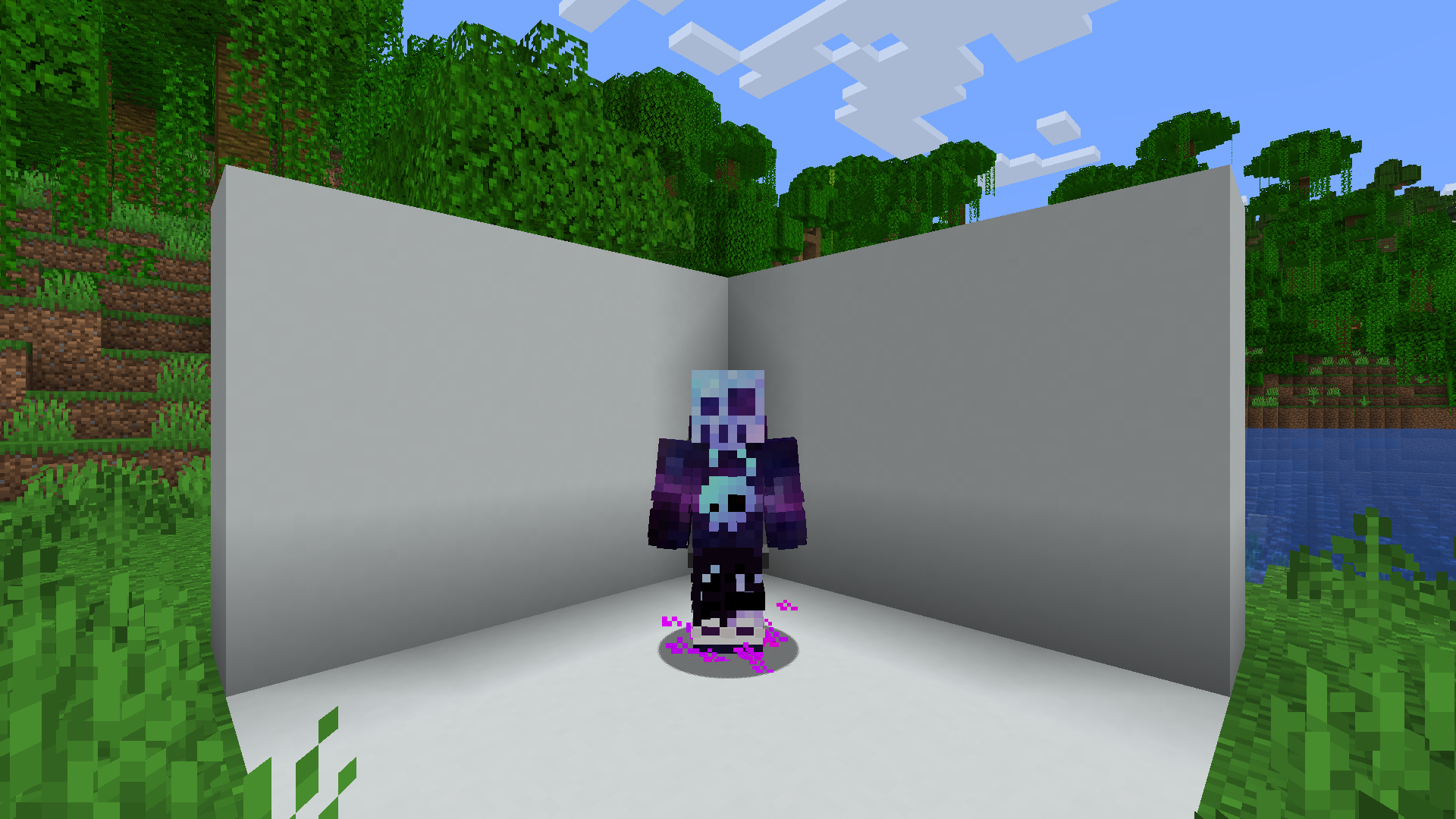
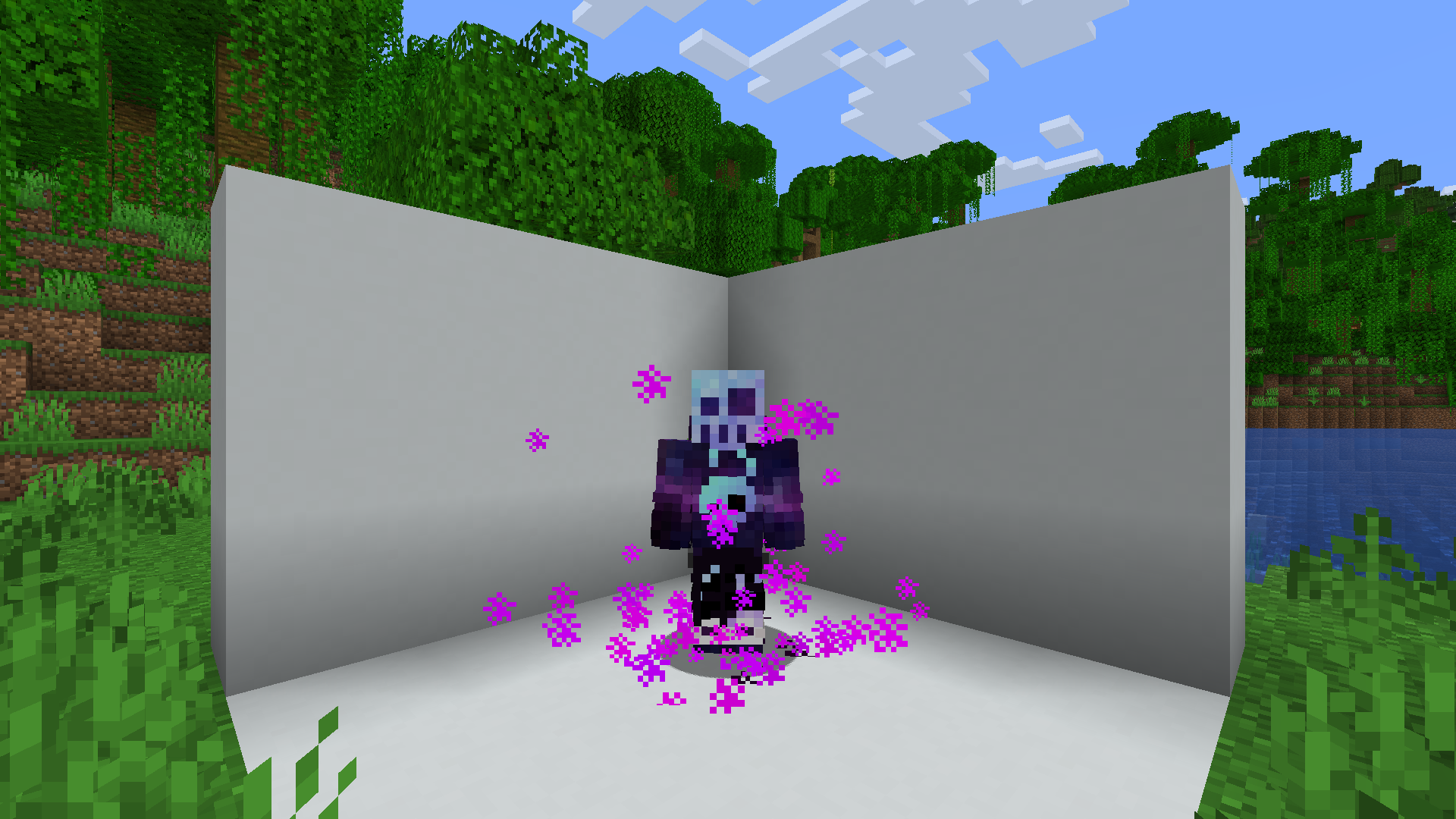
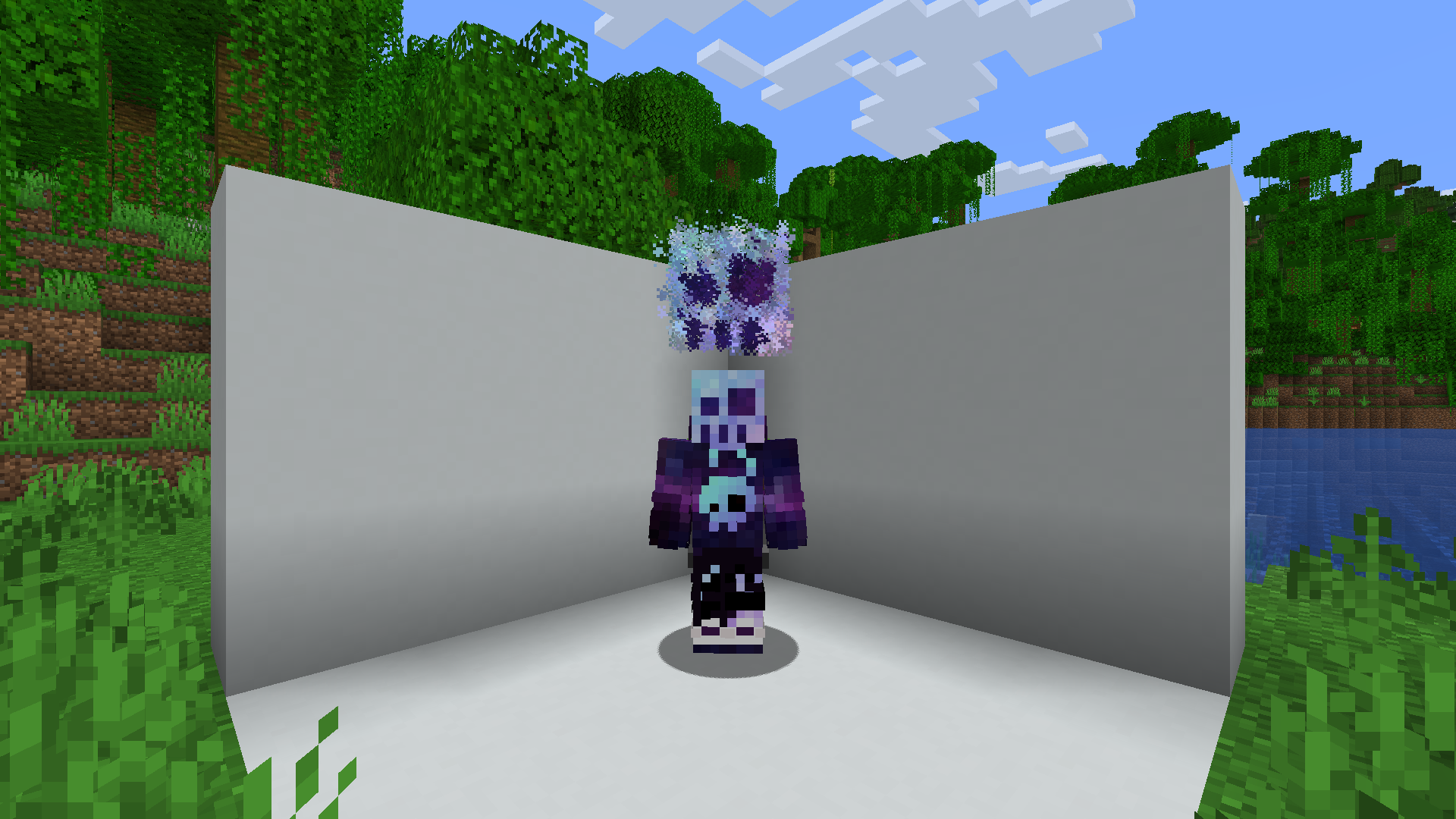
一款适用于 Fabric 服务端的装饰模组,管理员可以通过简单的 JSON 文件创建自定义粒子效果。
命令
/mp– 列出所有可用的魔法粒子 –magic-particles.root/mp set <id>– 设置当前魔法粒子 –magic-particles.particle/mp disable– 禁用当前魔法粒子 –magic-particles.disable/mp reload– 重新加载魔法粒子和消息 –magic-particles.reload
自定义粒子
此模组内置了超过40 种默认粒子,可作为示例文件,帮助你了解文件格式。
JSON 格式
每种魔法粒子类型都需要一个易于理解的名称,以及一个由其包含的粒子组成的列表。
根对象
{
  "name": "Some name", // Human friendly name
  "particles": [
    // Particle definitions
  ]
}
粒子定义
目前有 3 种粒子定义类型(simple、image 和 bezier)。除各自专属的值外,这些类型还共享一些通用值。
Simple
{
  "type": "simple",
  "count": 1, // Amount of particles (optional)
  "pos": [1.0, 2.0, 0.0], // Offset from origin (affected by rotation)
  "delta": [0.1, 0.1, 0.1], // Particle area size (optional)
  "speed": 0, // Particle speed parameter, used by some particle types (optional)
  "particle_type": {
    "type": "minecraft:angry_villager" // Particle type: https://minecraft.wiki/w/Particles_(Java_Edition)#Types_of_particles
    // Some particles types have extra attributes, which need to be specified here
  },
  "anchor": "feet", // The particle origin ["feet"|"eyes"] (optional)
  "origin": [0.0, 0.5, 0.0], // Offset from origin (optional)
  "billboard": "fixed" // What rotation axis should affect "pos" ["fixed", "vertical", "horizontal", "center"] (optional)
}
Image
{
  "type": "image",
  "image": "drex.png", // Path to the image, the image needs to be in config/magic-particles/images/<image>
  "size_x": 0.8, // The width of the particle image
  "size_y": 0.8, // The height of the particle image
  "pixel_size": 0.6, // The size of each individual particle
  "pos": [1.0, 2.0, 0.0], // Offset from origin (affected by rotation)
  "anchor": "feet", // The particle origin ["feet"|"eyes"] (optional)
  "origin": [0.0, 0.5, 0.0], // Offset from origin (optional)
  "billboard": "fixed" // What rotation axis should affect "pos" ["fixed", "vertical", "horizontal", "center"] (optional)
}
Bezier
(不太推荐使用这种类型;创建一张所需形状的图片并使用 image 类型会更简单。)
常见问题
MagicParticles 支持哪些 Minecraft 版本?
MagicParticles 支持 Minecraft Java 版 1.20.1–26.3,共 19 个版本,可用的加载器:Fabric / Quilt。下载时注意选择和你游戏版本一致的文件。
MagicParticles 怎么安装?
先用 PCL2 或 HMCL 启动器安装对应版本的 Fabric / Quilt,再把下载的 .jar 文件放进游戏目录的 mods 文件夹,重新启动游戏即可。开启了版本隔离的,mods 文件夹在 versions/版本名 下面。运行环境:仅服务端。
DrexHD 的其他作品
查看全部 →
CrashExploitFixer
by DrexHD
这个模组修复了在Minecraft中发现的许多崩溃漏洞。
2897万
1 个月前
Modrinth · CurseForge

VillagerConfig
by DrexHD
基于数据驱动交易的高级村民配置
1329万
1 个月前
Modrinth · CurseForge

quick pack
by DrexHD
优化数据包/资源包 zip 文件的加载时间
609.6万
1 个月前
Modrinth · CurseForge

Ledger
by genau6502, DrexHD 等
一款服务端日志记录模组
236.2万
1 个月前
Modrinth · CurseForge
评论
登录后评论和评分