
Magic Hud
Adds fully customizable HUD widgets for armor, sprint, potion effects, FPS, ping, and other utilities.
截图
介绍
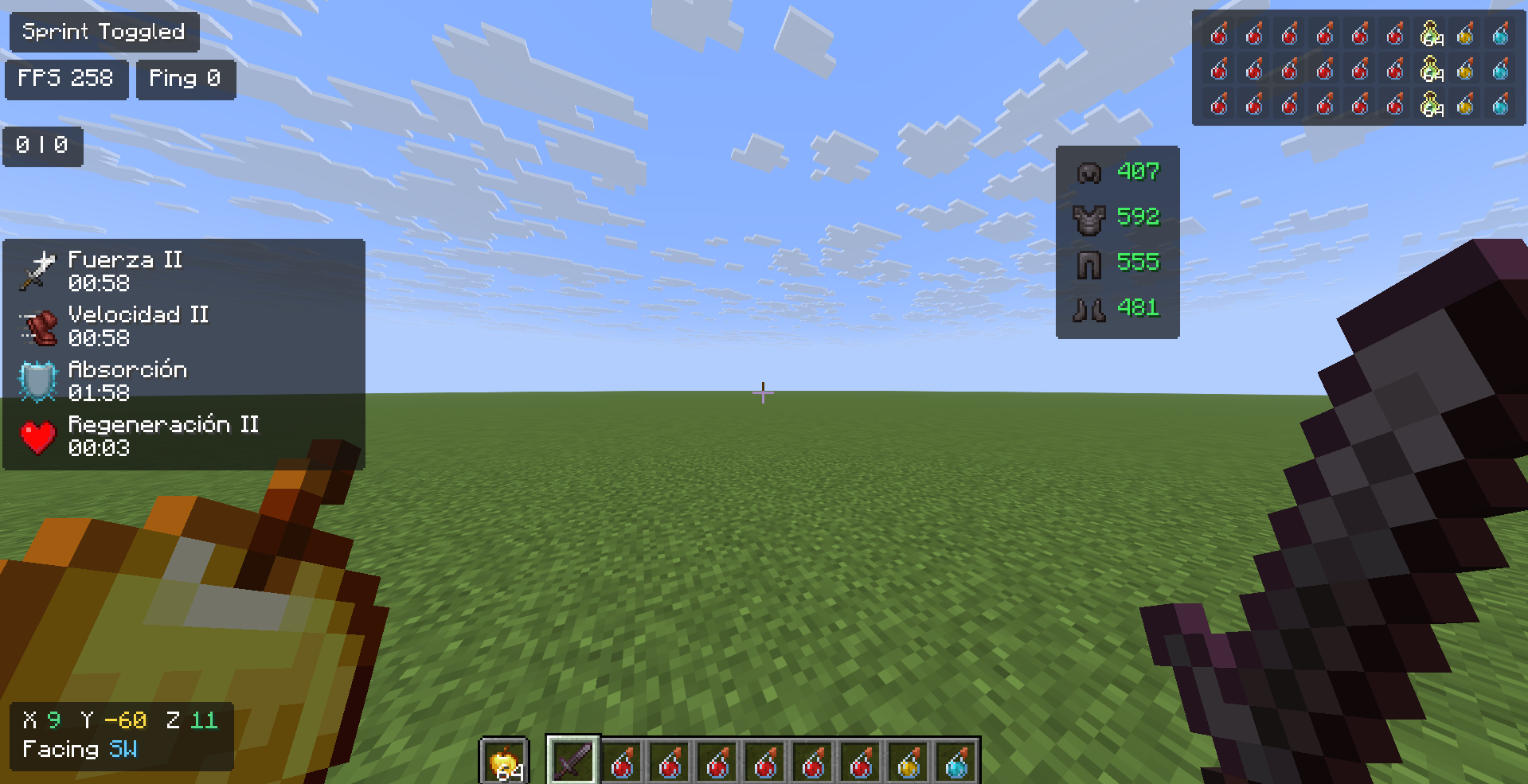
Magic HUD is a lightweight, fully customizable heads-up display mod for Minecraft. Instead of cluttering your screen with information you didn’t ask for, it gives you full control over what you see, where you see it, and how big it is — without ever touching a config file.
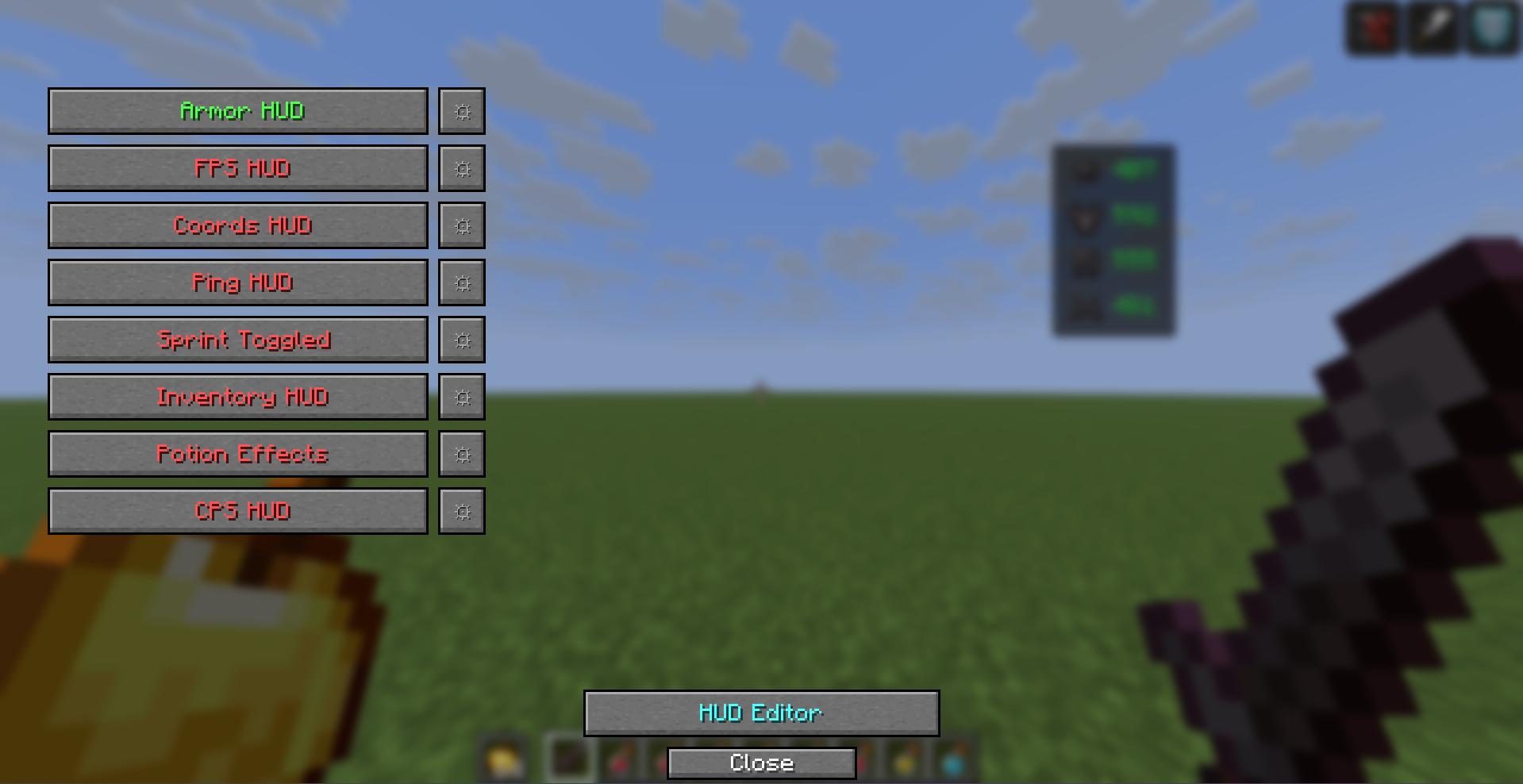
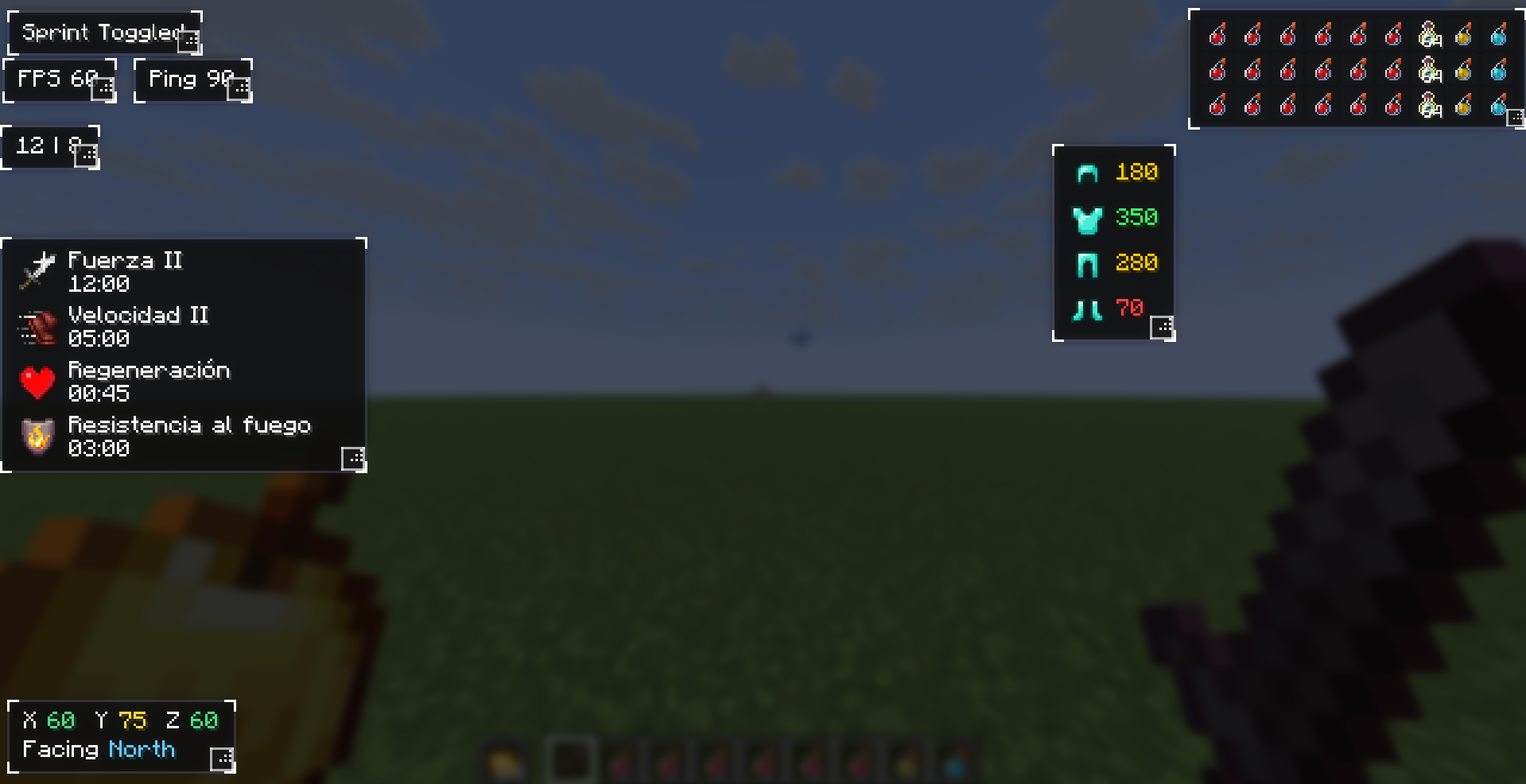
Open the HUD editor with a single keybind, drag your modules wherever feels right, resize them on the fly, and close it. That’s it. Everything saves automatically.
What’s included
Every module is independent — enable only what you need:
Armor Status — tracks your equipped armor and durability at a glance
Inventory HUD — keeps an eye on your hotbar without opening your inventory
Potion Effects — shows active effects, their level, and remaining duration
Coordinates — displays X/Y/Z and your facing direction in real time
FPS Counter — clean and always visible
Ping Display — useful for servers where connection quality matters
Toggle Sprint — keeps you sprinting automatically
How it works
Press the editor keybind to enter edit mode. Every active module shows up with a selection frame — drag it anywhere on screen, grab the resize handle in the corner to scale it up or down, then close the editor and keep playing. Modules also adapt automatically if you change your GUI Scale or window resolution, so nothing ever ends up hidden off-screen.
Each module has a few settings you can tweak (like toggling the background panel or adjusting the scale numerically), accessible through the module settings screen.

常见问题
Magic Hud 支持哪些 Minecraft 版本?
Magic Hud 支持 Minecraft Java 版 1.21.6–1.21.11,共 6 个版本,可用的加载器:Fabric。下载时注意选择和你游戏版本一致的文件。
Magic Hud 怎么安装?
先用 PCL2 或 HMCL 启动器安装对应版本的 Fabric,再把下载的 .jar 文件放进游戏目录的 mods 文件夹,重新启动游戏即可。开启了版本隔离的,mods 文件夹在 versions/版本名 下面。运行环境:仅客户端。
Magiccc 的其他作品
查看全部 →
Firework Fixed
Fixes firework usage with Elytra so they are always used for flying.

Toggle Sprint
Mod that toggles automatic sprint when pressing a custom keybind, displaying an on-screen indicator while active.
Toggle Sprint
Mod that toggles automatic sprint when pressing a custom keybind, displaying an on-screen indicator while active.

Perspective Mod
Free-look camera — look around in third person independently of your character's facing
评论
登录后评论和评分