
截图
介绍
Macro Deluxe — Simple Macro Recording for Minecraft
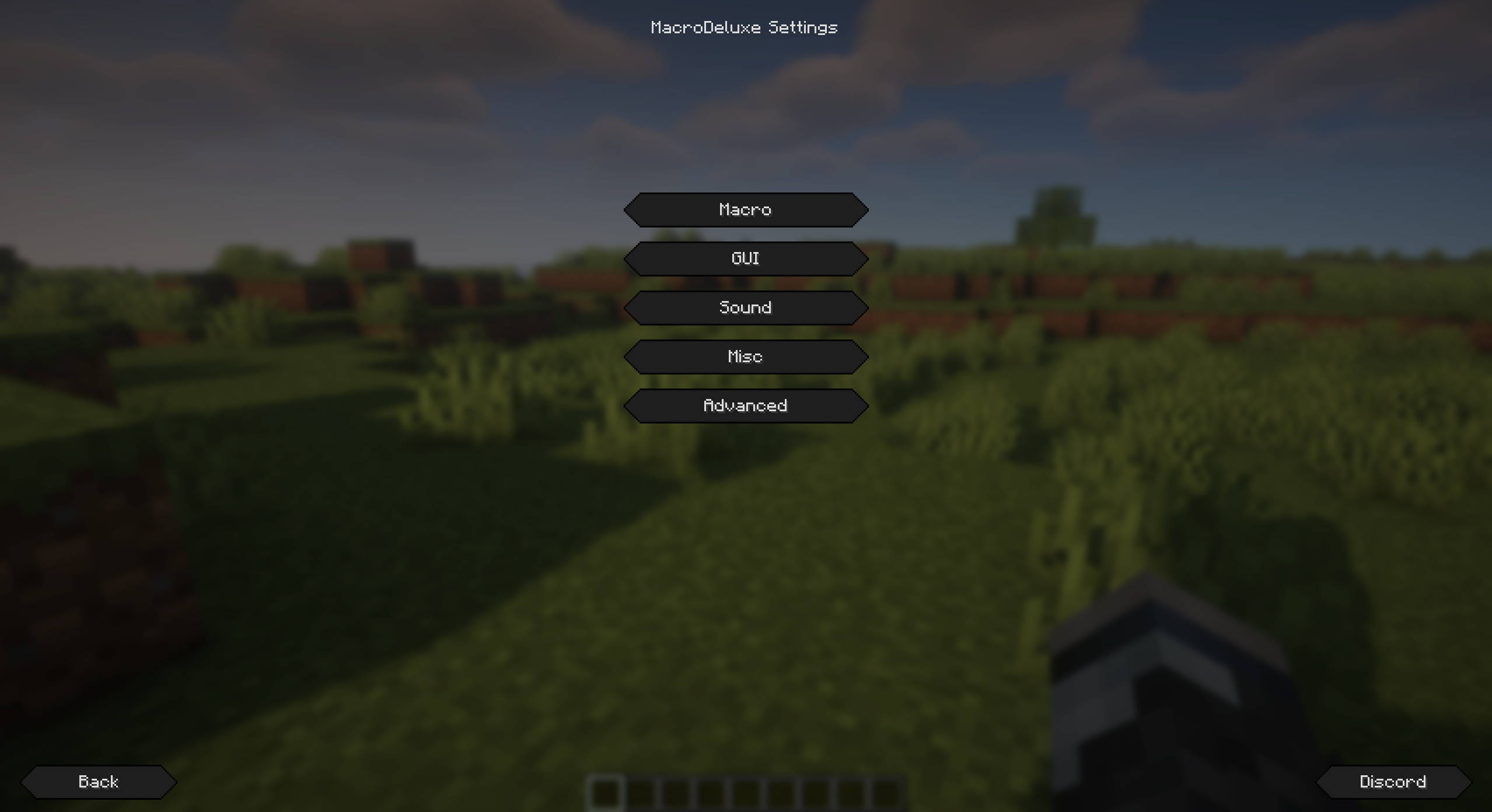
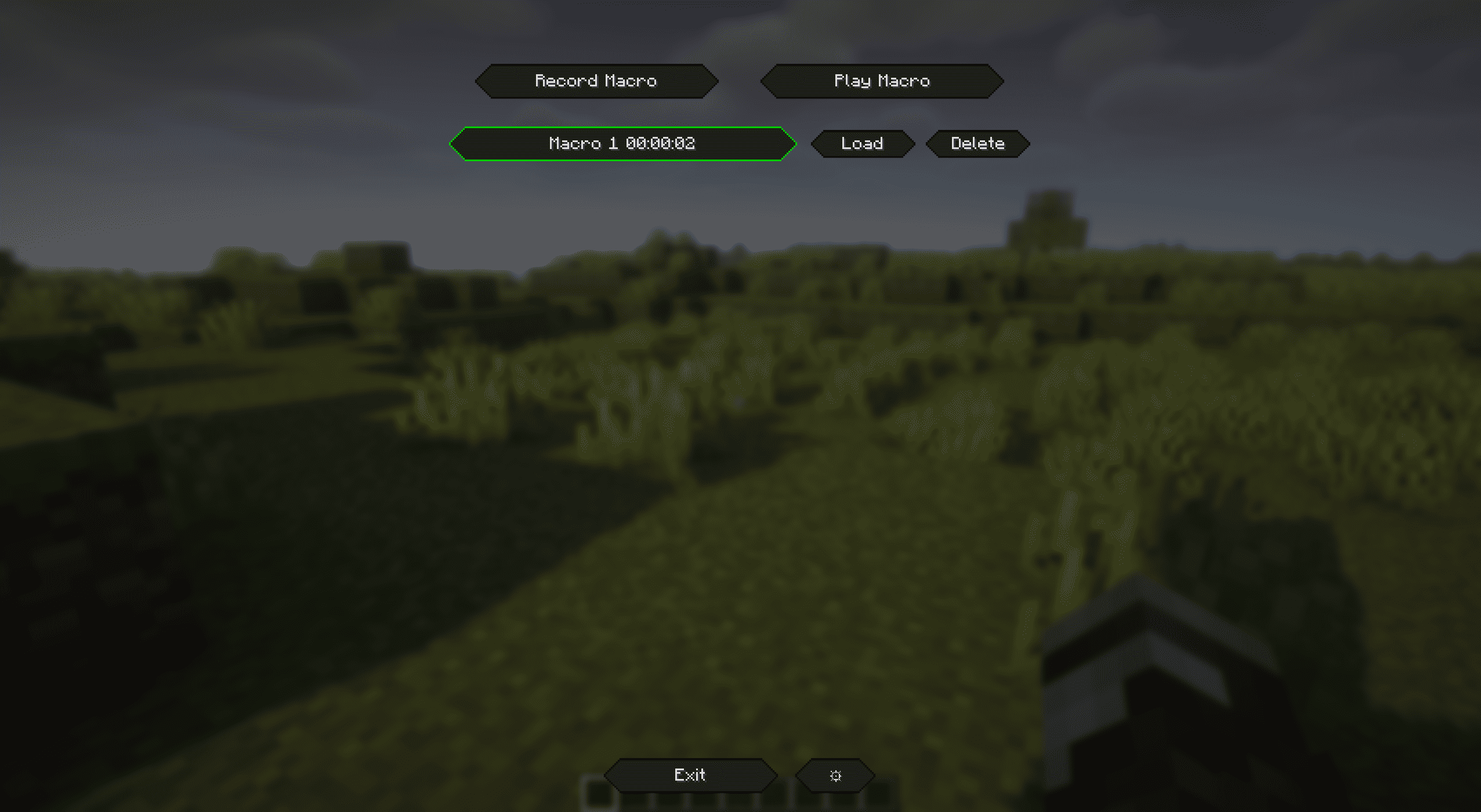
Macro Deluxe is a quality‑of‑life client mod that lets you record, edit, and play back your own input macros with a clean UI, movable HUD, and smart optional failsafes.
Highlights
- Effortless macro recording and playback
- Press the default keybinds to record with
F8and play withF9(changeable in Controls). - Supports chat messages and commands: outgoing chat and
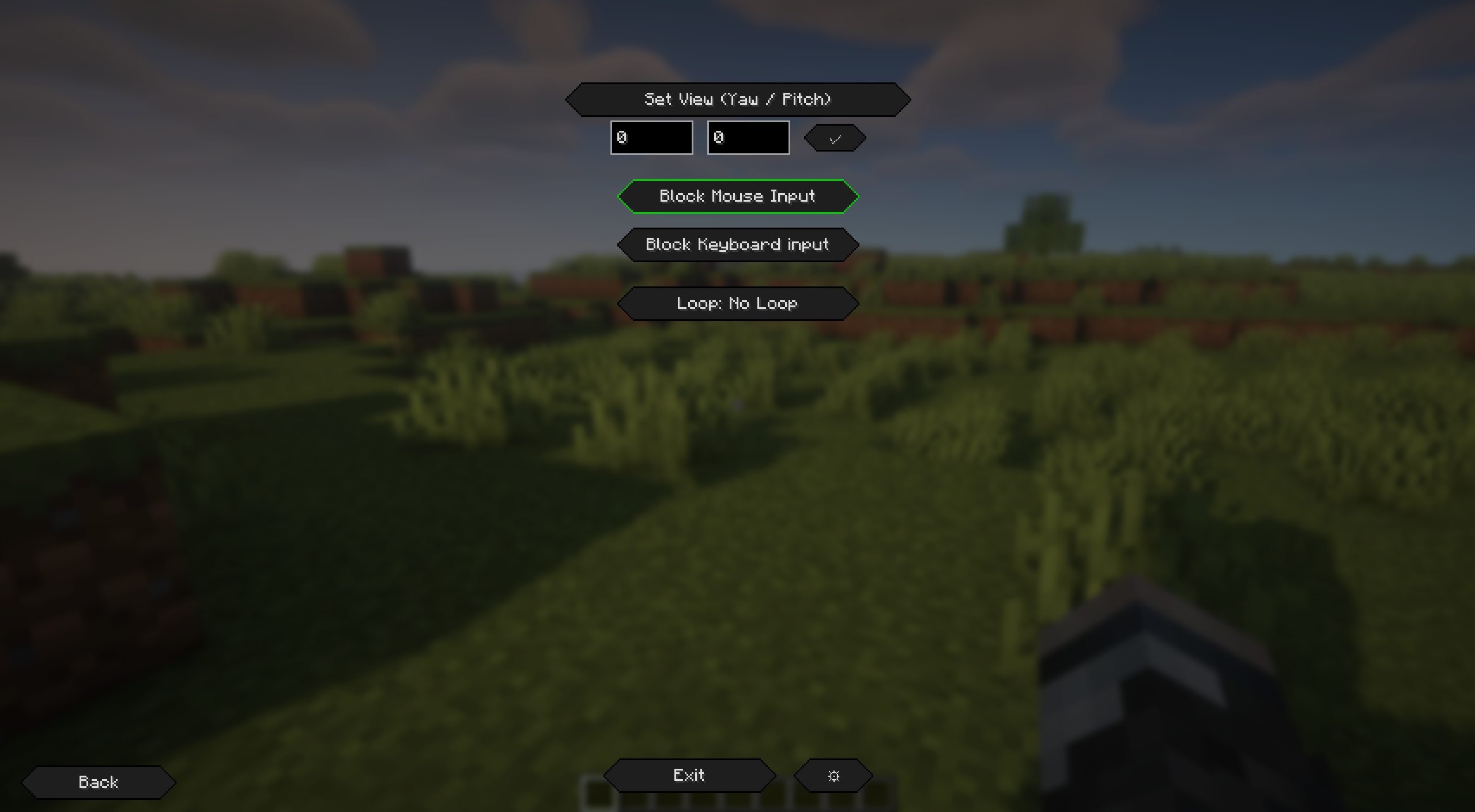
/commandsare recorded. - Optional input blocking while playing (keyboard/mouse) to avoid accidental interruptions.
- Flexible loop system
- Loop modes:
No Loop,Finite(with configurable count), orInfinite. - Movable, styled HUD overlay
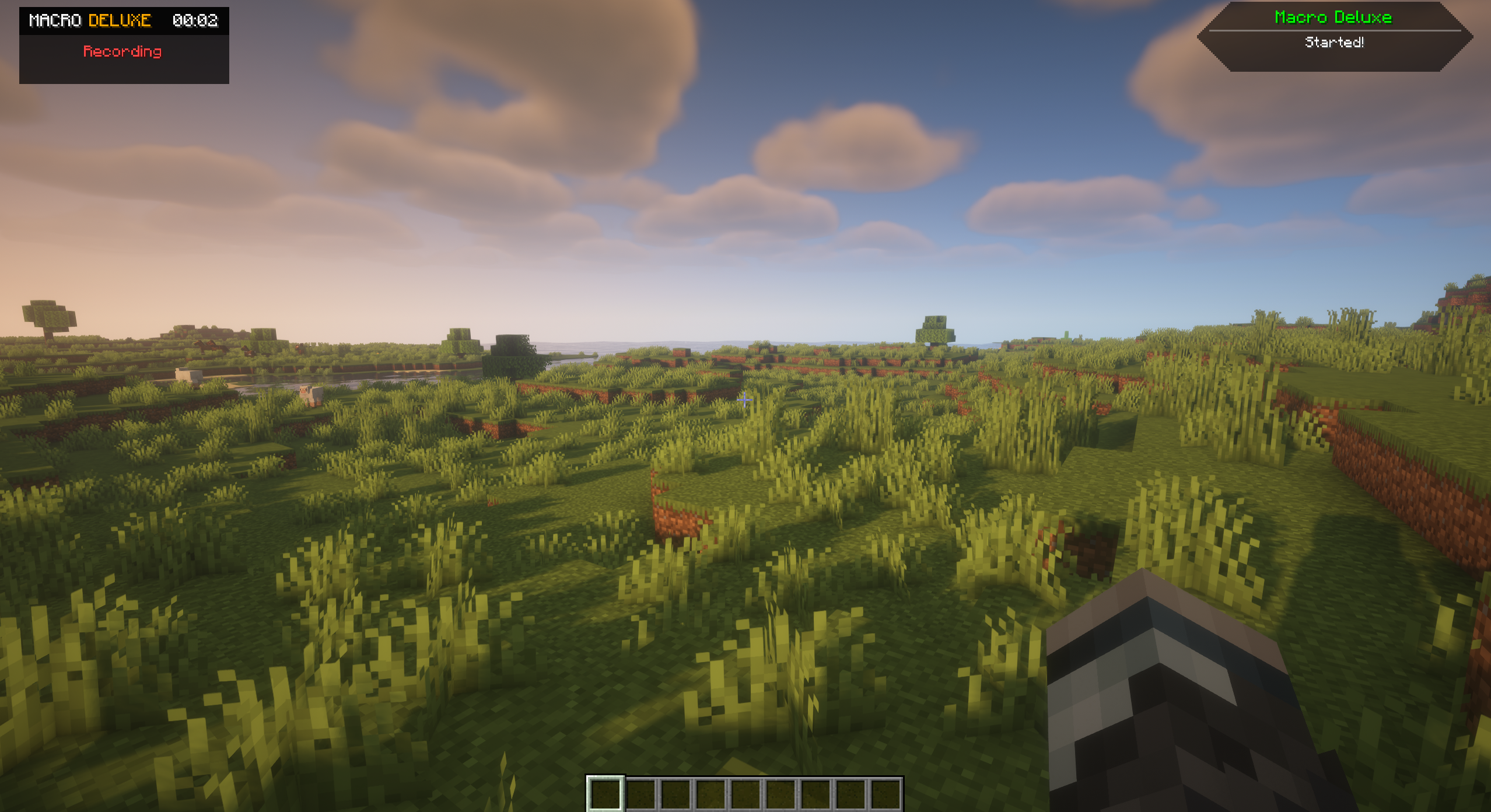
- Minimal, readable status overlay: timer, state and current loop count.
- Smart failsafes with customizable alerts
- Stop on GUI open (with optional auto‑resume on close).
- Stop on teleport, with a “world change only” option to ignore short hops.
- Audible alert on failsafe trigger: pick sound, set volume, and choose repeat behavior:
OnceSpecified Amount(numeric field)Until User Action(stops on any key press)

Keybinds (Default)
- Open Settings:
O - Apply View:
F10 - Play Macro:
F9 - Record Macro:
F8 - Stop Macro/Recording:
F7
All keybinds are configurable in Minecraft’s Controls.
How It Works
- Record your macro
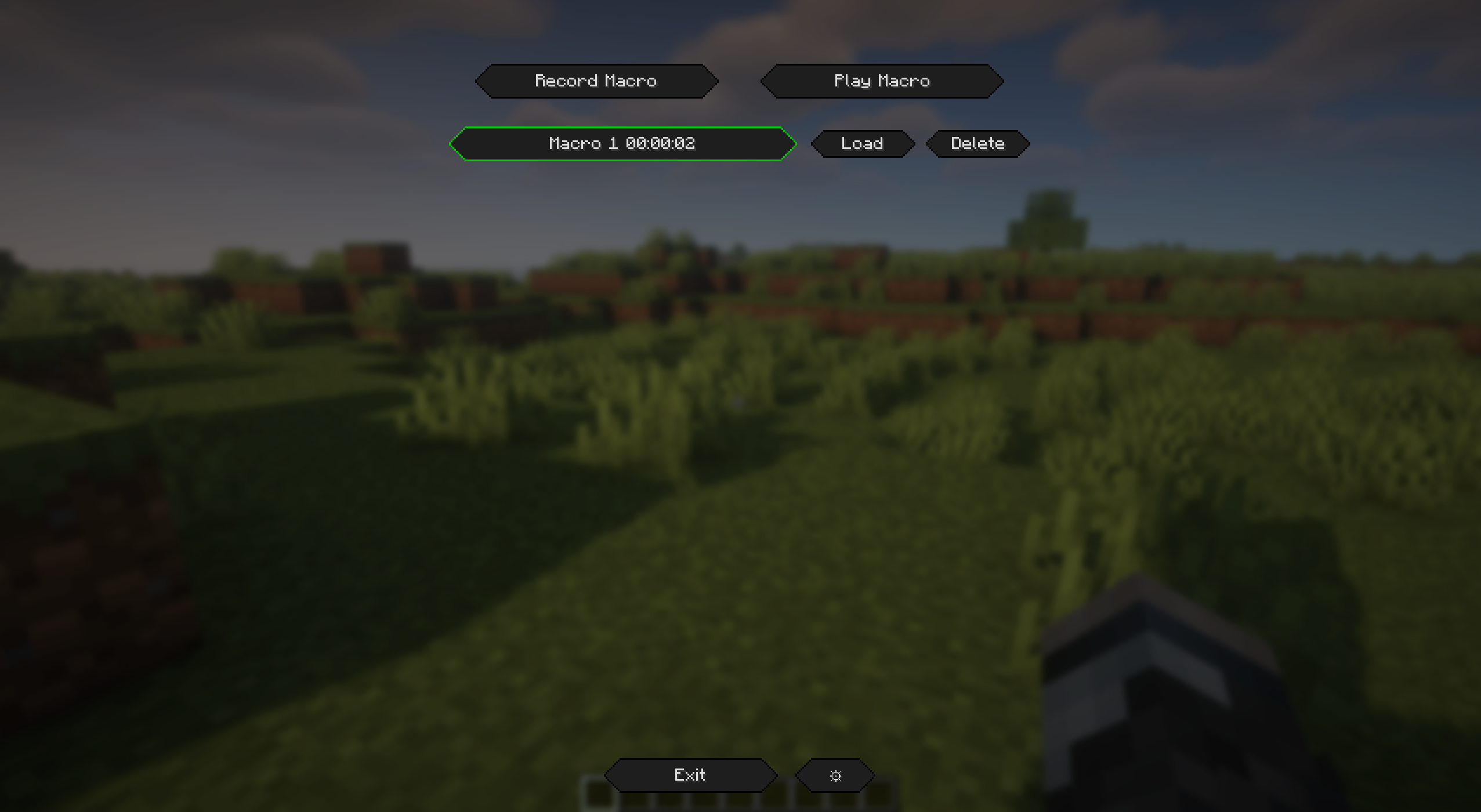
- Open the
Macro Editorfrom the mod’s settings, or just pressF8to start recording. - Perform your actions (key presses, mouse clicks, scroll, chat messages/commands).
- Press
F8again to stop. The recording is saved to your local macro library.
- Play your macro
- Select and load a macro in the
Macro Editor, then pressPlayor hitF9. - Loop behavior follows your configured mode and count.
- Manage and rename macros
- Use the
Macro Editorlist to load, rename, and delete saved macros.
- Move the HUD
- Settings → GUI →
Edit HUD Placement. - Drag the preview; click
Saveto persist.Reset Positionreturns it to the top‑left.
- Failsafe alerts
- If a failsafe triggers while playing, the macro stops and a notification + sound alert appears.
Push Notifications
- Non‑blocking, animated toasts appear in the top‑right.
- Context‑colored titles (e.g., red for failsafe/stop, green for start).
Disclaimer
This mod is intended for educational and entertainment purposes only. By downloading and using Macro Deluxe, you acknowledge that the developers of this mod are not responsible for any misuse, violations of server rules, or consequences resulting from its use. Users are solely responsible for ensuring compliance with server policies, community guidelines, and applicable laws. Use at your own risk.
Join the Discord 🙂

If you like Macro Deluxe, consider leaving feedback or feature requests on Discord. Enjoy!
常见问题
Macro Deluxe 支持哪些 Minecraft 版本?
Macro Deluxe 支持 Minecraft Java 版 1.21–1.21.4,共 5 个版本,可用的加载器:Fabric。下载时注意选择和你游戏版本一致的文件。
Macro Deluxe 怎么安装?
先用 PCL2 或 HMCL 启动器安装对应版本的 Fabric,再把下载的 .jar 文件放进游戏目录的 mods 文件夹,重新启动游戏即可。开启了版本隔离的,mods 文件夹在 versions/版本名 下面。运行环境:仅客户端。


评论
登录后评论和评分