
Lunex
A programming and automation mod that allows players to use Lua scripts to control machines, interactive turtles, item logistics, HTML/CSS UIs, and custom mob AI.
截图
介绍
Lunex
Lunex is a programming and automation mod inspired by ComputerCraft that introduces a scriptable sandbox environment into Minecraft.
Key Features
Script Execution & World Interaction (Powered by LuaJ)
Executes Lua scripts within a Virtual Machine environment utilizing the LuaJ engine. This scripting capability applies to both stationary machines and mobile “turtles”. Turtles can be programmed to physically interact with the game world, allowing for automated block breaking, placement, and movement.
Logistics & Monitoring System
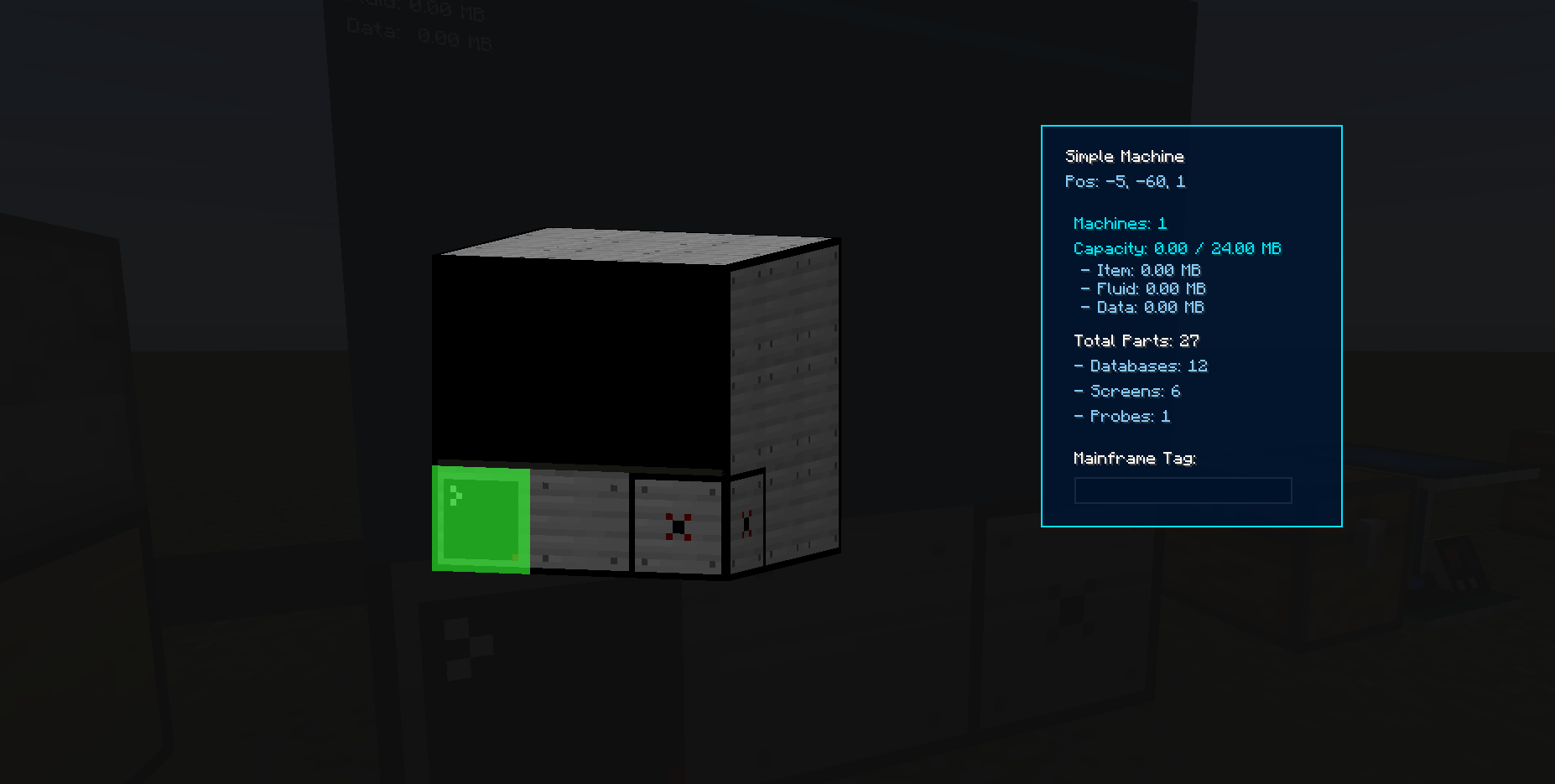
Features a centralized logistics network capable of managing items and automating transportation. The system utilizes cables to connect inventories (such as chests) for item routing. Additionally, dedicated monitor blocks can be attached to external machines to observe their status and control item input/output programmatically.
Custom Mob AI Control
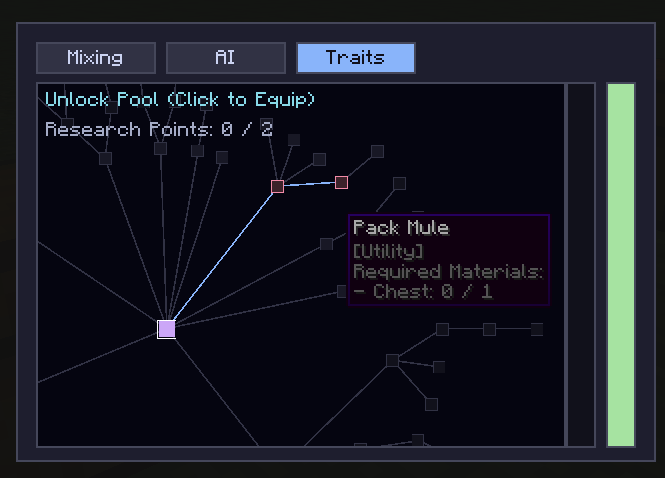
Allows for the creation and behavioral modification of custom entities. Physical attributes can be configured using a node-based Trait Tree. Furthermore, players can directly manipulate and define the mob’s AI Goal models through Lua scripting to create complex, customized entity behaviors.
In-Game Web Rendering (HTML & CSS)
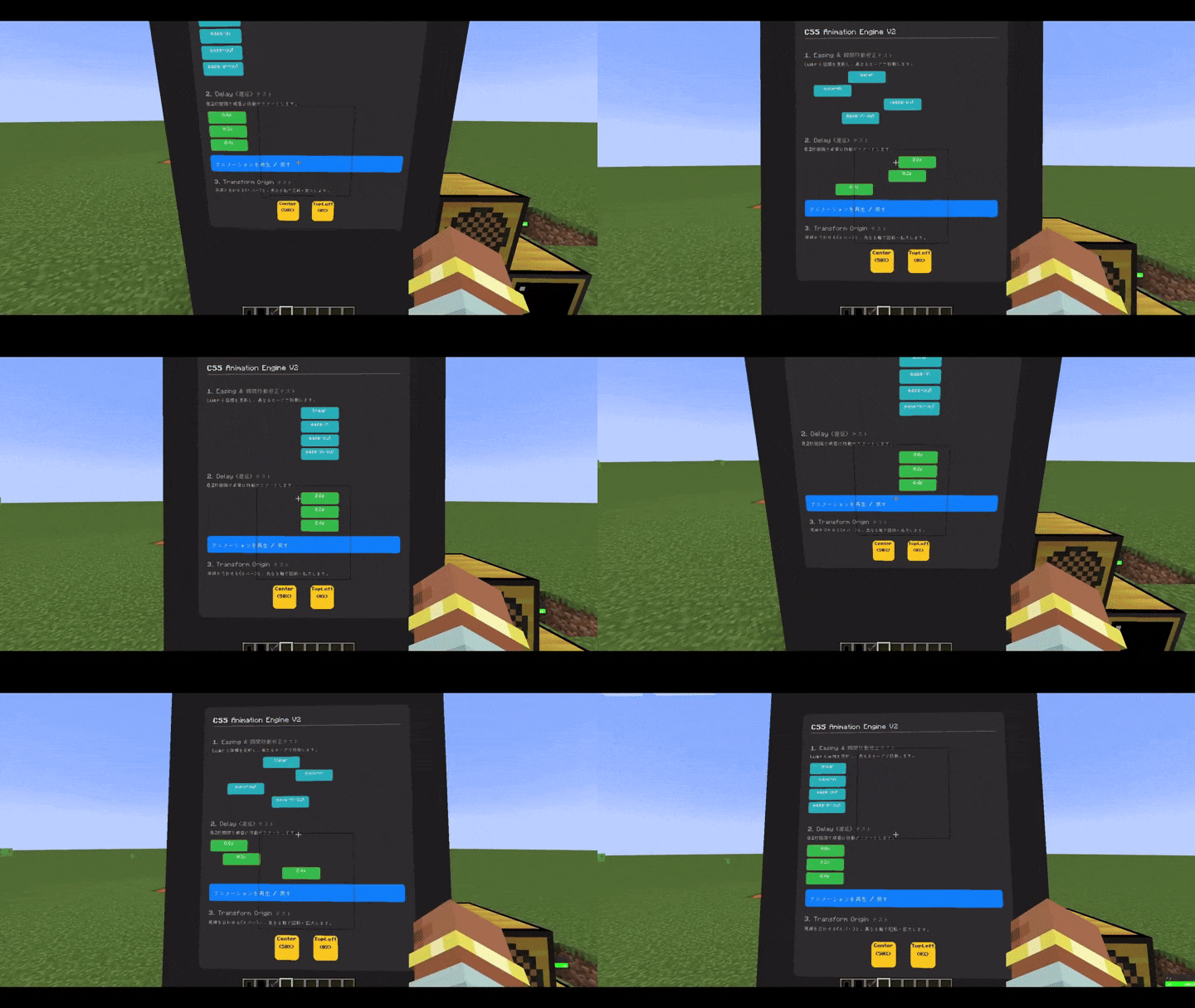
Supports the creation of modern graphical user interfaces within the game. Players can write standard HTML and CSS to design custom UIs, which are then processed and displayed directly onto specific in-game blocks via a custom-built rendering engine.
External Network Integration
Includes native support for external network communications via HTTP requests and WebSocket connections, allowing in-game systems to synchronize with external APIs and servers. The mod also provides built-in parsers for JSON and TXT files to process external data within the Lua environment.
常见问题
Lunex 支持哪些 Minecraft 版本?
Lunex 支持 Minecraft Java 版 1.21.1,可用的加载器:NeoForge。下载时注意选择和你游戏版本一致的文件。
Lunex 怎么安装?
先用 PCL2 或 HMCL 启动器安装对应版本的 NeoForge,再把下载的 .jar 文件放进游戏目录的 mods 文件夹,重新启动游戏即可。开启了版本隔离的,mods 文件夹在 versions/版本名 下面。
评论
登录后评论和评分