
Lunar Block Overlay
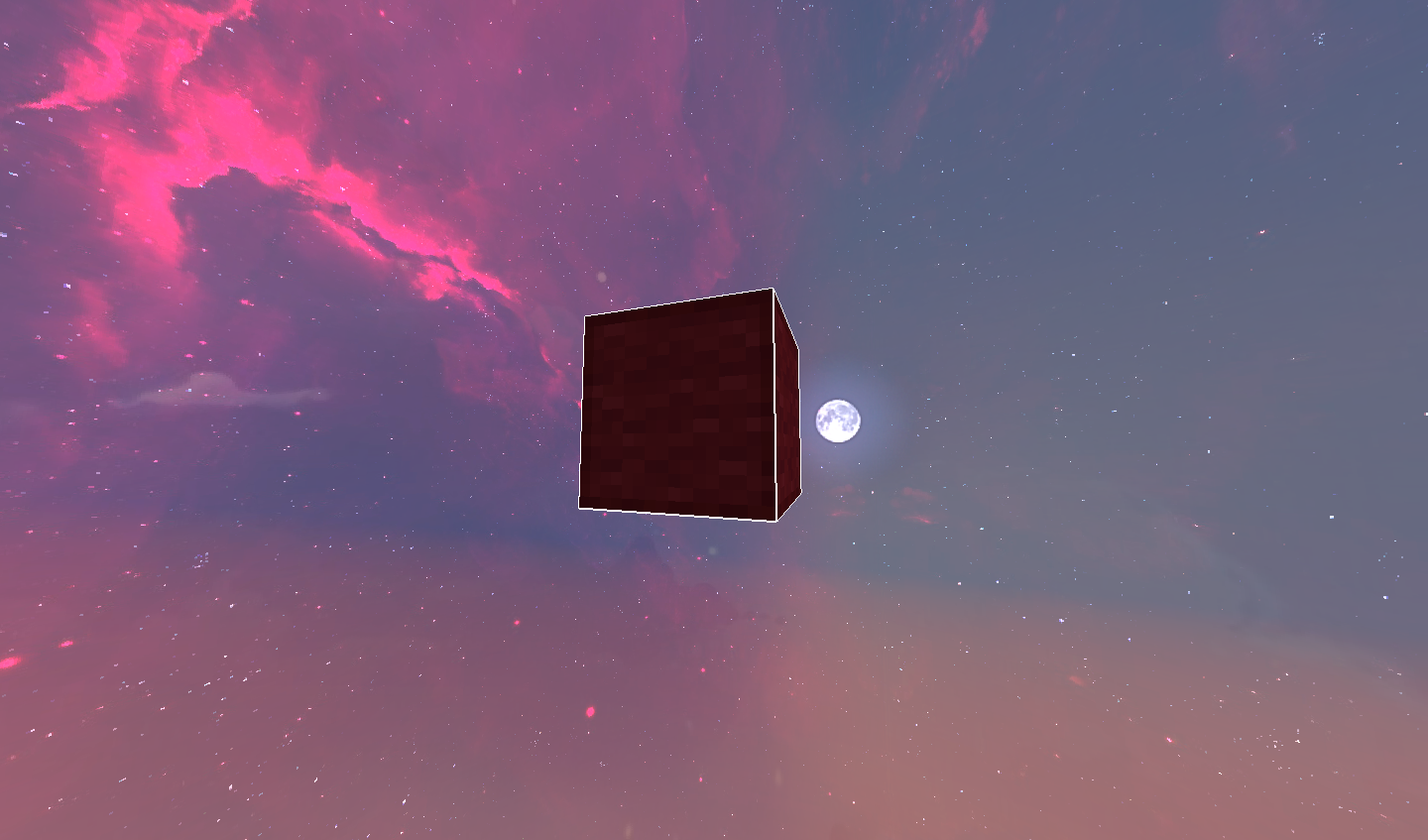
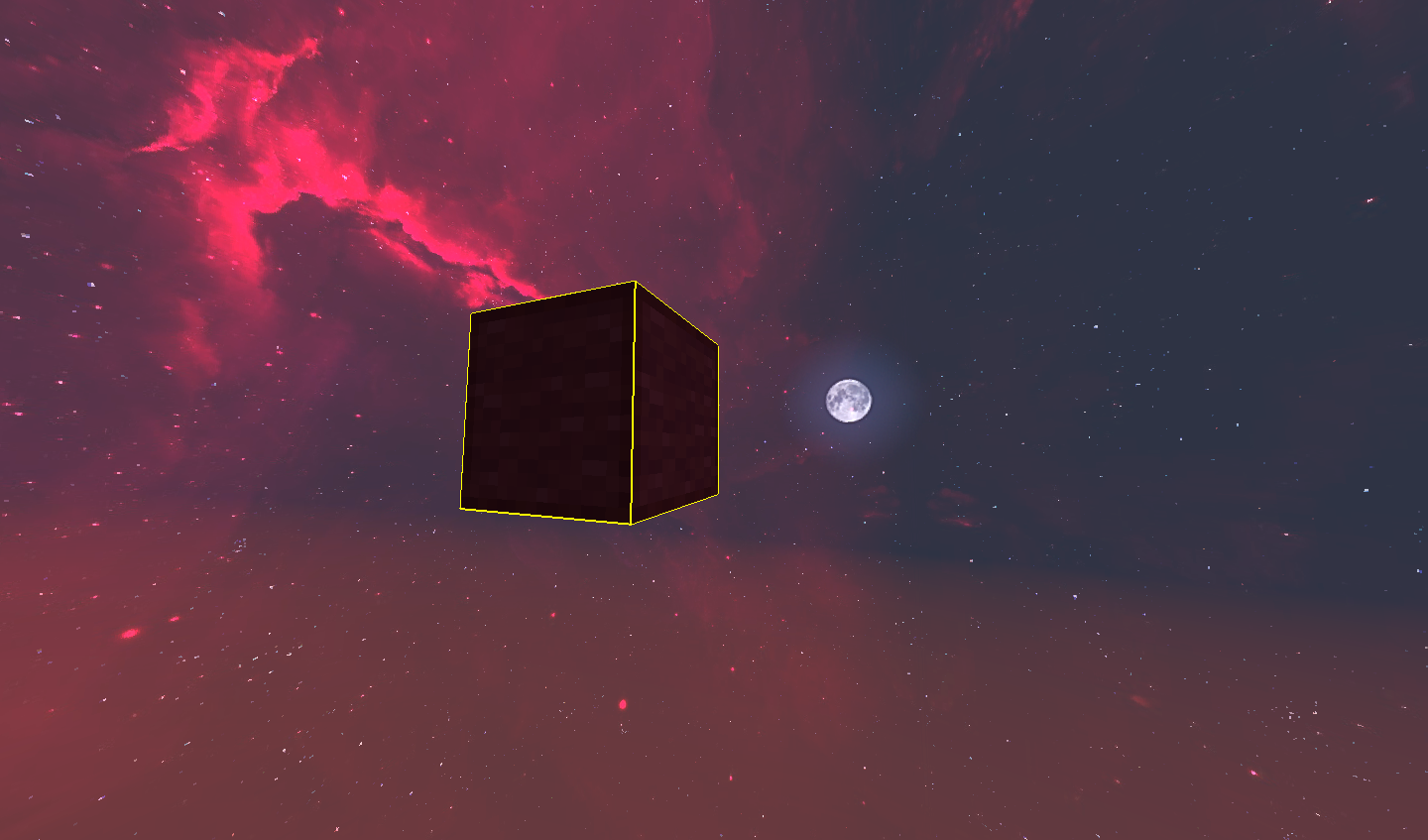
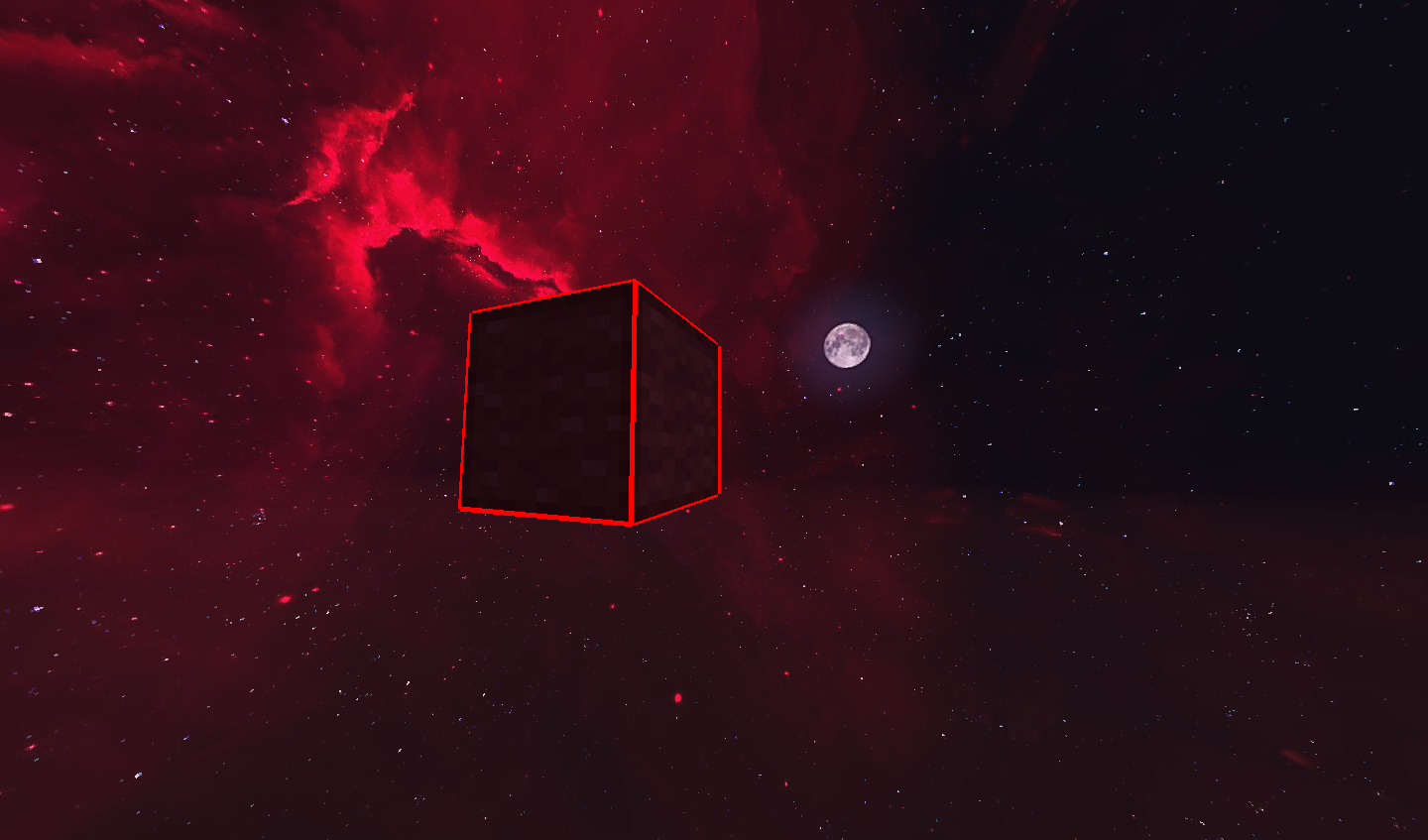
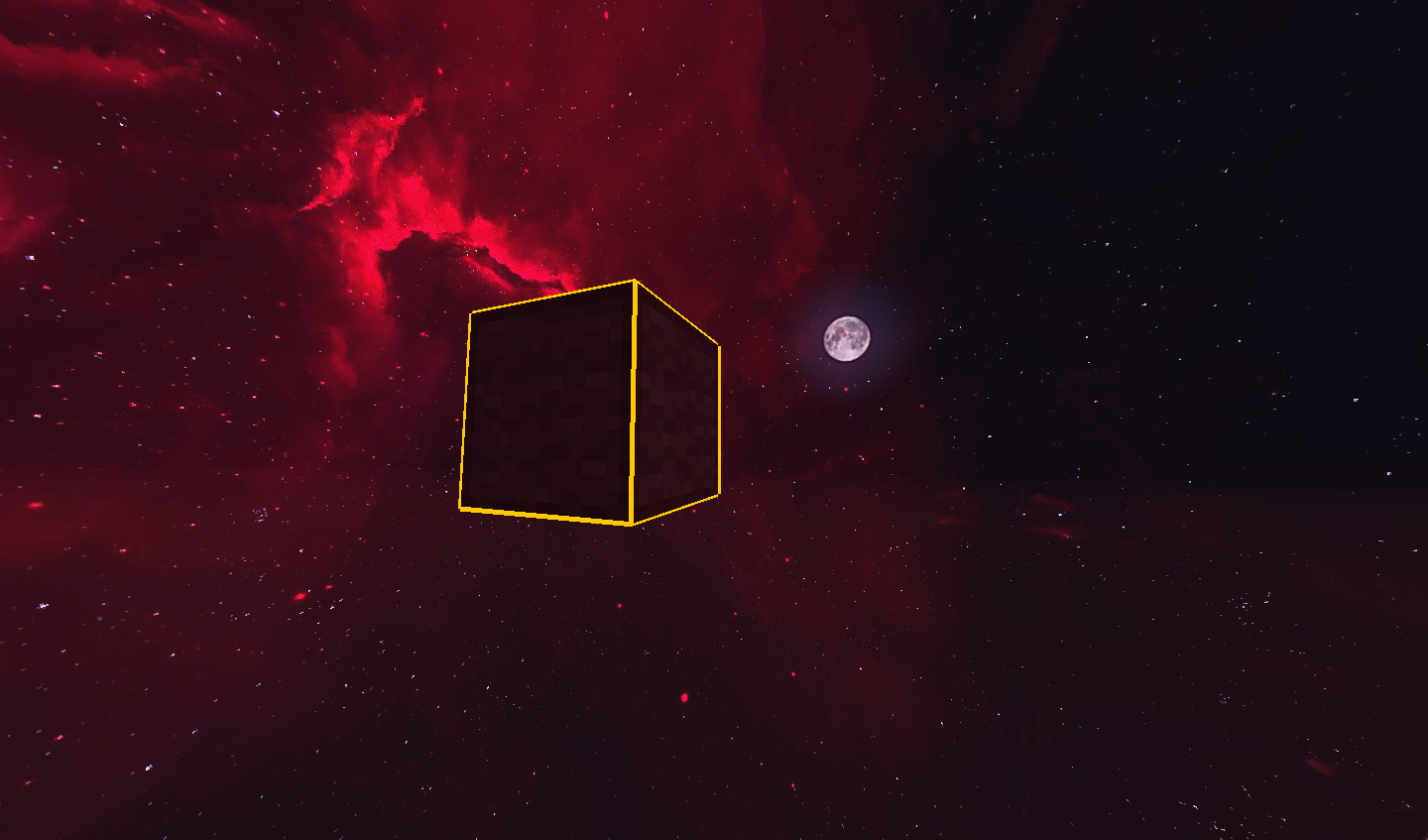
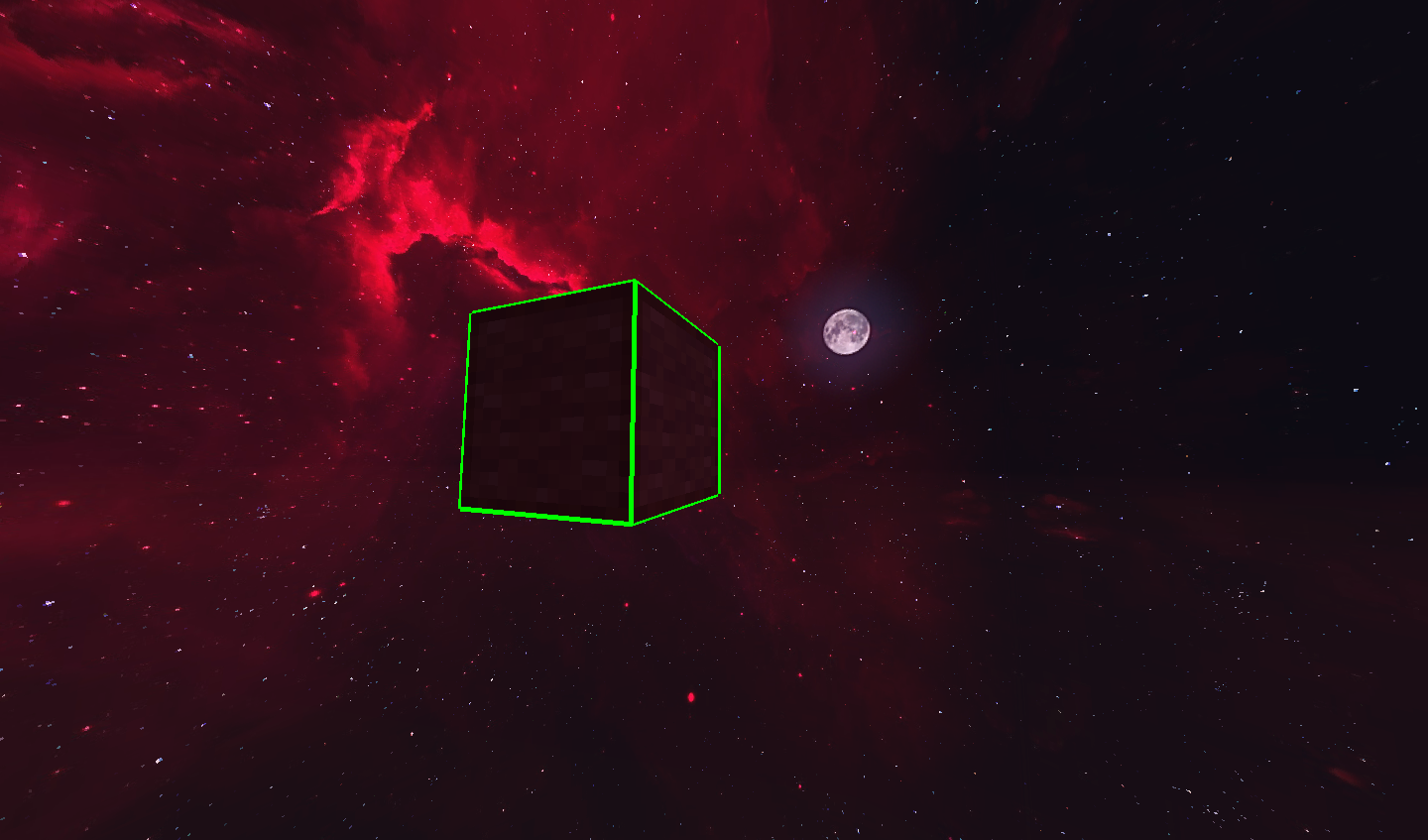
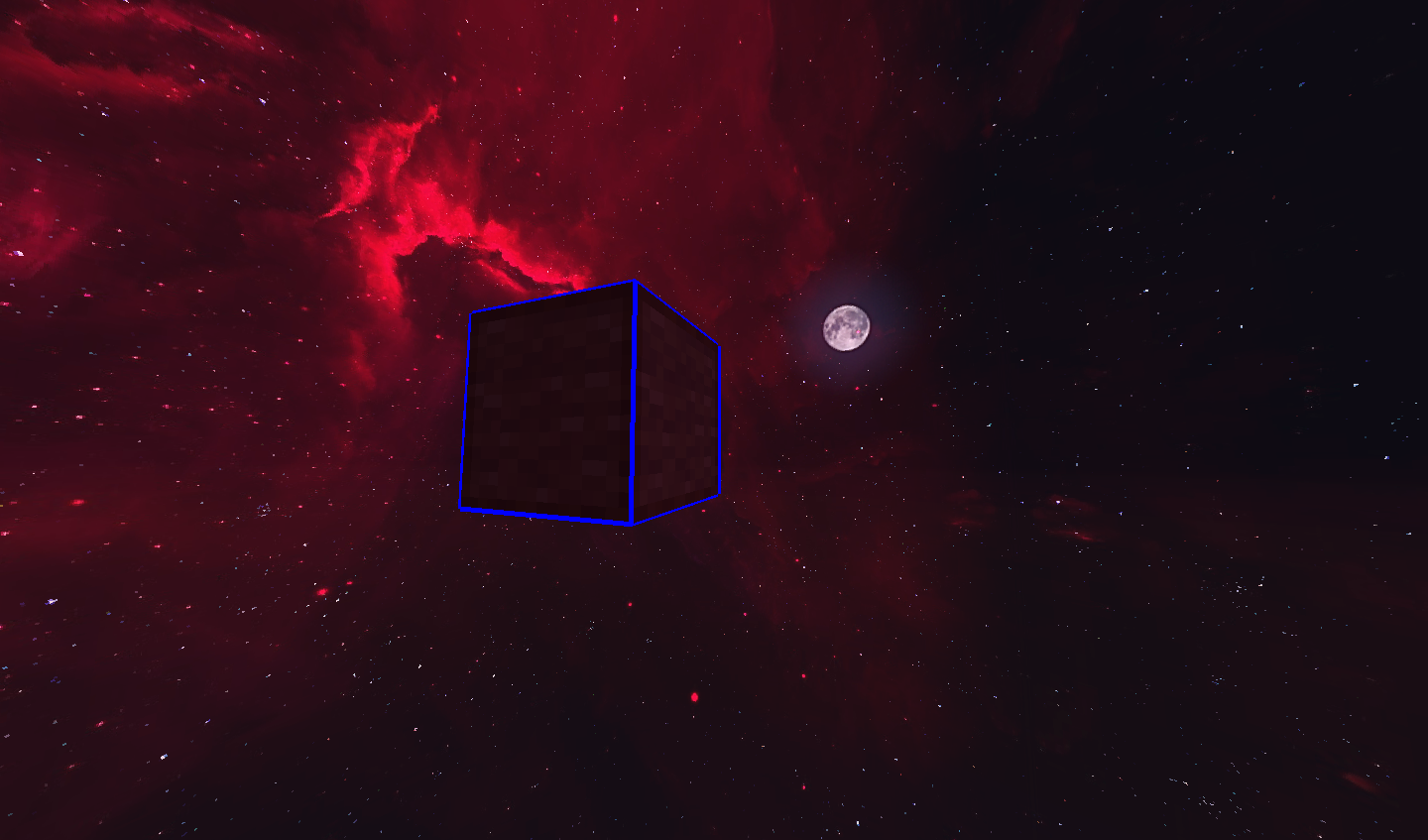
Lunar Block Overlay is a mod that enhances block selection by allowing players to customize the overlay color and thickness.🚀
截图
介绍
Lunar Block Overlay
📝 Description:
Lunar Block Overlay is a mod that enhances the block selection outline with customizable colors and adjustable thickness. This mod is perfect for builders, PvPers, and anyone who wants a clearer visual when selecting blocks.
🎮 How to Use:
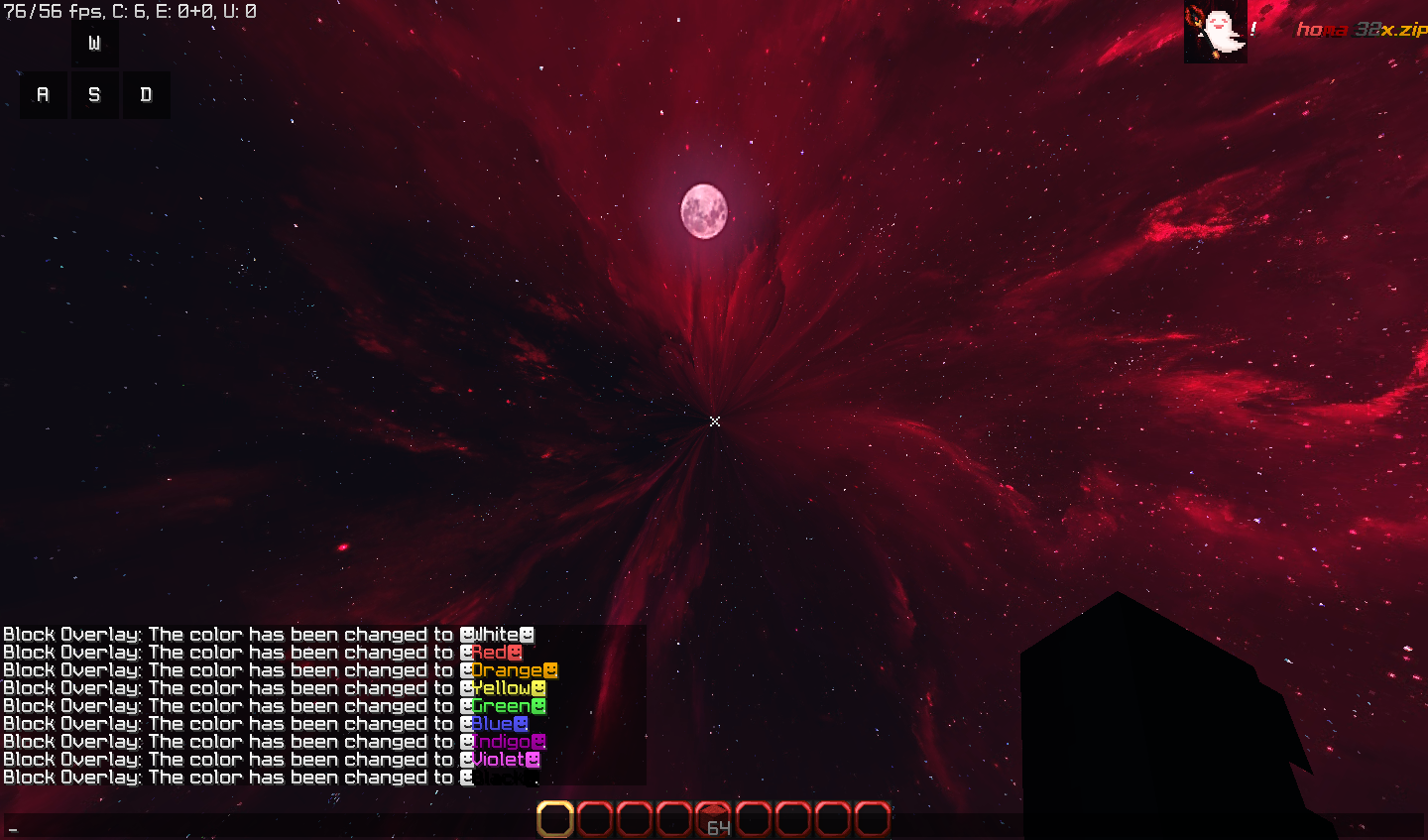
Change Overlay Color: Press \ to cycle through Colors.
Adjust Thickness: Press + to increase and – to decrease.
Chat Notifications: Each change is displayed in chat, with the color name appearing in its respective color.
Change key bindings: All key bindings can be changed through the Minecraft control menu.
For more help you can contact me on my discord server or DM me worst_boy
常见问题
Lunar Block Overlay 支持哪些 Minecraft 版本?
Lunar Block Overlay 支持 Minecraft Java 版 1.8.9,可用的加载器:Forge。下载时注意选择和你游戏版本一致的文件。
Lunar Block Overlay 怎么安装?
先用 PCL2 或 HMCL 启动器安装对应版本的 Forge,再把下载的 .jar 文件放进游戏目录的 mods 文件夹,重新启动游戏即可。开启了版本隔离的,mods 文件夹在 versions/版本名 下面。运行环境:仅客户端。
RGRakib 的其他作品
查看全部 →
Lunar Keystrokes
Add a custom keystrokes in your screen

Lunar Armor Hud
Displays your armor status in a Lunar Client style HUD.

Advanced Perspective Mod
Advanced Perspective Mod (Forge 1.8.9) – Toggle third-person back and third-person front separately with dedicated keybinds! Skip the annoying front cam delay and instantly check your surroundings in PvP. A must-have for Bedwars & Skywars players!

Lunar Pack Display
Displays your current resource pack with thumbnail, name, and customizable HUD. Features draggable position, scalable size, and toggleable options.
评论
登录后评论和评分