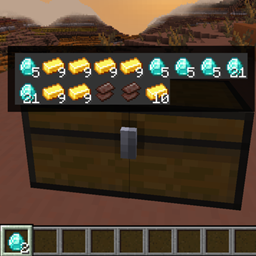
截图
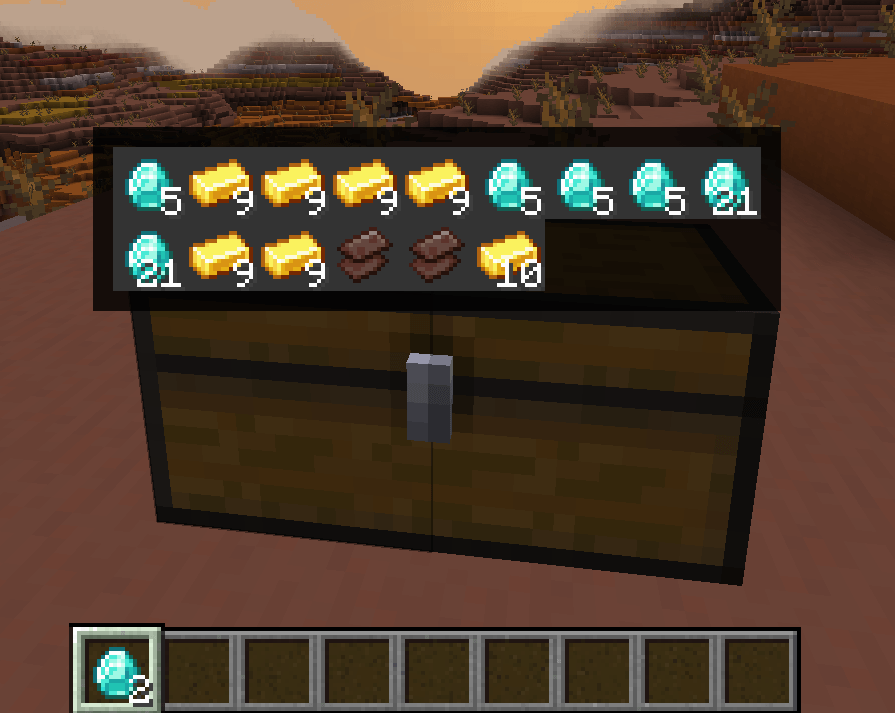
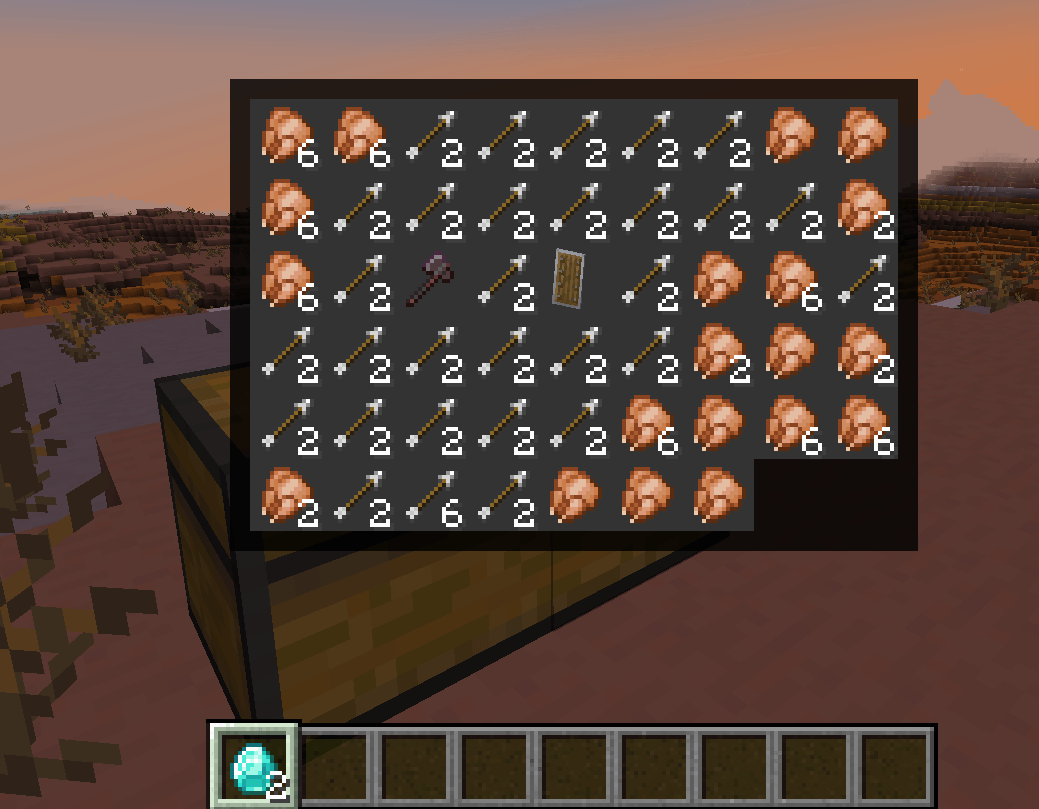
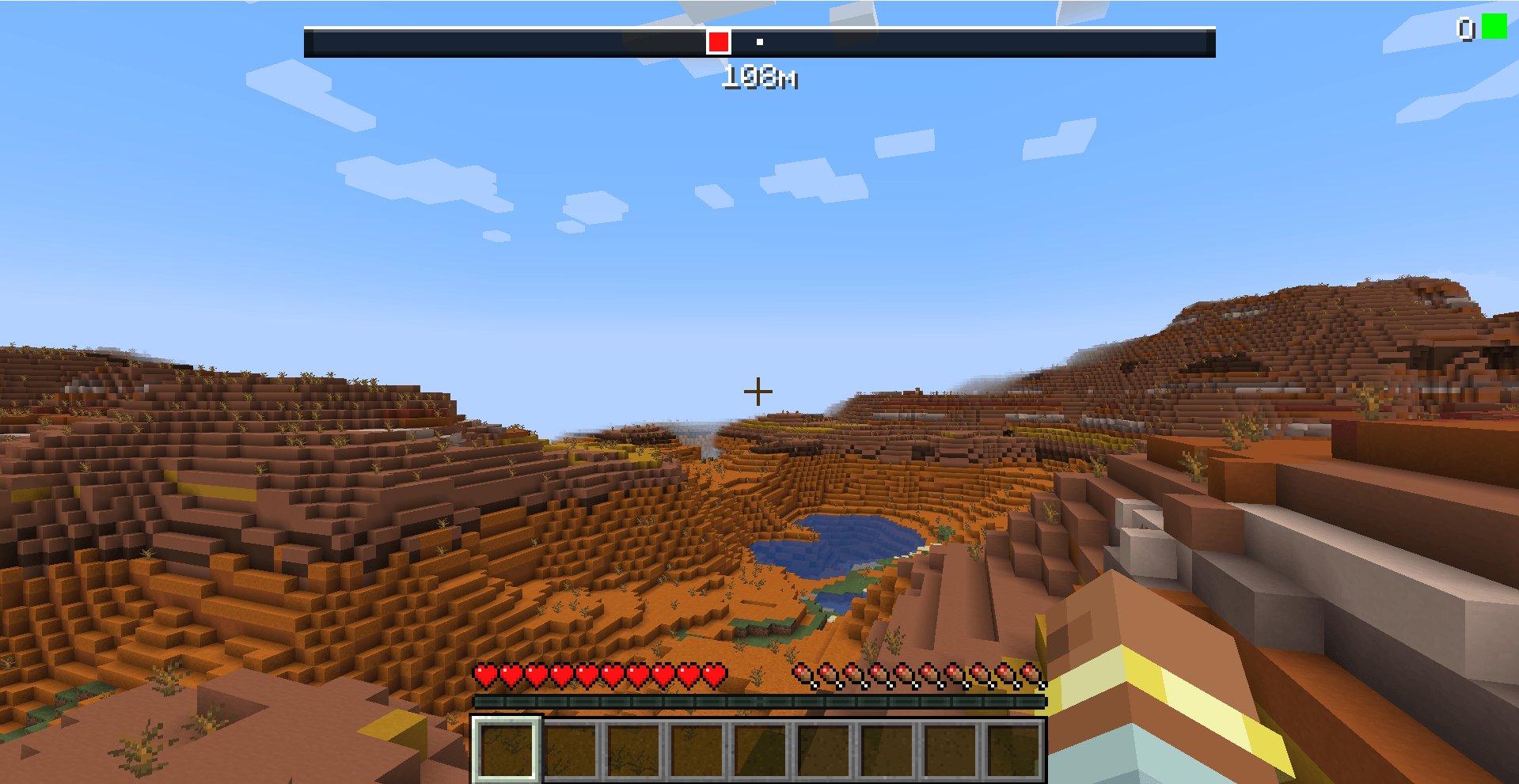
介绍
中文介绍正在准备中,下面暂时显示原文。
LootScope


LootScope is a client-side Minecraft mod that enhances exploration and looting with a set of handy tools: zoom, brightness boost, death compass, and chest preview.
✨ Features
- 🔍 Zoom – hold
Rto zoom in (like a spyglass). - ☀️ Brightness boost – toggle
Bto brighten the screen with a semi‑transparent green filter (great for dark areas). - 💀 Death navigation – automatically tracks your last death and shows:
- a compass bar pointing to the death location,
- distance in meters,
- world indicator (Overworld/Nether/End),
- toggle visibility with
G.
- 📦 Chest preview – aim at a chest (without opening it) to see its contents in a popup window. The cache updates automatically when you open/close a chest.
- 👁️ Hide preview – press
F6to temporarily hide the preview overlay (press again to show).
🎮 Controls
| Action | Key |
|---|---|
| Zoom (hold) | R |
| Toggle brightness | B |
| Toggle death overlay | G |
| Toggle preview overlay | F6 |
All keys can be rebound in Options → Controls (category key.categories.lootscope).
⚙️ Installation
- Install Minecraft Forge for 1.21.1 (or compatible version).
- Download the latest
LootScope.jarfrom Releases. - Place the
.jarfile into your.minecraft/mods/folder. - Launch Minecraft with the Forge profile.
🖼️ Screenshots


📄 License
This project is licensed under the MIT License. See the LICENSE file for details.
常见问题
LootScope 支持哪些 Minecraft 版本?
LootScope 支持 Minecraft Java 版 1.21.1,可用的加载器:Forge。下载时注意选择和你游戏版本一致的文件。
LootScope 怎么安装?
先用 PCL2 或 HMCL 启动器安装对应版本的 Forge,再把下载的 .jar 文件放进游戏目录的 mods 文件夹,重新启动游戏即可。开启了版本隔离的,mods 文件夹在 versions/版本名 下面。

评论
登录后评论和评分