
截图

介绍
中文介绍正在准备中,下面暂时显示原文。

Loot Table Wand
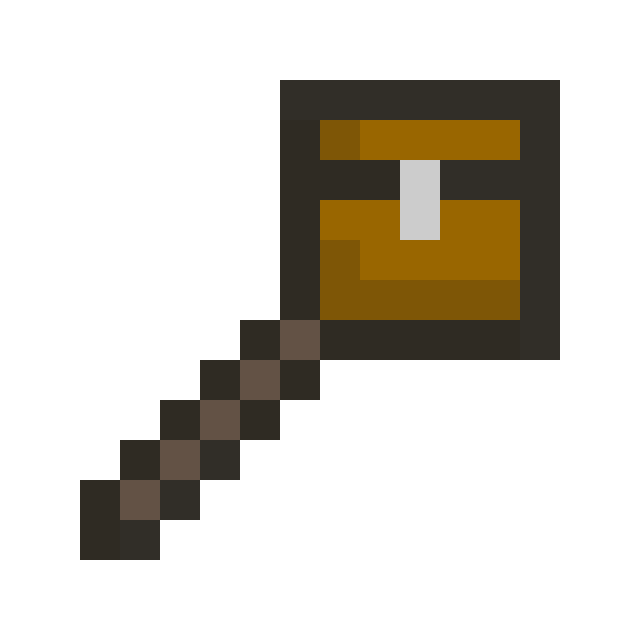
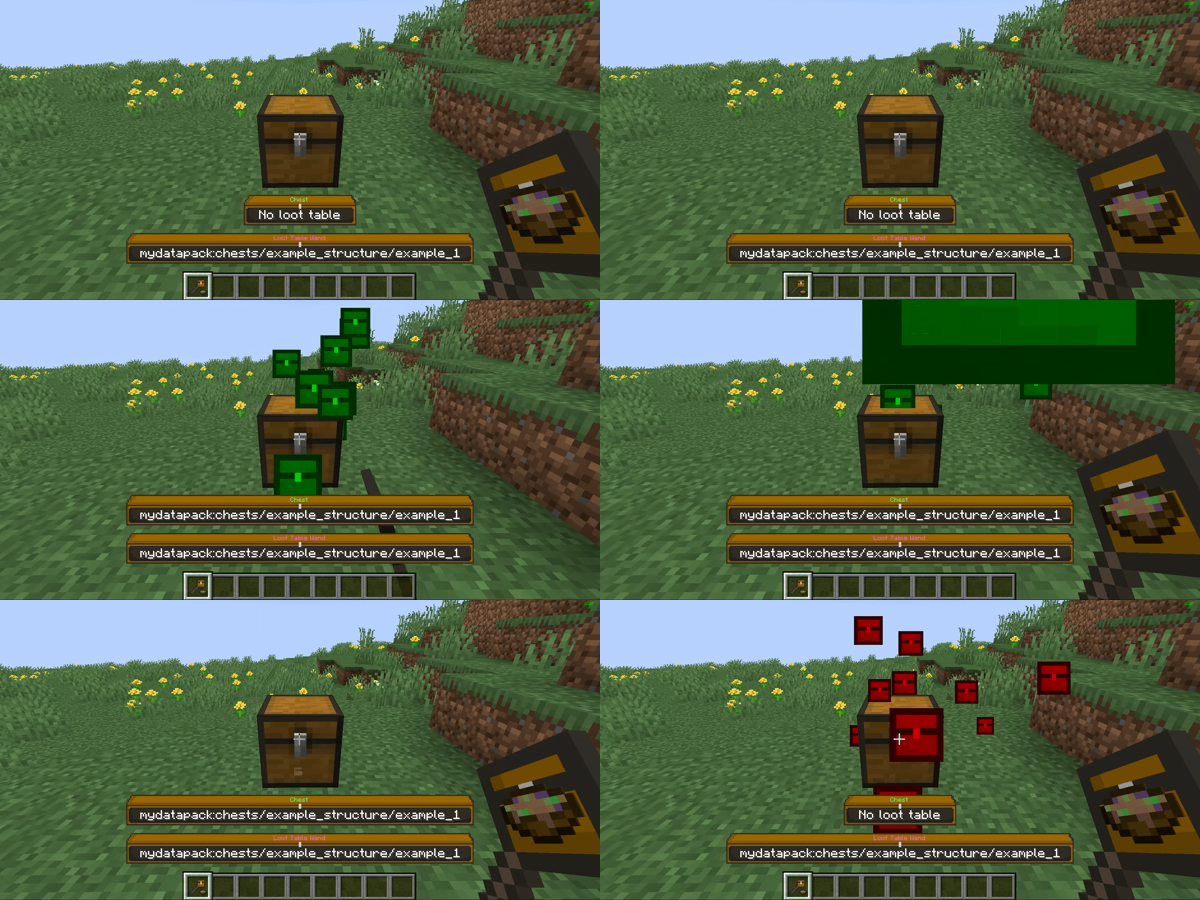
New operator tool: Loot Table Wand
- Interact with container blocks like chests, barrels and shulker boxes
- Append, remove, copy and inspect container loot tables
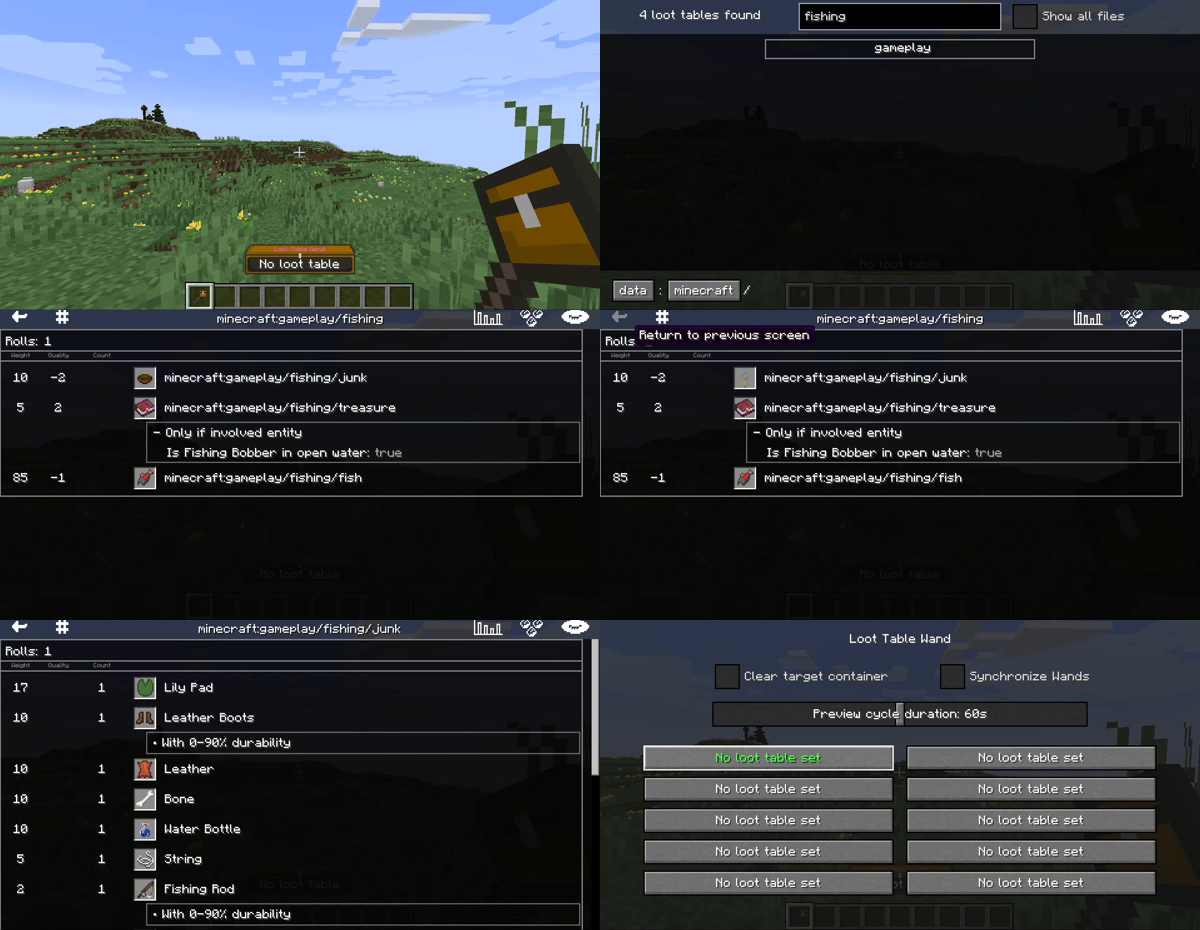
- Browse all loaded loot tables (vanilla, mods, datapacks)
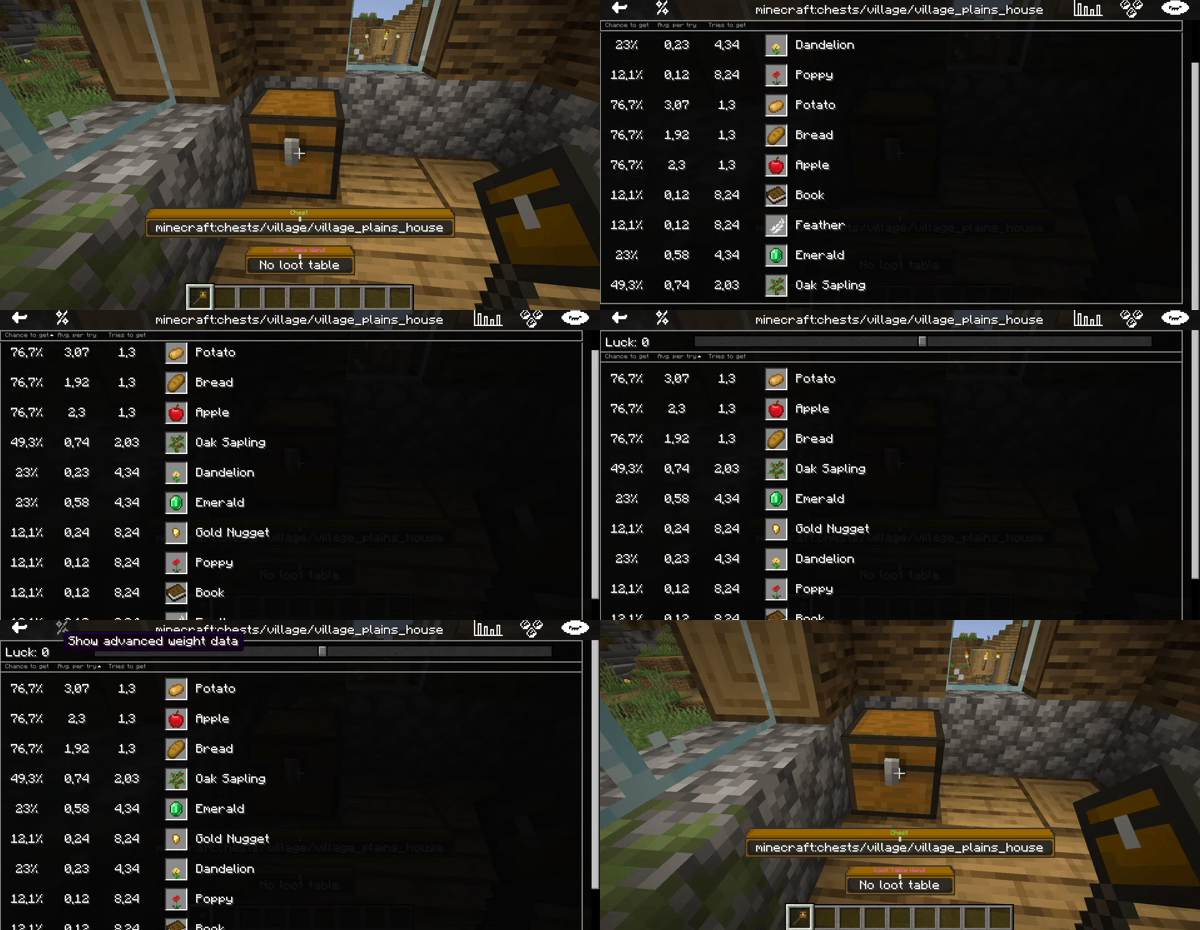
- View any loot table in one of two modes:
- Raw entry data (rolls, bonus rolls, weight, quality, count)
- Calculated data (chance to obtain, average count obtained, tries to get)
- Loot item preview in your inventory
Use cases
- Simplify structure building (no more /data commands for loot)
- Learn more about loot tables (vanilla or other mods)
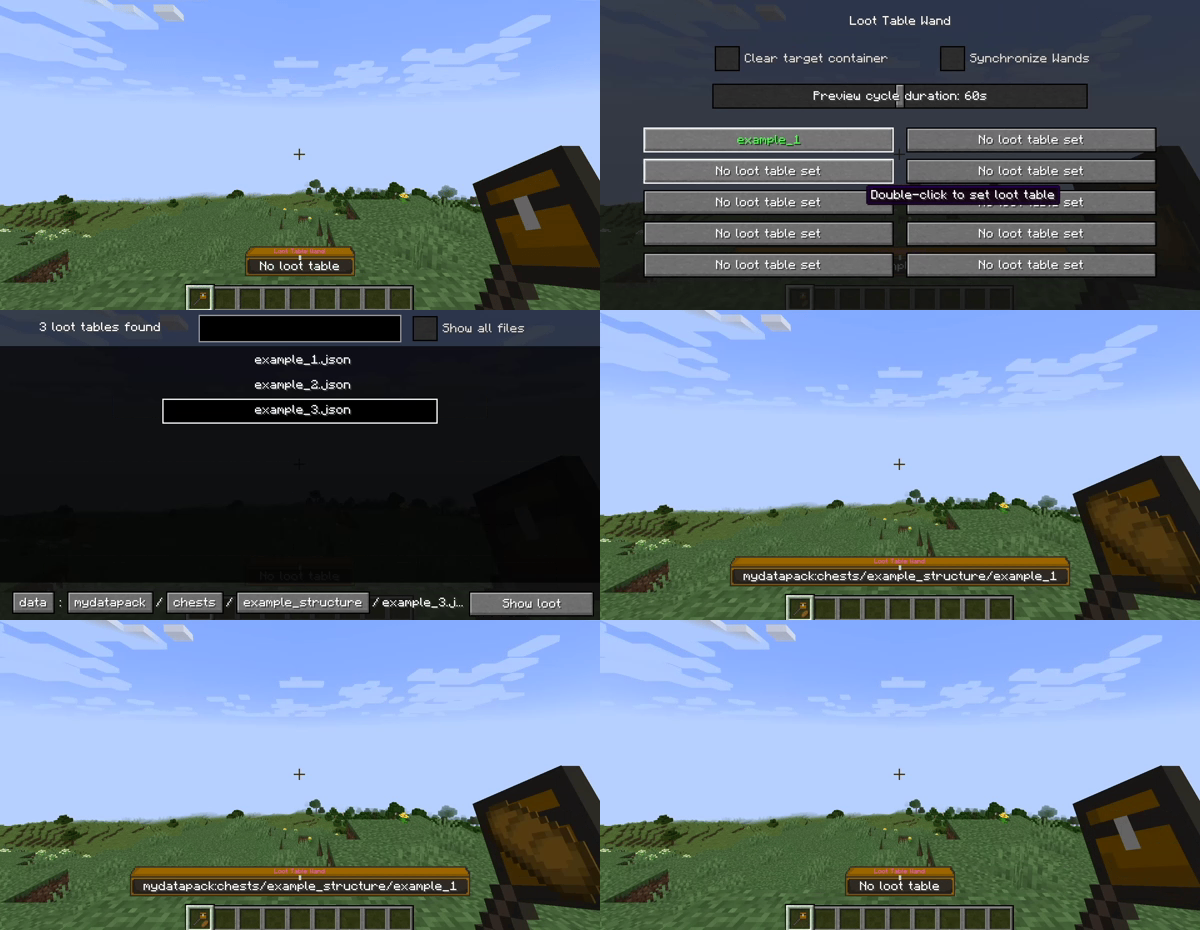
Select loot tables
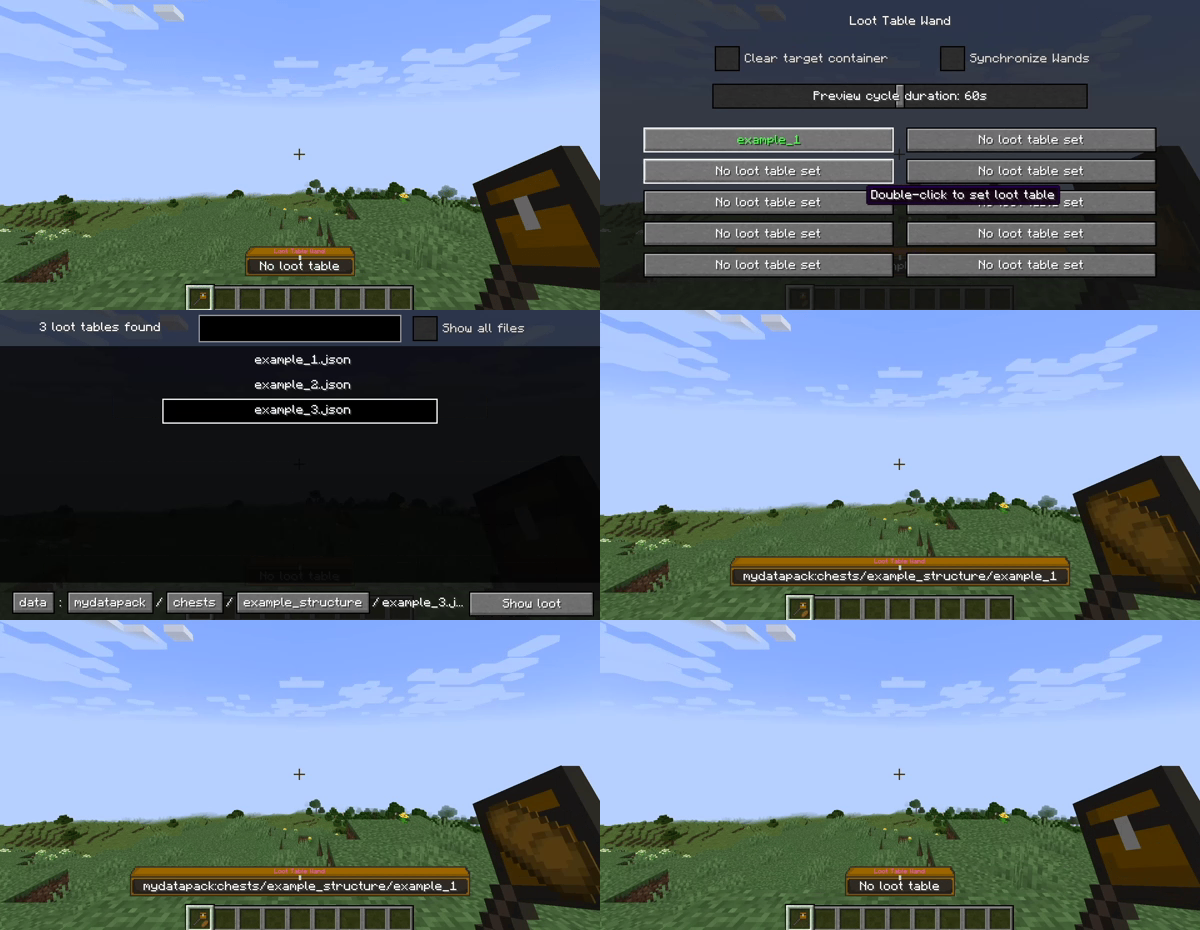
- Double-click to select loot tables
- Store up to 10 loot tables per wand (90 in hotbar, 270 in inventory)
- Use the stored loot tables to:
Modify loot tables
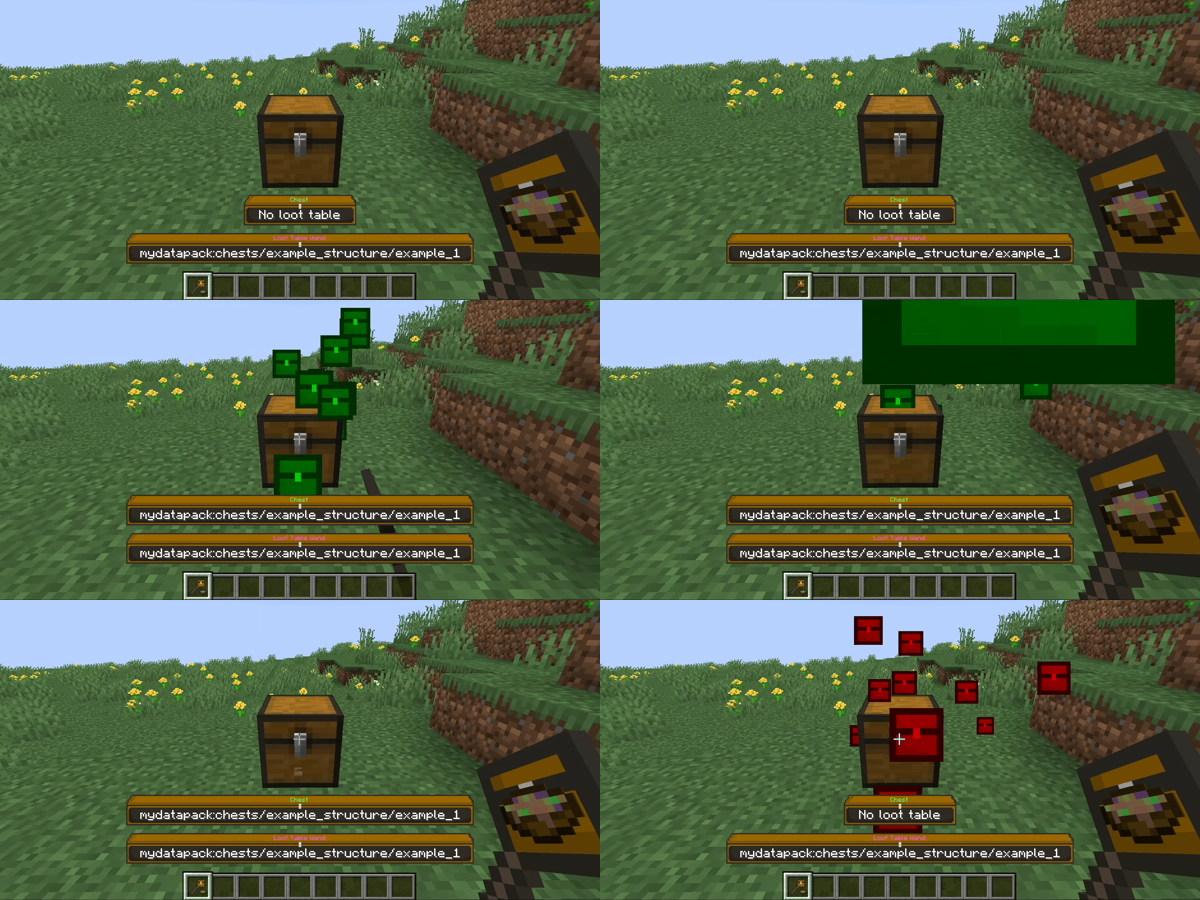
- Right-click: Append loot table
- Left-click: Remove loot table
- Hold shift to open/destroy the container instead
Copy loot tables
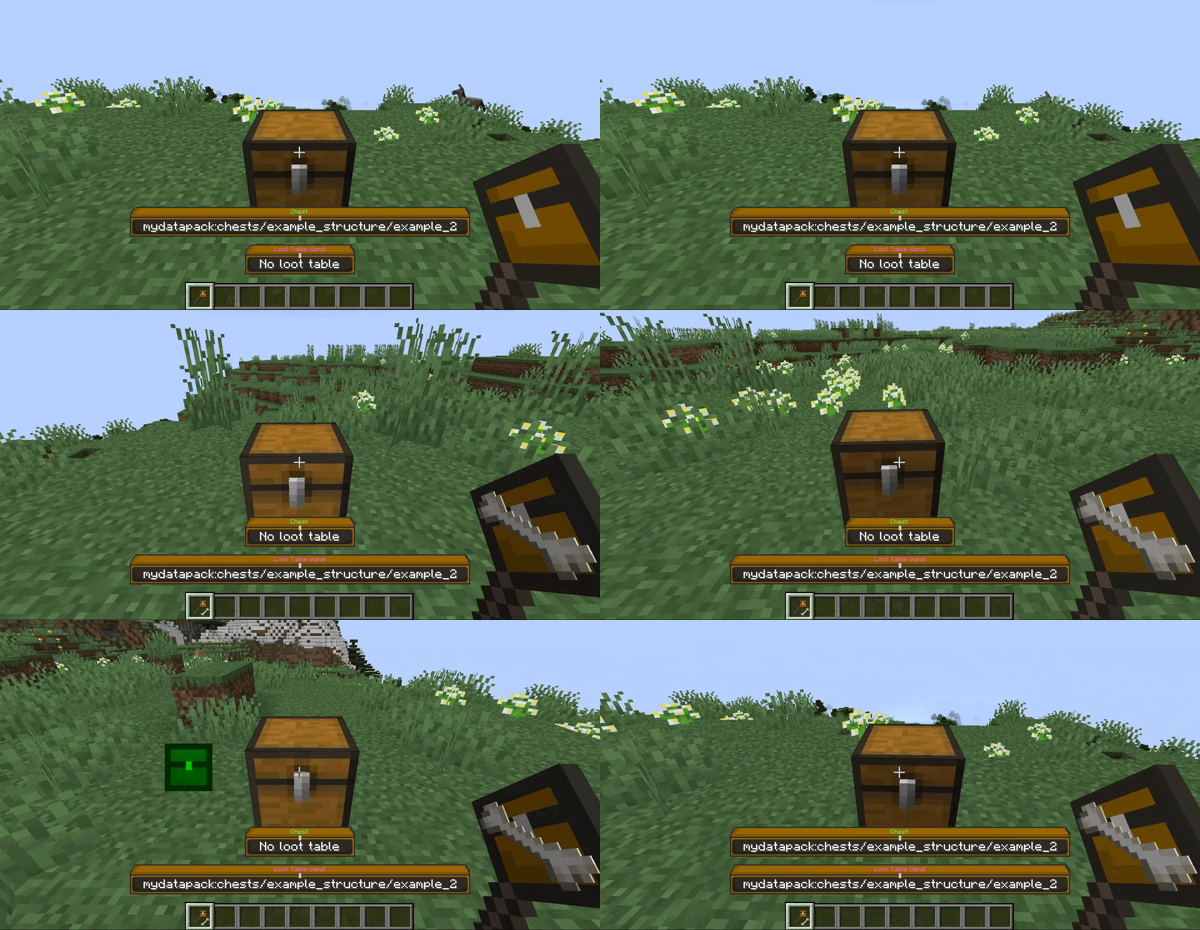
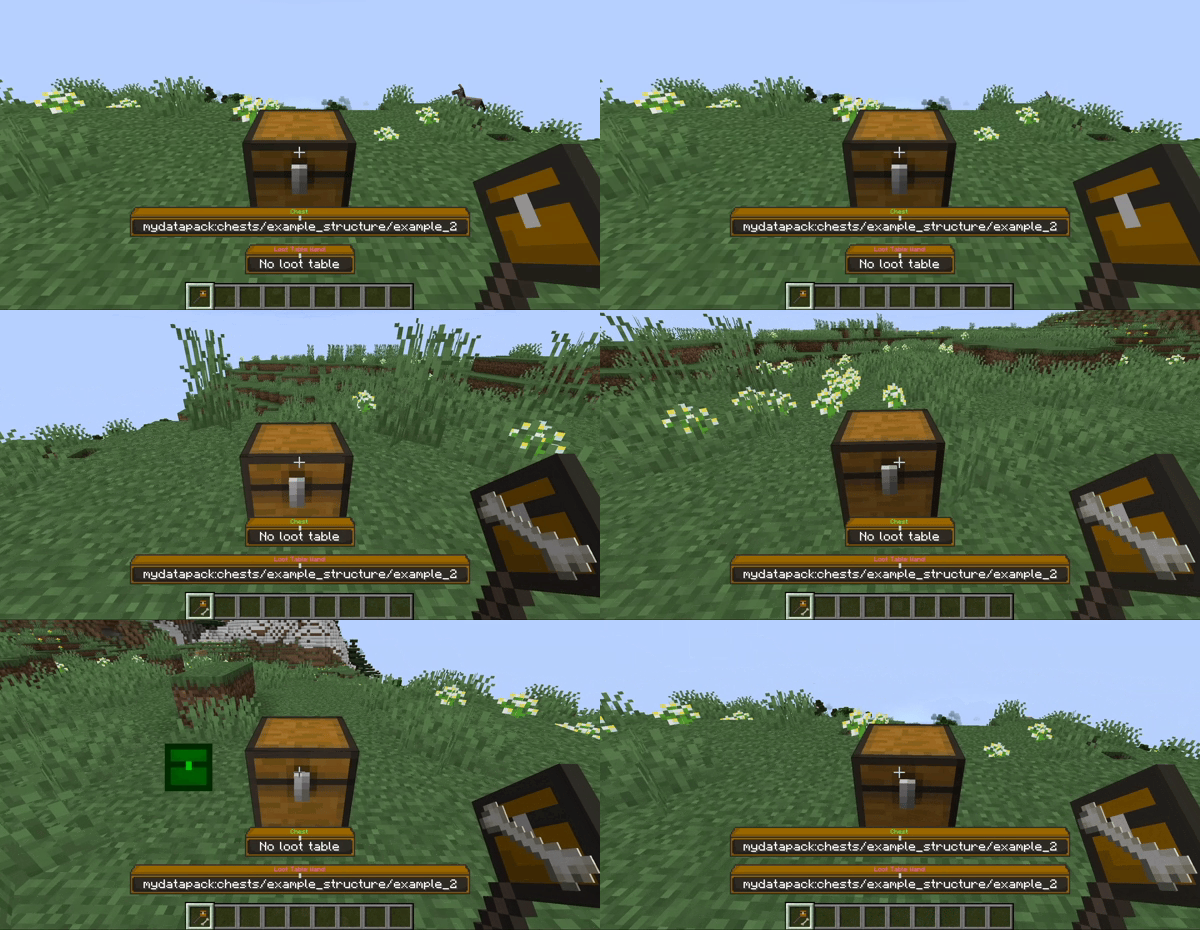
- Middle-click: Copy container loot table
- Hold shift to pick the container instead
- You can append the copied loot table to other containers
Browse loot tables
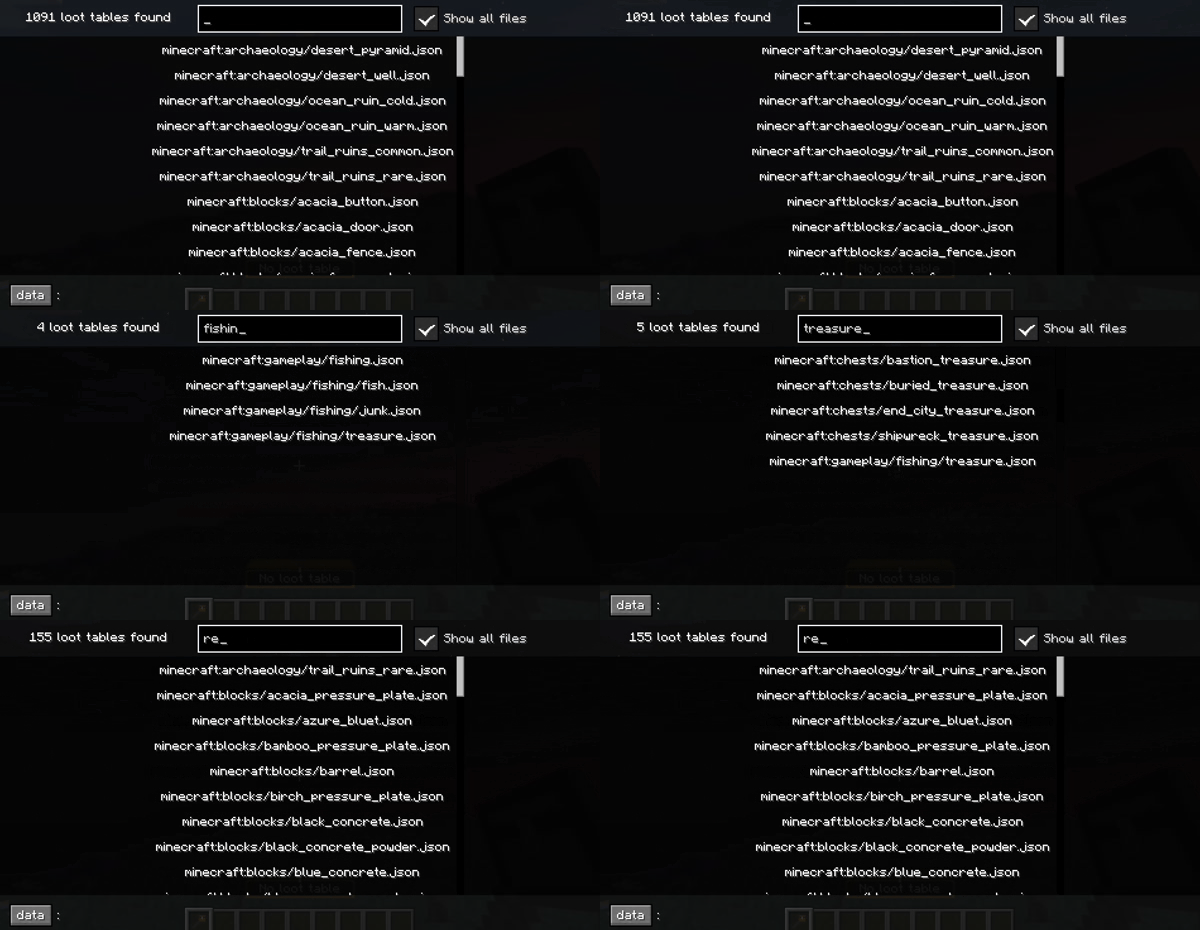
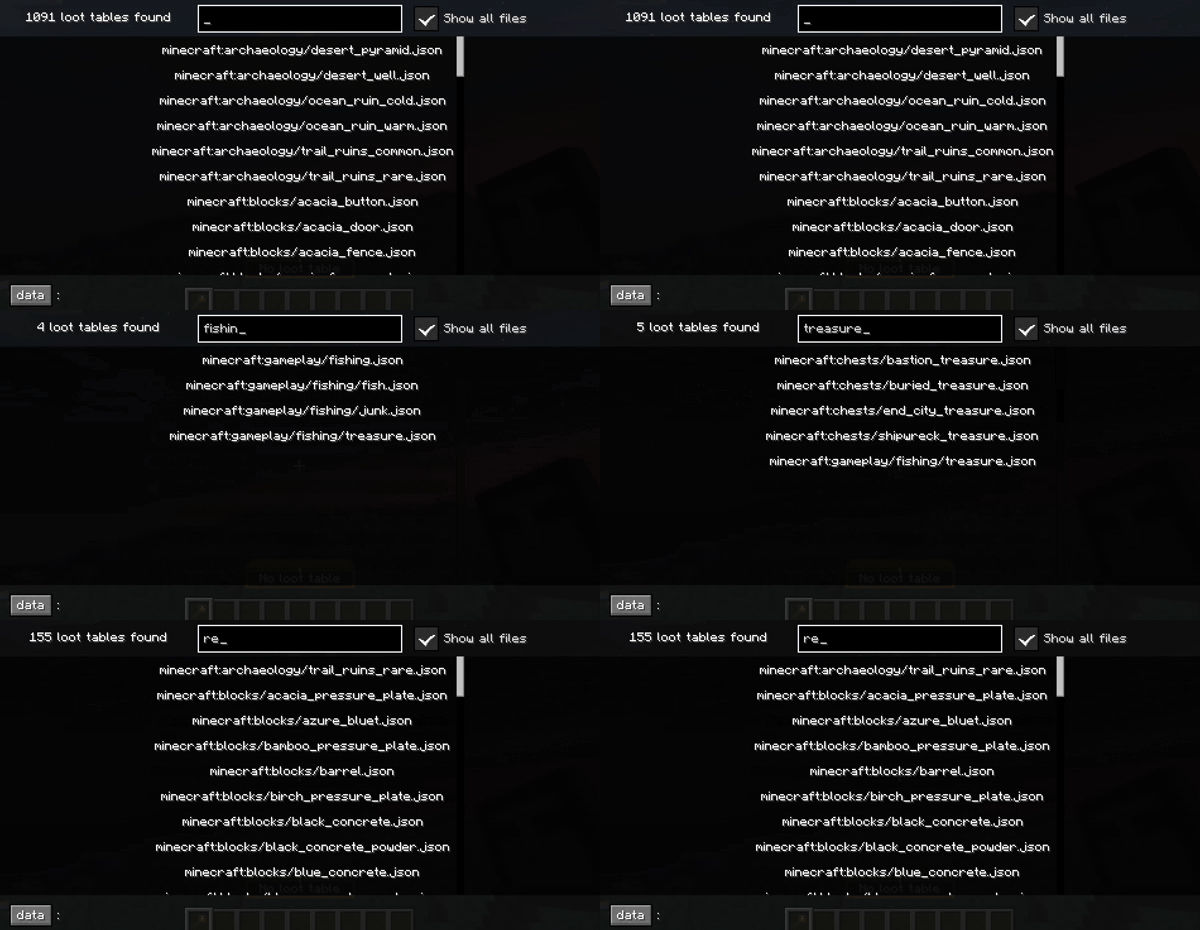
- See all loaded loot tables in the browser
- Toggle between folders and all files at once
- Store or inspect loot tables from the browser
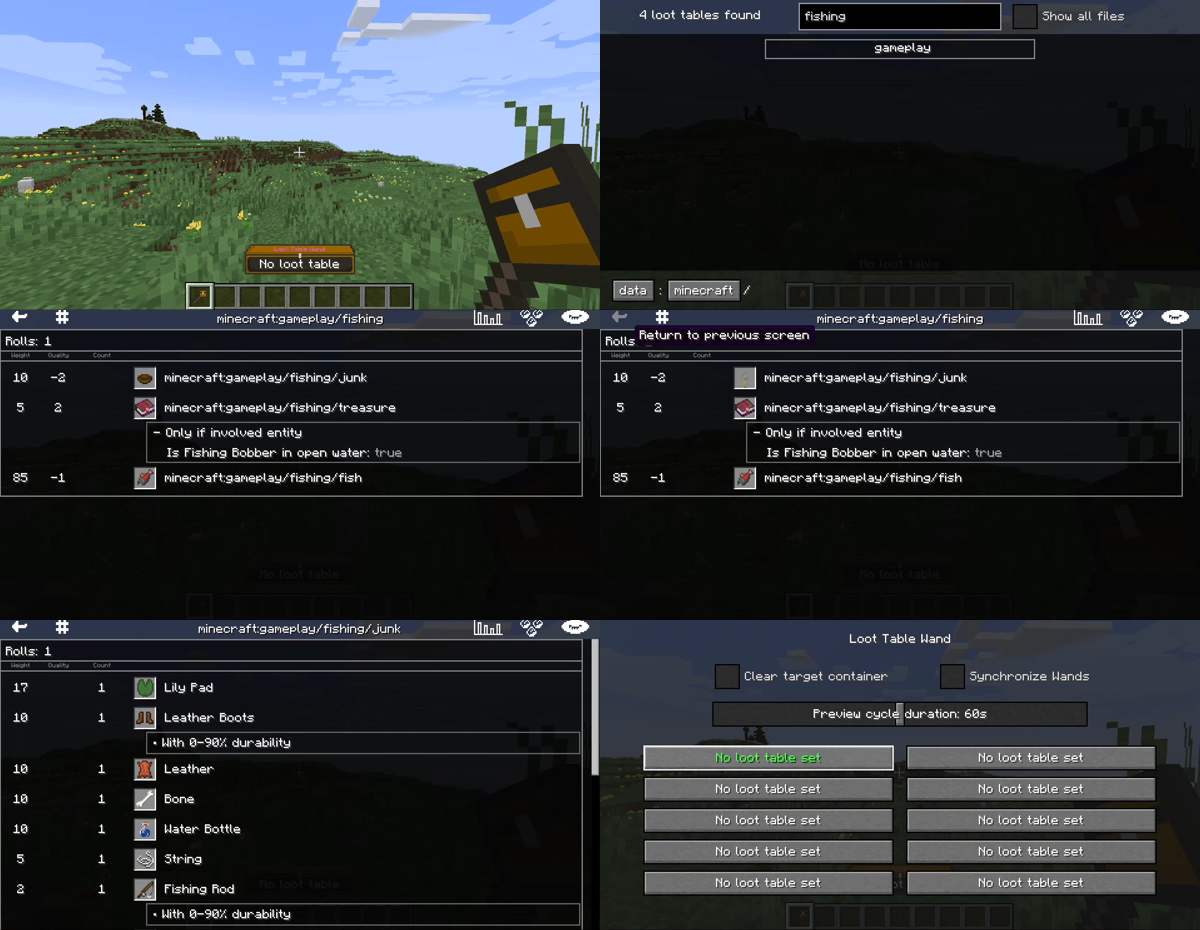
Inspect loot tables
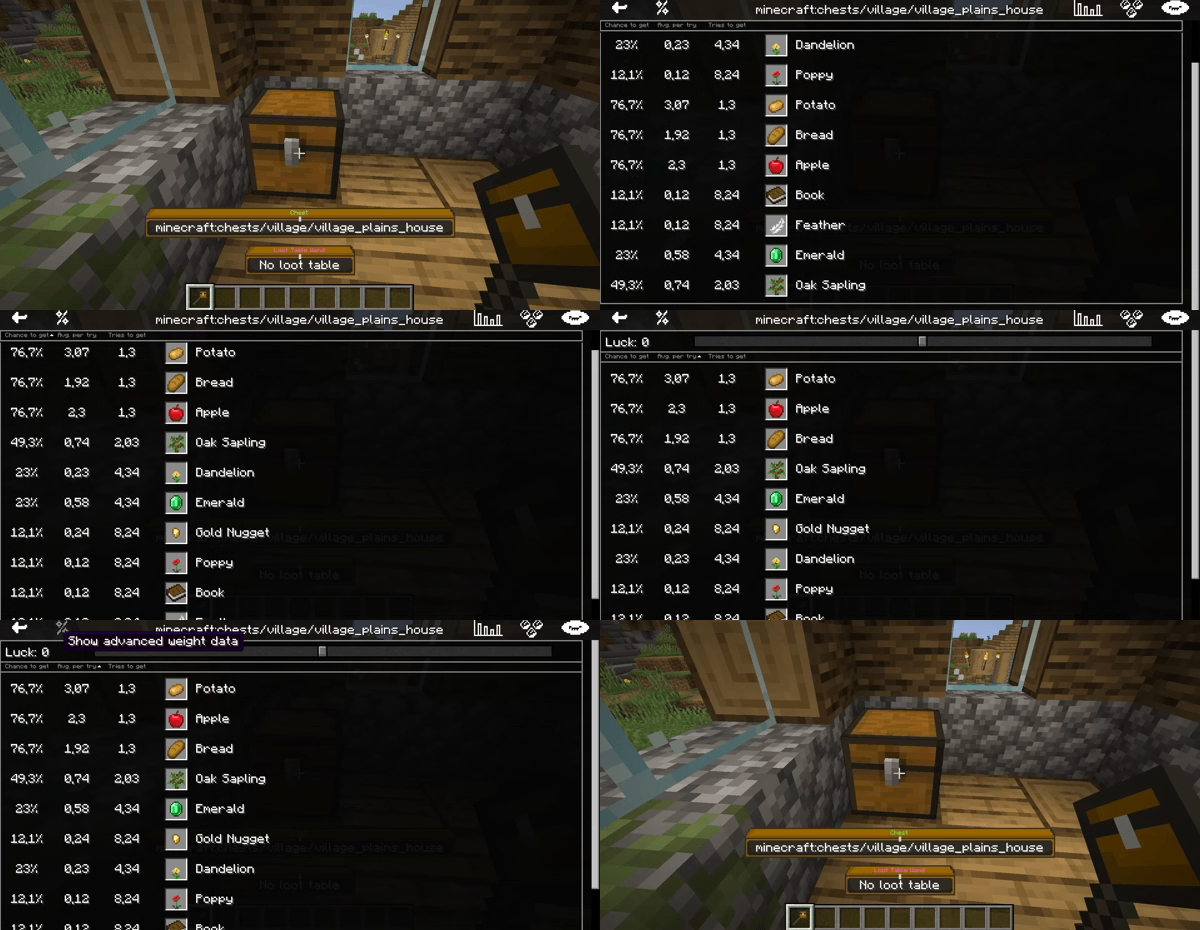
- K: Inspect container loot table
- View the loot tables as visualized tables
- Switch between two visualization modes
常见问题
Loot Table Wand 支持哪些 Minecraft 版本?
Loot Table Wand 支持 Minecraft Java 版 1.20.1,可用的加载器:Fabric / Forge。下载时注意选择和你游戏版本一致的文件。
Loot Table Wand 怎么安装?
先用 PCL2 或 HMCL 启动器安装对应版本的 Fabric / Forge,再把下载的 .jar 文件放进游戏目录的 mods 文件夹,重新启动游戏即可。开启了版本隔离的,mods 文件夹在 versions/版本名 下面。运行环境:客户端和服务端都要装。
MesoMods 的其他作品
查看全部 →
The Body Boosts
by MesoMods
Train your body for useful benefits
1.6万
1 年前
Modrinth

Mesophil’s Cities | City Dimension 🏢
by MesoMods
Infinite city dimension in minecraft. Customizable using Style Packs
4,364
7 个月前
Modrinth

Mesophil’s Cities Classic | Official City Style Pack 🏢
by MesoMods
The first official Style Pack for Mesophil's Cities
3,184
6 个月前
Modrinth
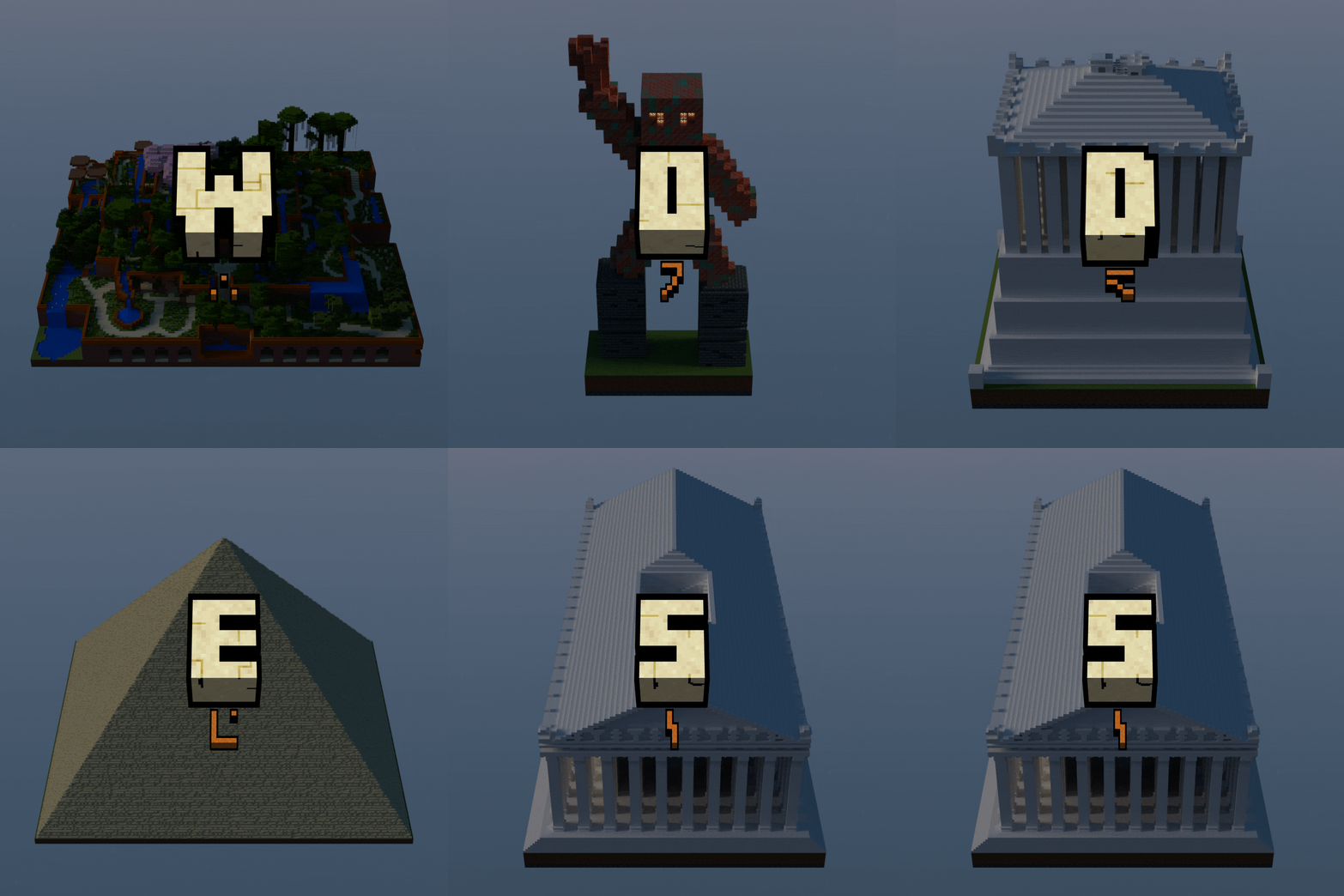
Wonders
by MesoMods
The Seven Wonders of the Ancient World in Minecraft
716
25 天前
Modrinth
评论
登录后评论和评分