
Loot Finder
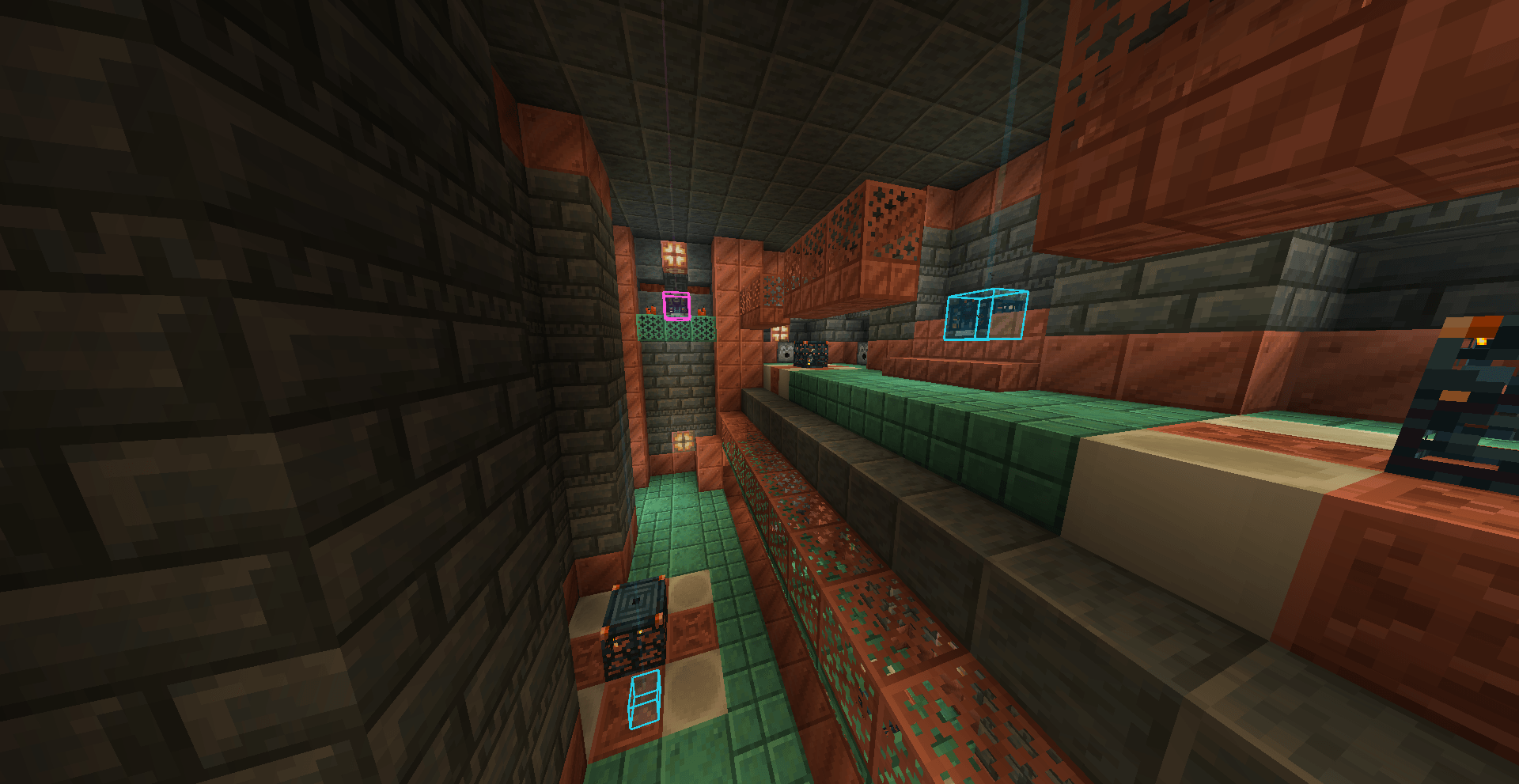
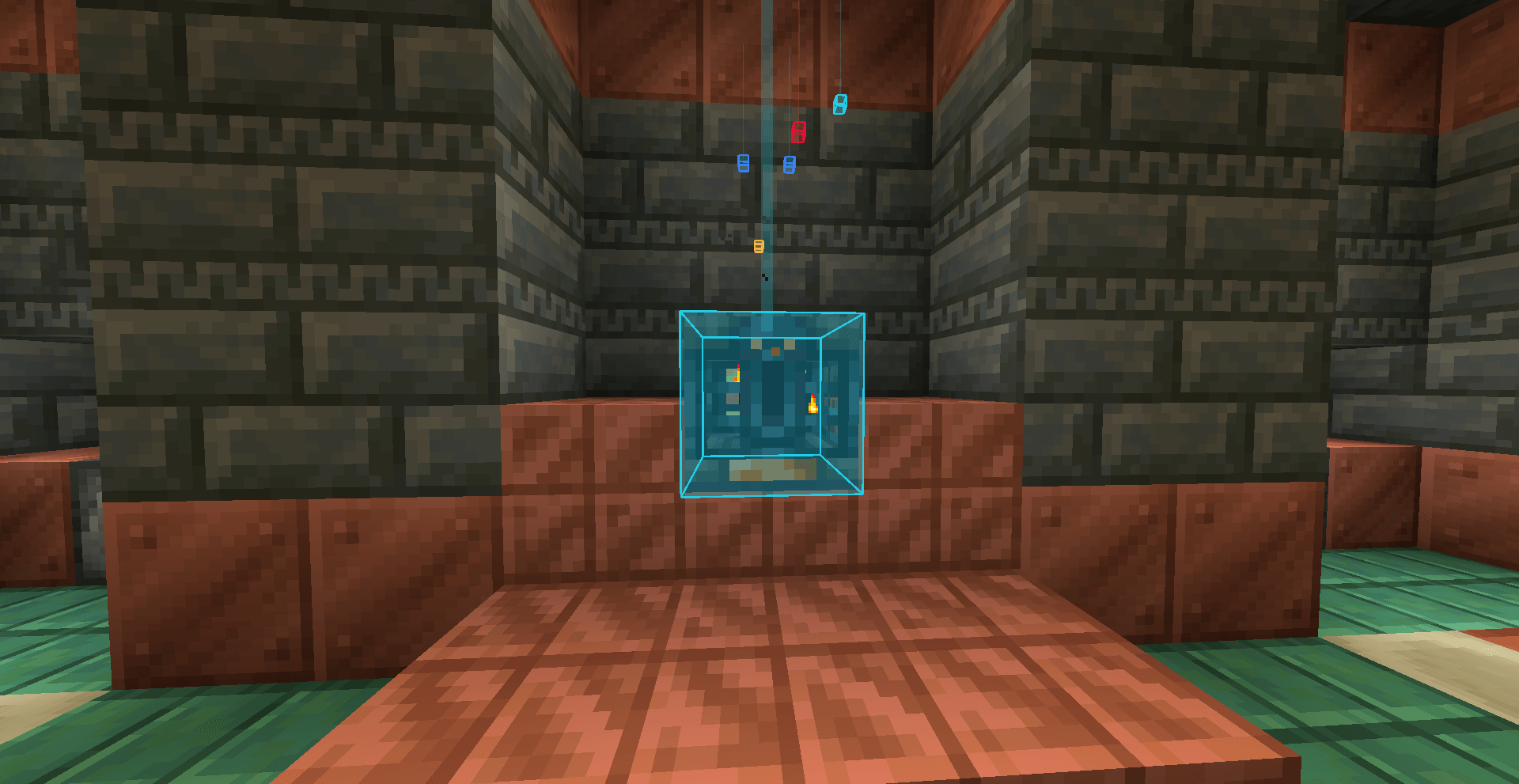
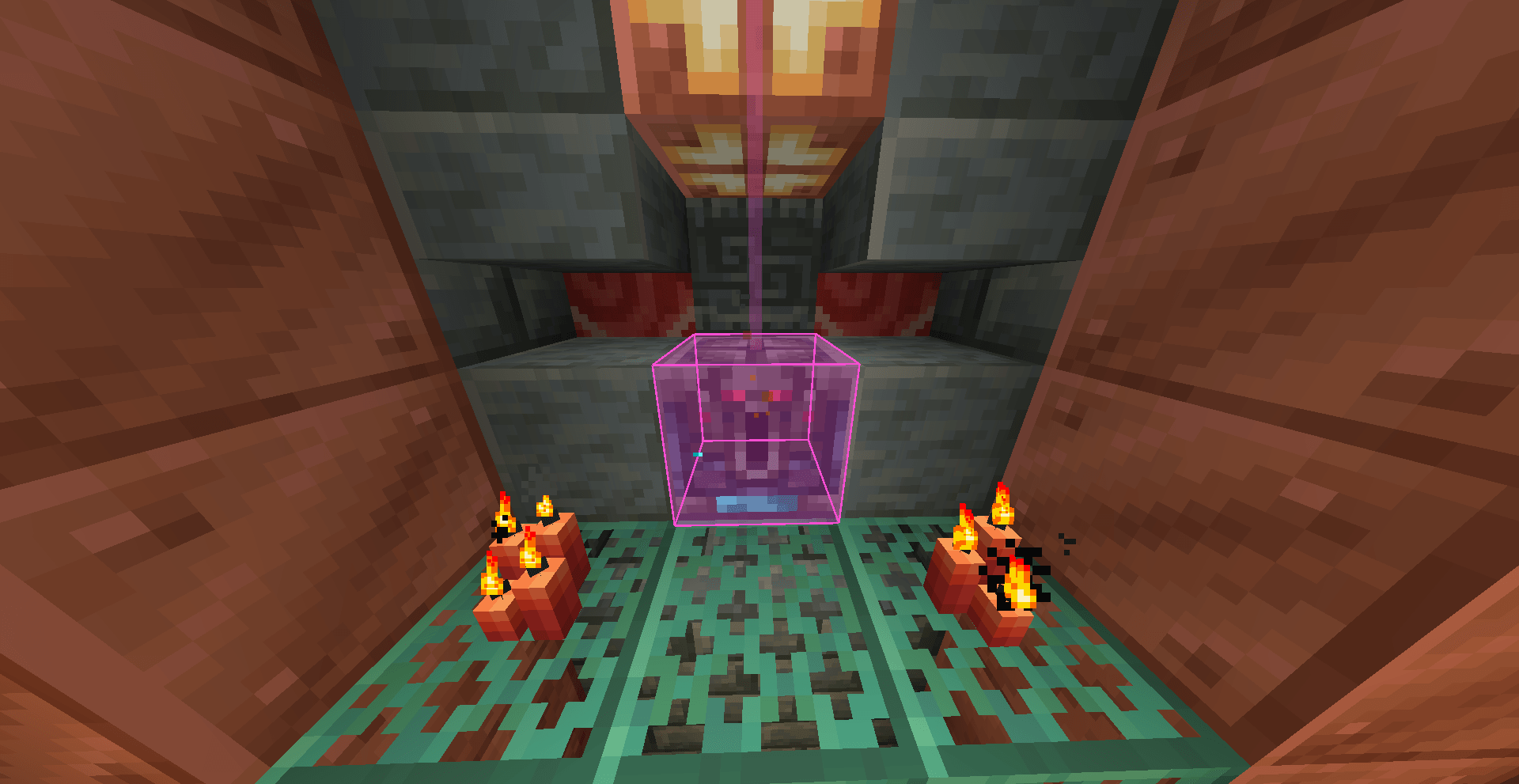
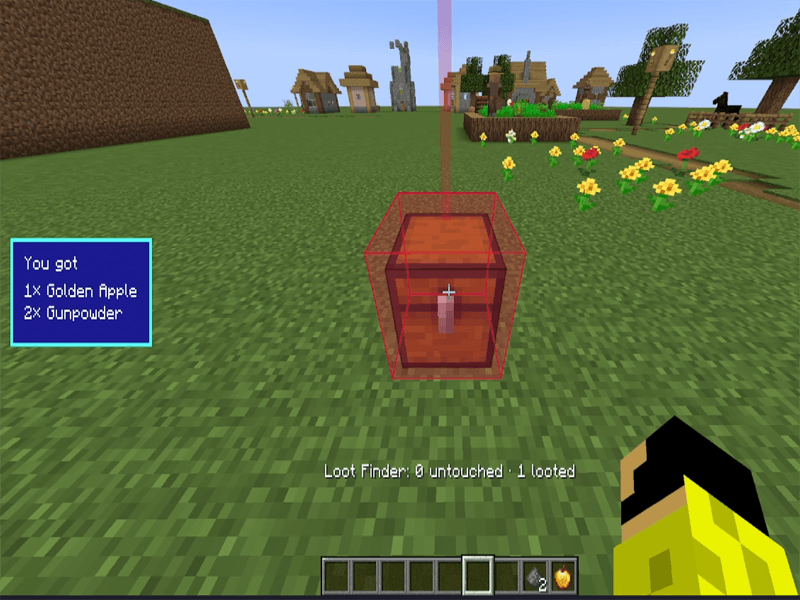
Loot Finder highlights nearby loot chests and Vaults through walls, using color-coded rarity indicators to help you find valuable loot.
截图
介绍

Now it has also been added to Fabrinc and requiresFabric api
How the Mod Works
-
Press the mod’s activation key (H by default) to highlight nearby loot chests, including Vaults found in Trial Chambers.
-
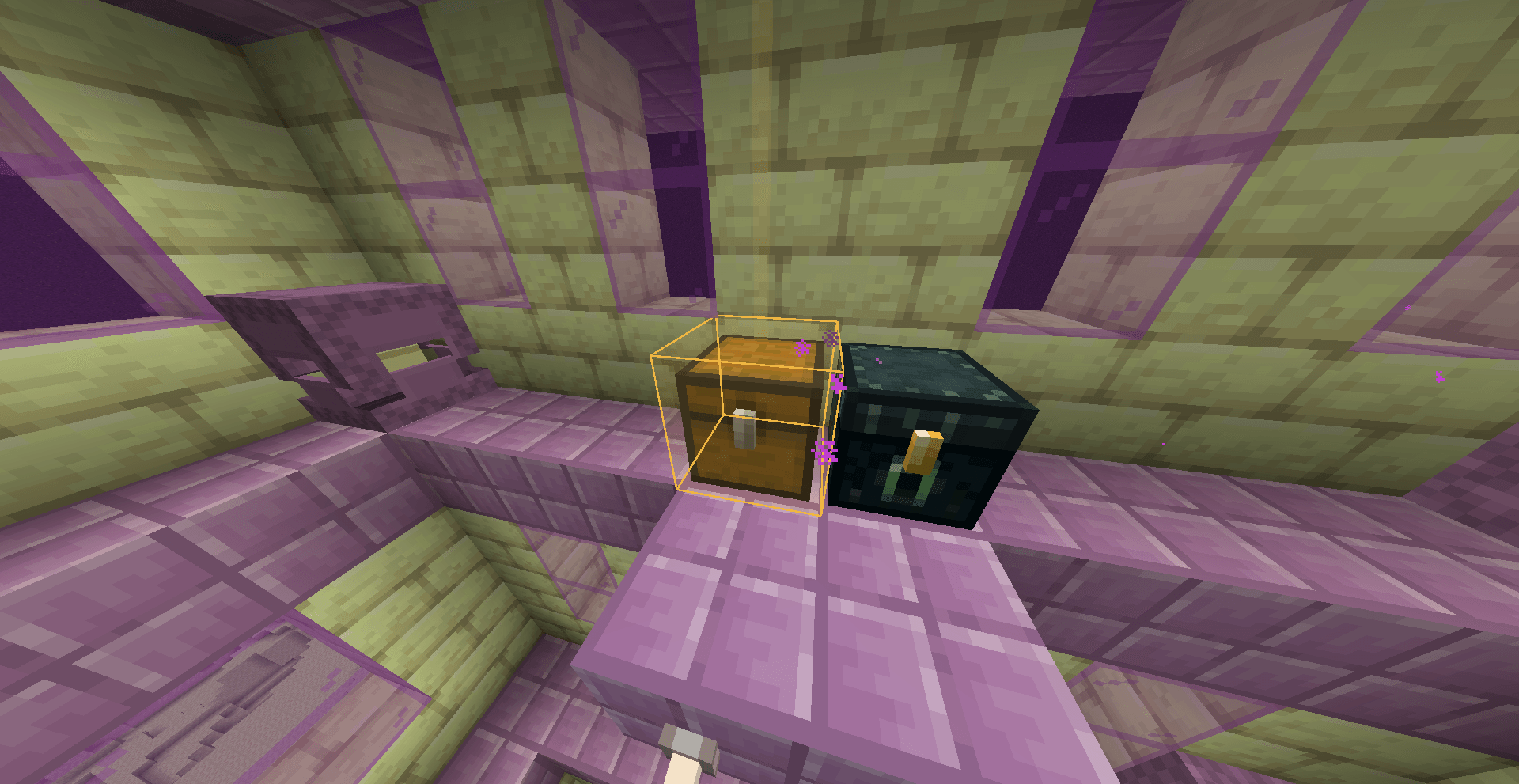
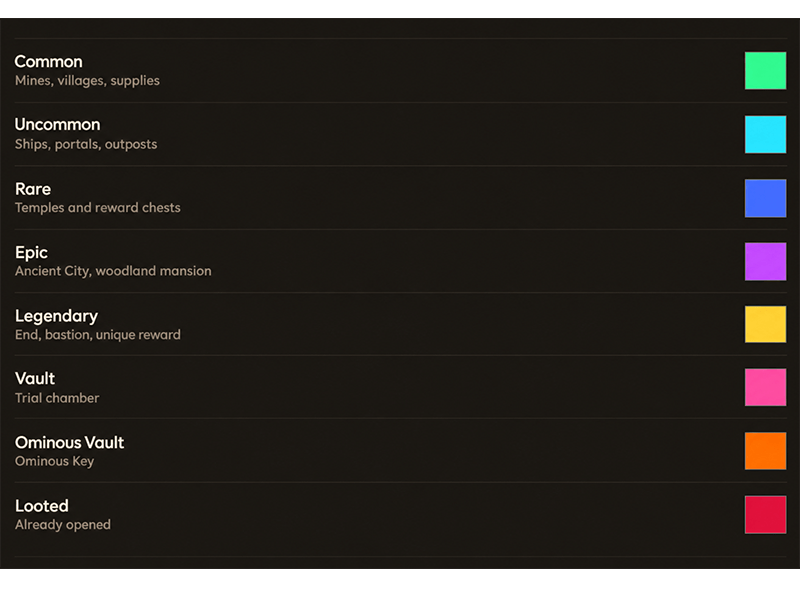
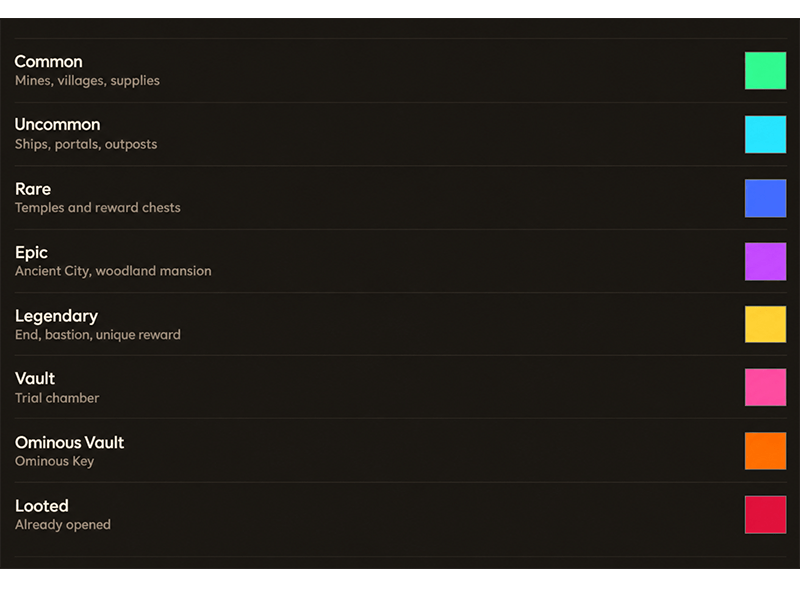
Each chest or Vault will glow or be highlighted in a specific color depending on its rarity.
-
Chests can be seen through walls as long as they are within the detection range.
-
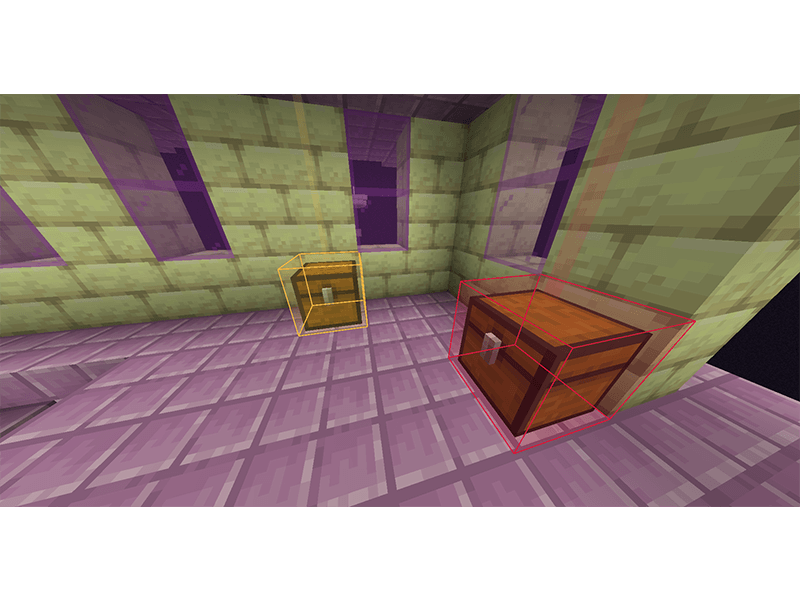
If a chest or Vault has already been looted, its highlight color will change to red.
Compatibility
Compatibility with loot-related mods has not yet been tested. Currently, the mod does not have full compatibility with Lootr. When Lootr chests are looted, their highlight color does not change to red, and they retain the original color associated with their rarity.
The possibility of adding full compatibility with Lootr will be investigated in a future update.
Rarity Types and Their Colors
Mod Showcase
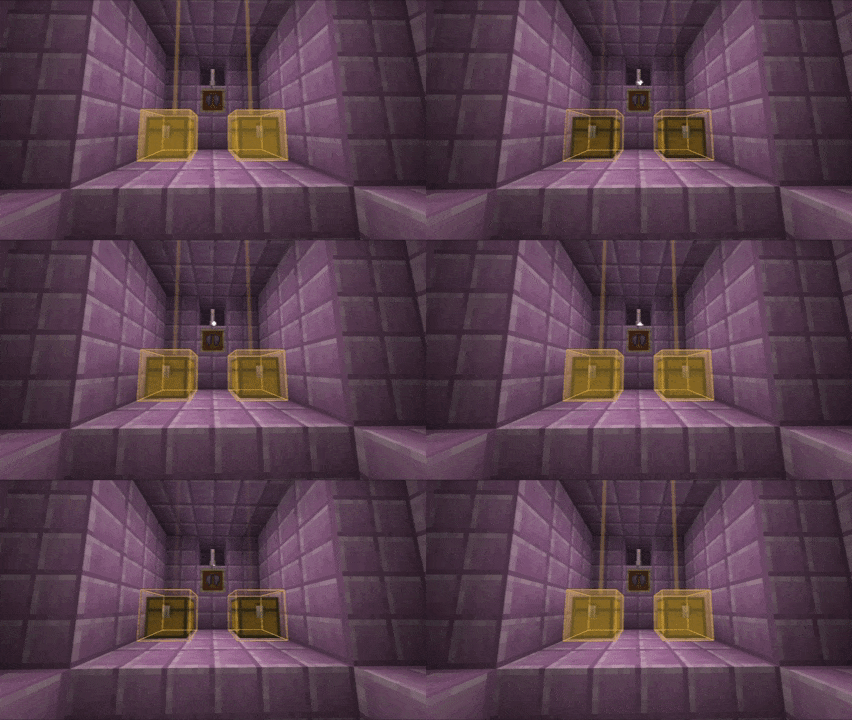
loot history (new mechanic)
Other mods:
常见问题
Loot Finder 支持哪些 Minecraft 版本?
Loot Finder 支持 Minecraft Java 版 1.21.1,可用的加载器:Fabric / NeoForge。下载时注意选择和你游戏版本一致的文件。
Loot Finder 怎么安装?
先用 PCL2 或 HMCL 启动器安装对应版本的 Fabric / NeoForge,再把下载的 .jar 文件放进游戏目录的 mods 文件夹,重新启动游戏即可。开启了版本隔离的,mods 文件夹在 versions/版本名 下面。
frankoroker 的其他作品
查看全部 →
Mjolnir Hammer
Wield the legendary hammer of Thor and unleash the true power of the God of Thunder! Mjölnir brings the might of Norse mythology to your world, allowing you to command lightning, strike your enemies with devastating force.
Hoppers Overhaul
Fast Hoppers adds 6 upgraded hoppers with transfer speeds ranging from 2 to 64 items per cycle, making item transportation and automation faster and more efficient in Minecraft.
评论
登录后评论和评分