截图
介绍
About
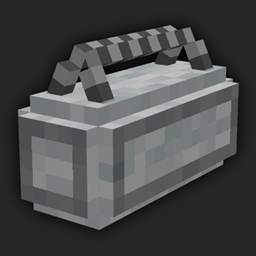
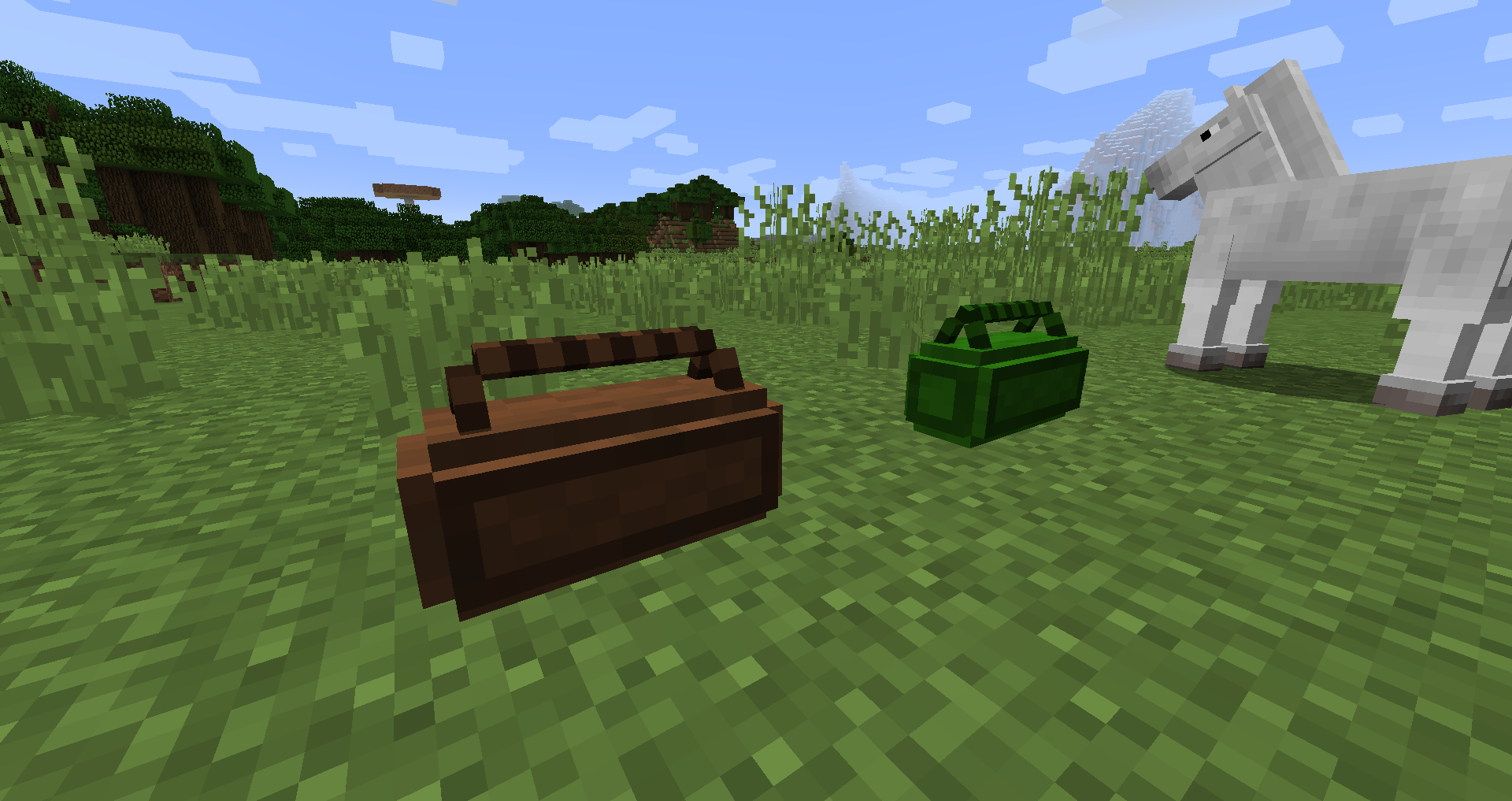
Loot Block is a mod that adds a respawnable block that gives a randomized block. This mod is intended for use by server/map/modpack creators and should not be used in a normal survival game, as the block is a creative-only item.
Usage
After installing the mod you have to first create a “LootCategory”. You can think of it as a vanilla LootTable. It stores the information about the possible loot, the times it takes for loot to respawn and the color of the block.
First, prepare all the items you want to spawn in your inventory. Then write to the chat “/ccategory <name> <hex> <time>” (replace <name>, <hex>,…. with the values you want to use). Name is the name of the LootCategory, hex is the color of the block in hexadecimal format (for example 0xFF00FF = magenta). Time is the time (in ticks) it takes for the loot to respawn. Keep in mind the command also saves the amount, metadata, and NBT of the items in your inventory. The command does not save your armor or offhand slots. If you did everything right, you should see a green “Successfully saved name!” message in the chat.
To use the LootCategory take the Loot Block block from the Decoration Blocks Creative tab and rename it to the name you used previously in the command. You can place the renamed block anywhere you want.
If you want to add an item to an existing LootCategory, use the “/acategory <name>” command while holding the time in hand. You can remove one or all categories from the cache using the “/rcategory <name>”. Keep in mind that any changes to categories are not reflected in existing Loot Blocks, unless you restart the world!
The LootCategories are stored in .json files in your save folder. You can edit those files manually if you feel like it.

常见问题
Loot Block 支持哪些 Minecraft 版本?
Loot Block 支持 Minecraft Java 版 1.12.2–1.16.5,共 2 个版本,可用的加载器:Forge。下载时注意选择和你游戏版本一致的文件。
Loot Block 怎么安装?
先用 PCL2 或 HMCL 启动器安装对应版本的 Forge,再把下载的 .jar 文件放进游戏目录的 mods 文件夹,重新启动游戏即可。开启了版本隔离的,mods 文件夹在 versions/版本名 下面。
Sophka 的其他作品
查看全部 →
Caelum
逼真的恒星,以及太阳、地球、月球和各大行星的开普勒轨道力学。现在还加入了日食等效果。

[7 Days to Mine]
《7 Days to mine》是一款大型僵尸末日模组,灵感来自 The Fun Pimps 制作的游戏《7 Days to Die》。在遍布废墟、废弃城市和僵尸的世界中努力生存。

TinyInv
允许禁用物品栏槽位并调整快捷栏大小

TinyInv
允许你为每位玩家单独调整其背包、快捷栏、盔甲栏和合成栏中的可用格子。
评论
登录后评论和评分