
截图

介绍
One of Minecraft’s largest problems is it’s lack of a full, complete timer.
We don’t _really_ need words to explain what this mod does, so here’s a demo:

My sincere apologies for the lack of visual quality in the above gif, but you understand the point.
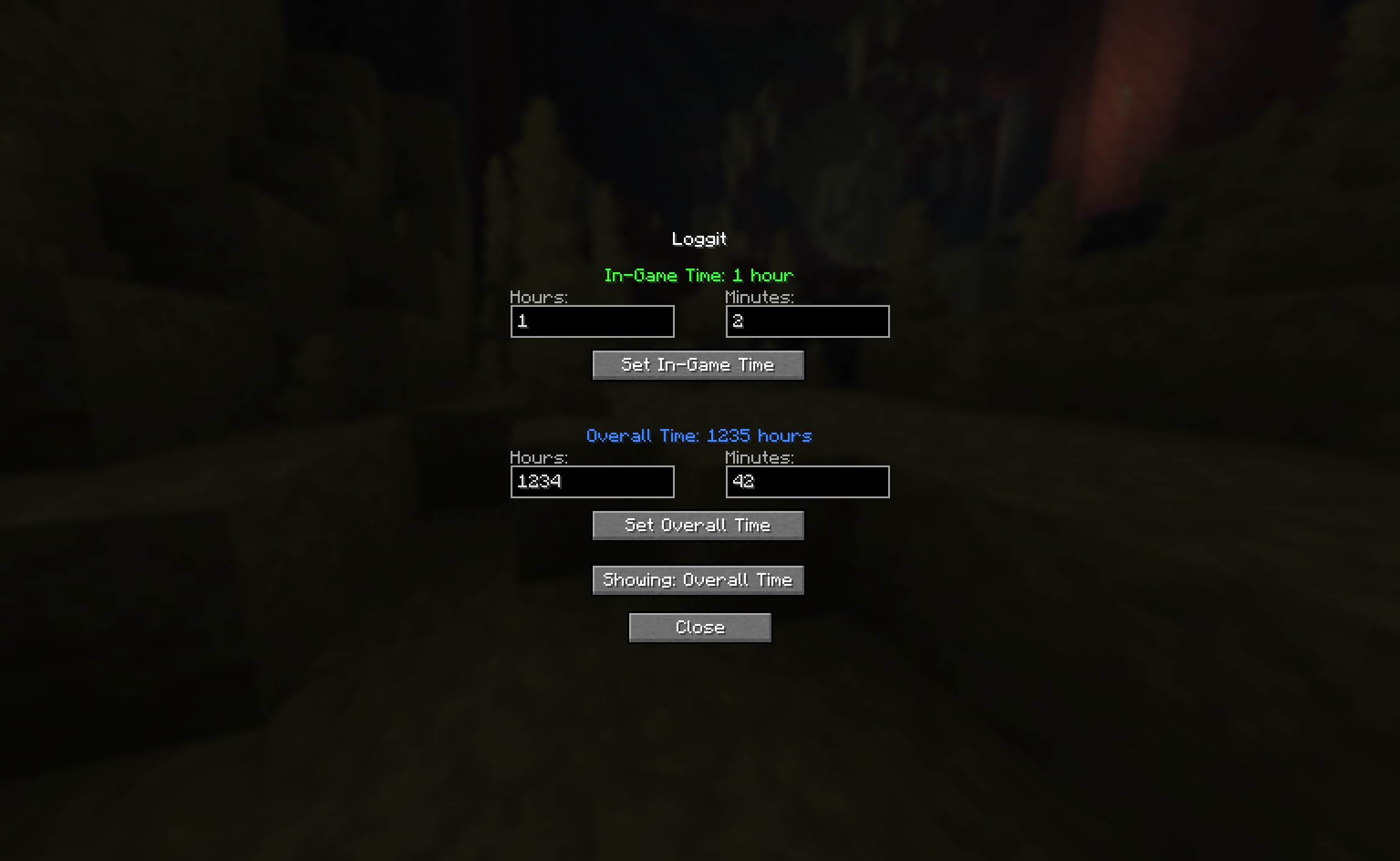
Wanted to add those couple thousand hours you already had?
We have a menu for that! Just click the green “Loggit” in the bottom left corner!
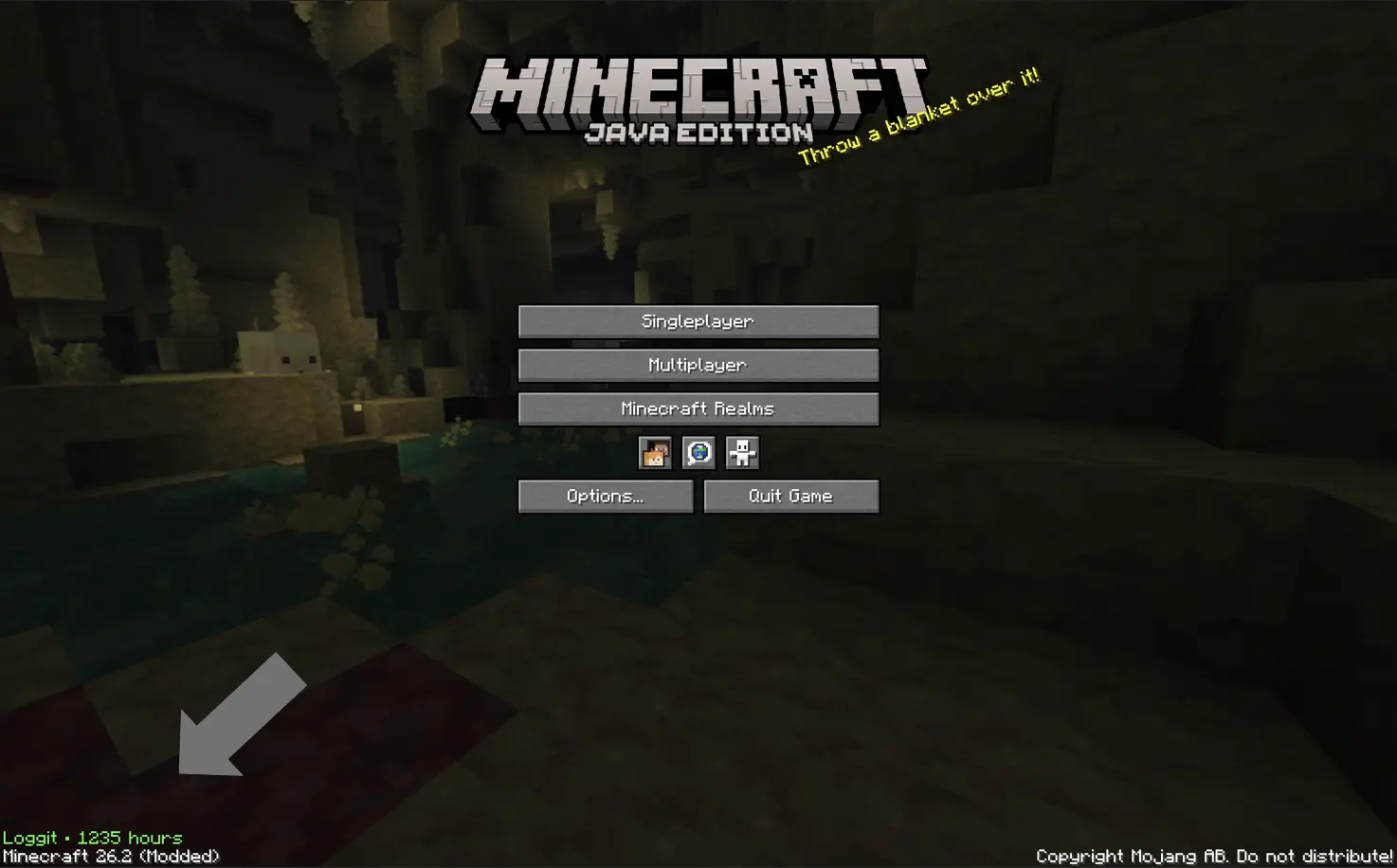
^^ That green text
Commonly asked questions:
Q: How do I transfer times between versions?
A: Just take a look at the in game menu on the older version, and copy paste in the old values into the in game menu on the newer version.
Q: How long is the intro?
A: ~ 4-5 seconds.
Q: Can I use this mod in my modpack?
A: Yeah! *As long as it’s on Modrinth, however.
Q: For those who are unable to view the gif, here is alt text:
A: After the loading screen, the screen fades into a black background with the words “You’ve played for:” typing out in white on a black background. Then underneath, a series of numbers in green switch around before finally arriving at your total playtime. Then, the word “hours” types out at the bottom, the same way as the intital text for you’ve played for. Then, the screen fades into the normal minecraft home screen. The total time is ~5 seconds.
Q: Artificial Intelligence disclosure
A: This mod’s core design, icon, description, and gallery images are not ai. For example, the logo is a screenshot taken with shaders on combined with blockbench text. However, I am a primitive coder, and I do use ai for tasks I do not know how to do. It simply cannot be helped (well it can, and I’m learning java, don’t get me wrong, but not that fast.) I am also actively learning from ai, not plainly using it to build mods. It’s taught me a lot, but not enough. AI is also used for help with naming, blocking (my term for creating the blocks of code) and other parts of the code. All testing is completed extensively with human brain cells and knowledge, and so are all ideas of modification and changes, and the idea of the mod itself.
常见问题
Loggit 支持哪些 Minecraft 版本?
Loggit 支持 Minecraft Java 版 26.2–26.3,共 2 个版本,可用的加载器:Fabric。下载时注意选择和你游戏版本一致的文件。
Loggit 怎么安装?
先用 PCL2 或 HMCL 启动器安装对应版本的 Fabric,再把下载的 .jar 文件放进游戏目录的 mods 文件夹,重新启动游戏即可。开启了版本隔离的,mods 文件夹在 versions/版本名 下面。运行环境:仅客户端。
Corrupt3r 的其他作品
查看全部 →
No Invalid Session ID
Silently refreshes your Session ID so you don't get that pesky warning. Like ReAuth.

BetterFences
Replaces the stem of fences with the log they came from.

Lead Break Indicator
Adds an indicator above your hotbar of your lead status.

Superbly Optimized
possibly the greatest modpack in existence
评论
登录后评论和评分