Locks: Continue
Adds locked loot chests, four interactive lockpicking minigames, lockpicking tools, and player-installed locks.
截图
介绍
Locks Continue
Locks Continue makes finding the chest only half the challenge.
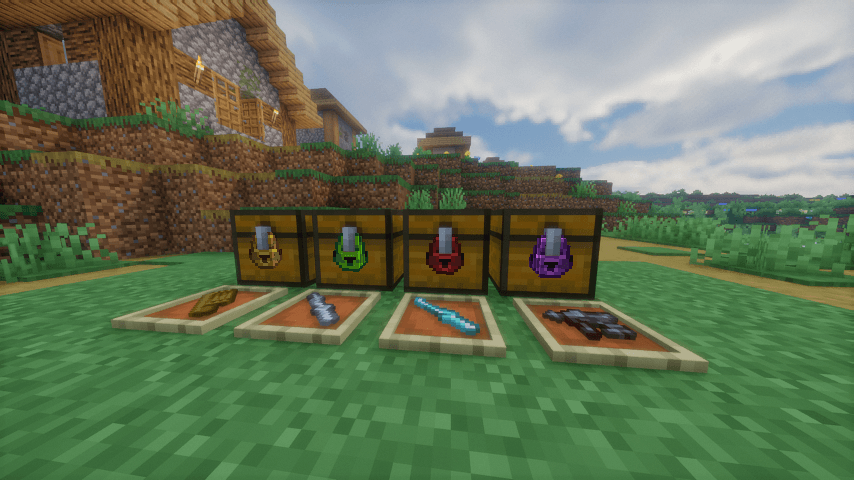
Locked chests can appear throughout the world, turning ordinary loot containers into small lockpicking challenges that must be solved before you can claim what’s inside.
🔒 Four Lockpicking Minigames
Locks Continue currently includes four different types of locks, each with its own gameplay:
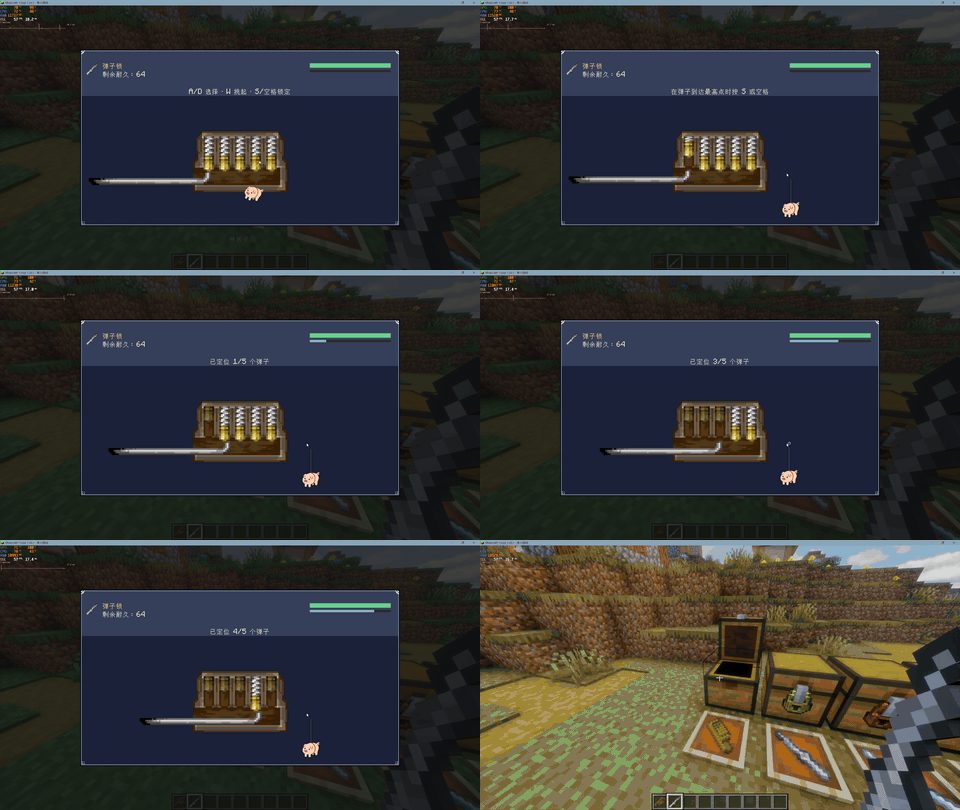
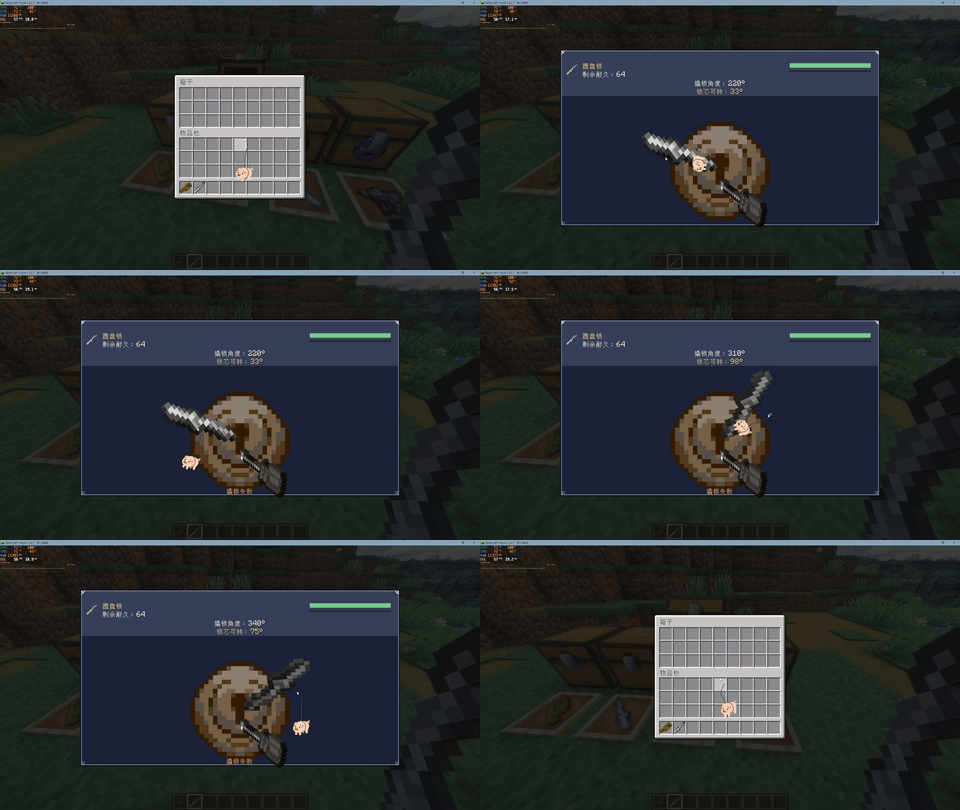
Pin Lock
Carefully manipulate the pins and find the correct positions to open the lock.
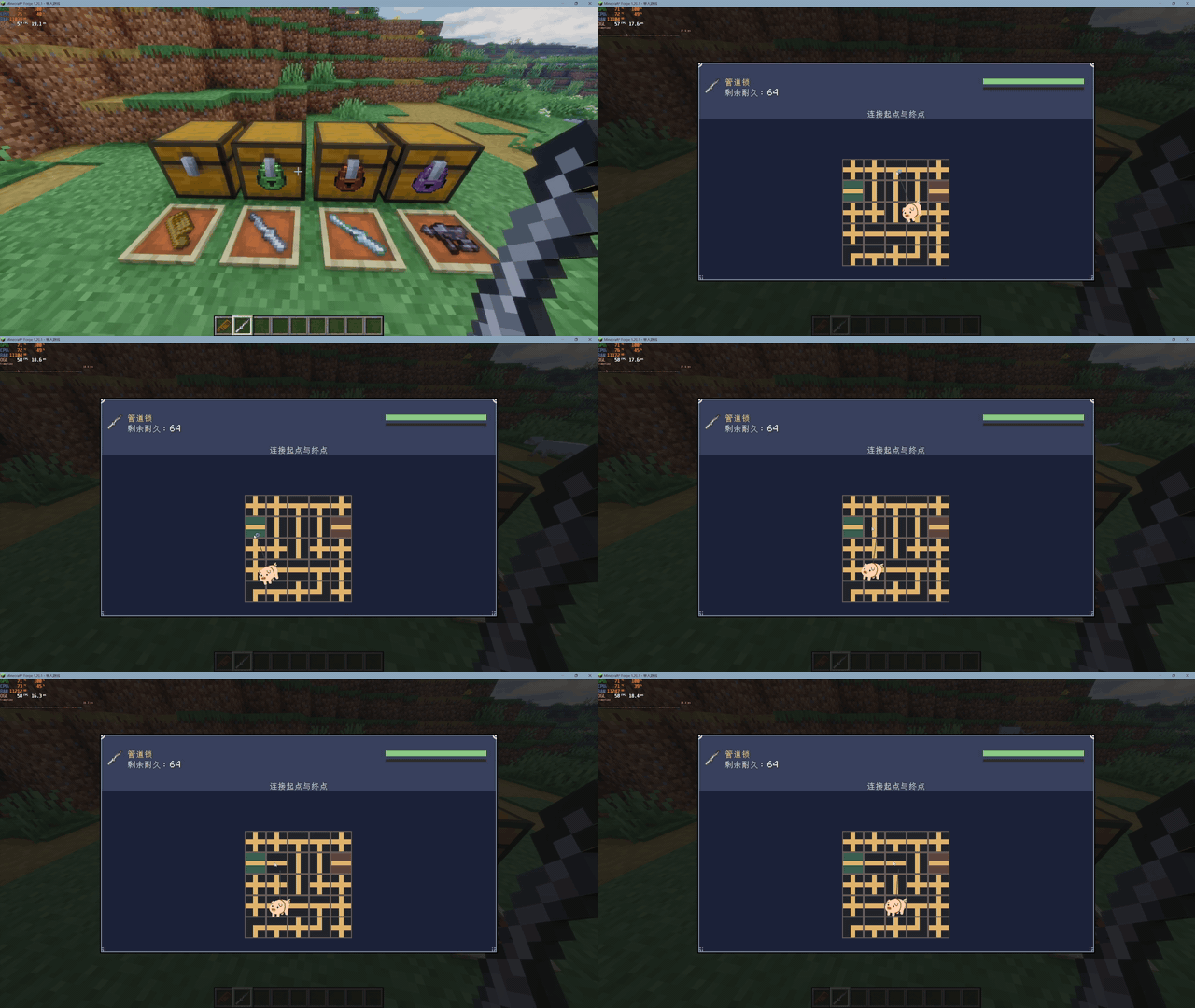
Pipe Lock
Rotate the pipe pieces and connect the path from one side of the mechanism to the other.
Rotary Lock
Manipulate the rotating mechanism and search for the correct unlocking position.
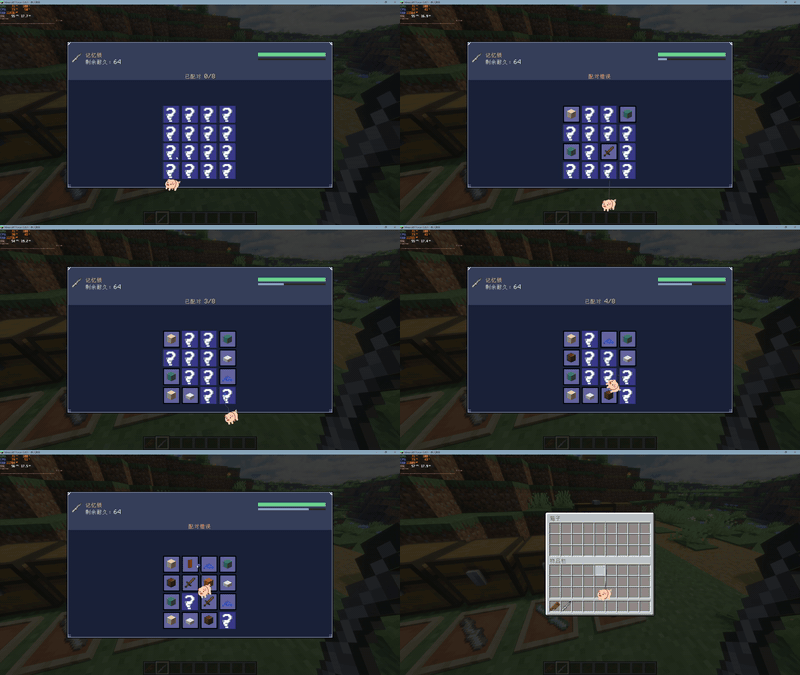
Memory Lock
Memorize the revealed items, then find and match the hidden pairs.
🧰 Lockpicking Tools
Several tiers of lockpicking tools are available:
- Wooden Comb
- Iron Wrench
- Diamond Wrench
- Netherite Pick Gun
Better tools provide increased durability, allowing you to tackle more locks while exploring.
🗺️ Locked Loot
Loot chests found while exploring can automatically receive locks.
Instead of simply opening every chest you discover, you may need to bring lockpicking equipment and complete a minigame before accessing its contents.
The generation chance can be configured to better suit different modpacks and playstyles.
Features
- Four unique lockpicking minigames
- Locks on naturally encountered loot chests
- Configurable locked-chest generation chance
- Player-installed chest locks
- Multiple tiers of lockpicking tools
- Custom lock interfaces, animations and sounds
- Multiplayer-aware lock interactions
- Designed to make exploration and loot collection more interactive
Find the loot. Pick the lock. Take what’s inside.
常见问题
Locks: Continue 支持哪些 Minecraft 版本?
Locks: Continue 支持 Minecraft Java 版 1.20.1,可用的加载器:Forge。下载时注意选择和你游戏版本一致的文件。
Locks: Continue 怎么安装?
先用 PCL2 或 HMCL 启动器安装对应版本的 Forge,再把下载的 .jar 文件放进游戏目录的 mods 文件夹,重新启动游戏即可。开启了版本隔离的,mods 文件夹在 versions/版本名 下面。
Kaleb_Langley 的其他作品
查看全部 →
JustLeveling Fork x IronSpell
Just Leveling x IronSpell is a crossover mod between Just Leveling and Iron's Spells 'n Spellbooks.

GoopReforged
Goop is a library. It provides an easy way to implement slime and splash visual effects.

ReNDI
Update NoDamI to 1.20.1

PotionLevelFix
Potion Level Fix is a mod that enhances potion effect display, it fixs many problems.
评论
登录后评论和评分