
Locator Triangulation
A client-side Fabric mod that allows determining players' coordinates using data from the locator and triangulation
截图


介绍
Locator Triangulation
A client-side Fabric mod that allows determining players’ coordinates using triangulation.
The mod calculates coordinates using publicly available data accessible to regular vanilla players and acts solely as a calculator.
If the vanilla locator is disabled on the server or a player has hidden from it, the mod will not be able to determine their coordinates.
Essentially, all calculations performed by the mod can be done manually with a calculator and the vanilla client.

Quick start
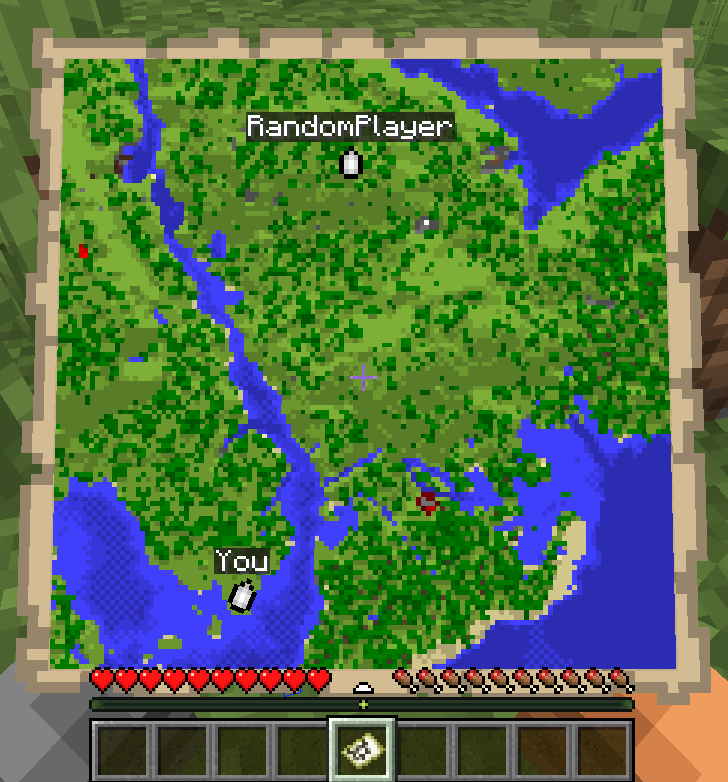
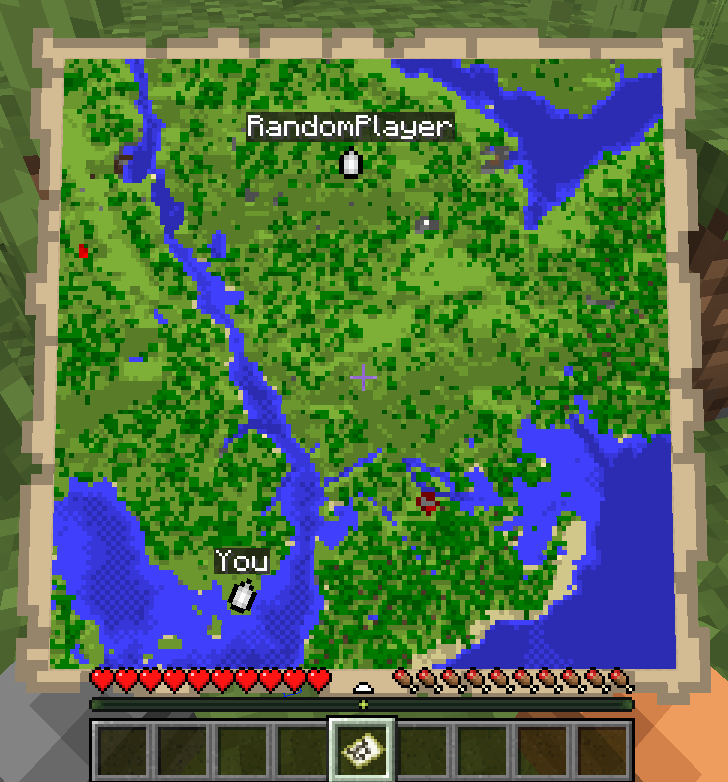
The map is for example purposes only.
- Run
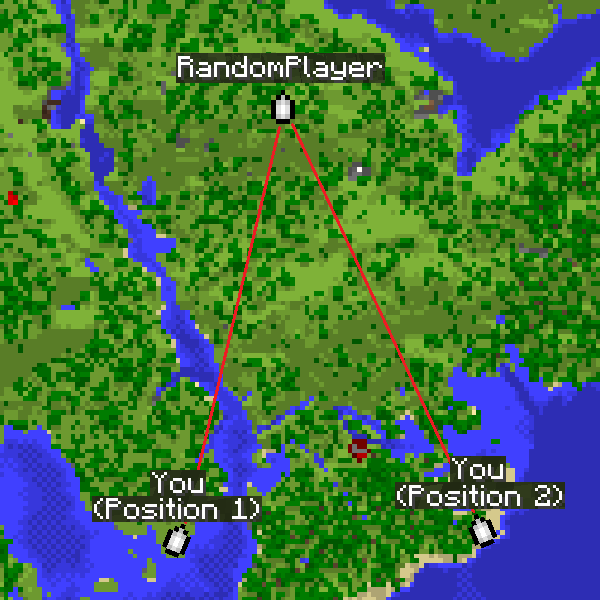
/locator_pos1– the mod will remember the locator’s state, your current position and your view yaw. - Move away as far as possible so the angle to the target becomes as large as possible, then run
/locator_pos2. - Run:
/locator_locate <name>– attempt to compute the coordinates of player<name>, or/locator_locate_all– attempt to compute coordinates of all known targets.
/locator_pos1
/locator_pos2
/locator_locate RandomPlayer
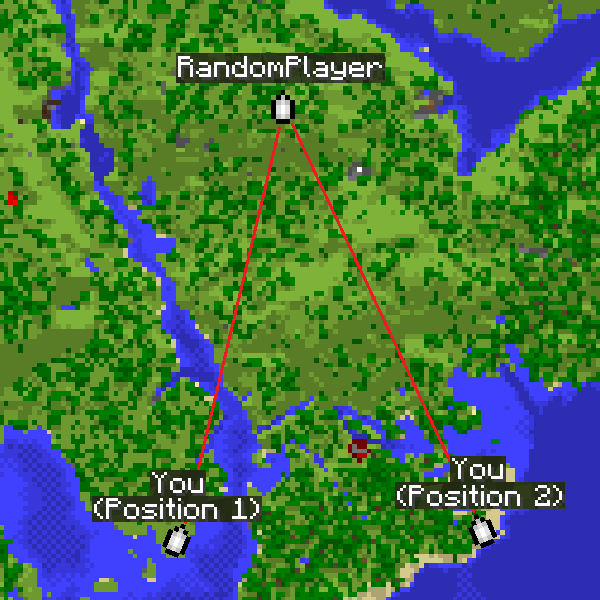
The larger the angle between directions from the two points, the more accurate the coordinates.
For regular triangulation use the same commands but with the triangulation prefix.
Command description
Locator commands
/locator_data– print current locator state/locator_pos1– save the first position (locator state and your coordinates)/locator_pos2– save the second position (locator state and your coordinates)/locator_get_poses– print the saved positions/locator_clear_pos1– clear the first position/locator_clear_pos2– clear the second position/locator_clear_poses– clear both positions/locator_locate <name>– compute coordinates of player<name>(if both positions are saved)/locator_locate_all– compute coordinates for all known targets (if both positions are saved)
Regular triangulation commands
/triangulation_pos1– save the first position (your coordinates + yaw)/triangulation_pos2– save the second position (your coordinates + yaw)/triangulation_get_poses– print the saved positions/triangulation_clear_pos1– clear the first position/triangulation_clear_pos2– clear the second position/triangulation_clear_poses– clear both positions/triangulation_locate— compute the intersection coordinates of the view directions (if both positions are saved)
Keybinds
For convenience, keybinds have been added for locator and triangulation.
The purpose is to simplify the process of setting points and calculating results.
How it works:
- The first press of the selected key will set the first point.
- Pressing the key with Shift will skip setting the second point.
- Pressing the key again will reset the first point.
- Pressing it again will set the second point.
- If both points are already set, pressing the key with Ctrl will return the calculated result for those two points.
Accuracy notes
Triangulation accuracy strongly depends on the angle between view directions from the two positions.
Good results are achieved with an angle between directions from 20° to 150°.
Near-perfect accuracy occurs at about 70-100°.
If the angle is too small (less than 20°) or too large (150° and above), accuracy drops significantly.
For maximum accuracy, take positions so that the target is roughly at a right angle relative to you.
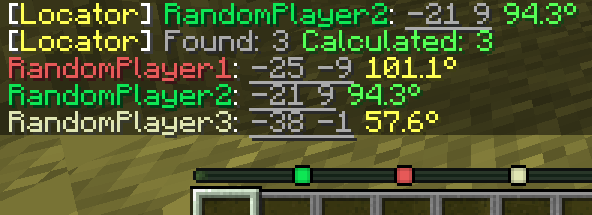
The corner color in the message indicates the calculation quality.
Green means near-perfect accuracy, yellow is acceptable but may include a small error, and red indicates poor accuracy.
How to hide from the locator
There are several ways to hide from the radar: sneaking (Shift), a mob’s or another player’s head, a carved pumpkin, or an invisibility potion.
常见问题
Locator Triangulation 支持哪些 Minecraft 版本?
Locator Triangulation 支持 Minecraft Java 版 1.21.8–26.3,共 8 个版本,可用的加载器:Fabric。下载时注意选择和你游戏版本一致的文件。
Locator Triangulation 怎么安装?
先用 PCL2 或 HMCL 启动器安装对应版本的 Fabric,再把下载的 .jar 文件放进游戏目录的 mods 文件夹,重新启动游戏即可。开启了版本隔离的,mods 文件夹在 versions/版本名 下面。运行环境:仅客户端。
评论
登录后评论和评分